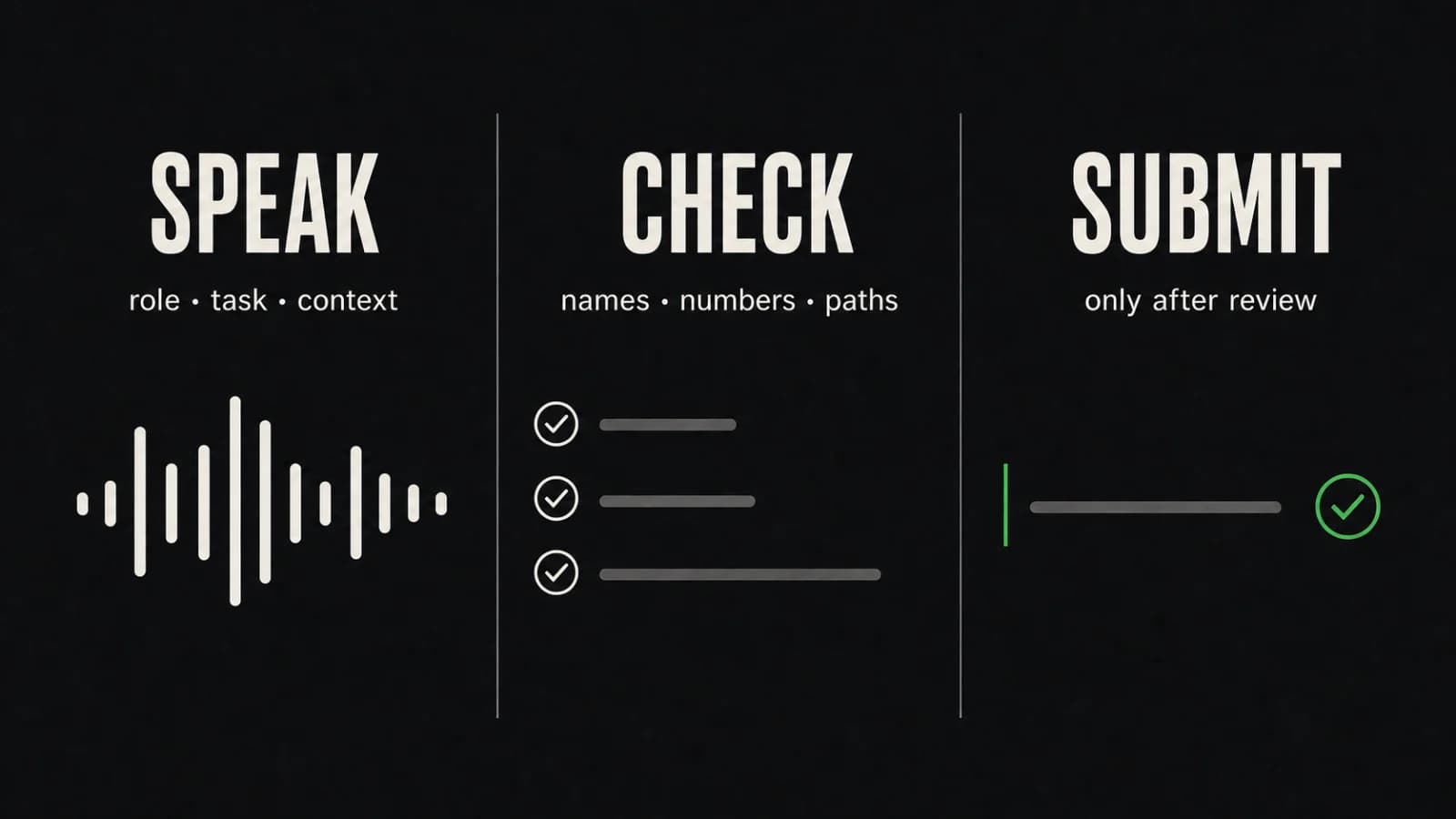
To dictate AI prompts on Mac, speak the parts that work as normal prose: the role, task, context, constraints, desired output, and verification request. Then stop and use the keyboard to check anything that must be character-perfect before you submit it.
Treat the draft as two kinds of text. Dictate explanations and instructions. Type or paste any file path, version number, quoted error, account name, or other value that must match its source. Then follow one rule: speak, review, submit.
Paraspeech can insert spoken text where you write on a Mac, including a browser text field. It does not need a direct integration with an AI service for this workflow. The prompt remains an ordinary draft at your cursor until you choose to submit it.
Build the Prompt in Six Parts
A useful spoken outline keeps you from circling around the request. Say the six parts in order, using short pauses between them. You can omit a row when it does not help the task.
| Prompt part | What to say | What to verify before submission |
|---|---|---|
| Role | The perspective or expertise the response should use | Whether a role is actually needed; avoid inflated titles that add no useful constraint |
| Task | The concrete result you want | The main verb and the exact deliverable |
| Context | The background needed to understand the request | Names, dates, quoted facts, and which information is safe to share |
| Constraints | Scope, exclusions, length, tone, or tools | Negations such as “do not,” numeric limits, and anything that changes the boundary |
| Output format | The shape of the answer | Required headings, fields, file type, or schema names |
| Verification | How the response should check its work | Commands, URLs, acceptance criteria, and whether the service can actually perform the requested check |
For example, you might say:
Act as a technical editor. Rewrite this setup guide for a Mac user who is new to command-line tools. Keep the existing steps, explain unfamiliar terms in one sentence, and return Markdown with a short troubleshooting section. Flag any command you cannot verify.
Most of that prompt is prose. You can dictate it naturally. If the setup guide contains an exact command, package name, or path, add that with the keyboard after the spoken draft is in place.
Use a Speak-Review-Submit Pass
The workflow works in a browser field or a desktop tool because it depends on the text cursor, not on a vendor-specific connection.
- Place the cursor in the prompt field, but do not put sensitive material in the draft by default.
- Dictate the role, task, context, constraints, output format, and verification request in that order.
- Stop dictation before editing. Read the whole prompt once for meaning rather than fixing words as you go.
- Use the keyboard to correct exact tokens, tighten the scope, and add any source text you have decided is appropriate to share.
- Read every negation and number in context. “Do change” and “do not change” differ by one short word but produce opposite instructions.
- Submit only when the prompt says what you intend and contains nothing you did not mean to send to the external service.
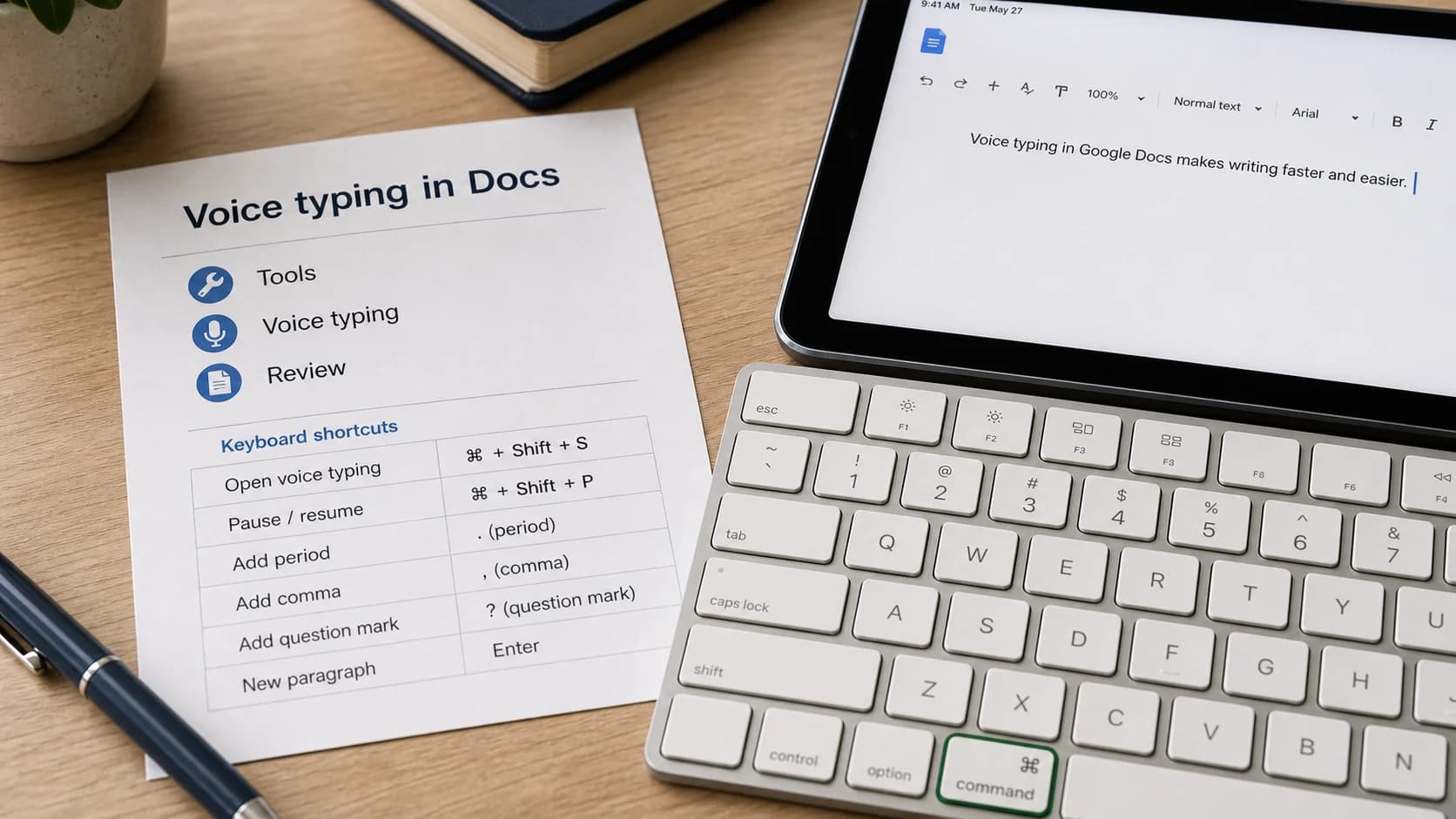
Apple’s current Mac guide describes the underlying cursor pattern for its own Dictation feature: place the insertion point, dictate, and correct ambiguous text before continuing. See Apple’s guide to dictating messages and documents on Mac. Paraspeech uses its own product workflow; its first-party review kit documents the browser-field test.
Once you submit a prompt, the receiving service controls what happens next. Dictation settings on your Mac do not determine that service’s storage, training, account, or privacy behavior. Check the service’s current settings and terms separately.
Rough Dictation Versus Reviewed Prompt
Here is a fabricated example for a coding task. It does not contain real credentials, customer text, or a real project path.
Rough dictated prompt
Act as a senior software engineer investigate why the export screen fails after a user chooses csv keep the change in the export module do not touch authentication return a short root cause explanation and a patch then run the focused export test.
The draft already has a role, task, scope boundary, output format, and verification request. It still leaves several decisions vague. “CSV” needs its exact capitalization, the module needs a real path, and the test command cannot be guessed safely.
Reviewed prompt
Act as a senior software engineer. Investigate why the export screen fails after a user chooses CSV.
Keep the change inside
src/export/unless the evidence proves the defect starts earlier. Do not change authentication.Return:
- the reproduced failure,
- the root cause,
- the smallest patch, and
- the focused verification result.
Run
pnpm test exportafter the change. If that command does not exist in the repository, report that instead of substituting a different test.
The reviewed version is not longer for its own sake. It replaces three ambiguous areas with decisions: where the scope ends, what the answer must contain, and what to do if the requested verification is unavailable.
If your prompts are mostly code-adjacent, the broader guide to dictation for developers on Mac covers tickets, documentation, review replies, and incident notes without duplicating this prompt-specific workflow.
Decide What to Dictate and What to Type
The right question is not whether a token can be spoken. It is whether an error in that token would materially change the request.
| Content | Recommended input | Why | Review action |
|---|---|---|---|
| Goal, background, tone, audience | Dictate | These ideas usually survive small wording changes | Read once for meaning and remove repetition |
| Names, dates, quantities, model or version numbers | Dictate, then verify | A plausible substitution can still be wrong | Compare each value with the source |
| File paths, URLs, commands, flags, code, JSON keys | Type or paste | One character can change behavior | Check character by character and preserve casing |
| Negations and exclusions | Dictate, then verify in context | A missing “not” reverses the instruction | Read the full sentence aloud or silently |
| Quoted errors or source passages | Paste from the source | Paraphrase can destroy the evidence | Confirm the quote is necessary and accurately bounded |
| Passwords, API keys, private keys, recovery codes | Do not place in the prompt | These are secrets, not prompt context | Keep them in the system that owns them |
| Customer data, private messages, unreleased plans | Minimize or replace with fabricated structure | The external service receives what you submit | Remove identifiers and share only what the task requires |
For sensitive work, a placeholder is often enough. Say “customer account identifier goes here,” finish the structure, then decide whether the real value is needed at all. If it is not required for the answer, leave it out.
Edit for Decisions, Not Polish
Prompt review is not a copyediting contest. Fix the parts that change the answer.
Start with scope. Does the prompt name what may change and what must remain untouched? Then check the requested artifact. “Help with this” is open-ended; “return a three-step migration plan with risks and a rollback condition” gives the response a shape.
Next, remove instructions the service cannot follow. Asking it to run a private test, inspect a file you did not provide, or confirm a live account setting does not make that evidence available. State the boundary: ask it to identify what it cannot verify, or provide the relevant source yourself when sharing it is appropriate.
Last, mark every fact the service cannot verify from the material you supplied. Replace “prove this is safe” with the check you actually need, such as “list the assumptions and identify which need current documentation.”
A Short Prompt Dictation FAQ
Can I use voice input for AI prompts in a browser on Mac?
Yes, when your dictation tool can insert text at the cursor in that browser field. Paraspeech is a Mac dictation app for inserting spoken text where you write. This is cursor-based text entry, not a claimed integration with the AI service.
Should I dictate an entire prompt in one take?
You can dictate the prose in one pass, but stop before submission. Review the result as a written instruction, then type or paste character-sensitive details from their source.
What should never go into a dictated prompt?
Do not put passwords, API keys, private keys, or recovery codes into the prompt. For customer data, private messages, and unreleased plans, remove identifiers and ask whether the real content is necessary before sending anything to an external service.
Does dictating a prompt keep it private after I submit it?
No such conclusion follows from the input method. After submission, the receiving service’s current settings and terms govern its handling of the prompt.
Try the Workflow on One Real Prompt
Choose a prompt you would normally type. Speak the role, task, context, constraints, output format, and verification request. Then use the keyboard for every path, command, name, number, and negation. The result should be a prompt you can audit before it leaves the text field.
To try this cursor-based workflow across your Mac writing fields, download Paraspeech. If you want to compare the available purchase options before installing, see Paraspeech pricing.