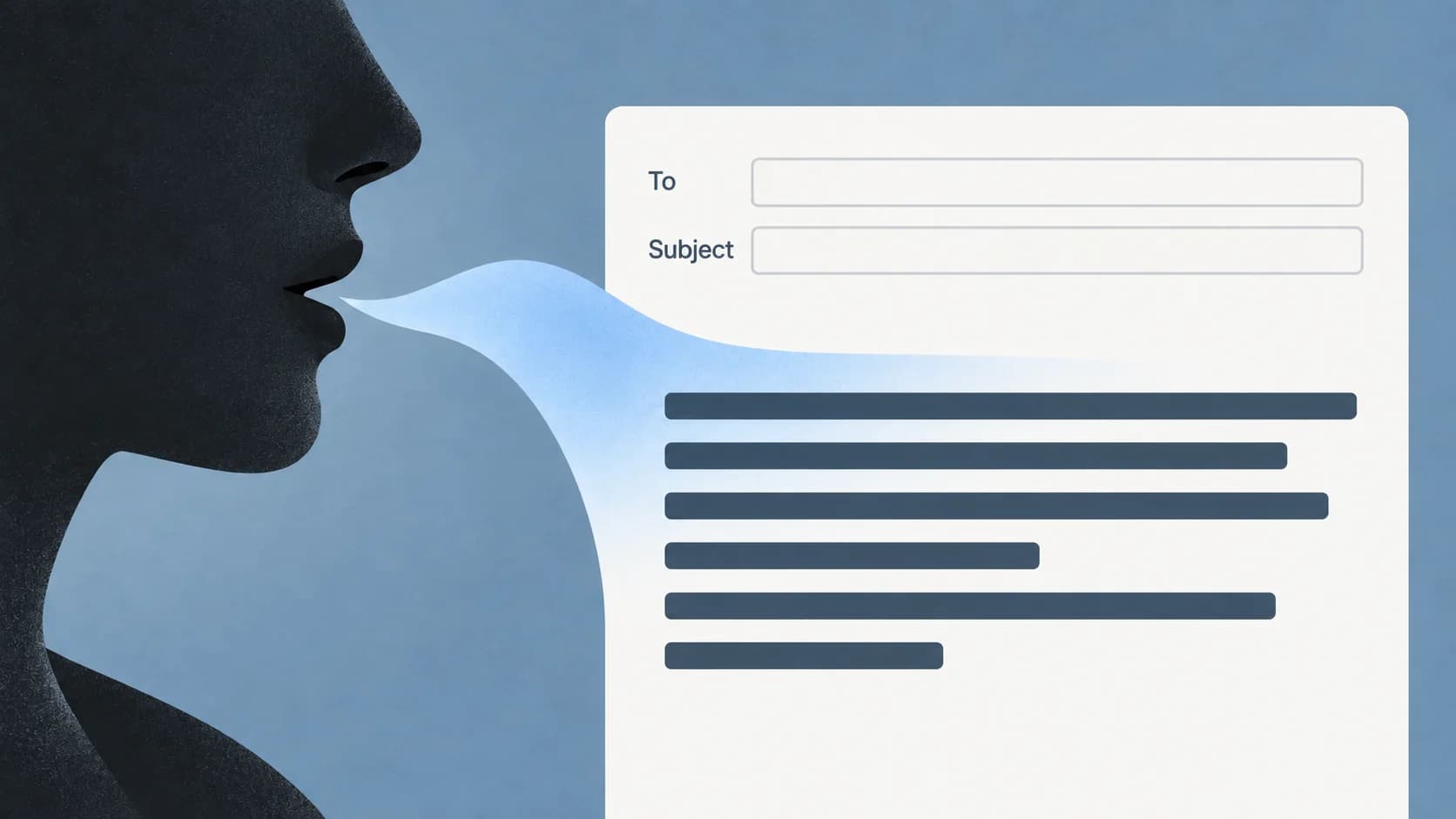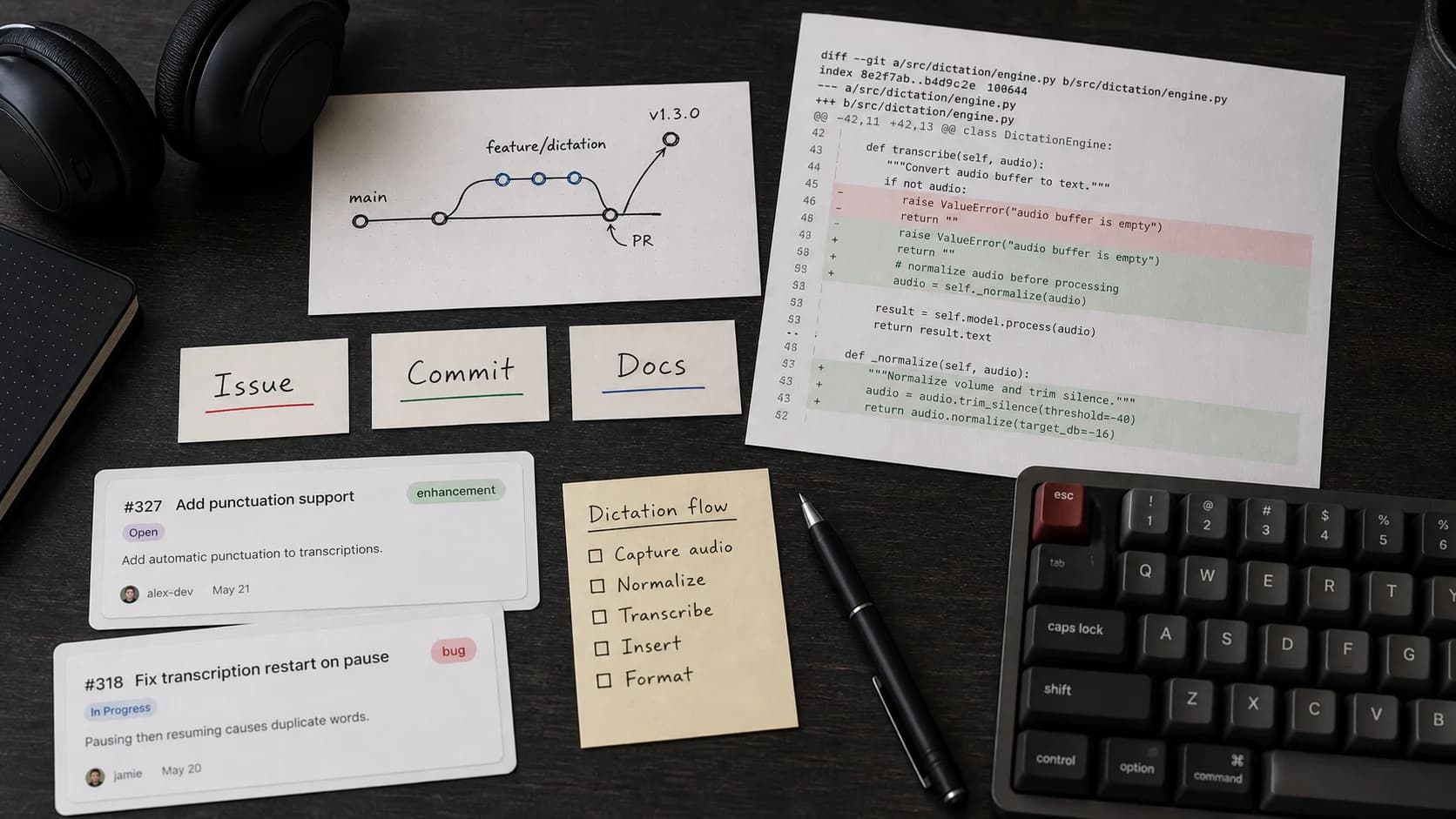
Dictation for developers works best around code, not as a replacement for programming. Use voice input for the writing tasks that sit next to engineering work: comments, documentation, issue notes, PR descriptions, changelogs, prompts, incident summaries, and rubber-duck explanations.
Do not judge dictation by whether it can produce correct code from speech. That is the wrong test. The useful test is whether it reduces the friction of explaining technical work.
Where Dictation Actually Helps Developers
| Developer task | Good dictation use | What still needs keyboard review |
|---|---|---|
| Issue notes | Capture reproduction steps, expected behavior, and observed behavior. | Exact logs, stack traces, file paths, and labels. |
| PR descriptions | Draft the plain-language explanation of what changed and why. | Commit references, screenshots, test commands, and edge-case details. |
| Code comments | Speak the reason for a non-obvious branch before editing it down. | Naming, scope, and whether the comment should exist at all. |
| Documentation | Explain setup, tradeoffs, and examples in a rough first pass. | Commands, option names, markdown structure, and factual precision. |
| AI prompts | Talk through context and constraints before asking a coding assistant. | Exact paths, quoted errors, acceptance criteria, and test commands. |
| Incident summaries | Dictate timeline and customer impact while the details are fresh. | Timestamps, metrics, root cause wording, and blame-free accuracy. |
Paraspeech is a candidate for this Mac writing workflow. With Accessibility permission, the direct-download app can attempt insertion into many editable fields. Test your actual IDE, issue tracker, browser form or notes app, then review the text; use clipboard fallback where necessary.
The Rule: Dictate Intent, Type Syntax
Voice is good at intent. The keyboard is good at syntax.
Use dictation for:
- "Here is why this branch exists."
- "These are the steps to reproduce the bug."
- "This PR changes the auth fallback so failed purchase lookups fail visibly."
- "The tradeoff is that we keep the local path small and do not add a second provider."
- "The incident started after deploy X and affected users who did Y."
Use the keyboard for anything that must be character-perfect: code, exact commands, file paths, stack traces, environment variables, API names, test selectors, and quoted error text.
That split keeps dictation useful without pretending speech input is a compiler.
A 10-Minute Developer Dictation Test
Test with your own workflow, not a generic paragraph.
- Open a real issue or TODO.
- Put the cursor in the description field.
- Dictate the bug report in this order: context, expected behavior, observed behavior, smallest reproduction, suspected area, and verification needed.
- Stop after 90 seconds.
- Edit exact paths, commands, labels, and names with the keyboard.
- Repeat in a PR description or markdown doc.
Score the result on cleanup time. If you spend the whole time fixing symbols, dictation is not helping that task. If you only need to tighten wording and add exact references, it is a good fit.
Example: Bug Report Draft
Sample spoken draft (illustrative, not a recorded test):
Checkout bind fails after the sandbox flow new paragraph expected the sandbox order id to bind to the smoke account new paragraph actual result the route returns a generic error and the user cannot recover new paragraph repro run the sandbox auth smoke then open the success page new paragraph likely area bind direct purchase route and polar validation boundary.
Edited developer note:
Sandbox direct-purchase bind fails after checkout.
Expected: the sandbox order ID binds to the smoke account.
Actual:
/api/access/bind-direct-purchasereturns a generic error and the user cannot recover.Repro: run
pnpm smoke:sandbox-auth, then open the success page.Likely area: the production Polar validation boundary in
lib/bind-direct-purchase-route.ts.
Dictation captured the structure. The keyboard supplied exact commands and paths.
Comments And Docs
Comments are a good dictation target only when they explain intent that the code cannot express cleanly.
Good spoken draft:
We reject the fallback here because a cached entitlement would make a failed production lookup look like a successful purchase.
Edited comment:
Do not fall back to cached access here; a failed production lookup must stay visible.
Bad dictation target:
Increment i by one.
That comment should not exist. Dictation does not make low-value comments useful.
For docs, dictate the messy first version of the explanation, then tighten:
- What problem does this solve?
- What command should someone run?
- What does success look like?
- What fails closed?
- What should not be changed?
Developers often procrastinate on documentation because the first paragraph is the hard part. Dictation helps create the first paragraph, not the final reference page.
PR Descriptions And Review Replies
PR descriptions are one of the highest-leverage developer dictation tasks because they are mostly narrative.
Use this structure:
| Section | Dictate this first |
|---|---|
| Problem | "The bug is..." |
| Root cause | "The code path does..." |
| Change | "This patch changes..." |
| Verification | "I ran..." |
| Risk | "The risky part is..." |
| Follow-up | "I am not changing..." |
Then add exact test commands and links manually.
For code review replies, dictation helps when the answer needs nuance:
I agree with the concern about hiding errors. I changed the route to fail before writing access, and the updated test covers the non-allowlisted sandbox path.
That kind of response is faster to speak than type, but still needs a final read before posting.
Prompts For Coding Assistants
Voice can also help write better prompts, because good prompts are mostly context and constraints.
To try Paraspeech for this specific workflow, use our Mac developer page. It includes a synthetic bug-fix prompt and a checklist for preserving the paths and requirements before sending it.
Dictate:
- the observed behavior
- the exact outcome you want
- the files or modules in scope
- what not to touch
- the output format you need
- how the fix should be verified.
Then paste in exact logs and paths with the keyboard. A strong voice-drafted prompt is not "fix this." It is:
Investigate why the checkout success page does not bind sandbox direct purchases. Keep the fix inside the access bind route unless the evidence proves the bug is earlier. Do not add a fallback provider. Reproduce with the existing sandbox smoke test, then rerun it after the fix.
That prompt shape is much more useful than a vague request, and it is easy to dictate because it is normal technical speech.
Privacy And Local Mode Boundaries
Developers often dictate sensitive context: unreleased product plans, customer issues, security findings, logs, or internal architecture.
Paraspeech claim boundaries matter here:
- Supported local speech can run offline after setup; on-device rewriting can also run locally only where the direct Mac distribution and current product access permit it.
- Initial model downloads and cloud-backed features require internet.
- Apple Silicon Macs can use supported local models.
- Intel Macs are supported through cloud-backed subscription models, not offline local models.
- Treat a run as local only when the active speech backend is local, the separate rewrite backend is appropriate, and allowed temporary cloud speech fallback did not occur.
For sensitive internal notes, use downloaded local speech models and check rewriting and cloud fallback separately.
Do not dictate secrets, tokens, private keys, or passwords. Even in a local workflow, secrets belong in a password manager, not in prose.
When to Use the Keyboard Instead
Skip dictation when symbol-level precision is the work. Type code syntax, regular expressions, JSON, YAML, shell commands, credentials, secrets, and dense review notes where every character matters.
For final incident reports, use dictation only for the rough timeline. Verify metrics, timestamps, root cause language, and customer impact with the keyboard before publication.
Use dictation to create the first draft of the explanation, then use engineering discipline to verify it.
Developer Dictation FAQ
Can developers use dictation to write code?
You can, but it is usually the wrong default. Dictation is stronger for prompts, docs, comments, tickets, and PR descriptions. Use the keyboard for syntax and exact symbols.
Is voice typing useful with Cursor, VS Code, or an AI coding assistant?
Yes, when you use it for context. Dictate the problem, constraints, files in scope, and verification plan. Paste exact logs, paths, and commands with the keyboard.
What is the best first test for a developer?
Dictate one real bug report and one PR description. If cleanup is mostly wording and exact references, the workflow is useful. If cleanup is mostly symbols and syntax, use dictation for a different task.
Bottom Line
The best developer use of dictation is not coding by voice. It is explaining code faster.
Try Paraspeech if you want a Mac-wide dictation layer for comments, docs, tickets, PR descriptions, prompts, and technical notes. If you are still choosing a general Mac dictation tool, start with the best dictation app for Mac. To test it in your own IDE, issue tracker, and docs workflow, download Paraspeech.