Write by voice, then edit
Speech-to-text guides, processing-path explainers, and Mac productivity stories from the team building Paraspeech.

Multilingual Transcription on Mac: Choose for Your Actual Recordings
French in one file and German in another pose a different task from a conversation that changes language. Choose and check your transcription route accordingly.

Batch Transcription on Mac: Account for Every File and Output
A batch is complete when every intended recording has its required, reviewed output. Here is how to keep missing files and unfinished exports visible.
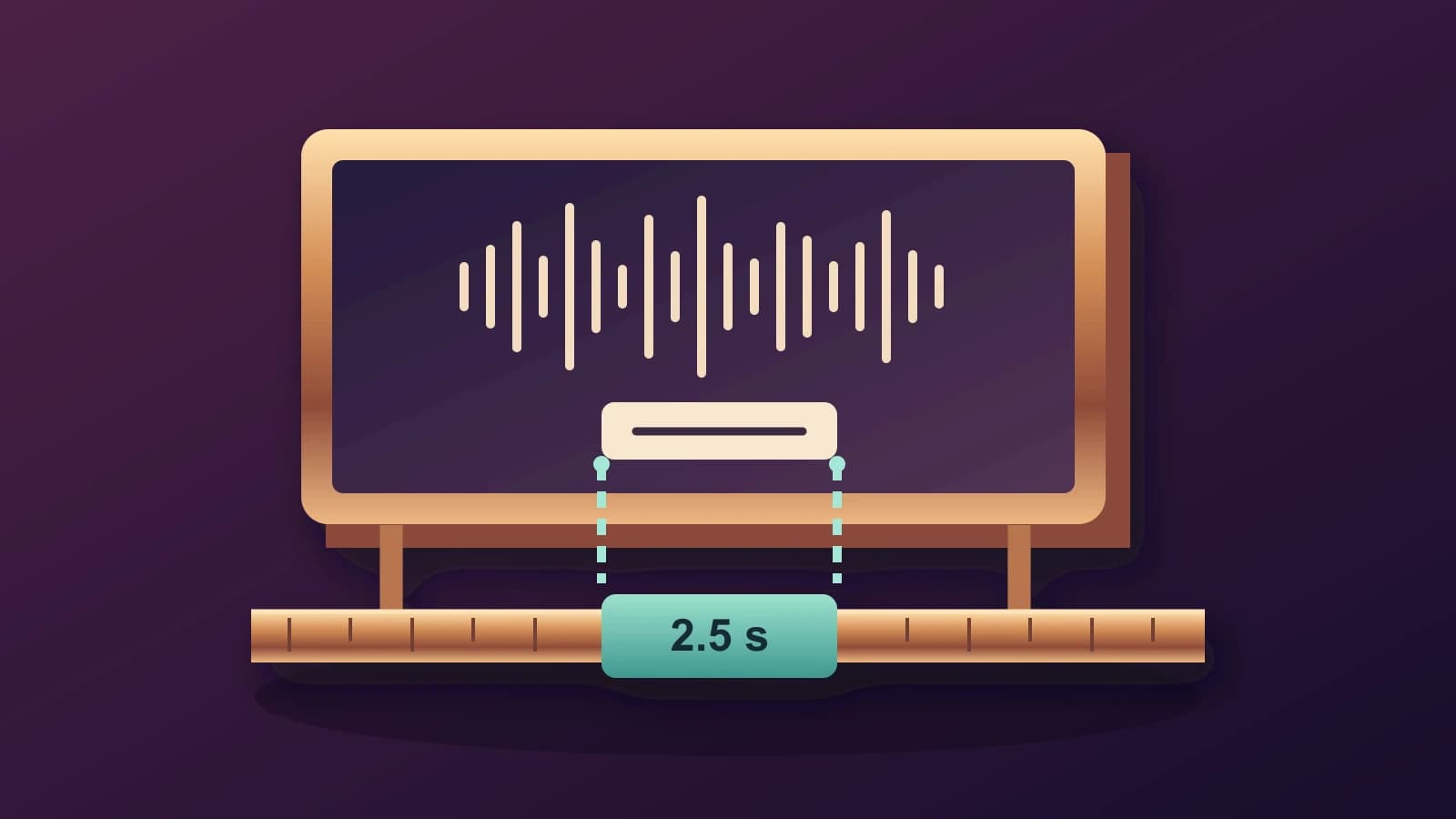
Add Subtitles in iMovie on Mac: Match Titles to the Spoken Interval
A manual iMovie subtitle workflow that separates corrected words, title placement and the interval when those words should appear.

Translate Audio to Text on Mac: Check the Source Before Changing Languages
A practical recording-to-translation workflow that keeps the source words, target language and review decisions separate.
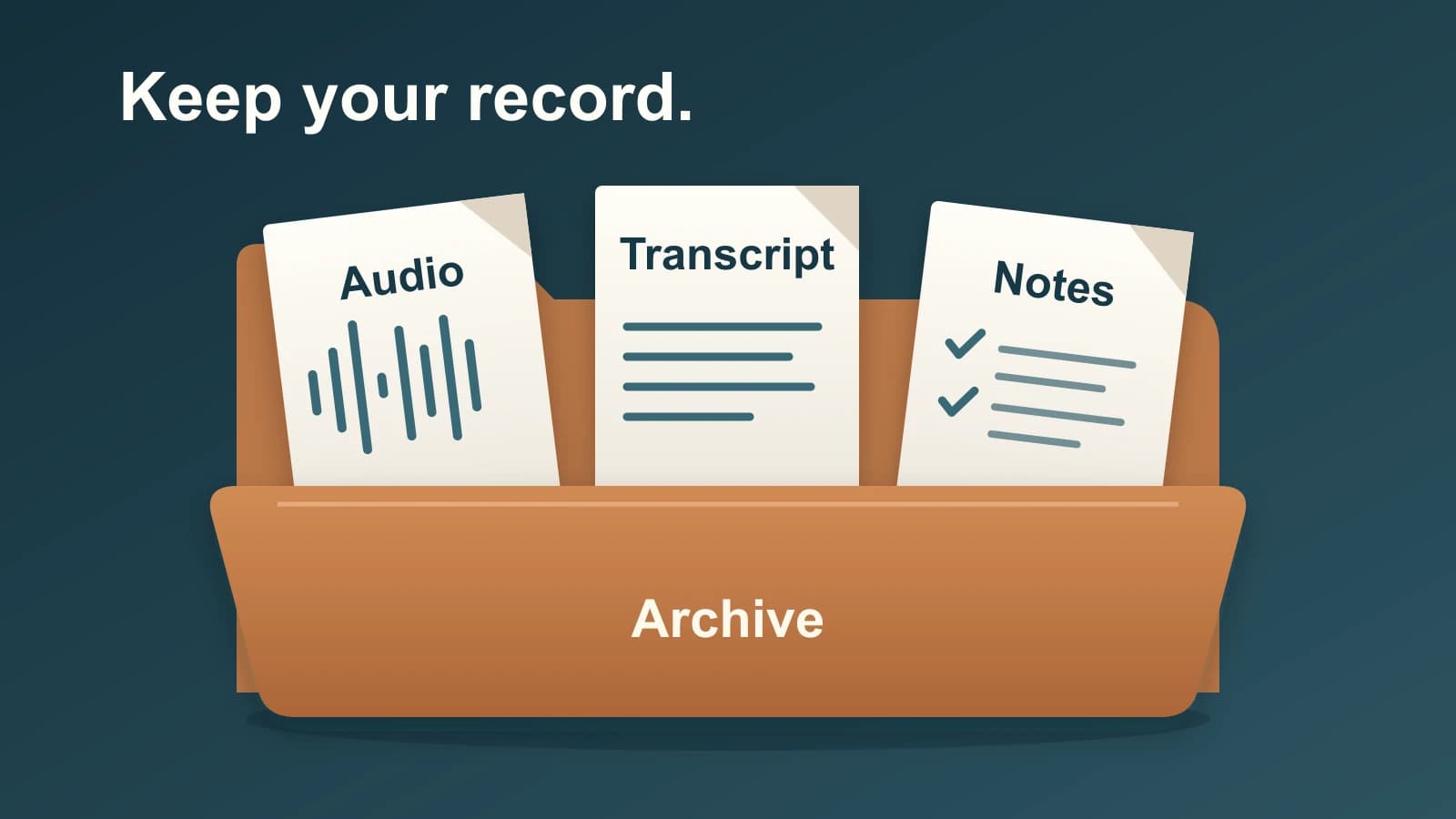
Otter AI Alternative: Preserve Your Archive Before You Switch
A fresh transcript cannot recreate every correction, summary or comment in your Otter archive. Save those records separately, then choose the replacement for the work you need.

Dictation Microphone for Mac: Choose the Audio and Controls Separately
A microphone can capture your voice without its record button controlling your app. Choose the physical setup and software controls separately.

Chinese Speech to Text on Mac: Get the Words and Characters Right
Chinese recognition, written character form and Pinyin typing are separate choices. Use the right Mac control for the part you need to change.
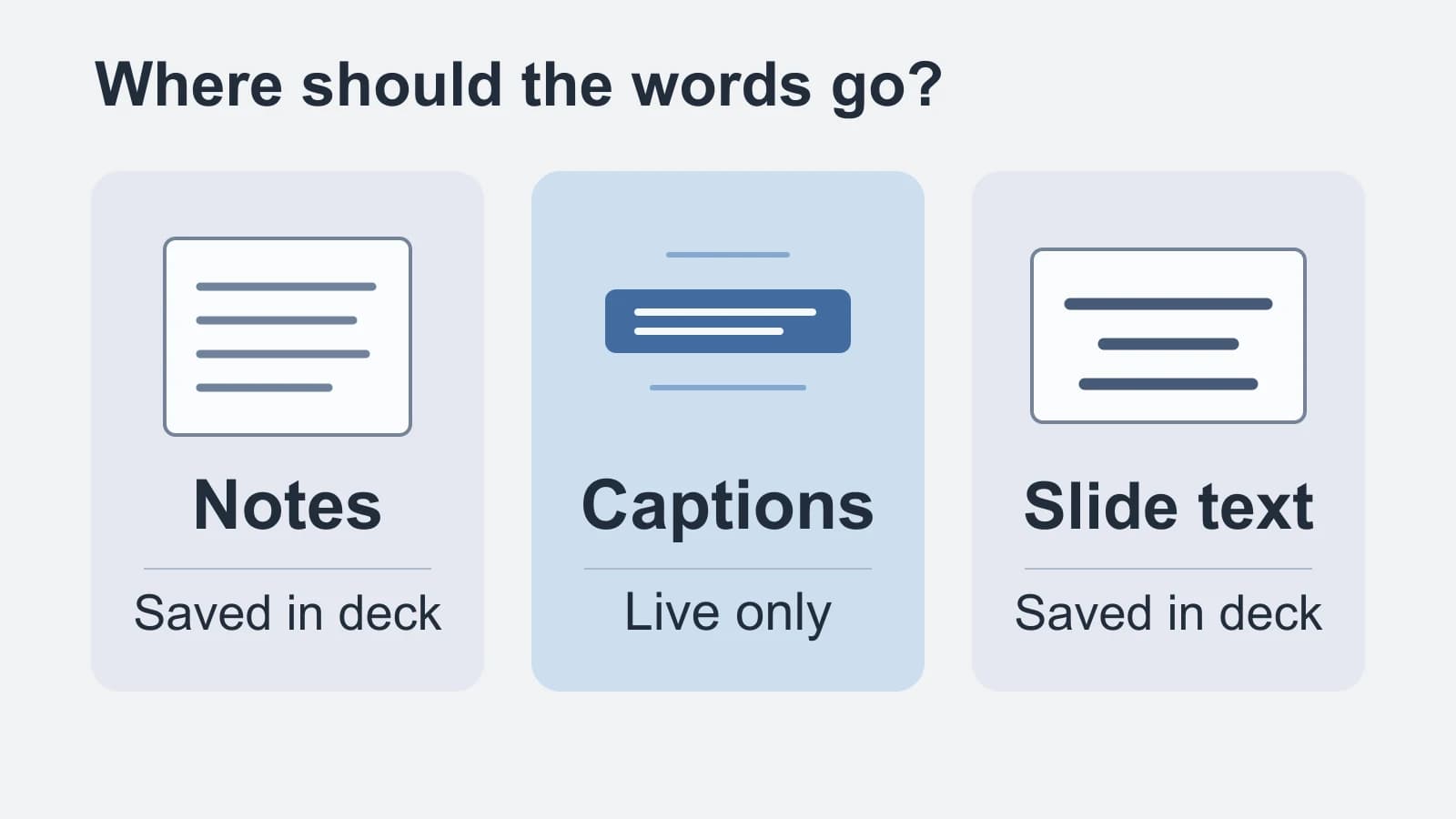
Speech to Text in Google Slides: Notes, Captions or Slide Text?
Match your spoken words to presenter notes, live audience captions or saved slide text before turning on the microphone.
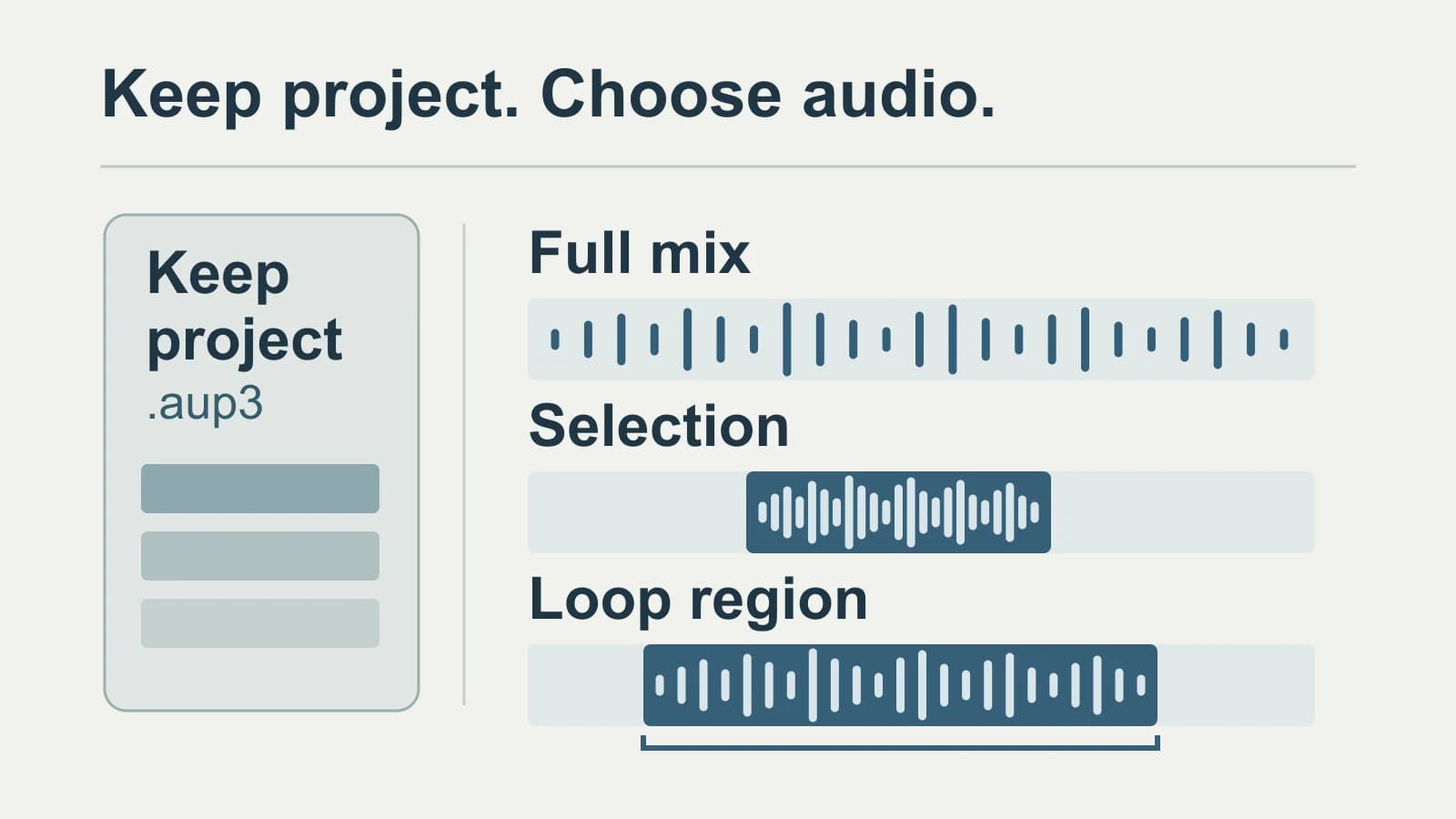
Audacity Transcription: Choose the Audio, Keep the Project
Keep the editable project, export the speech you need, and preserve the matching audio and time origin with the transcript.
Write by voice on your Mac
AI powered voice to text across your Mac, with supported local and cloud-backed modes.