For multilingual transcription on Mac, choose a model that covers the languages actually spoken in your recordings. Then identify whether each file contains one language or whether speakers change language within a conversation. A supported-language list helps you select a model; it does not establish that every passage or language transition will be recognized correctly.
Decide what the transcript should preserve before you start. If someone speaks French and then German, source-language transcription should retain those spoken languages. An English version is a separate translation deliverable. A model's ability to perform translation does not mean every Mac app built around that model exposes the same task.
The practical job is to match the model, the app's file controls and the recording pattern. Review the result against the original audio, with particular attention to language changes and words you will quote.
We develop and sell Paraspeech. Paraspeech is not affiliated with or endorsed by OpenAI. Documentation and released-source checks date to October 13, 2026. The example below is authored; we did not perform a native multilingual recognition test for this guide.
Describe the language pattern in your files
Write down the spoken languages for each recording. Use what is in the audio, rather than the language of the filename, the speaker's nationality or the interface. A French interview can contain a German answer, an English product name or a brief quotation in another language.
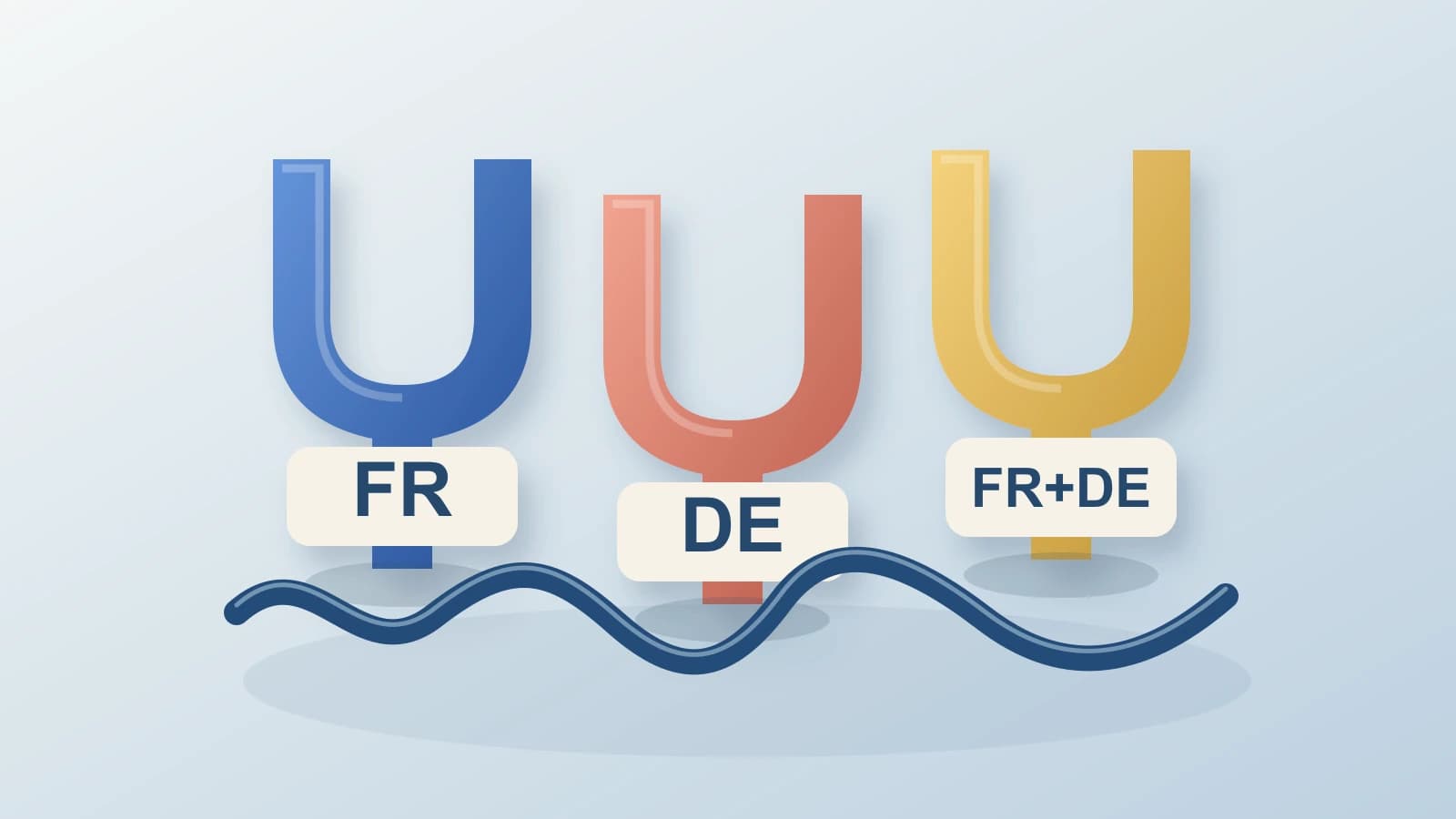
Next, distinguish separate-language files from changes inside a file. Here is an authored three-file example, not a set of measured recognition results. FR and DE label the French and German recording patterns illustrated in the hero.
| Example recording | Spoken-language pattern | Selection question | Review focus |
|---|---|---|---|
01-interview-fr.m4a | French throughout | Does the selected model cover French? | French words, names and numbers |
02-interview-de.m4a | German throughout | Does the selected model cover German? | German words, names and numbers |
03-discussion-fr-de.m4a | French and German in one conversation | Does the model cover both, and what controls does the app actually provide? | Each language and the passages where speakers switch |
The first two files require coverage across your collection. The third adds a different review problem: the recognizer must produce the appropriate source words as the language changes. Successful recognition of one French file and one German file would not, by itself, establish a correct transcript of the mixed discussion.
Model names also matter. OpenAI's Whisper documentation distinguishes English-only .en models from multilingual models and reports that performance varies by language. Its recognition, language-identification and translation tasks are distinct. Check the exact model and consuming app rather than transferring a general model capability to an app control you have not verified.
Do not use a large language count as a shortcut for the actual selection. Confirm each language you need, the supported input route and the output task. If the documentation does not establish a required language or control, keep that uncertainty visible before committing a whole collection of recordings to the workflow.
Choose and prepare the Mac model for your languages
Paraspeech's released direct-Mac model registry includes Multilingual Large, described there as supporting 100+ languages where available. That description belongs to the specific model. It does not make every local model multilingual or establish recognition quality for your accent, recording or language transitions.
For local file transcription, use supported Apple Silicon, eligible access and a downloaded, ready model compatible with the file route. Check the available model before adding the recording. Intel uses eligible cloud access; that is a different processing route. The local speech guide explains the separate processing-location decision.
The direct-Mac local WhisperKit file adapter ignores the language hint and dictionary supplied to an individual file call. Those per-call inputs are separate from the engine's global settings. Ignored file hints do not mean that all language controls are inactive.
The released engine reads global forced-language and translate-to-English settings when building file decoding configuration. A forced language disables language detection; with the default multilingual model, the translation setting selects an English-translation task. For source-language transcripts, use the transcription task and avoid forcing a mixed French/German conversation to one language. These are released-source controls, not results from a native language-switching or translation test.
Download Paraspeech if its supported Mac file-transcription route and available model coverage fit your recordings. Prepare the compatible model, add an eligible file and review the source-language transcript. The released workspace provides transcript copy and per-item WebVTT output. The audio-file guide covers the broader input and output workflow.
The normal direct Monthly and Yearly offer has a seven-day trial with unlimited transcription count. Normal recording after onboarding requires eligible access. Check the current plans when choosing that access; the trial does not establish a generic pre-plan recording allowance.
Review the passages where the language changes
Open the transcript alongside the recording. Check passages from each spoken language, not only a fluent opening paragraph. Give extra attention to the start of a language change, short replies after it and any return to the earlier language. Those checks address the actual mixed-file task rather than merely confirming that the model's language list contains both names.
Preserve the speaker's words when a passage changes language. If the transcript turns a German response into French, compare it with the audio before accepting it. If you need a single-language version for another reader, create that translation after correcting the source transcript and keep the two deliverables identifiable.
Review names, numbers and borrowed words in their context. A product name can resemble an ordinary word in the other language. Listen to the surrounding sentence before replacing it. Mark a passage you cannot resolve instead of turning a plausible sentence into a confident quotation.
Keep corrections tied to the source file and passage. For the example discussion, a useful review note might identify the French-to-German transition and the words still needing inspection. That is an operator's note, not a claimed app timestamp, speaker label or automatic correction feature.
Check the saved output after your edits. Confirm that the copied text or exported file preserves the required source languages and corresponds to the intended recording. Model coverage is the selection step; a transcript becomes usable when its words and language changes have been checked against the audio.