Page 4
Write by voice, then edit
Speech-to-text guides, processing-path explainers, and Mac productivity stories from the team building Paraspeech.
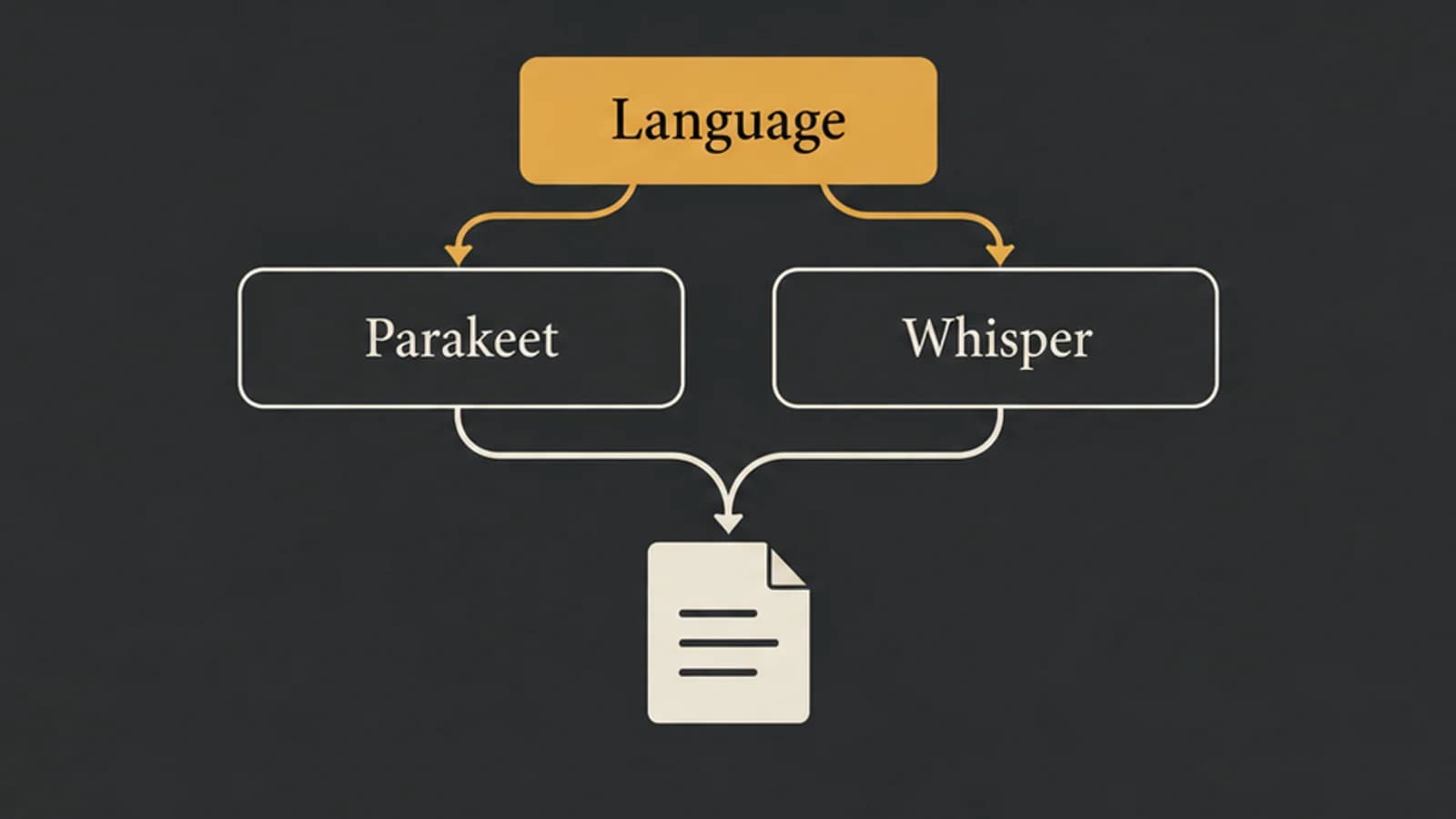
Parakeet vs Whisper: Choose by Language, Model, and App
Parakeet v2, Parakeet v3, and Whisper large-v3-turbo are different choices. Start with language and task support before comparing results on your Mac.
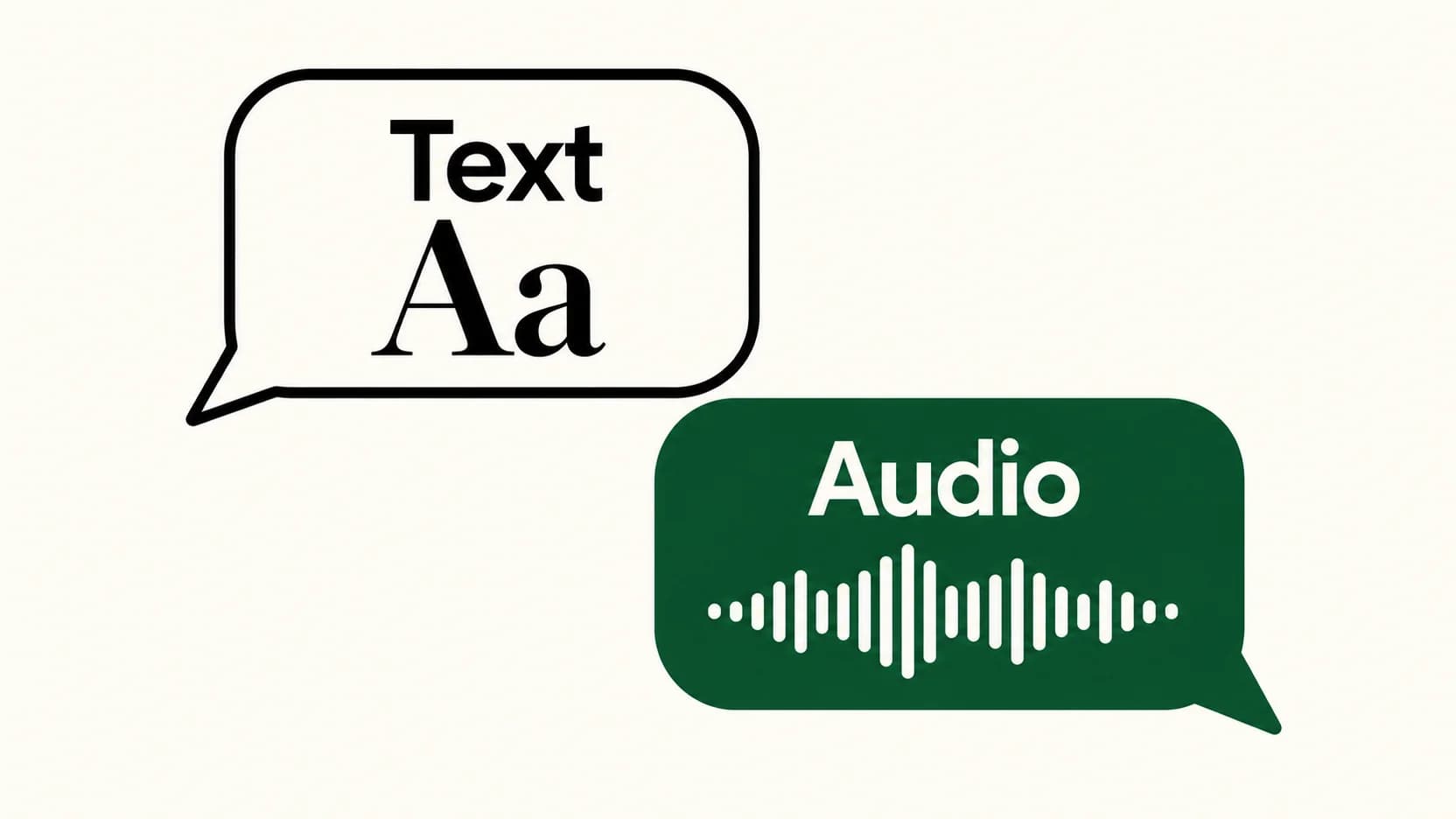
Voice Typing in WhatsApp: Send Text Instead of a Voice Message
The keyboard microphone writes a message. WhatsApp's recording control captures audio. Here's how to choose the right one and check your words before sending.
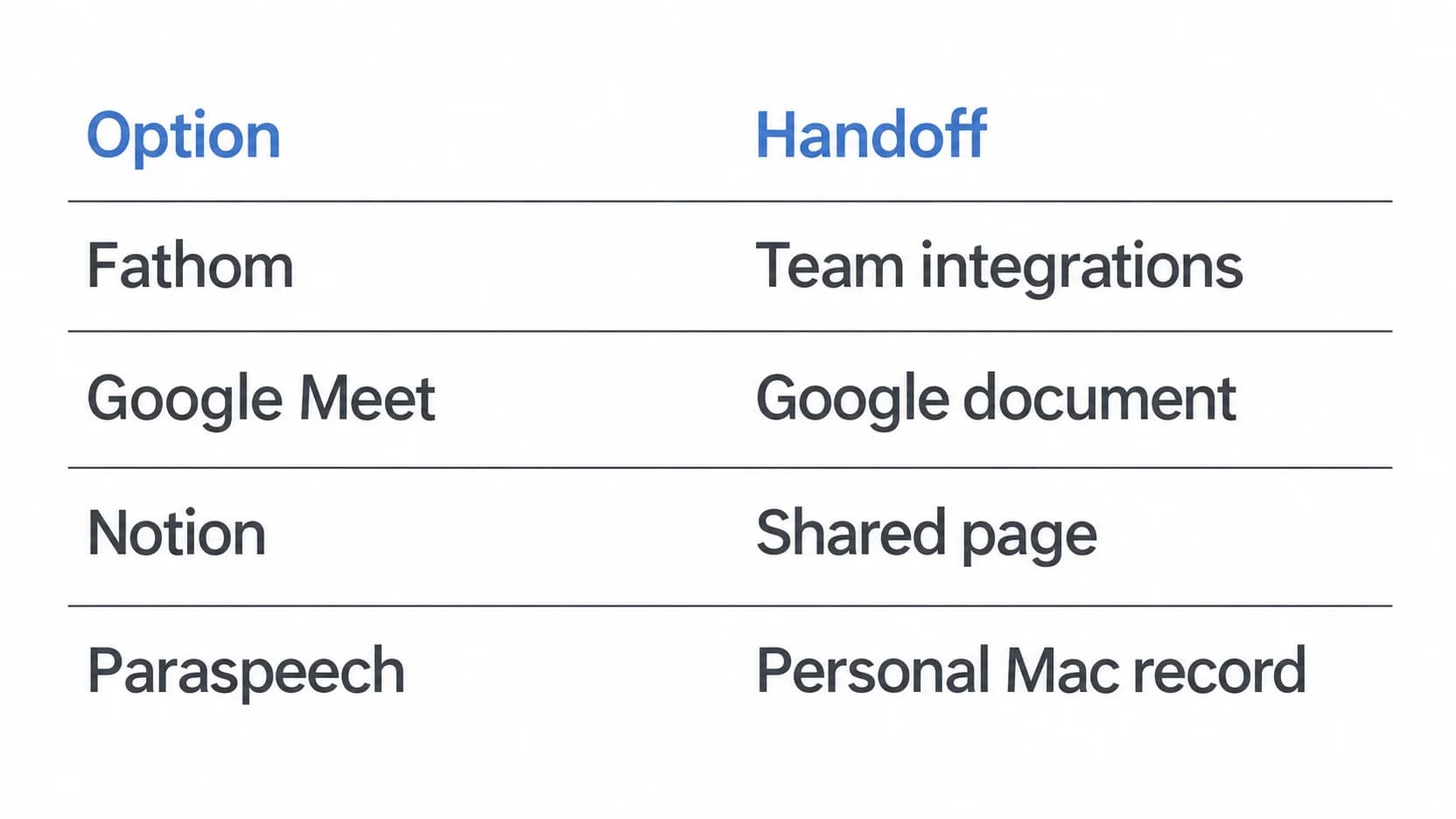
Fathom Alternatives: Choose Where Your Meeting Record Lives
A shared transcript, a workspace page and a personal meeting record solve different problems. Choose the handoff you need before replacing Fathom.
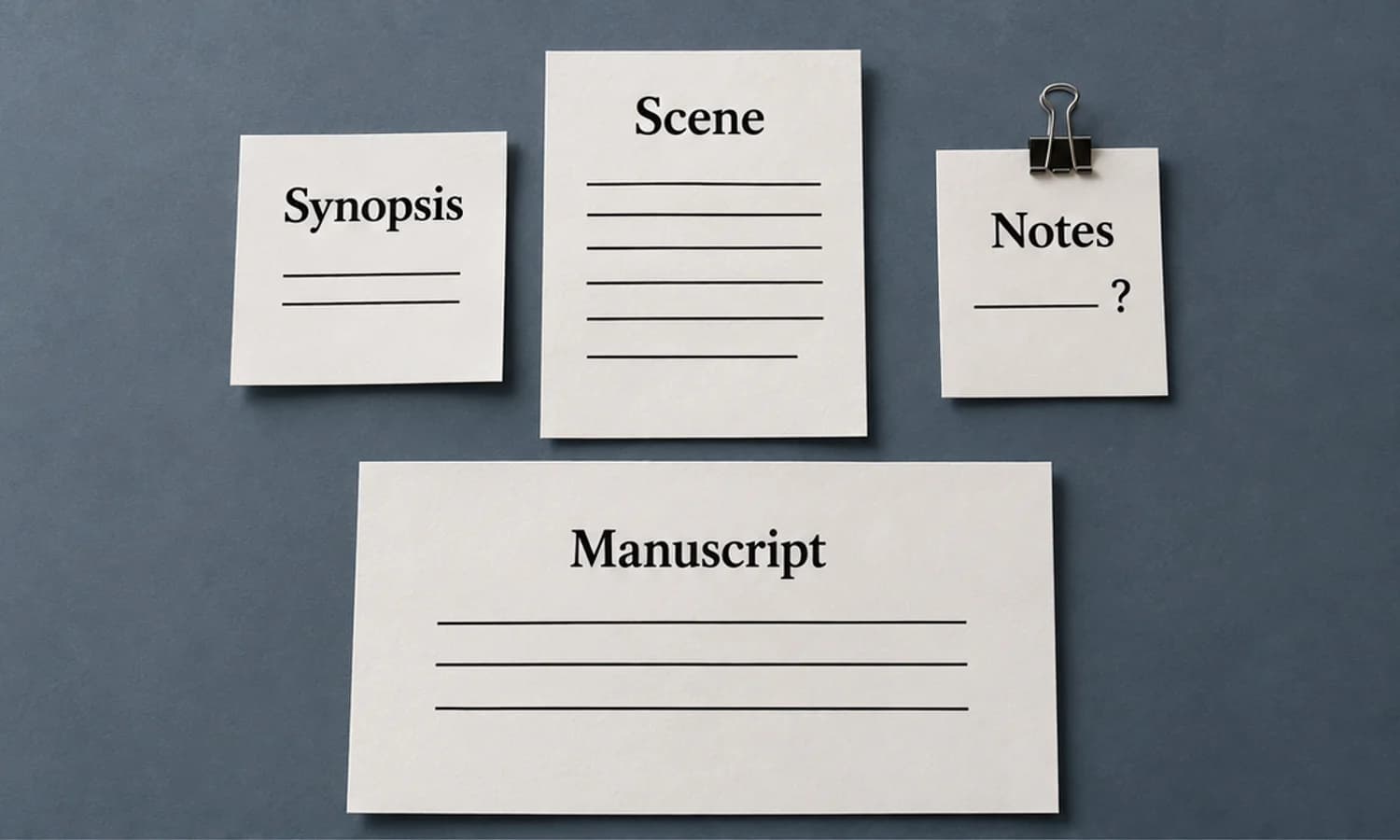
Scrivener Dictation on Mac: Keep Scene Prose and Notes Separate
Dictate one scene into three deliberate destinations, then inspect a compiled sample before treating it as your manuscript.
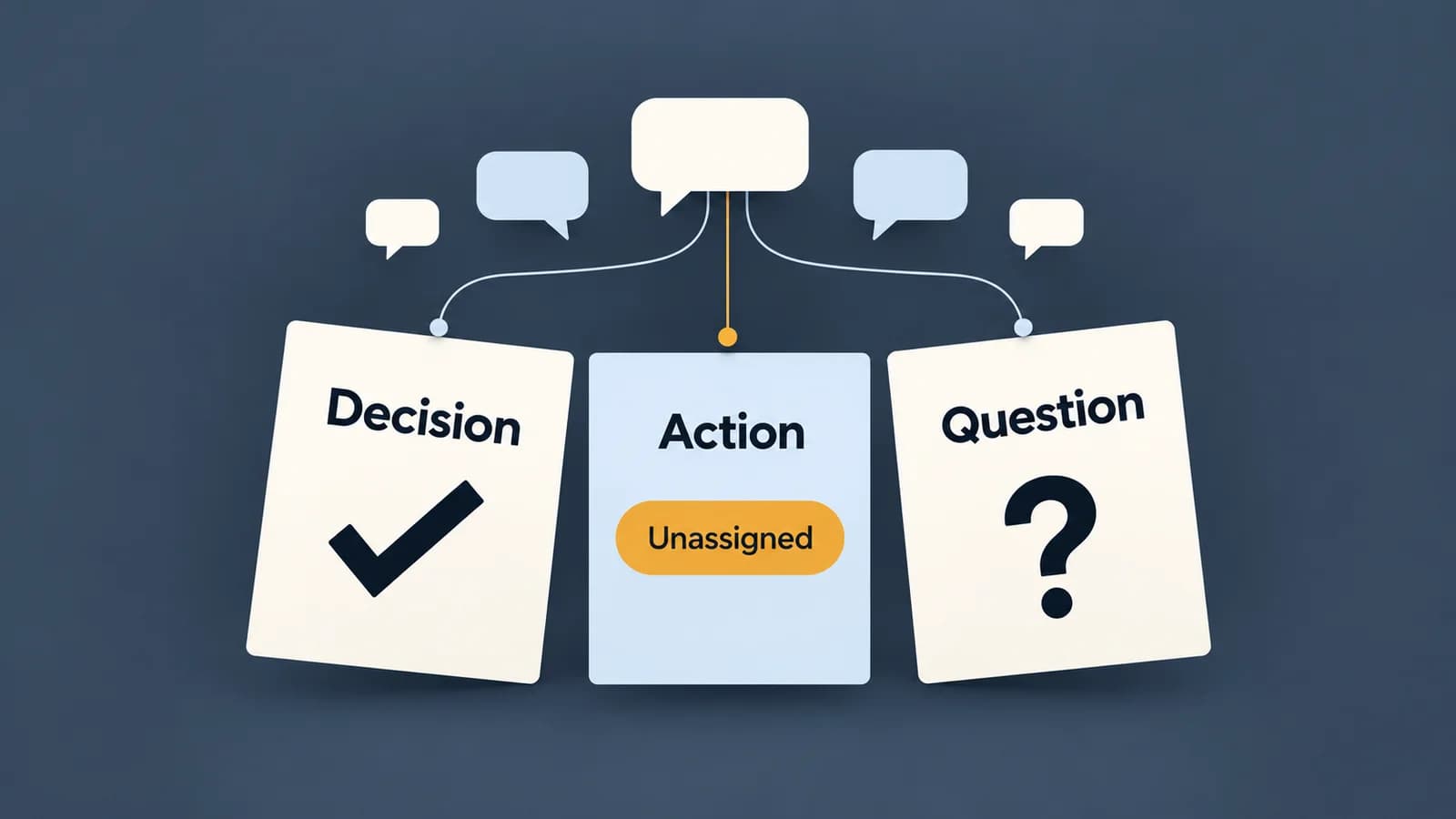
How to Write a Meeting Summary from Notes or a Transcript
A useful meeting summary preserves what was agreed and makes missing information visible. Follow a discussion through to a finished, evidence-checked recap.
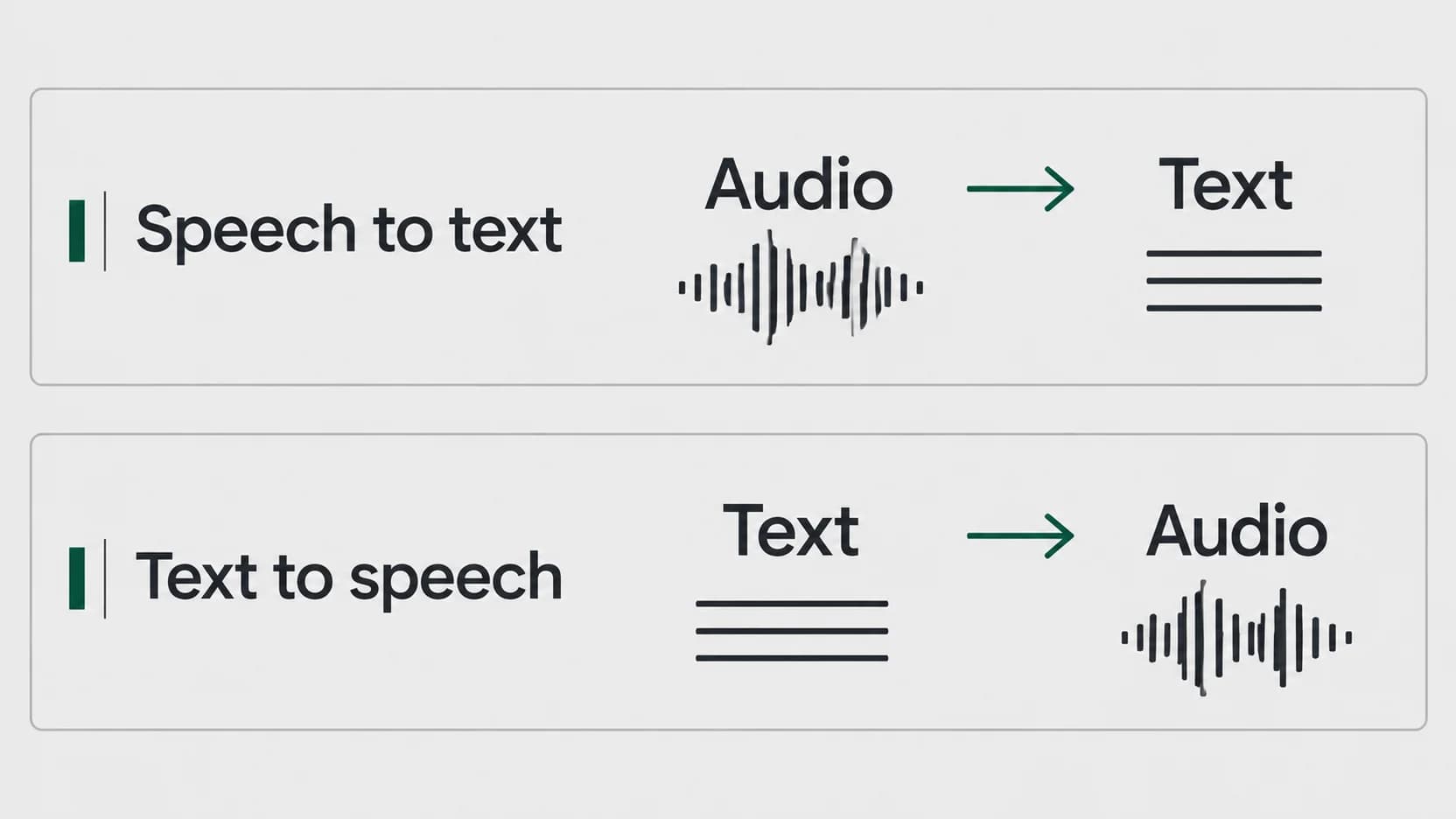
Speech to Text vs Text to Speech: Which Direction Do You Need?
Start with what you have and what you want to produce. A recording needs a different conversion from a document you want to hear.
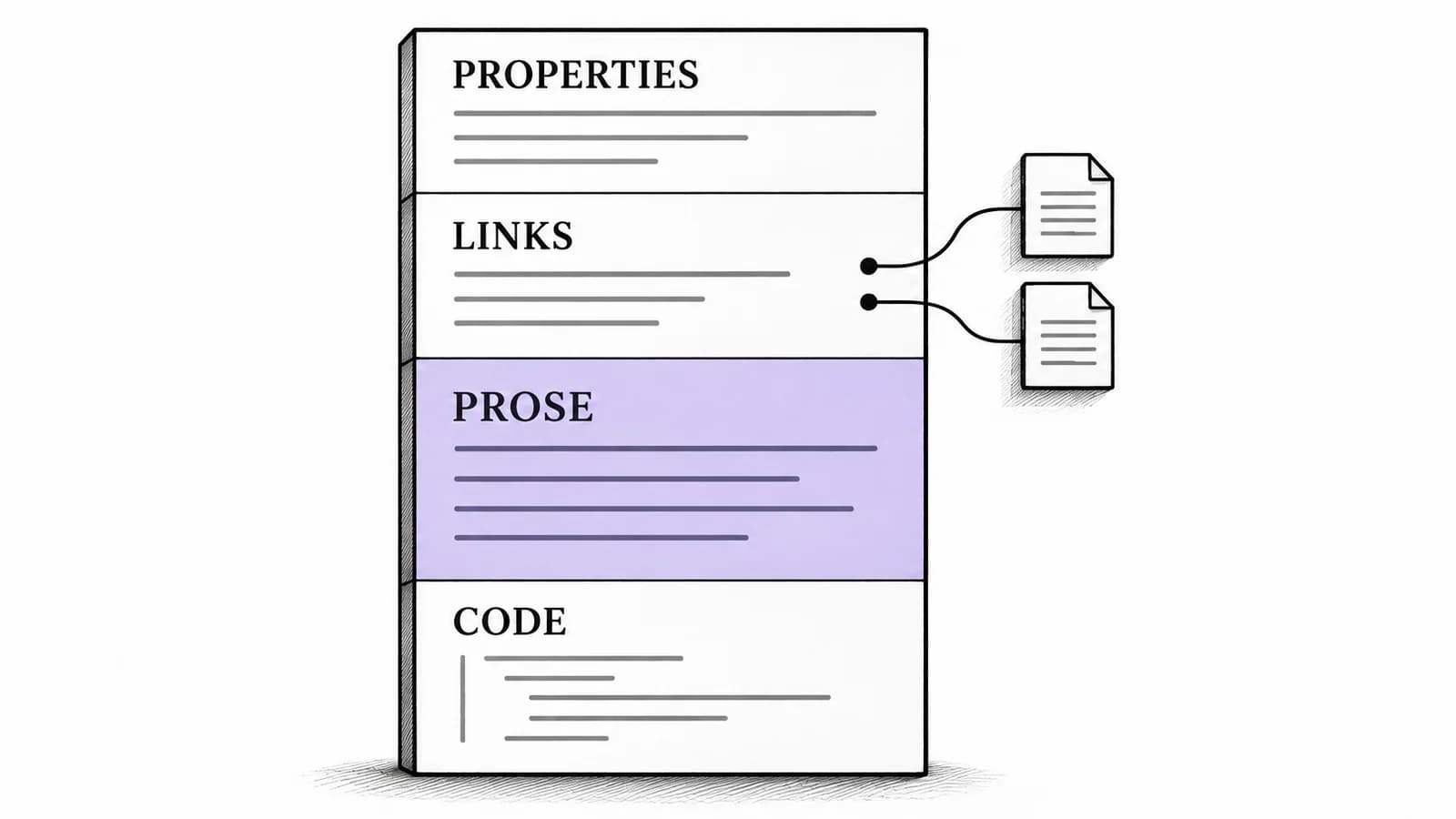
Obsidian Voice to Text on Mac: Add Prose to Linked Notes
A source-backed Mac workflow for adding spoken prose to an existing Obsidian note, with a structured Markdown example and a separate path for audio recordings.
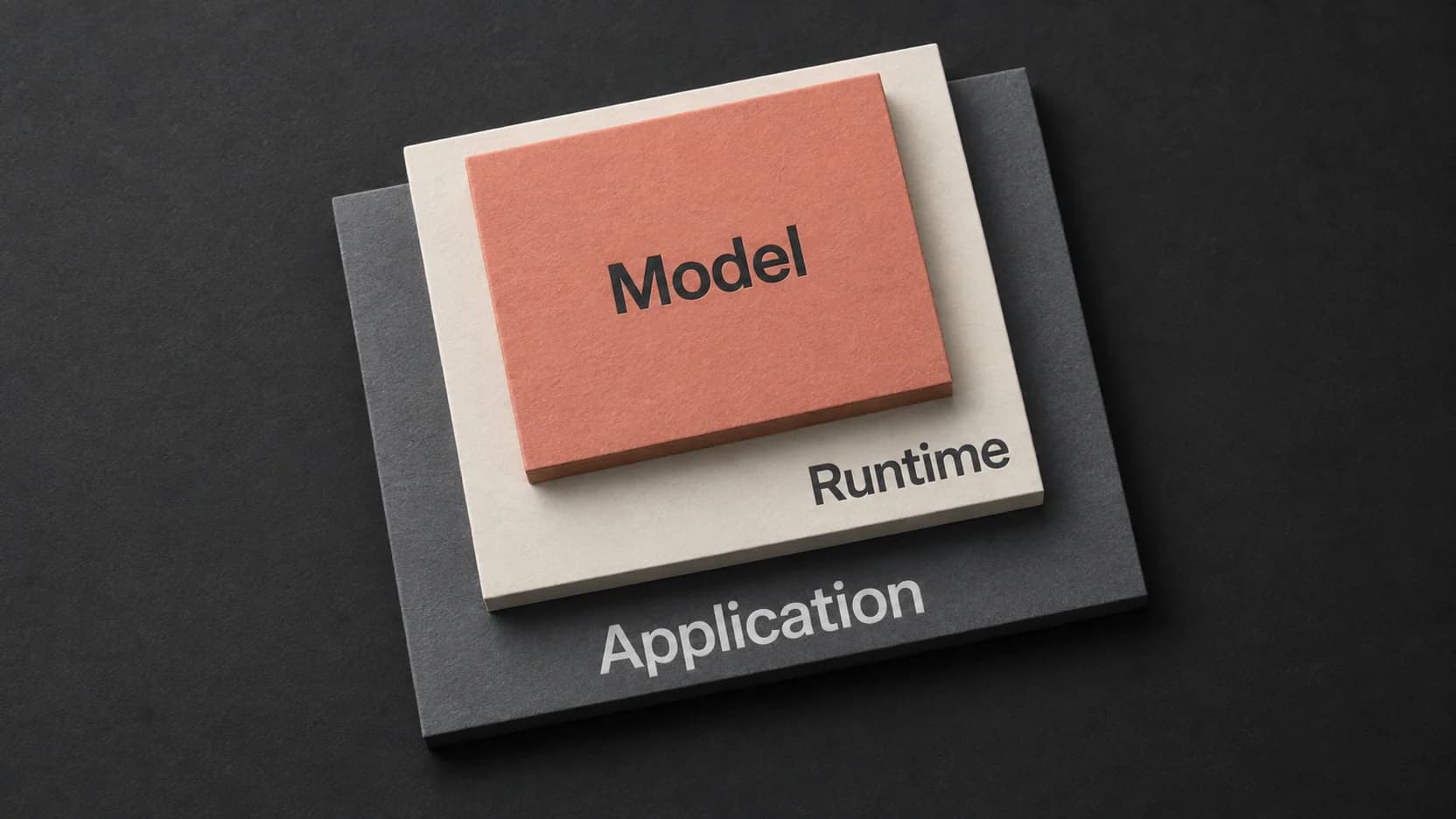
Whisper Large V3 Turbo: Choose a Runtime and Check Its Output
The turbo model is one part of a transcription workflow. Match the runtime and its returned output to the recording you actually need to use.
Dictation vs Transcription: Choose the Right Workflow
The useful distinction is what the text must represent: your intended message or the speech you need to preserve.
