Write by voice, then edit
Speech-to-text guides, processing-path explainers, and Mac productivity stories from the team building Paraspeech.
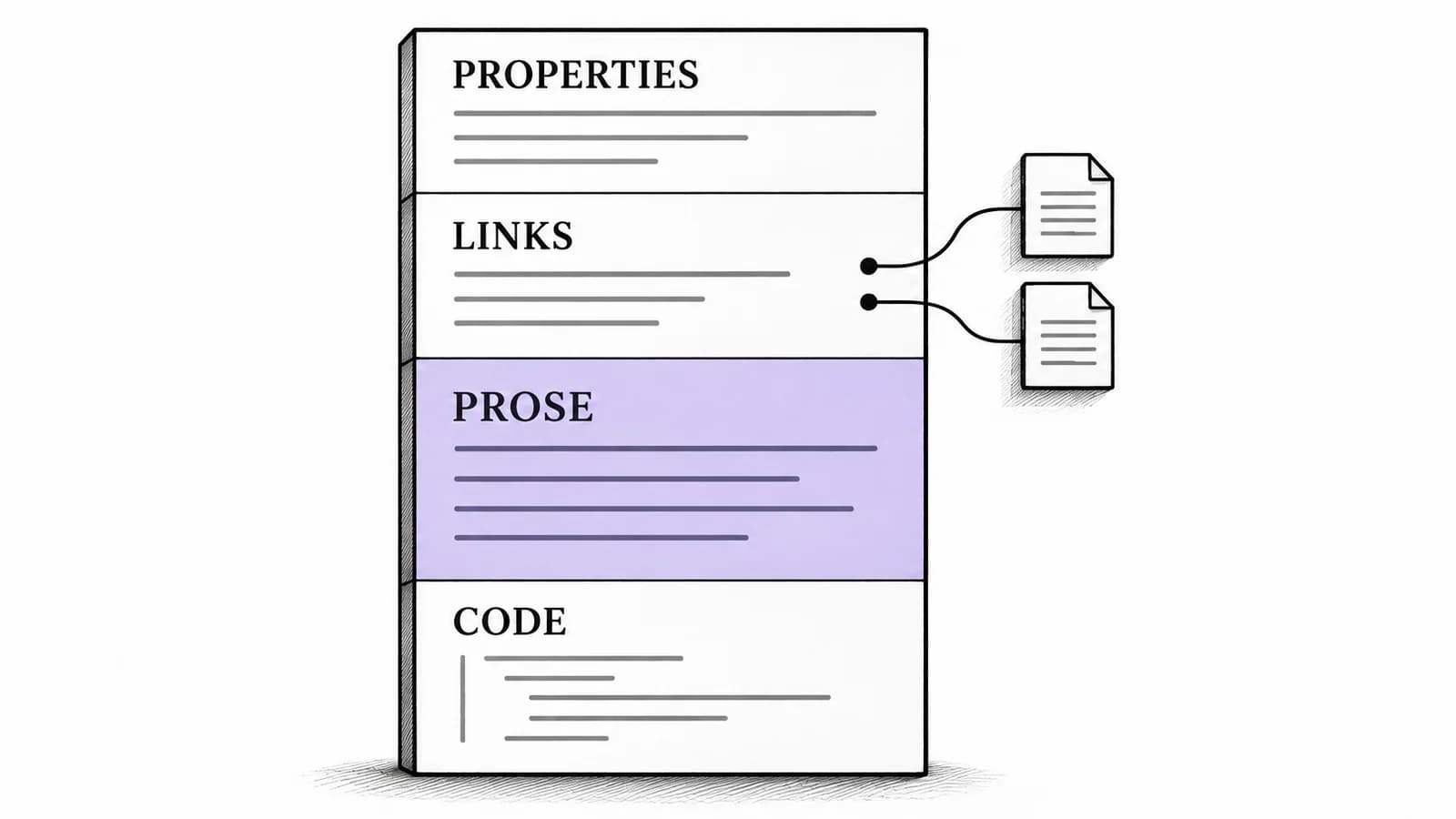
Obsidian Voice to Text on Mac: Add Prose to Linked Notes
A source-backed Mac workflow for adding spoken prose to an existing Obsidian note, with a structured Markdown example and a separate path for audio recordings.

Typeless Alternative: When a Local Mac Workflow Fits
Decide whether to keep Typeless across your devices or test a supported local Mac workflow, with a clear distinction between processing and storage.

Live Captions on Mac: Set Up and Choose Your Audio Source
Choose the right audio source for Apple Live Captions, make captions readable, and separate reading along from saving a transcript.
Best Dictation Software for Mac: How to Choose
The best dictation software for Mac depends on whether you need quick built-in dictation, Mac-wide insertion, local processing, file transcription, or meeting transcripts.

Moving Beyond Apple Dictation: A Paraspeech Mac Workflow
Test Apple Dictation first, then set up Paraspeech, choose a supported local or cloud-backed mode, and try it in the Mac apps where you write.

How to Extend Laptop Battery Life: Tips & Tricks
Cut display drain, enable Low Power Mode, and fine-tune background processes to keep your laptop running longer.
Write by voice on your Mac
AI powered voice to text across your Mac, with supported local and cloud-backed modes.
