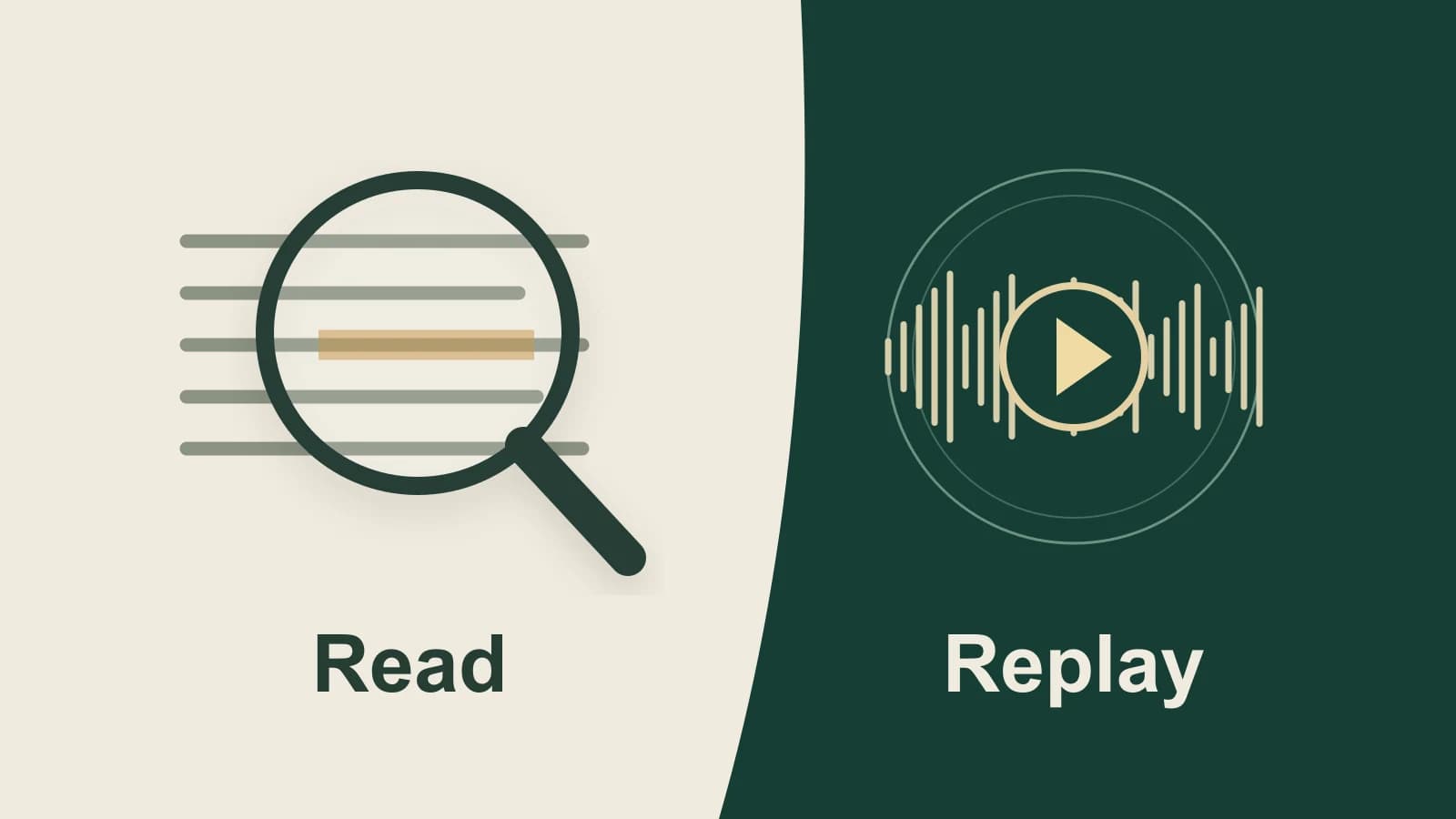
Choose Granola alternatives around what you need to revisit after a meeting. Keep Granola for developing your written notes, consider Paraspeech for a personal Mac recording you can replay, or consider Fathom when colleagues need a shared call library.
First, check whether Granola already supplies the missing context. It can show the transcript or raw notes behind an enhanced point. If you need to hear the original speech, choose a recording workflow before the next meeting: Granola does not retain meeting audio after transcription. Granola's source tools · Audio handling
About this comparison: Prepared by the Paraspeech team. We sell one of the products compared. Competitor information comes from the linked sources. Paraspeech is not affiliated with or endorsed by Granola or Fathom.
Last checked: October 27, 2026. This is a comparison of official documentation and released-product sources. The example is illustrative; no comparative hands-on or accuracy test was performed.
Keep Granola when you want to develop your notes
Granola builds enhanced notes from the meeting transcript, your typed notes and calendar information. Its magnifying-glass control lets you inspect where a point came from in the transcript or your raw notes. You can edit the enhanced result, or change the raw notes and enhance them again. Those edits apply to that meeting; templates or profile settings serve a recurring style preference. How Granola enhances notes
That is a useful reason to stay. If the problem is an unhelpful emphasis or note structure, first inspect the source and adjust the note. A different recording app would not automatically preserve the priorities you wrote down.
Granola's setup guide lists macOS, Windows, iOS and Android. It is also a stronger starting point when you need that coverage rather than an Apple Silicon Mac meeting workspace. Its desktop transcription uses microphone and system audio without a meeting bot. Platform requirements · Transcription workflow
Decide whether reading the source is enough
Consider this authored example, not a real meeting or product output:
- Your typed note: “Follow up on accessibility.”
- A passage in the transcript: “We spent the final part of the call comparing the onboarding screens.”
- A question you want to send afterward: “How does the new onboarding work with a screen reader?”
That question can be a useful follow-up even if nobody discussed screen readers during the call. Its origin matters: a topic you flagged for later is different from a statement another person made.
In Granola, inspect the source behind an enhanced point before treating it as a quotation or meeting finding. If the source is your raw note, keep it as your follow-up. If a transcript passage supports it, read the surrounding exchange before attributing it to a participant. The magnifier's documented purpose is to expose that source context; it does not make every resulting interpretation correct. Source inspection
Now change the question: you want to hear whether a participant sounded puzzled by a screen, or whether a long pause preceded an answer. Written text alone cannot supply that listening check. Granola's documented audio handling leaves no retained recording to replay. If you have no separate authorized recording, switching apps afterward cannot recover the missing audio. Ask the participant for clarification when necessary; use a recording workflow for future meetings when listening back is part of the job. Granola's audio policy
This separates two reasons for changing tools. A note you can improve from its sources may already have the right home. A requirement to revisit the sound of the conversation changes what you must capture and keep.
Paraspeech for replayable meetings on your Mac
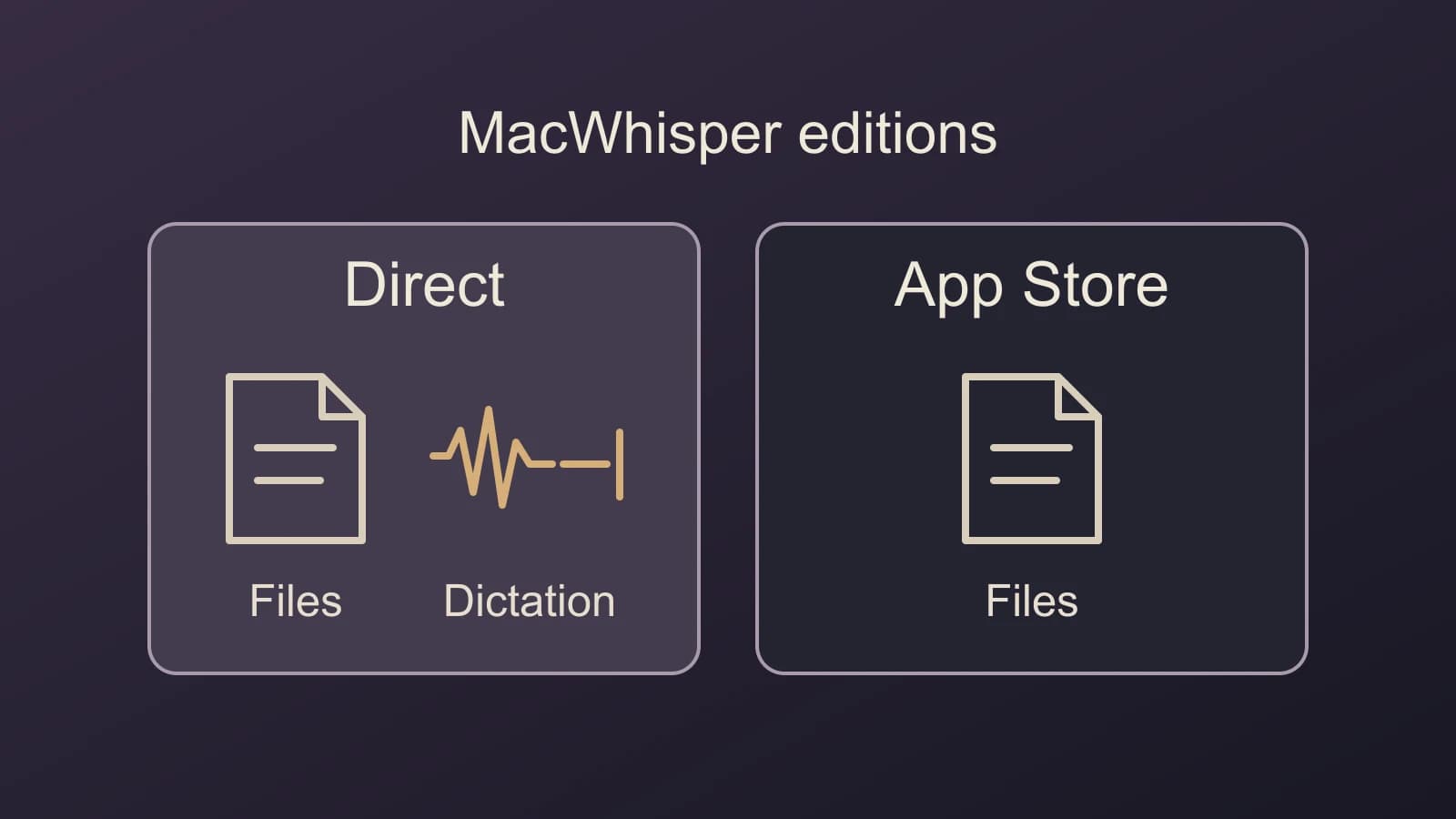
Paraspeech fits when you want an individual meeting archive with audio playback and a transcript on your Mac. Its released Meeting Mode captures microphone and system audio, saves the meeting, and provides playback alongside Transcript and Summary views. These capabilities are documented in the Paraspeech setup guide and inspected in Mac 1.7.3, build 372 source.
On a supported Apple Silicon Mac with macOS 14 or later, prepare the local speech and speaker-label models, microphone permission and Screen Recording permission. Choose an eligible plan or trial before ordinary use. Open Meetings, choose Start Meeting, then Stop Meeting when finished. The meeting limit is four hours. Arrange permission to capture the conversation before starting.
The saved audio is the reason to consider this route. It gives you something to listen to when a transcript passage needs context. Review the actual capture and speaker labels before relying on them; playback availability does not establish that every participant was audible or correctly identified.
Meeting Mode automatically attempts a cloud-generated summary after you stop, sending transcript text for processing and requiring internet. Its meeting archive is separate from dictation history. Dictation Privacy Mode does not make the meeting archive or summary local-only. See the processing boundaries before choosing this for a meeting with particular data requirements.
If this is the missing capability, download Paraspeech to set up a replayable Mac meeting. Keep Granola when its note enhancement, cross-platform access or existing collaboration is what you need. A personal Mac archive does not supply the shared call-library workflow described below.
Fathom for a shared recording library
Consider Fathom when a colleague needs to find a call, watch a clip or work with shared recordings. Its current plans describe recordings and transcripts, clips, playlists, search and team collaboration. It also has an individual free plan; team features depend on the plan. Fathom's plans
Do not choose between these products on a blanket bot-versus-no-bot claim. Fathom lists both capture options and labels bot-free capture as a Mac beta. Check your eligibility and the actual team features you need. The Fathom alternatives guide covers the wider choice among team integrations, native transcript documents and shared workspaces.
Granola already offers shared notes and folders, so sharing a recap alone is not a reason to move to a recording library. Choose the latter when access to the recorded call or clips is itself needed. Granola sharing
Keep note access separate from source retention
Before switching or changing plans, distinguish these Granola controls:
| What you want to keep | Documented control | What it does not establish |
|---|---|---|
| The enhanced note | Copy enhanced notes copies the generated note and its link. | It does not copy the full transcript. |
| The spoken text | Open the transcript panel and use Copy all. | A transcript is not replayable audio. |
| The ability to revisit the transcript later | Check the transcript auto-deletion setting, including any workspace policy. | A visible note does not mean its underlying transcript remains available. |
Sources: Note sharing and copying, transcript controls and transcript retention.
Granola says transcript auto-deletion leaves the notes intact, but permanently removes the transcript. Regenerating notes then stops working, and chat is limited to the remaining notes. Individual retention preferences and an Enterprise workspace policy have different controls; the workspace policy takes precedence. Review the applicable setting rather than assuming that a readable summary preserves its sources. Deletion consequences
History visibility is another separate limit. Granola's pricing page lists 30 days of visible meeting history on Basic and unlimited history on Business. Its CSV export can include older Basic notes, but includes only notes you own in the selected workspaces that have a summary; deleted notes and notes without a summary are excluded. Check that route before assuming an older note requires a paid upgrade. It is a text export, not an audio recovery or a documented Paraspeech import. Current history limits · Export scope
Finally, compare the actual processing controls. Granola documents third-party transcription and AI providers, private-by-default notes, an opt-out of its own anonymized model training, and a prohibition on third-party AI training. Those controls deserve consideration alongside its lack of retained audio. Paraspeech's saved meeting audio and automatic cloud summary represent a different combination; neither is a universal privacy winner. Granola's controls