Dictation for students can start with one source-based paragraph: keep the reading's exact words and location in a separate note, speak your own point into the draft, then check every borrowed idea and quotation against the source. On a Mac, this gives speech-to-text a specific job: entering rough prose while you remain responsible for the argument and its citations.
The worked example below shows how to repair a sentence that claims more than its source supports. It concerns your own assignment writing; recording a class is covered in the lecture transcription guide.
About this guide: Prepared by Paraspeech. We sell the Mac app discussed in the setup section. Last checked: October 20, 2026. The example prose is authored for this guide from a real reading; it is not recorded student work or an observed app result.
Start with the paragraph your assignment needs
Before opening the microphone, write down the question the paragraph must answer. A source summary describes what a reading says. An argument paragraph uses relevant evidence to support a point you make. If the assignment asks you to evaluate a claim, retelling the reading alone leaves that work unfinished.
For practice, use this example prompt written for this guide: Explain one possible place for dictation in a college writing process, using a personal account as evidence. Your actual assignment may require a different source type, more than one reading or a different citation style. Check its rules for speech input and AI rewriting separately before choosing those functions.
Begin your spoken draft with the point you intend to defend. If the assignment requires research findings, a personal account alone cannot fill that requirement. Find the required evidence before expanding the claim.
Keep a usable source note before you speak
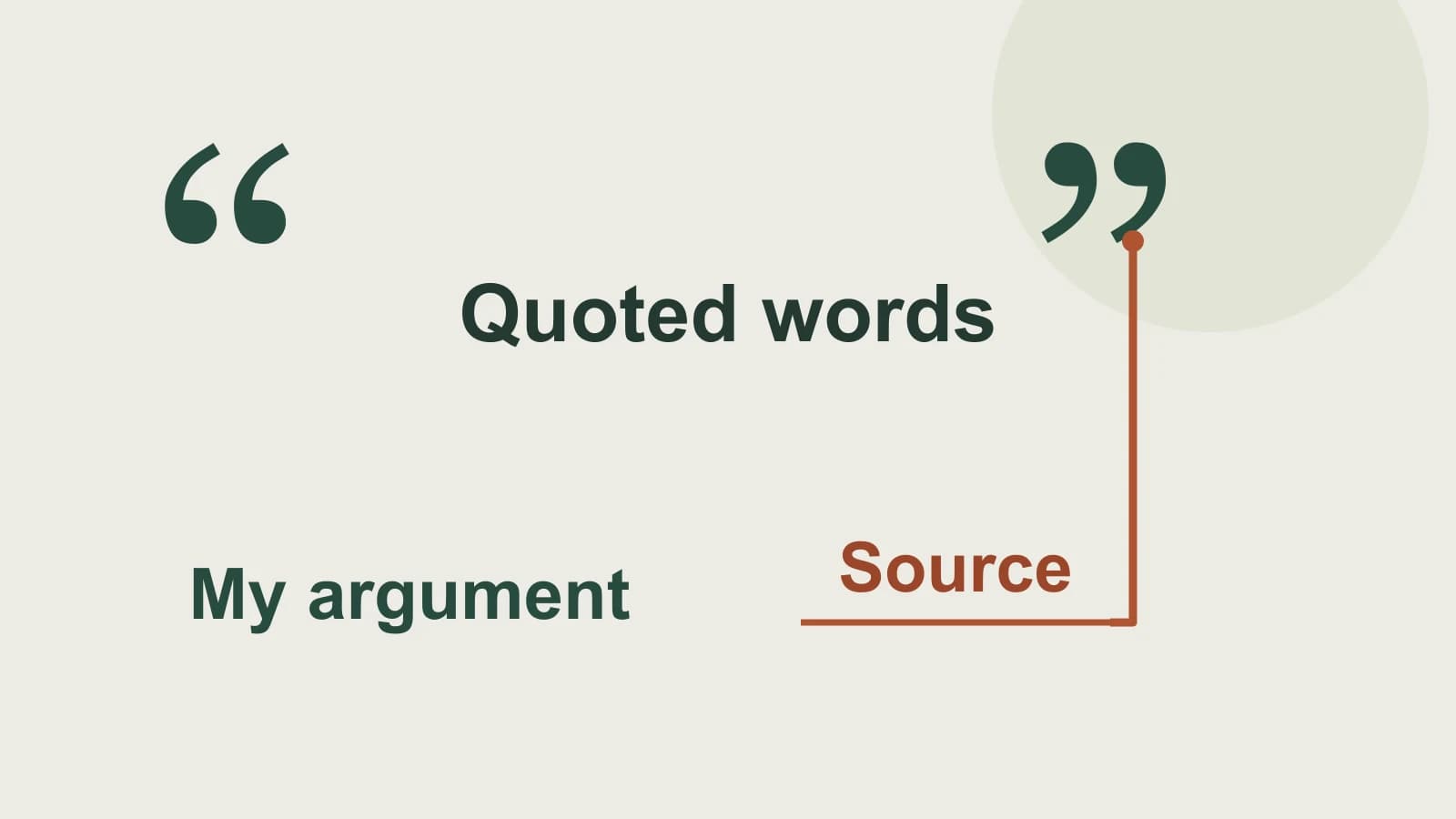
A source note gives you something reliable to return to after drafting. Keep exact borrowed wording visibly marked, with its author, link and location. Put your interpretation in a separate sentence so you can tell which words came from the reading when you return later.
Here is the source note for this guide's practice paragraph:
- Author: Caida Mendelsohn.
- Reading: “My voice does the writing — with a little help from dictation technology”, published by Understood.
- Location: The near-end paragraph beginning “Today, I have about”. Use that location to find the passage again; it is not a page number or a finished academic citation.
- Exact phrase retained: “rough drafts of papers”.
- Account in your own words: The author prefers speaking an initial version and still finishes with keyboard editing.
- Possible interpretation: This account suggests a place for speech during composition while leaving a separate revision stage.
The last two entries do different work: one reports the account; the other draws a conclusion from it. Preserve that distinction in the paragraph.
Purdue OWL's guidance on quotation, paraphrase and summary explains that exact borrowed wording and restated ideas both need attribution. Reading a passage aloud into dictation does not turn its wording into your own prose. Enter exact quotations from the source itself and compare them character by character rather than relying on speech recognition to preserve them.
Speak your point without reading the source aloud
Once you understand the passage, move away from its wording and explain the connection in your own terms. Purdue's paraphrasing guidance recommends checking an independent rendition against the original for meaning and borrowed language. Apply that check to the text produced from your speech as well.
For the practice prompt, a useful starting point is: Speech could serve the initial composition stage of a paper. Follow it with the named author's relevant experience, then explain why that experience supports your point.
If you lose the source location while speaking, stop and return to the note. Add the reference using the actual source and your required style. A spoken reminder such as “citation needed here” is a drafting marker to resolve before submission, not a citation.
Worked paragraph: keep the claim as narrow as the source
Consider this deliberately unsupported draft sentence, written for this example:
Dictation makes every student a stronger academic writer.
The reading cannot support that sentence. It describes one person's experience. Changing the input method also does not establish that an argument has become stronger. Narrow both the population and the claimed result.
Here is an authored practice paragraph, with a source link for this guide rather than a completed citation in your course's style:
Dictation could serve the initial composition stage of a paper while leaving a separate editing stage. In Mendelsohn's account, she favors voice input for an early draft and uses a keyboard to finish. This division suggests one way a student might organize the work: speak a first version, then revise its wording and evidence. Her experience illustrates that possibility; it does not establish an effect for every student.
The first sentence is the paragraph's point. The second attributes the relevant experience. The final two explain the connection and its limit. None turns the personal account into a finding about grades or the quality of all students' work.
Now return to the source note and the reading. Keep the attribution attached if you move the evidence sentence. If you add an exact phrase, copy it from the original and mark it as a quotation. If you expand the conclusion to a broader group, obtain evidence that actually addresses that group.
Finish the reference in the style the assignment requires, using the source's real details. Then read the paragraph without the source open: can a reader tell what the author reported and what you inferred? That distinction should survive a cleaner sentence or a shorter draft.
Set up your Mac for your own paragraph
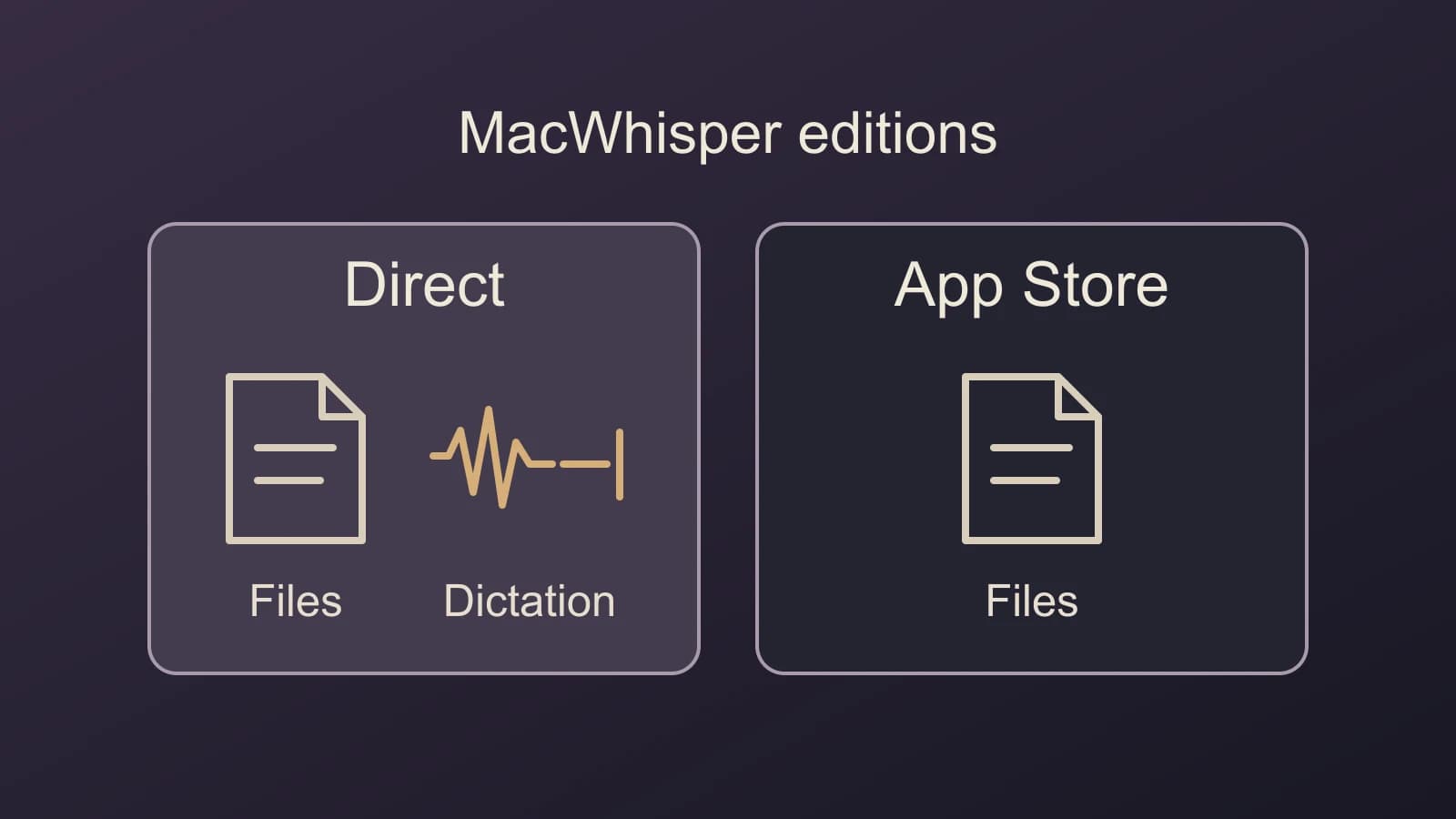
Paraspeech can enter your spoken draft into a supported editable Mac field. First compare the available plans and select an eligible plan or trial, then complete onboarding. The released Mac app requires macOS 14 or later. Local speech needs supported Apple Silicon and a ready downloaded model; Intel uses eligible cloud access. Setup and processing documentation.
For this source-based writing task, use these documented controls:
- Allow Microphone and Accessibility access during setup. Click in your draft, then hold the configured recording shortcut, speak your own paragraph and release to insert the text. If that field does not support insertion, use manual copy and paste.
- In Rewrite, set Default Output to Transcription Only. Inspect App Exceptions for an output choice specific to your editor. This skips AI rewriting, though text normalization can still occur; it does not guarantee a verbatim quotation or a correct reference.
- Keep exact quotations and source details in the separate note. After insertion, compare the draft with the reading, resolve drafting markers and complete the required citations yourself.
Speech recognition and optional AI rewriting have separate processing choices. Check those choices against your assignment rules and the material you plan to speak. Selecting local speech alone does not establish that every optional feature processes locally; the offline guide explains the mode boundaries.
If this workflow fits your assignment, download Paraspeech, choose the appropriate output settings and draft one paragraph from your own point and source note. Judge the result by whether its claim, attribution and interpretation remain clear before moving on to the next paragraph.