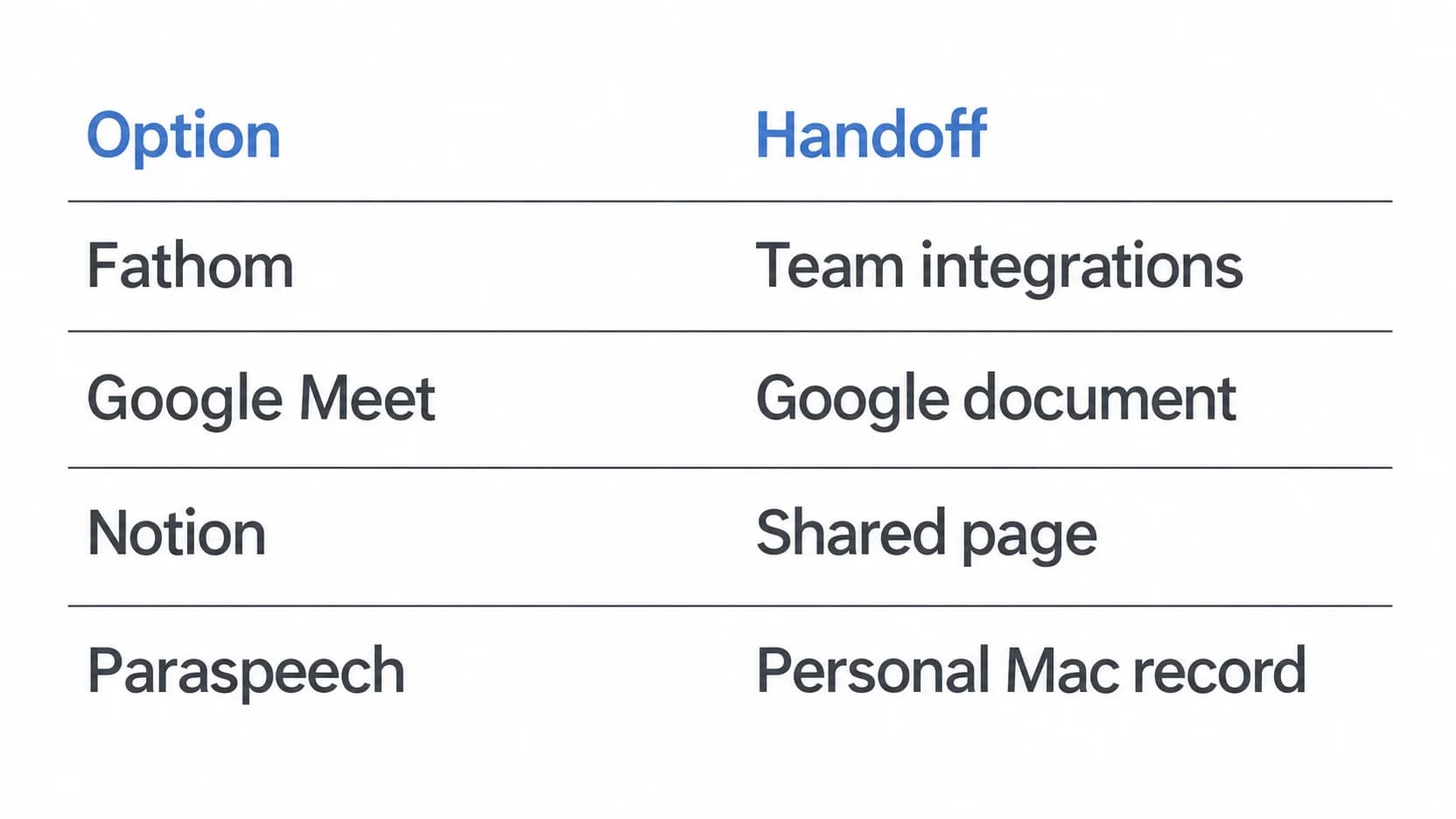
The useful starting point for Fathom alternatives is the record you need after a call. If a Google document is enough, first check Google Meet’s native transcript. If the team’s work already lives in Notion, test its meeting-notes page and sharing workflow. If you depend on searchable conversations and CRM updates, test whether Fathom already meets the requirement before moving to a narrower tool. Google Meet transcripts · Notion AI Meeting Notes · Fathom’s documented workflow
Last checked: September 21, 2026. This comparison uses official documentation and released-product source evidence. No comparative hands-on test, accuracy benchmark or time-saving measurement was performed.
When keeping Fathom is the stronger first test
Fathom’s official site describes searchable transcripts, generated summaries, team collaboration and integrations including Salesforce, HubSpot, Slack and Notion. If a meeting has to become a customer record or remain searchable across a team’s conversations, those capabilities are part of the task. Replacing only the recording step can leave the subsequent work unfinished. Check the integration and plan your team actually uses. Fathom’s features and integrations
Do not switch on the assumption that Fathom always needs a meeting bot. Its current pricing page offers bot and bot-free capture and identifies bot-free capture as a Mac beta. The Quick Start guide says existing Mac users may be eligible for the newer experience. That is a reason to check your account’s eligibility, not a promise that every user or platform has it. Fathom’s current capture options · Quick Start eligibility note
Fathom also documents a free plan. A pricing comparison should therefore start with the capability missing from your current setup, rather than assuming a subscription change is necessary. Check the plan attached to the integration or sharing feature you need. Current plans
Review the sharing settings before a trial. Fathom’s Quick Start describes automatic sharing of recaps and highlights; its privacy policy explains account controls and how organization-managed accounts affect deletion requests. It would be inaccurate to describe it as having no controls. Decide which recipients should receive a record and verify the applicable settings. Sharing setup · Privacy and account controls
Google Meet when a native transcript document is sufficient
Google Meet is the first alternative to test when the call already happens there and the required output is a transcript in Google Docs. Google saves the native transcript in the organizer’s Drive and provides routes to it through email and the associated Calendar event. This avoids introducing another meeting workspace merely to obtain a document. Google’s transcript workflow
Availability still depends on the host’s Workspace edition, organizational settings, meeting role and storage. Google’s admin guide lists Business Standard, Business Plus, Enterprise Standard, Enterprise Plus and Education Plus. With host management enabled, the host or a co-host starts transcription; when it is disabled, someone in the host’s domain can start it. External guests should not assume they have the same controls or document access. Edition and storage requirements · Host and access rules
A native transcript is a written meeting record. It does not, by itself, replace Fathom’s team conversation search, CRM workflow or generated summaries. Choose it when the document is the needed handoff, then check that the intended recipient can actually open it. For setup and the current Drive folder location, use the Google Meet transcription guide.
Notion when the meeting belongs in a shared workspace
Notion AI Meeting Notes transcribes a meeting and creates a summary within Notion. Its documentation lists Business and Enterprise eligibility, alongside eligible mobile subscriptions that include Notion AI. For a team already keeping project work in Notion, the useful question is whether the meeting page can sit beside that work with the right people able to read it. Notion’s requirements and meeting-note workflow
The capture surface matters. Notion’s desktop app can capture microphone and system audio. In the browser, the feature captures microphone input only: remote participants playing through your headphones will not be captured that way. Choose the desktop route for that virtual-call setup and verify its audio permissions. This is a documented distinction, not a compatibility test we performed. Desktop and browser audio boundaries
A page inside a team workspace is not automatically shared with the whole team. Notion says meeting notes are private to their creator by default. It offers manual sharing and an optional setting to share notes created from its calendar entry points with participants who belong to the workspace. Check the actual page permissions, particularly for an external attendee. Meeting-note sharing
Notion documents sending audio to subprocessors for transcription and generating meeting insights through that processing workflow. Its transcript-deletion controls also distinguish transcripts from summaries and notes. Treat it as a cloud processing and workspace-permissions decision, not a local-only recorder. This page makes no security ranking between these services. Processing and retention details
Paraspeech for an individually controlled Mac meeting workspace
Paraspeech is a narrower alternative to test when you want to start capture on your Mac, review the recording and work from a transcript yourself. Its released Meeting Mode records microphone and system audio into a meeting workspace with playback and a speaker-aware transcript. Generated meeting notes require internet and permission for cloud processing. Paraspeech documentation
That can fit an individual who wants to check a conversation before preparing a handoff. It is not a documented replacement for Fathom’s automatic CRM routing, team-wide conversation search or enterprise administration. If those are required, keep them in the comparison instead of assuming a personal Mac workflow supplies them.
Nor does a local capture control prove that every processing step stays on the device. Speech recognition and rewriting can use separate backends, and allowed temporary speech fallback can involve cloud processing. Supported local speech modes require a supported Apple Silicon Mac and setup; Intel Macs use eligible cloud-backed subscription models. Generated meeting notes remain cloud-backed. The facts here come from the public Mac 1.7.2 build 367 source and documentation, not a tested privacy advantage over Fathom.
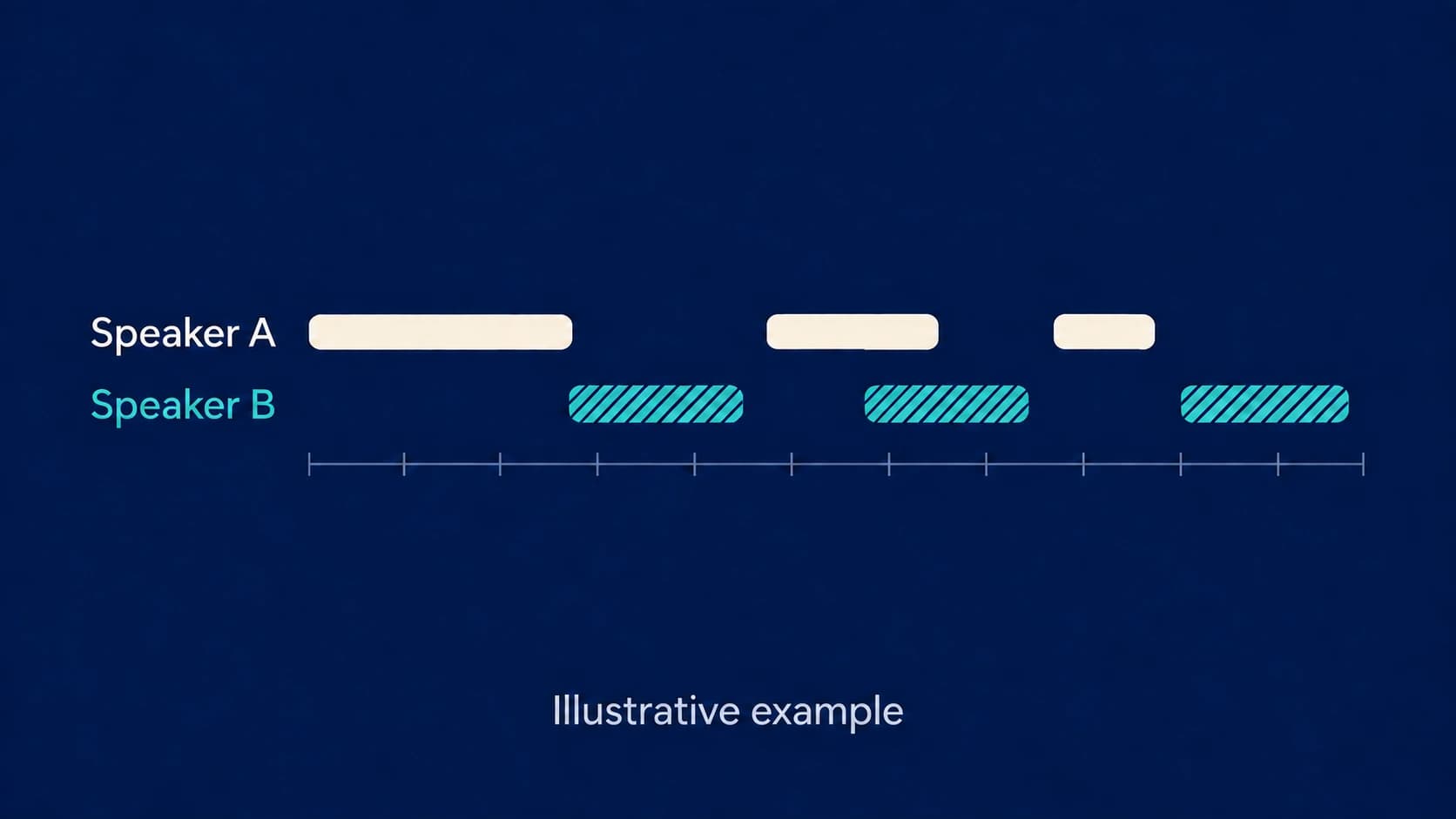
For a call you are allowed to capture, check that both your microphone and the remote participants are present in a short sample before relying on the full recording. Review speaker labels rather than treating them as verified identities; the speaker diarization guide explains that distinction. If you already have an authorized recording, a file-transcription workflow may be all you need.
Choose the meeting record and handoff you need
These are documentation-based starting points, not scored rankings. “Verify” names what could prevent that option from fitting your workflow.
| Option | Capture and resulting record | Handoff | Verify before switching |
|---|---|---|---|
| Fathom | Bot capture or eligible Mac bot-free beta; transcripts and generated summaries | Team collaboration and configured integrations | Your capture eligibility, required integration, plan and automatic-sharing settings |
| Google Meet | Native transcription within an eligible Meet call; Google Docs transcript | Organizer’s Drive, transcript email and Calendar link | Host edition, role, storage and the recipient’s actual document access |
| Notion AI Meeting Notes | Desktop microphone/system audio, or browser microphone; transcript and summary in a Notion page | Page permissions and optional internal calendar-participant sharing | Plan eligibility, capture surface and access for intended recipients |
| Paraspeech | Mac microphone/system audio; playback, speaker-aware transcript and eligible generated notes | An individually reviewed record and a handoff you arrange | Both audio sources, processing permissions and any team capabilities you would still need |
Source basis: Fathom and its capture plans, Google, Notion, and Paraspeech documentation. The handoff you arrange in the Mac workflow is a responsibility, not a claim of automatic sharing or integration.
A comparison trial you can run
Use a short, authorized meeting with the same two participants and the same audio setup. Tell participants what will be captured and where it will be processed or shared. This is a proposed trial; no results are claimed here.
Synthetic scenario: Maya agrees to send the revised outline on Thursday. Luis asks whether the customer wants a second review, and nobody resolves that question during the call.
Inspect the resulting record for three things: whether the Thursday commitment appears, whether it is attributed to Maya, and whether the second review remains an open question rather than an invented decision. For a summary, trace each statement back to the transcript or recording. For a transcript-only option, do not mark the absence of an AI summary as a transcription error.
Then give the intended recipient the actual handoff: a Fathom record, a Google document, a Notion page or the reviewed material from your Paraspeech workspace. Confirm that they can open the needed content without also receiving material they should not see. If a CRM update is essential, check the required record and fields in that integration rather than merely seeing that a recap exists.
Choose the option that completes that specific handoff under your organization’s rules. If the transcript is adequate but the team still needs Fathom’s search or integration workflow, keeping Fathom may be the smaller change.
This is an independent comparison published by Paraspeech. Fathom, Google and Notion are named only to identify the products being compared. Paraspeech is not affiliated with, sponsored by or endorsed by them. Product details can change; verify official documentation before procurement or sensitive-workflow decisions.