Page 2
Write by voice, then edit
Speech-to-text guides, processing-path explainers, and Mac productivity stories from the team building Paraspeech.

Batch Transcription on Mac: Account for Every File and Output
A batch is complete when every intended recording has its required, reviewed output. Here is how to keep missing files and unfinished exports visible.
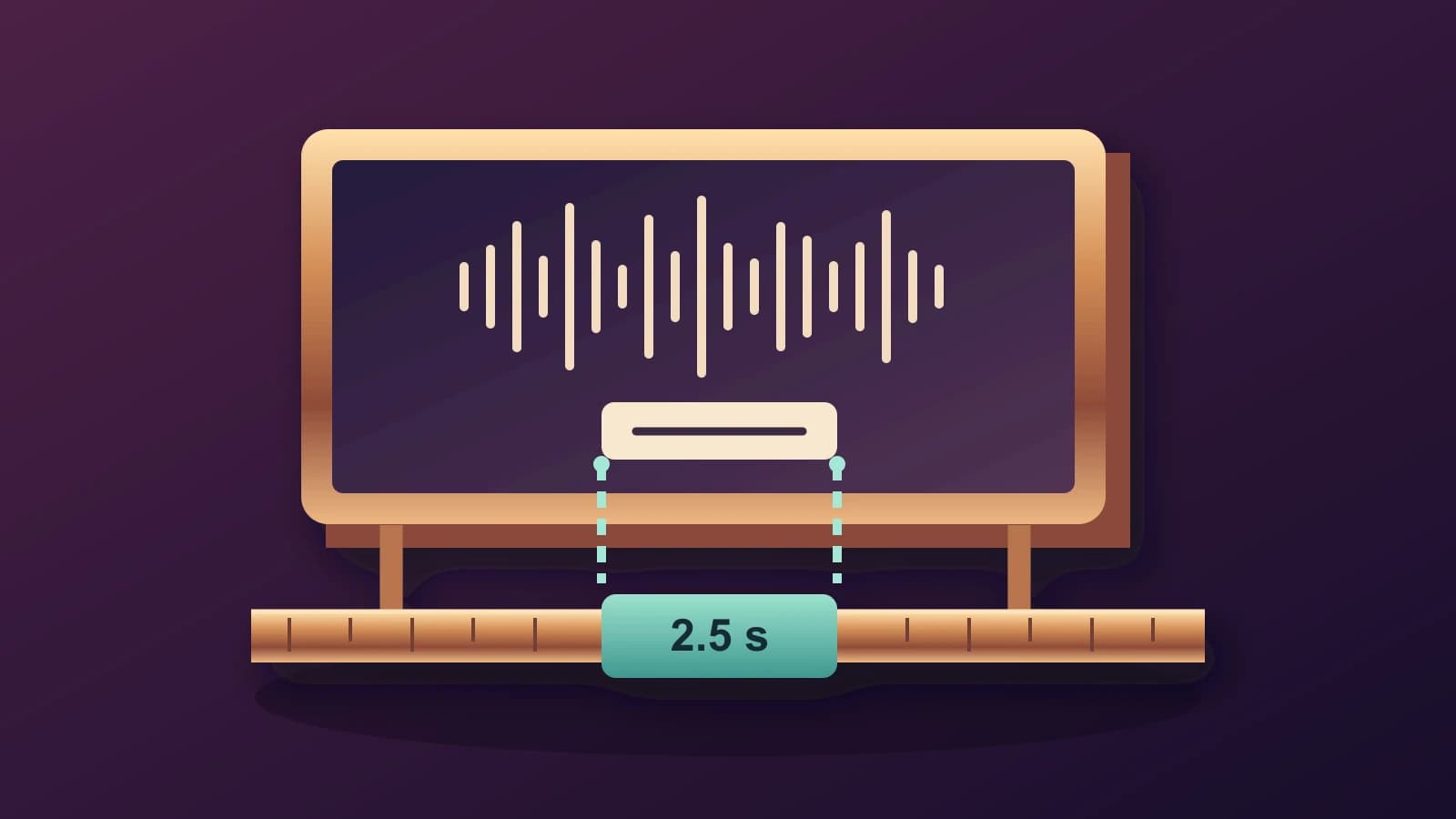
Add Subtitles in iMovie on Mac: Match Titles to the Spoken Interval
A manual iMovie subtitle workflow that separates corrected words, title placement and the interval when those words should appear.
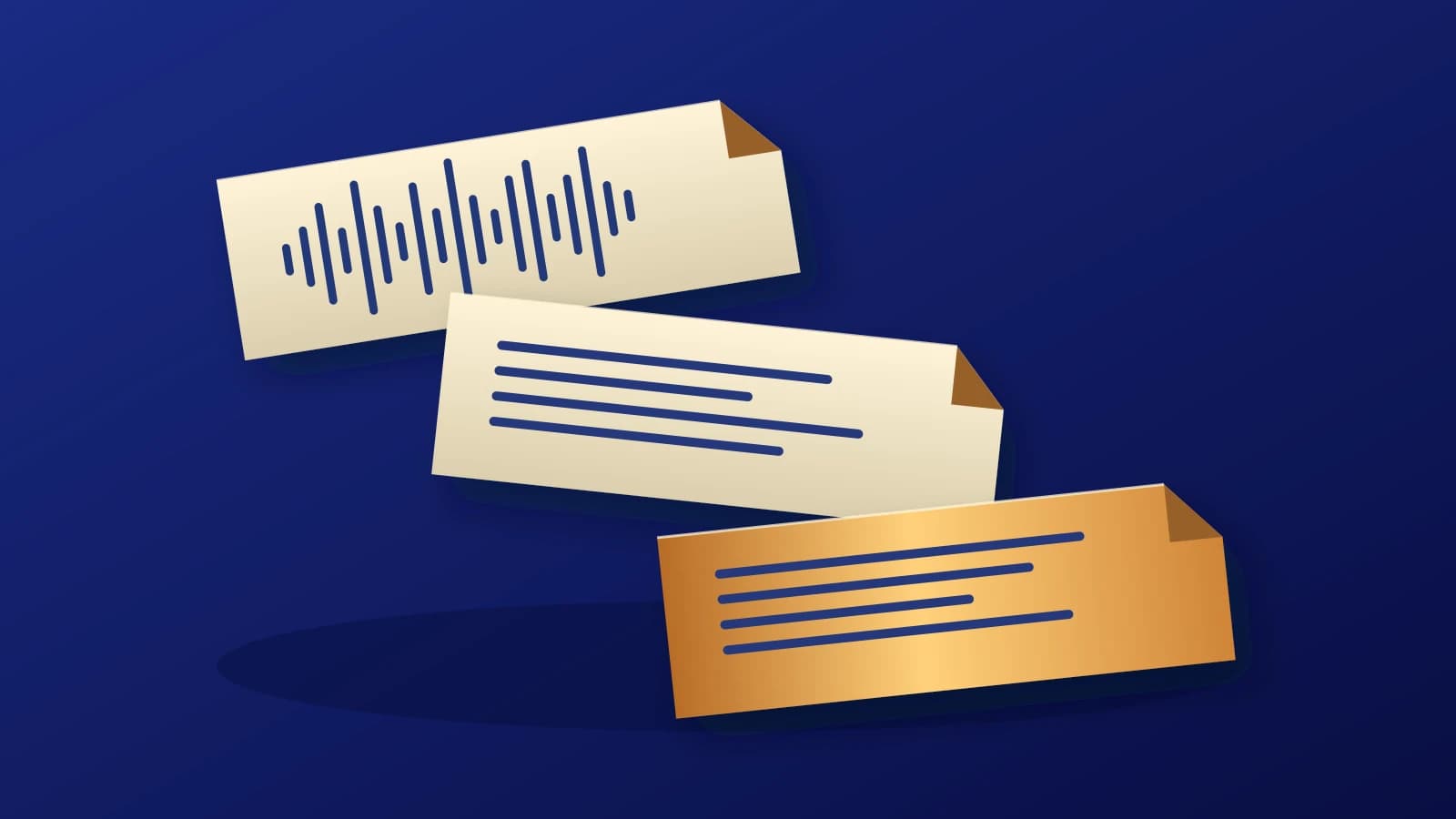
Translate Audio to Text on Mac: Check the Source Before Changing Languages
A practical recording-to-translation workflow that keeps the source words, target language and review decisions separate.
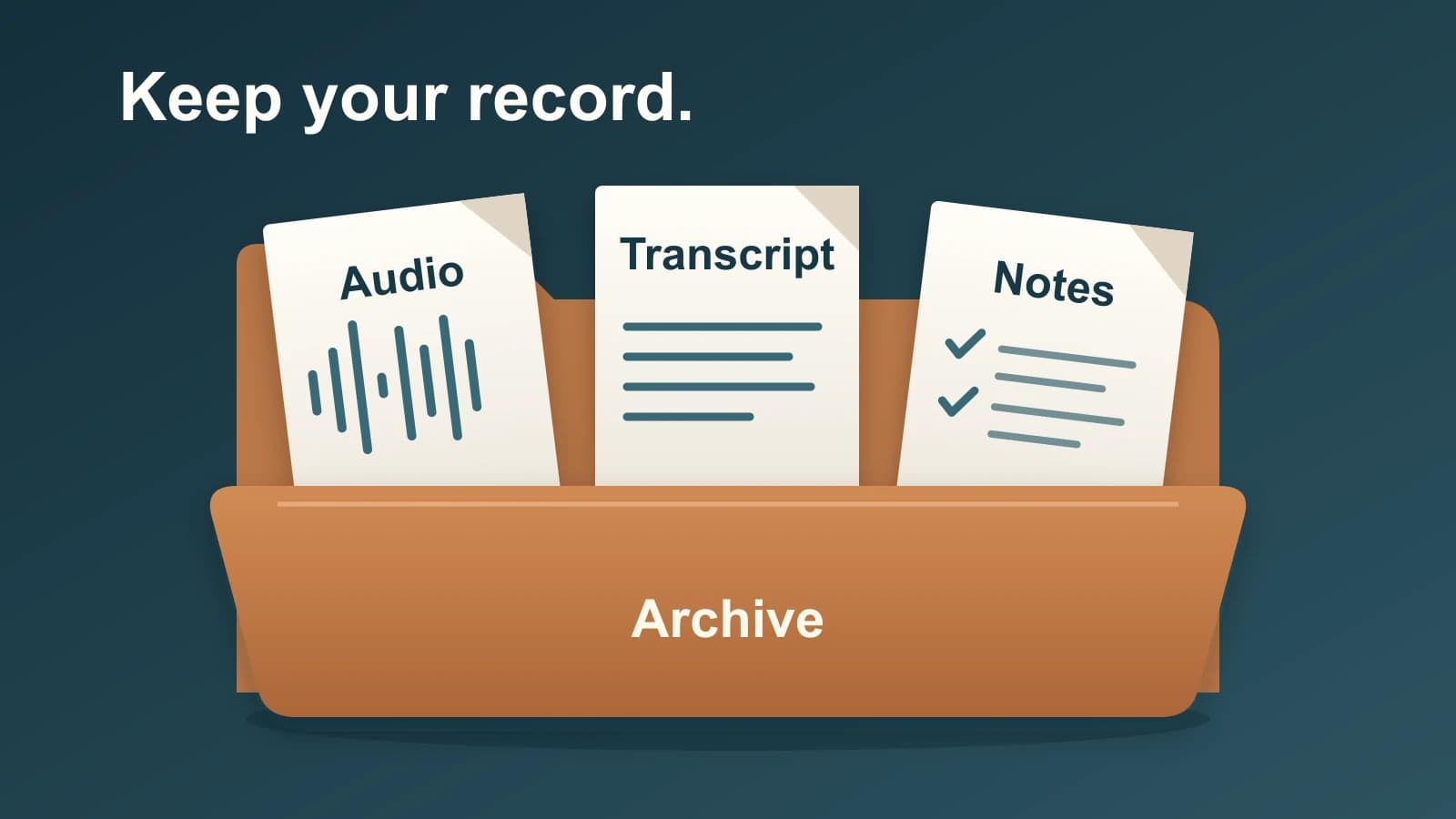
Otter AI Alternative: Preserve Your Archive Before You Switch
A fresh transcript cannot recreate every correction, summary or comment in your Otter archive. Save those records separately, then choose the replacement for the work you need.
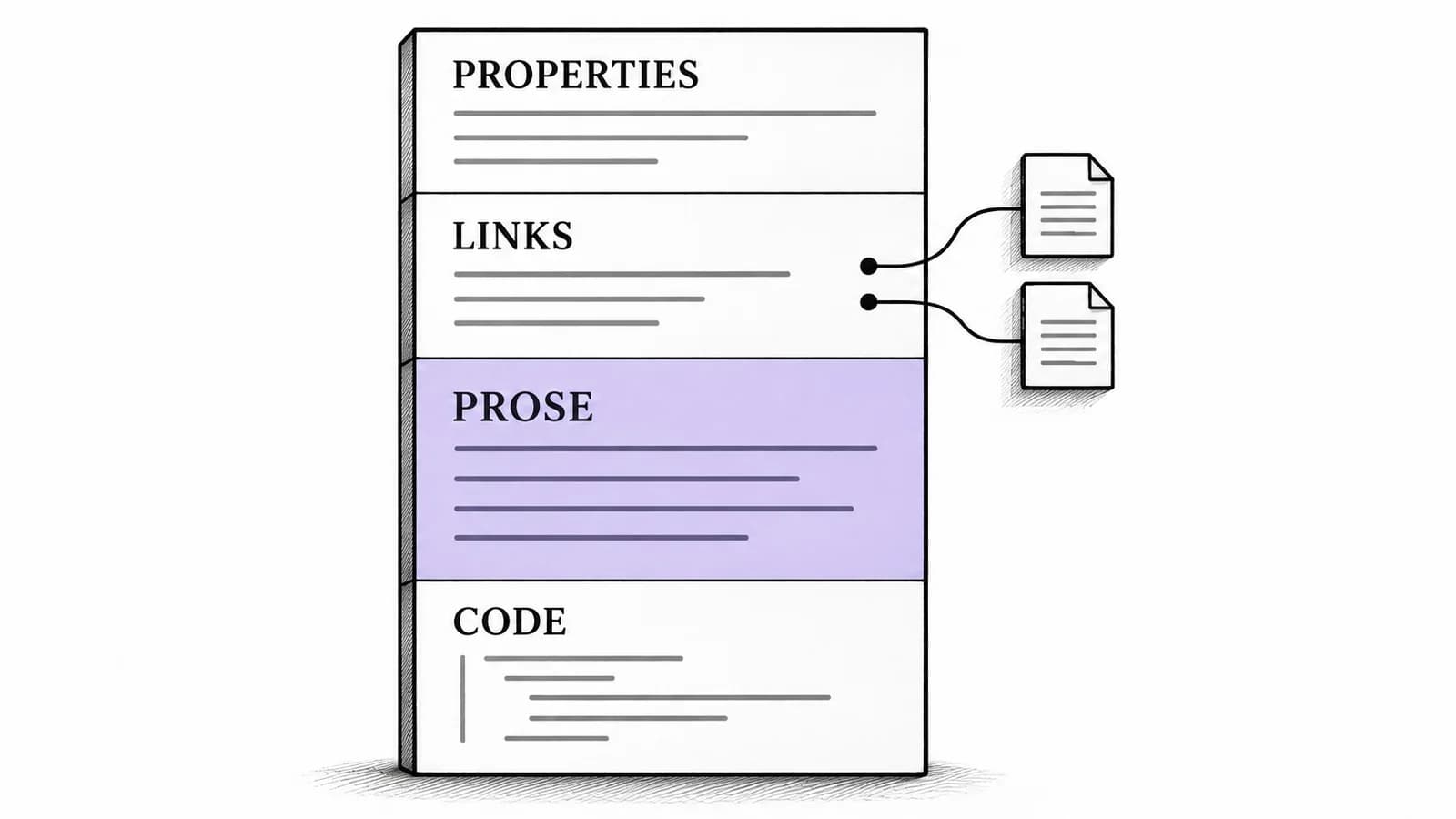
Obsidian Voice to Text on Mac: Add Prose to Linked Notes
A source-backed Mac workflow for adding spoken prose to an existing Obsidian note, with a structured Markdown example and a separate path for audio recordings.
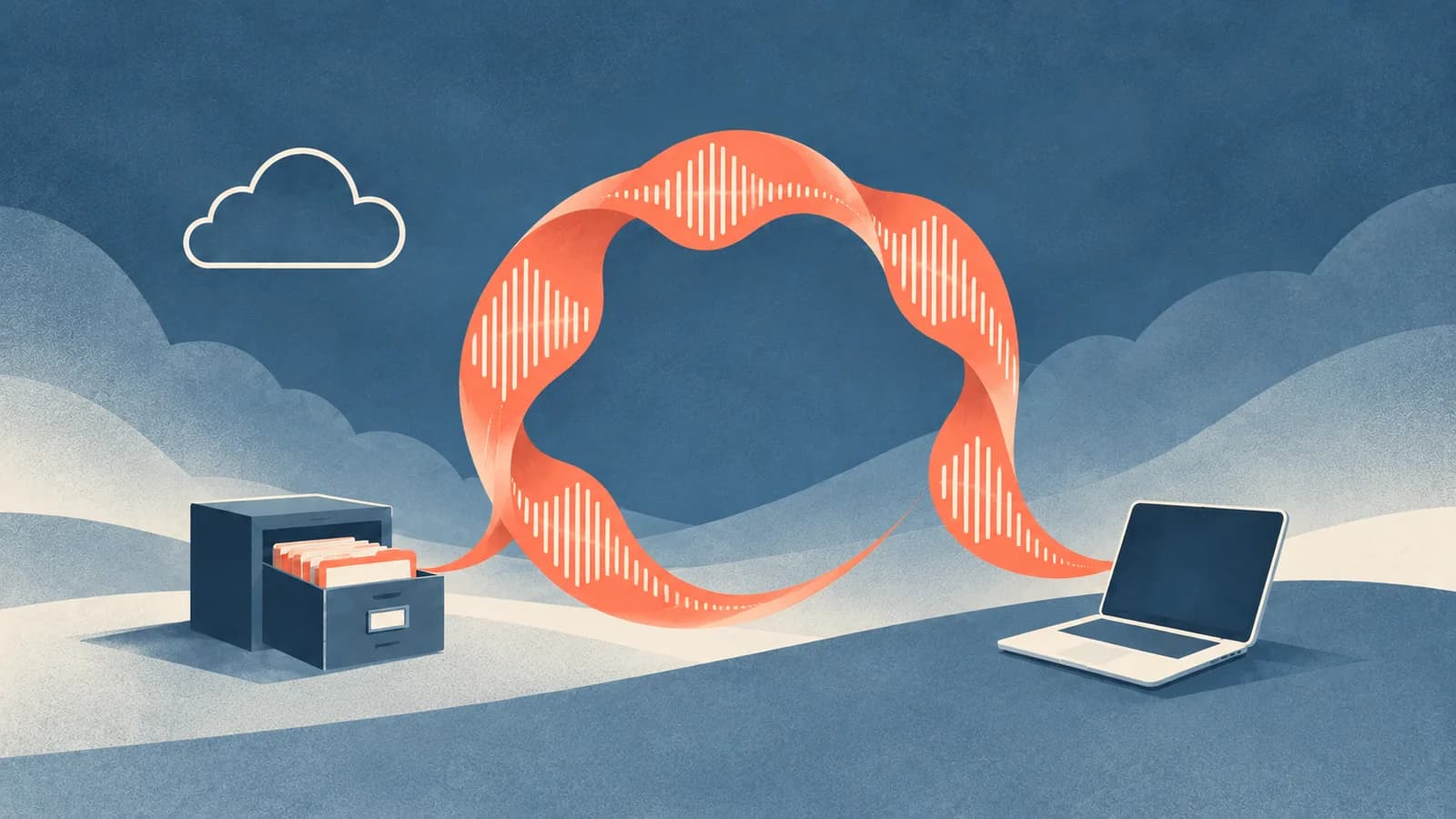
Typeless Alternative: When a Local Mac Workflow Fits
Decide whether to keep Typeless across your devices or test a supported local Mac workflow, with a clear distinction between processing and storage.

Live Captions on Mac: Set Up and Choose Your Audio Source
Choose the right audio source for Apple Live Captions, make captions readable, and separate reading along from saving a transcript.
Best Dictation Software for Mac: How to Choose
The best dictation software for Mac depends on whether you need quick built-in dictation, Mac-wide insertion, local processing, file transcription, or meeting transcripts.

Moving Beyond Apple Dictation: A Paraspeech Mac Workflow
Test Apple Dictation first, then set up Paraspeech, choose a supported local or cloud-backed mode, and try it in the Mac apps where you write.