Write by voice, then edit
Speech-to-text guides, processing-path explainers, and Mac productivity stories from the team building Paraspeech.

In-Person Meeting Transcription: Choose for the Room
A clear recording of the nearest person is not proof that you captured the table. Choose a transcript workflow, then test the voices you need to hear.
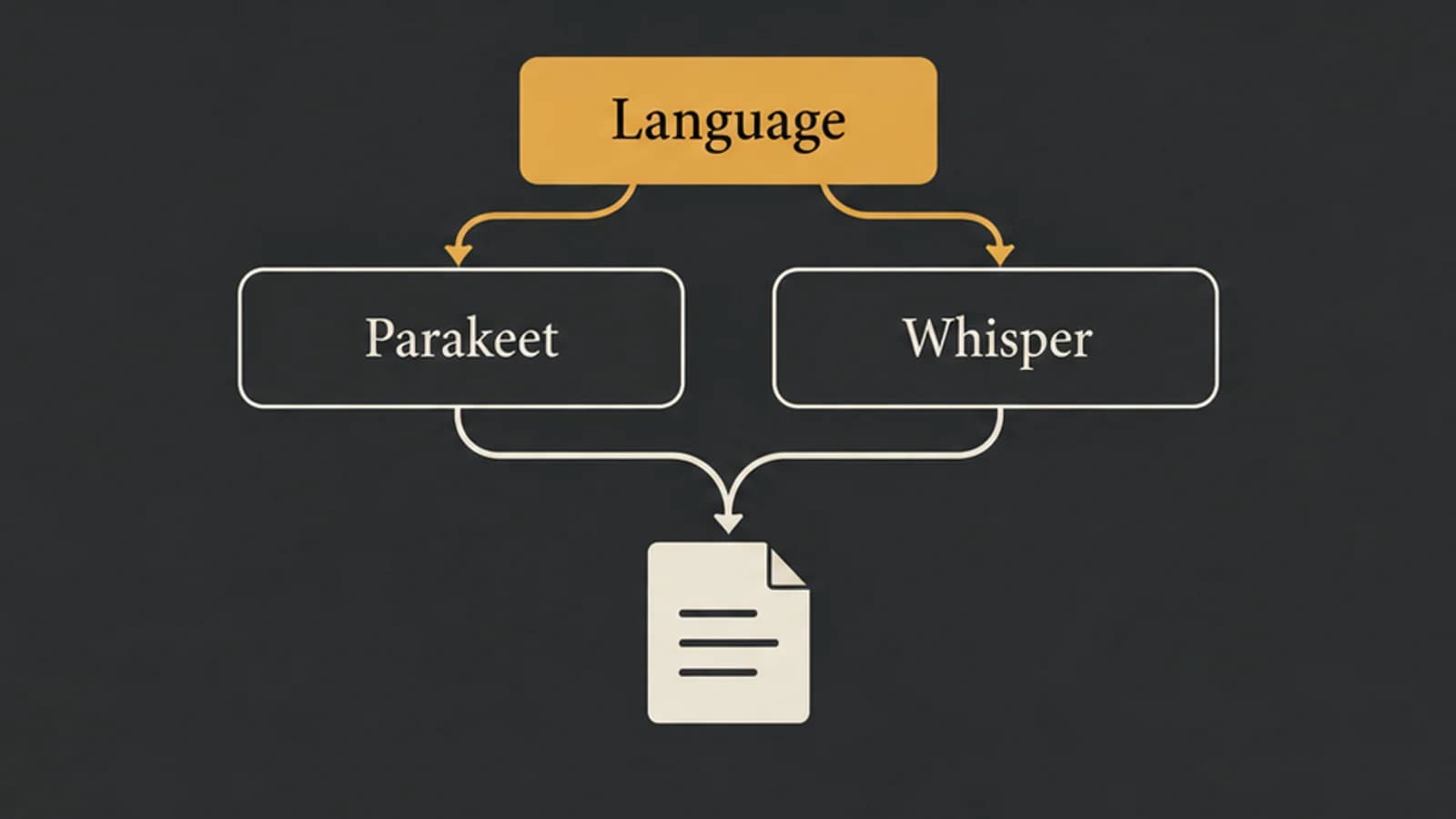
Parakeet vs Whisper: Choose by Language, Model, and App
Parakeet v2, Parakeet v3, and Whisper large-v3-turbo are different choices. Start with language and task support before comparing results on your Mac.
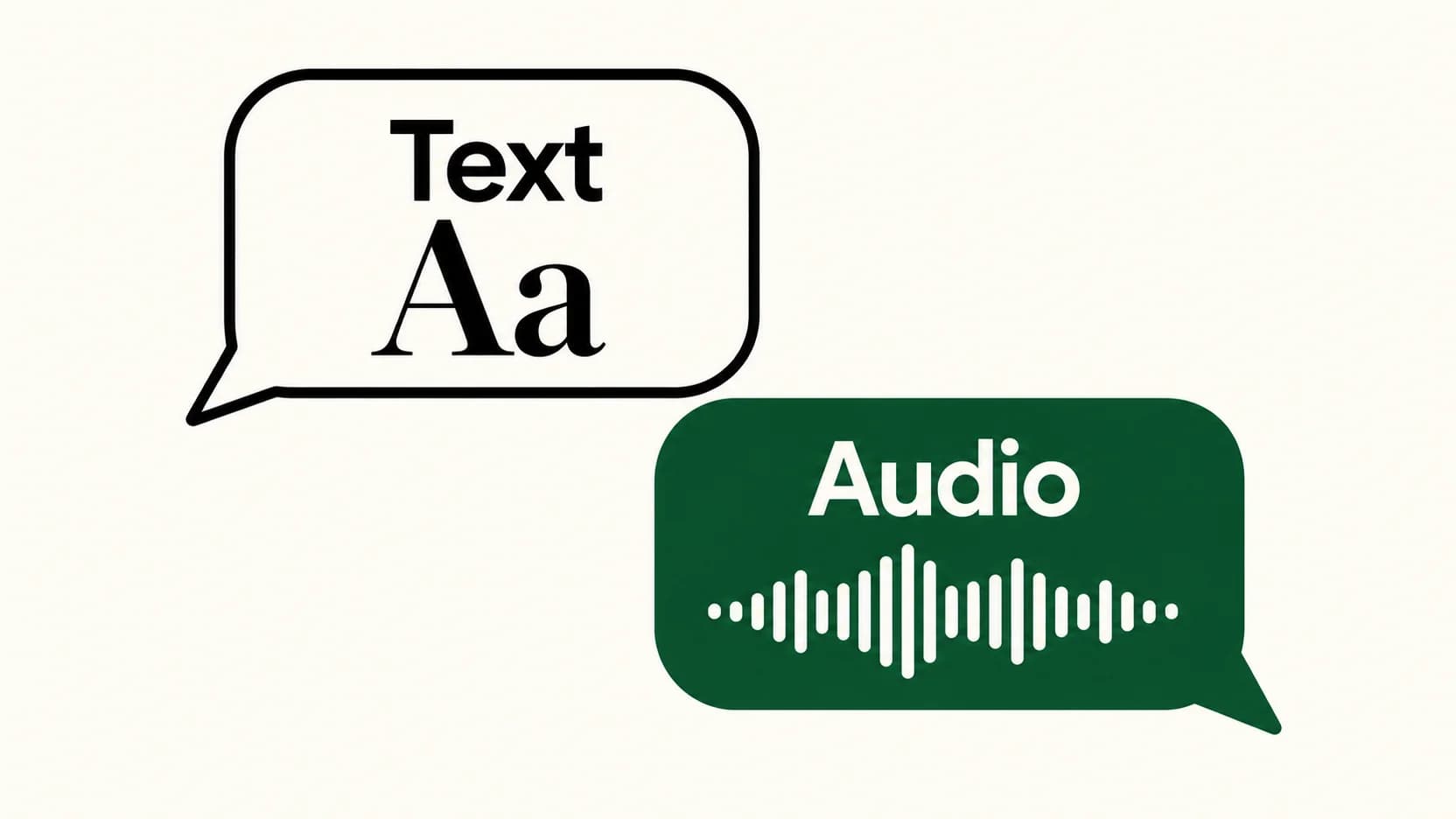
Voice Typing in WhatsApp: Send Text Instead of a Voice Message
The keyboard microphone writes a message. WhatsApp's recording control captures audio. Here's how to choose the right one and check your words before sending.
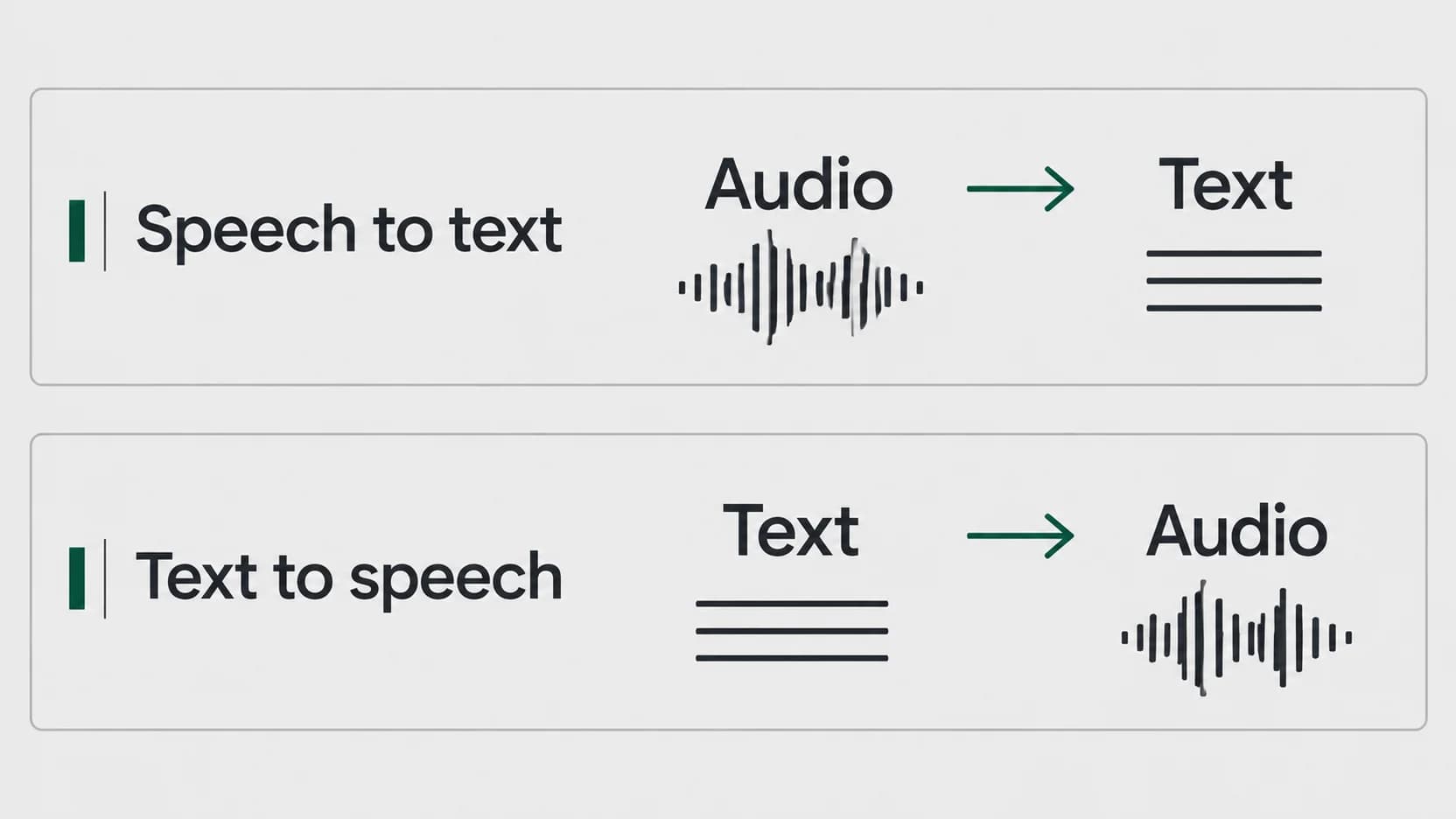
Speech to Text vs Text to Speech: Which Direction Do You Need?
Start with what you have and what you want to produce. A recording needs a different conversion from a document you want to hear.
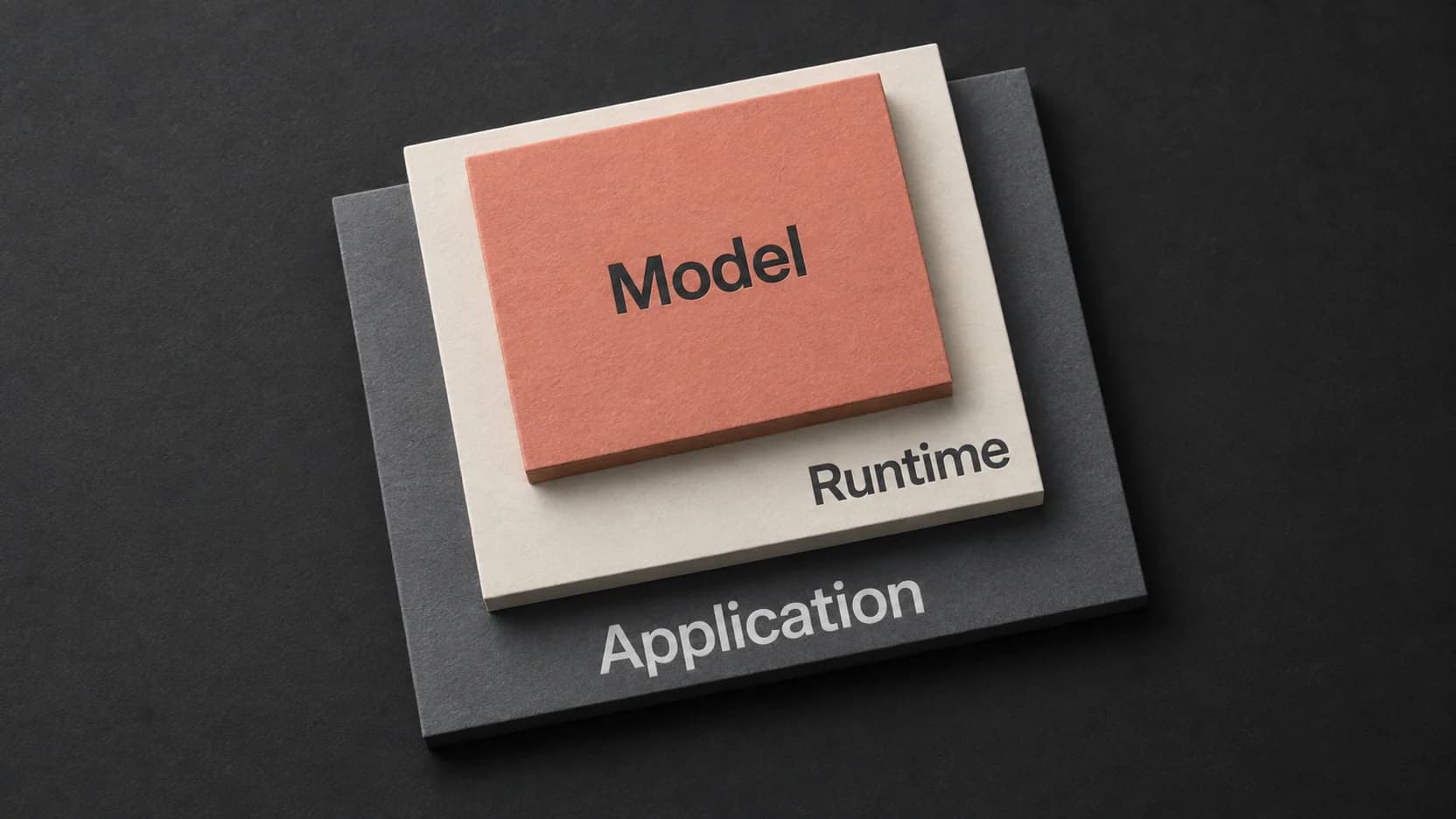
Whisper Large V3 Turbo: Choose a Runtime and Check Its Output
The turbo model is one part of a transcription workflow. Match the runtime and its returned output to the recording you actually need to use.
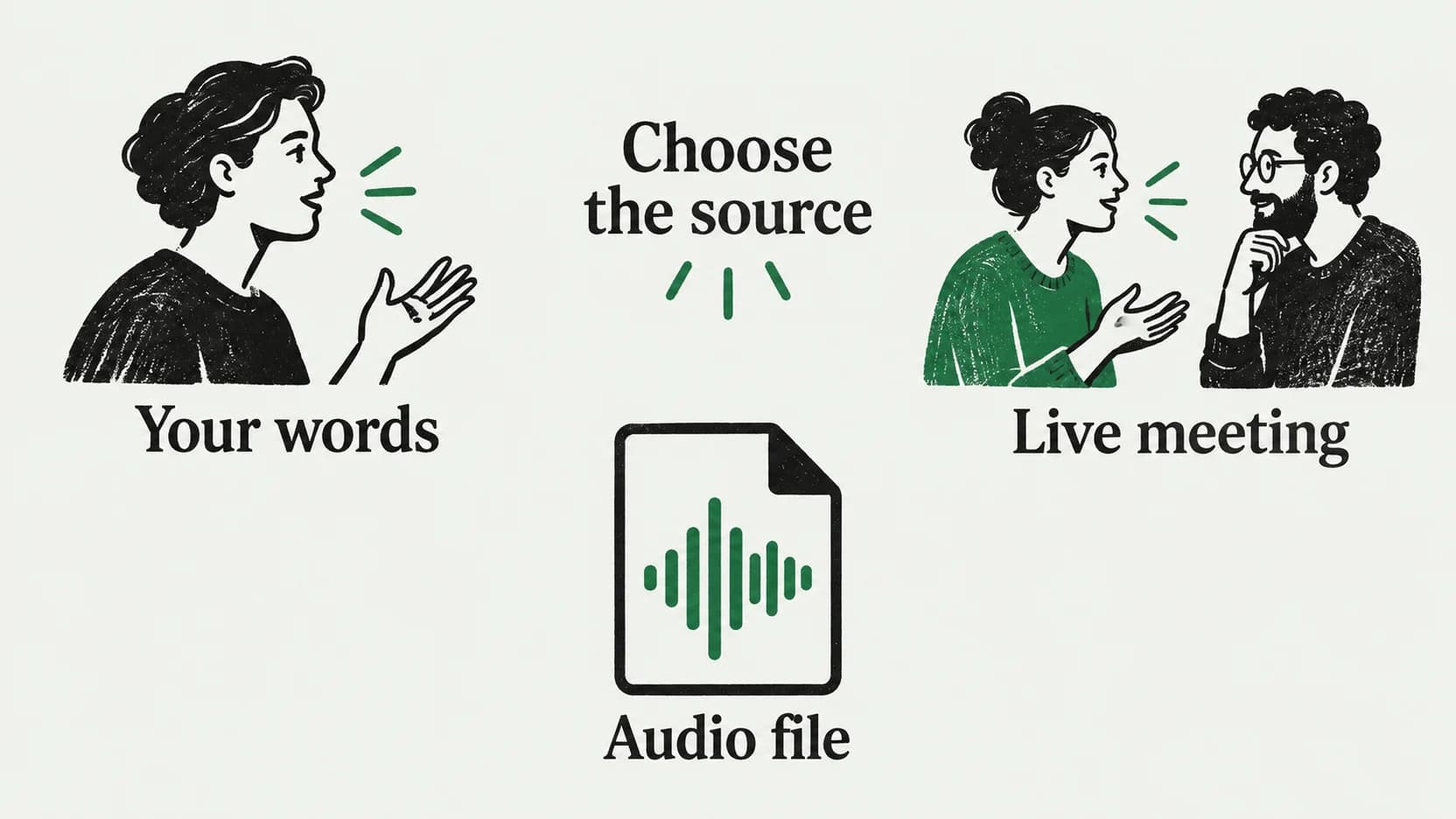
Notion Speech to Text: Dictate a Page or Transcribe a Meeting
A paragraph, a live conversation, and an existing recording need different routes into Notion. Choose the right one before you start speaking.
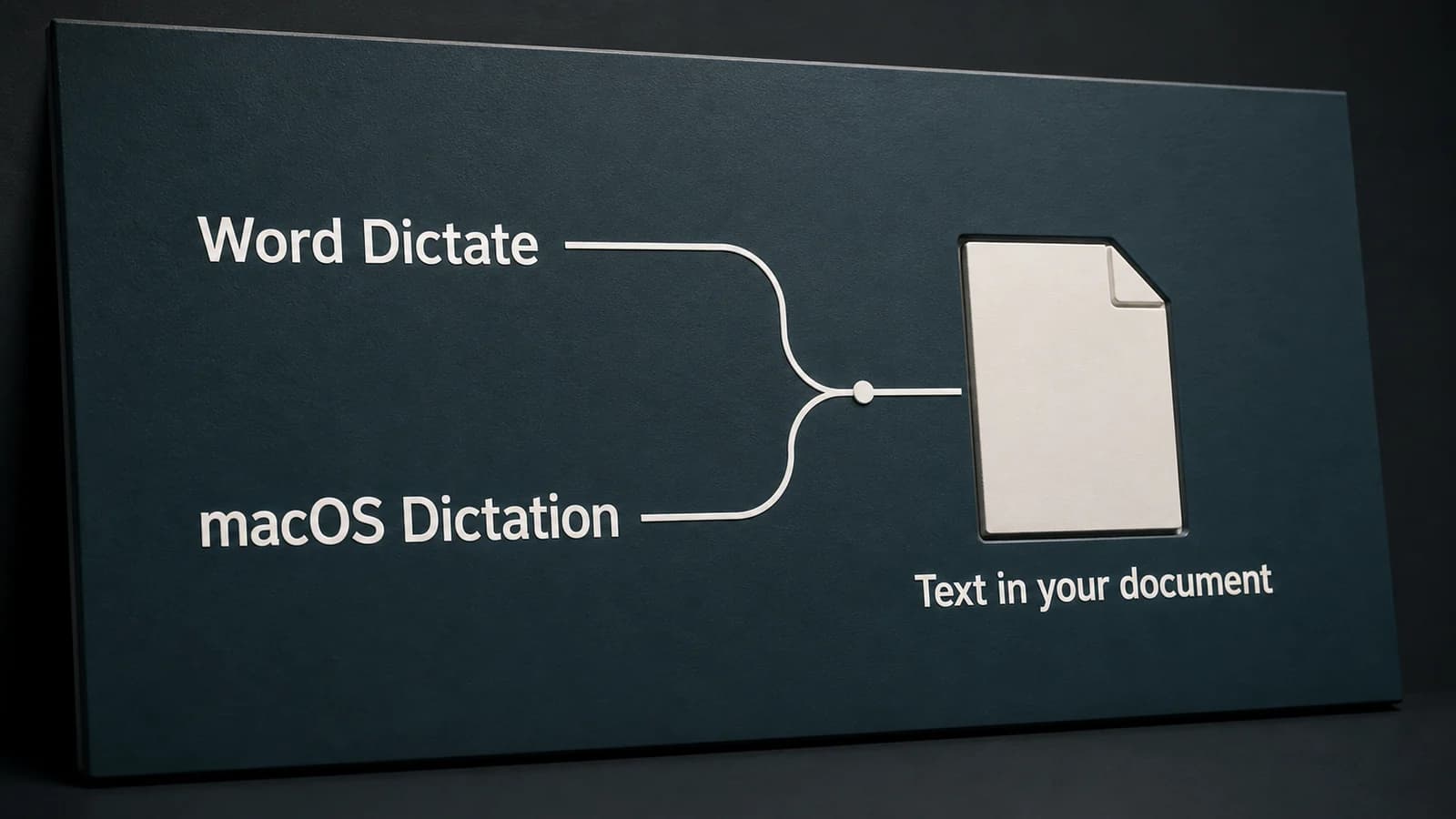
Dictation in Word on Mac: Word Dictate or Apple Dictation?
Word's Dictate button and Apple's Dictation are separate ways to speak into a document. Choose the right route, then diagnose the account, microphone, or editing problem.
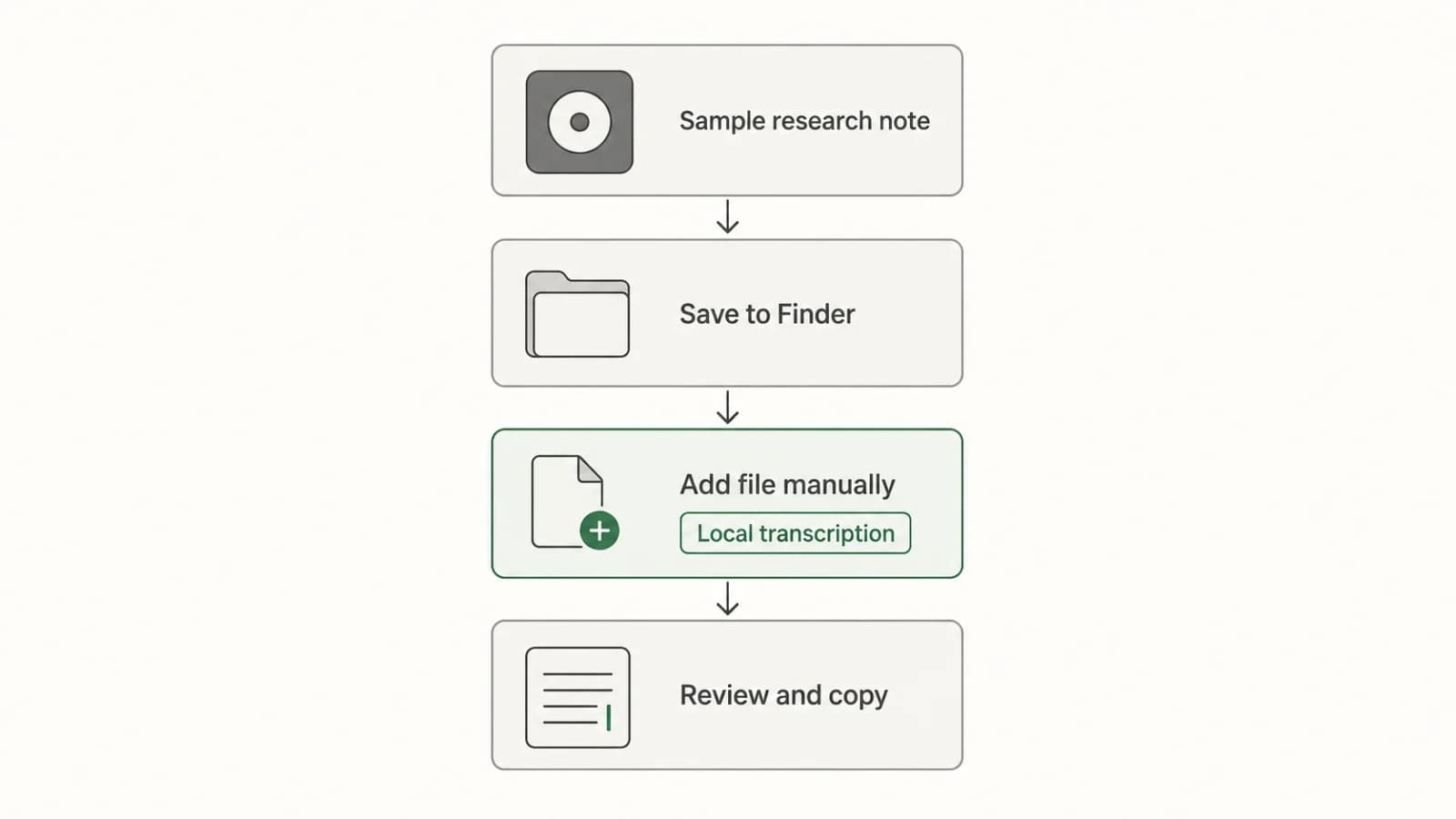
Transcribing Apple Voice Memos Recordings on Mac
Turn an existing Voice Memos recording into editable text with a clear Mac workflow: check the built-in transcript, transfer the file if needed, transcribe locally, review, and copy.
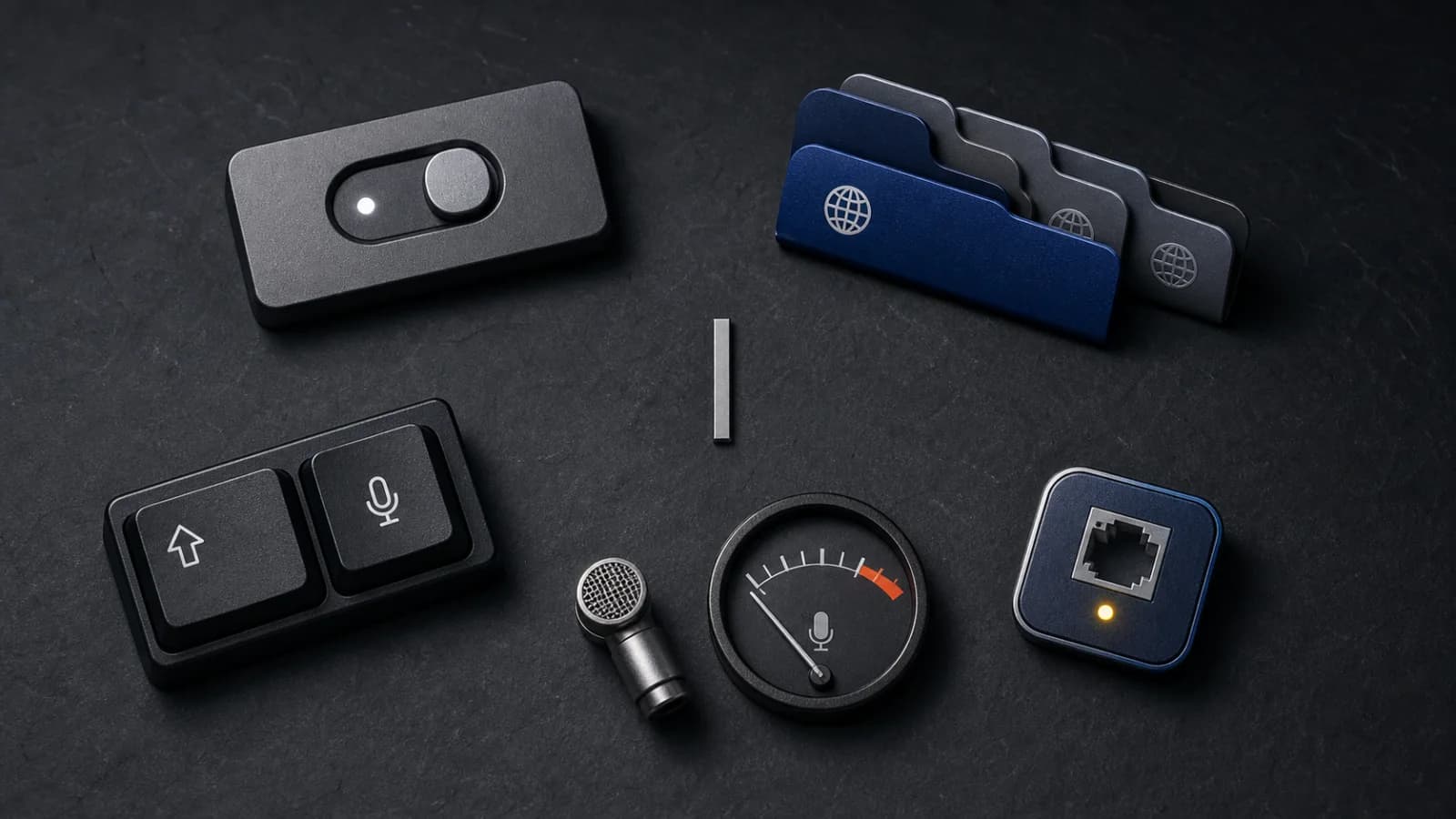
Apple Dictation Not Working on Mac? Follow This Check Order
A focused Apple Dictation troubleshooting order for Mac: confirm the setting, language, shortcut, microphone signal, speaking conditions, and connection boundary.
Write by voice on your Mac
AI powered voice to text across your Mac, with supported local and cloud-backed modes.
