Page 2
Write by voice, then edit
Speech-to-text guides, processing-path explainers, and Mac productivity stories from the team building Paraspeech.
Apple Dictation Alternative for Mac: Built-In vs Dedicated Workflow
Start by testing Apple Dictation with your full writing task. Compare Paraspeech if you want vocabulary, replacements, templates, or separate speech and rewrite controls.
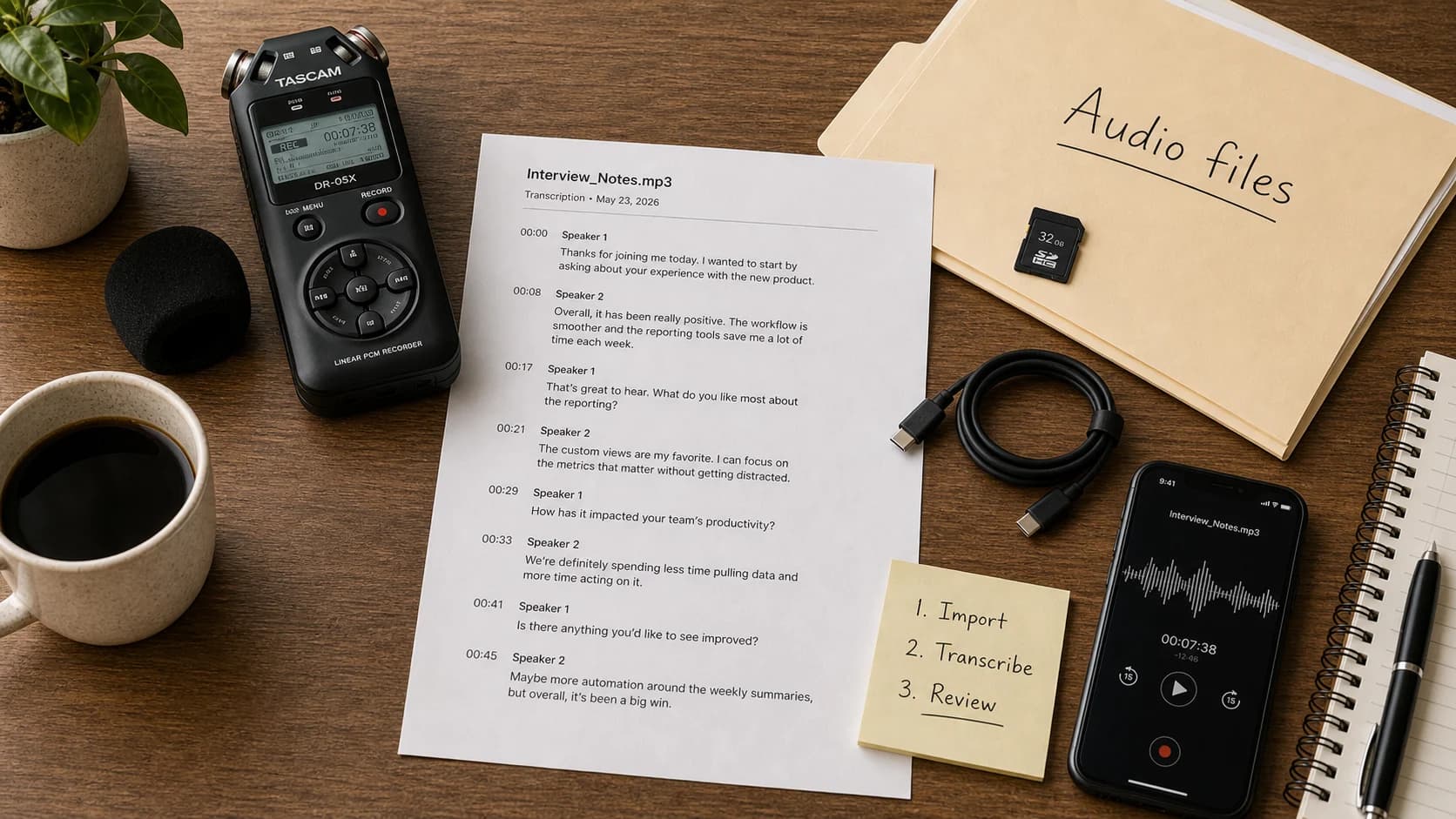
How to Convert Audio to Text on Mac
For a saved recording, choose a local Mac file app or cloud upload. Apple Notes is the built-in route when you record inside Notes on a supported Mac.
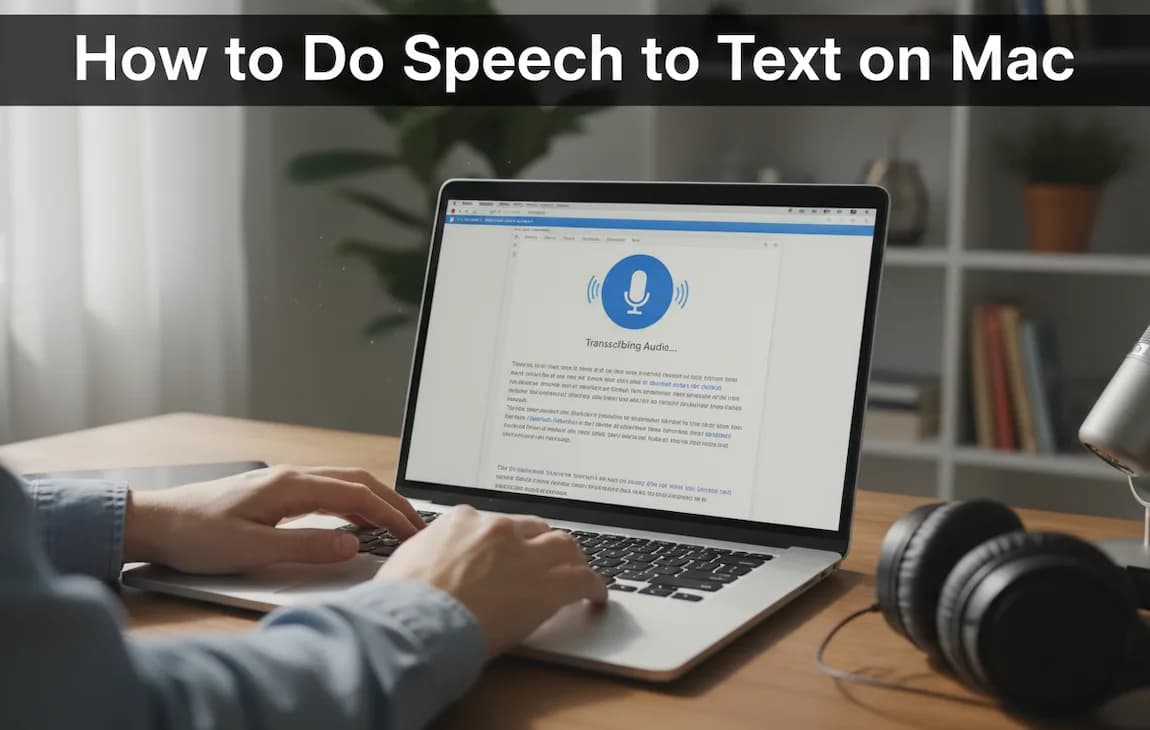
How to Do Speech to Text on Mac: Setup, Privacy, and Troubleshooting
A practical Mac speech-to-text guide: turn on Dictation, test in Notes, fix microphone or language problems, and decide when Apple Dictation is not enough.
Best Dictation Software for Mac: How to Choose
The best dictation software for Mac depends on whether you need quick built-in dictation, Mac-wide insertion, local processing, file transcription, or meeting transcripts.
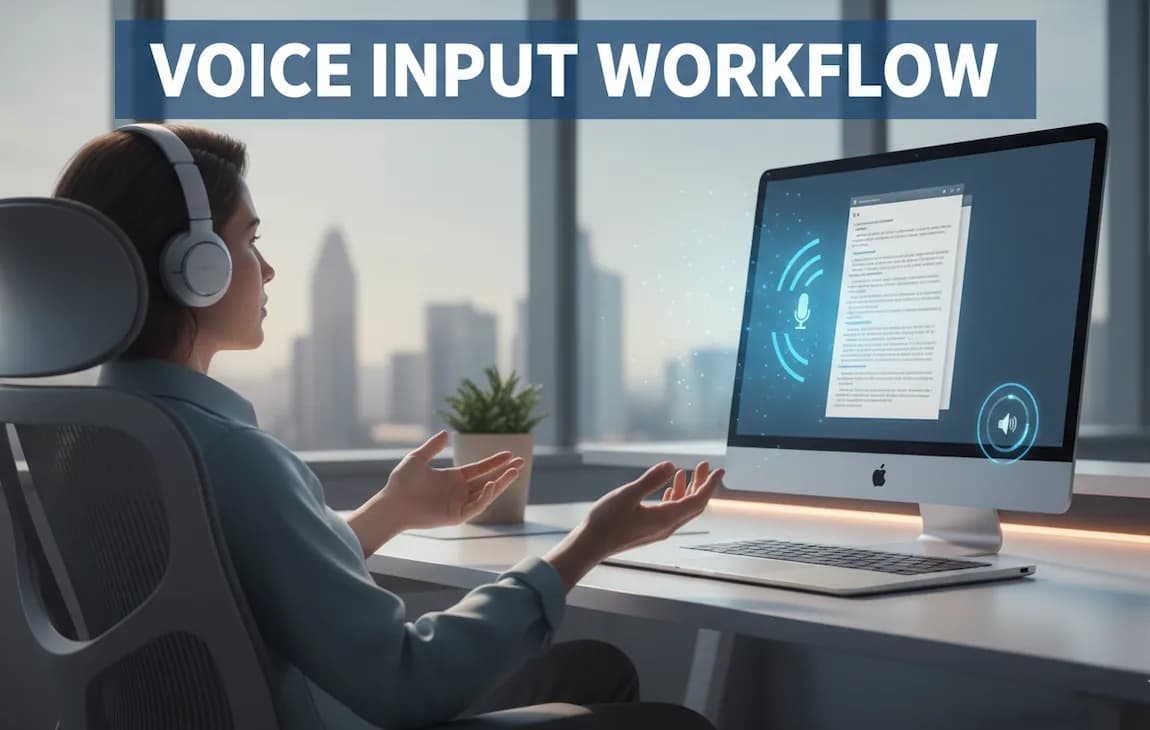
Voice Input Workflow: How to Write Faster Without Typing (Complete Guide)
A practical voice input setup separates rough capture from cleanup, with clear limits for code, names, numbers, and shared spaces.
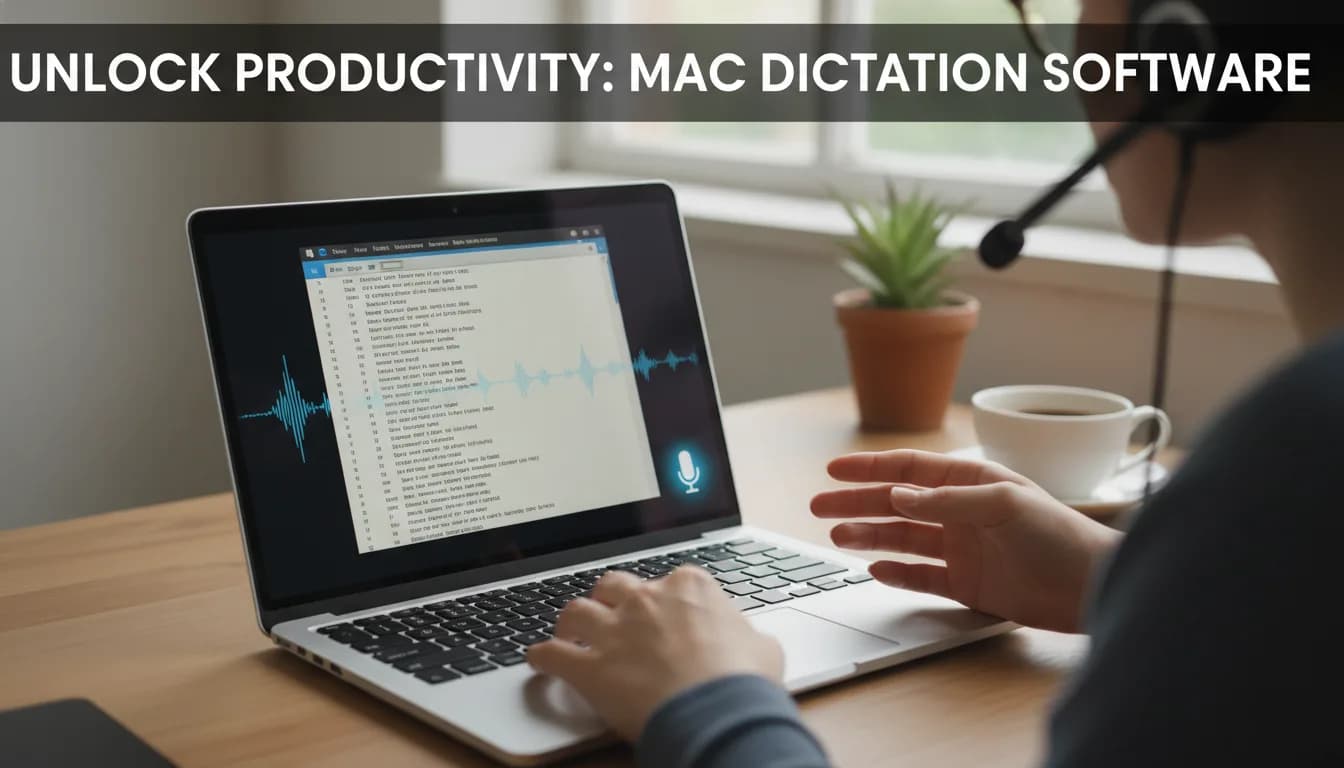
How Dictation Software Works on Mac (Complete Guide)
See the Mac dictation path from text field and microphone permission to recognition, insertion, correction, and common failure points.

Best Voice to Text App for Writers
Compare Paraspeech, Dragon, Google Docs Voice Typing, and Apple Dictation by writing type, platform, privacy boundary, and cleanup effort.
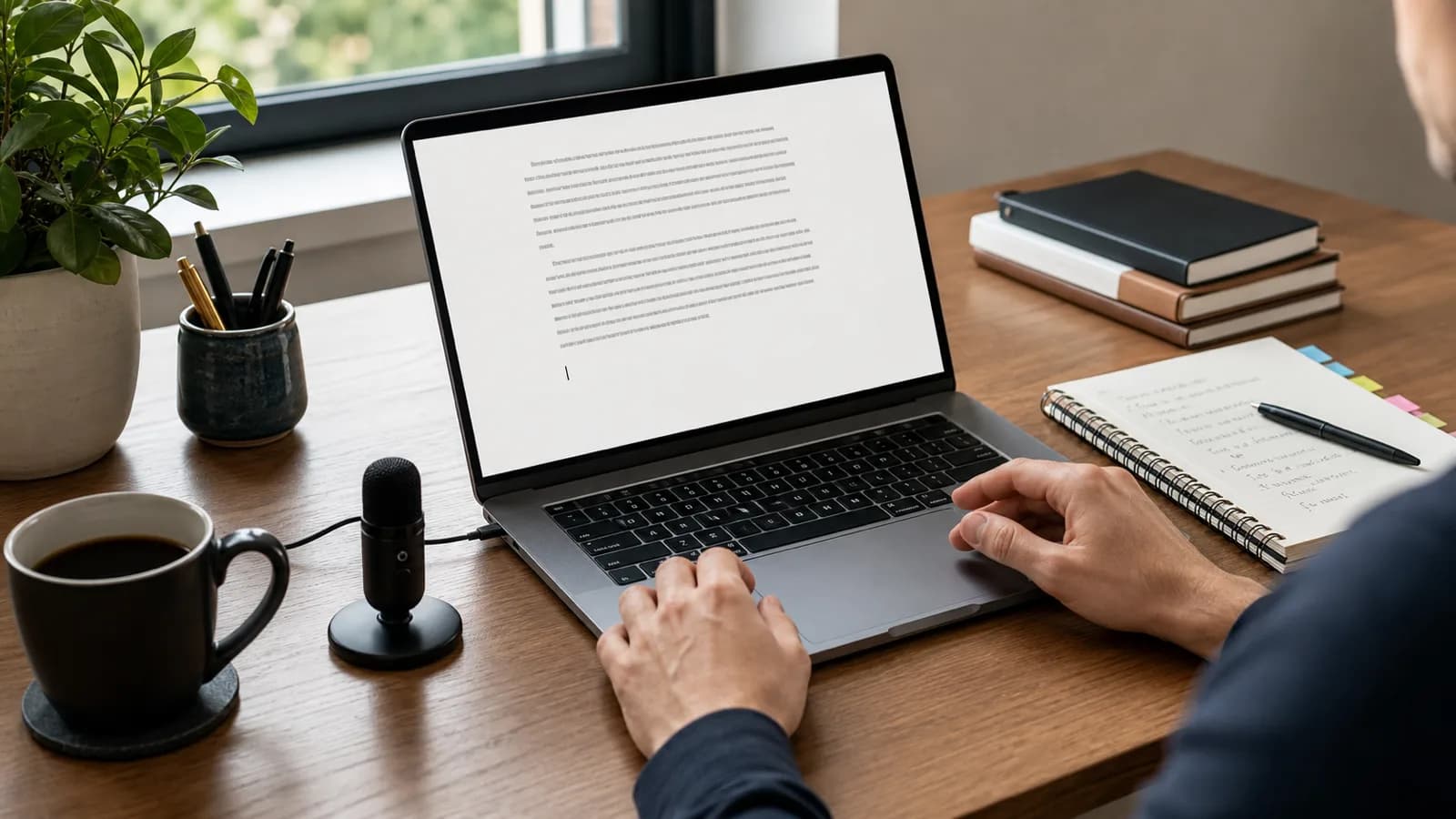
Best Dictation Software for Writers on Mac: What to Test
Choose Mac dictation by where the draft lands, how much you revise, and which speech and rewrite processing paths fit your work.
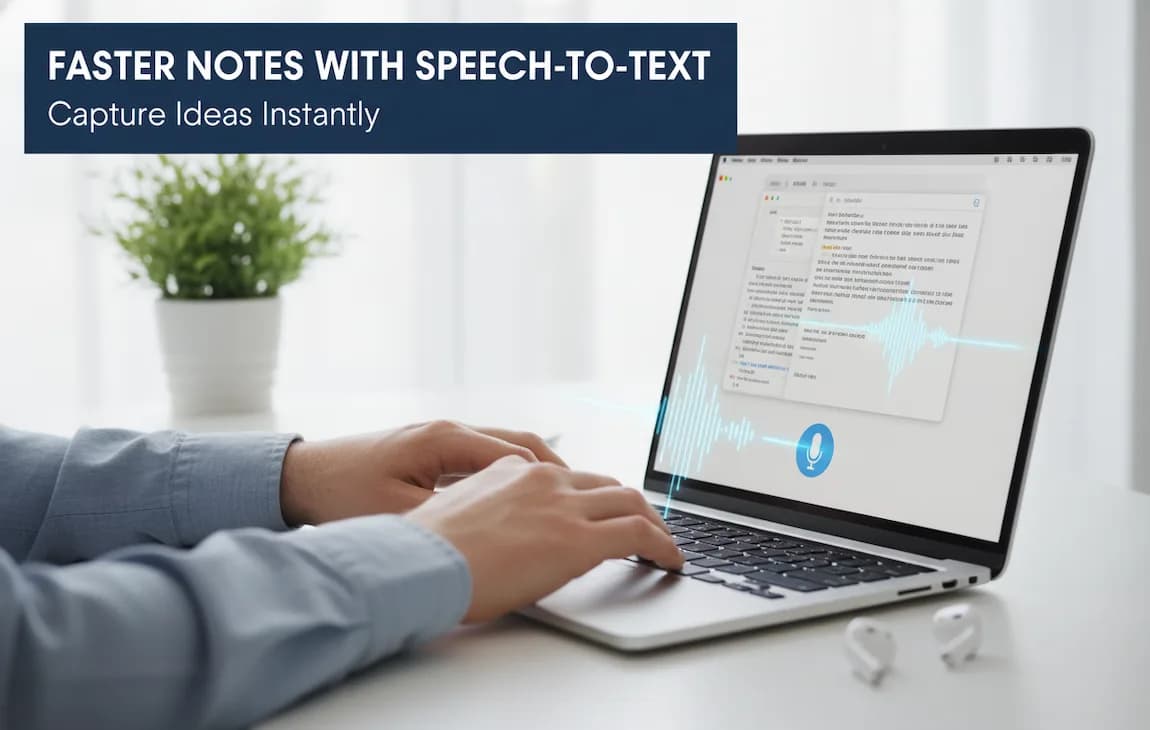
How to Take Notes Faster Without Missing a Thing
Taking notes faster isn’t about writing every word. Learn how structured note-taking methods, keyboard shortcuts, and transcription tools can help you capture key ideas quickly and stay focused during lectures and meetings.
