Paraspeech Blog

Write by voice, then edit

Speech-to-text guides, processing-path explainers, and Mac productivity stories from the team building Paraspeech.

1 articleRSS
All topicsProductivitySpeech-to-TextDictationTranscriptionMacFor WritersPrivacy & OfflineSubtitlesFile FormatsFor DevelopersAccessibilityApple PagesAudacityCaptionsDragonExcelFocus GroupsGoogle MeetGoogle SlidesImovieMarkdownMeeting SummaryMicrophonesMicrosoft WordNotionOnenoteOutlookScrivenerSlackSpeaker DiarizationTroubleshootingWebexWhatsappWhisperZoom
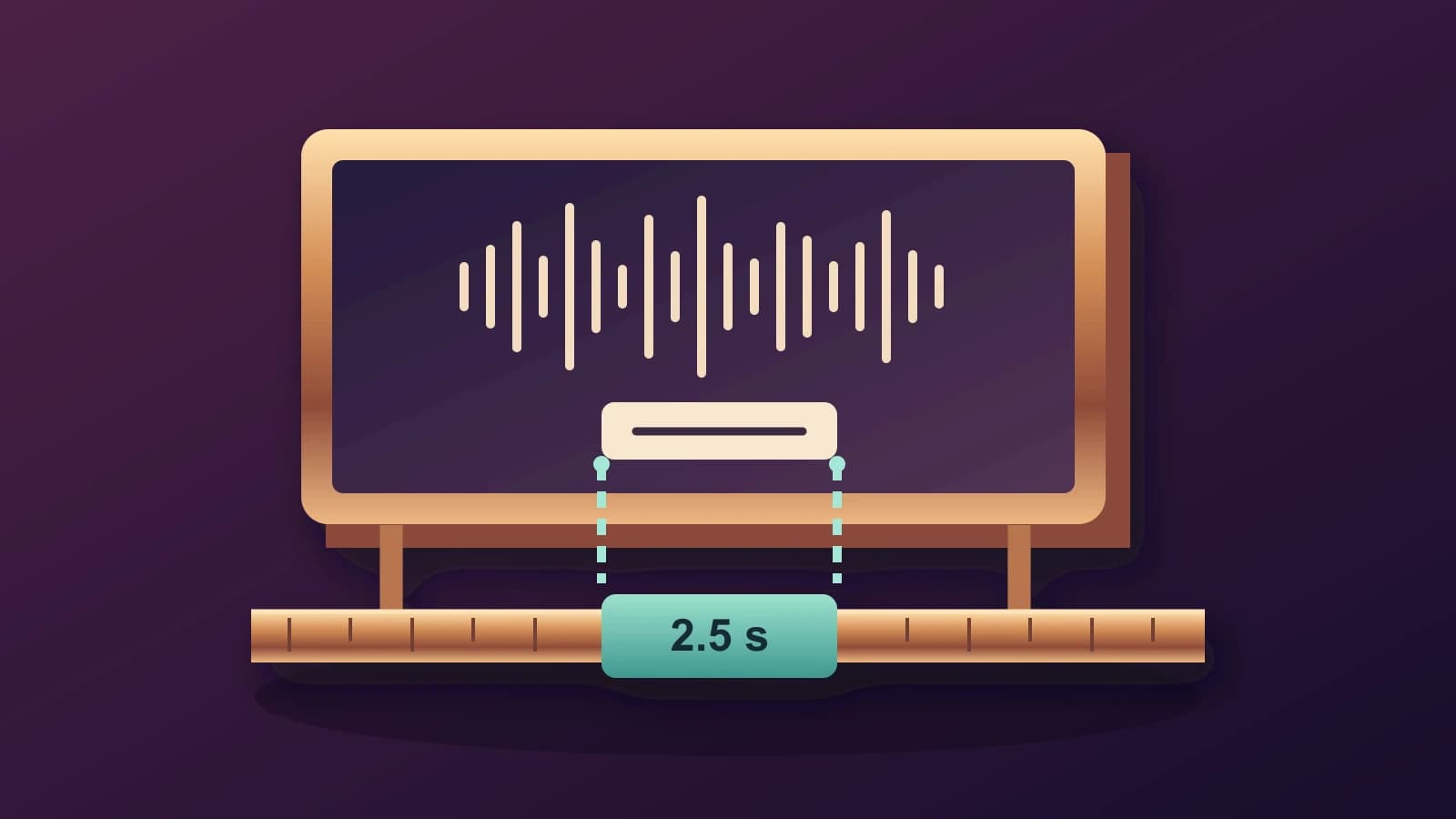
Original illustration of a video frame and a short subtitle tile on a timing rail marked 2.5 seconds
Featured
iMovieMacSubtitles

Add Subtitles in iMovie on Mac: Match Titles to the Spoken Interval

A manual iMovie subtitle workflow that separates corrected words, title placement and the interval when those words should appear.

October 19, 20266 min read
Free to try · Apple Silicon

Write by voice on your Mac

AI powered voice to text across your Mac, with supported local and cloud-backed modes.

BuyRead docsFollow updates

Footer

Paraspeech
Paraspeech

Voice typing for Mac. Offline or with the cloud.

Product

  • Download
  • iOS
  • Pricing
  • Teams
  • Changelog
  • Student Discount

Resources

  • Documentation
  • Blog
  • Compare apps
  • Paraspeech vs. Wispr Flow
  • Review Kit
  • Support
  • Feature Requests

Company

  • Legal Notice
  • Manage License
  • Affiliate Program

Legal

  • Terms of Service
  • Privacy Policy
  • EULA
  • Refund Policy

© 2026 Paraspeech. All rights reserved.

Deutschv1.7.3
  • Home
  • Pricing
  • Blog
  • Docs
  • Changelog
  • Support
Buy
Read docs