Write by voice, then edit
Speech-to-text guides, processing-path explainers, and Mac productivity stories from the team building Paraspeech.
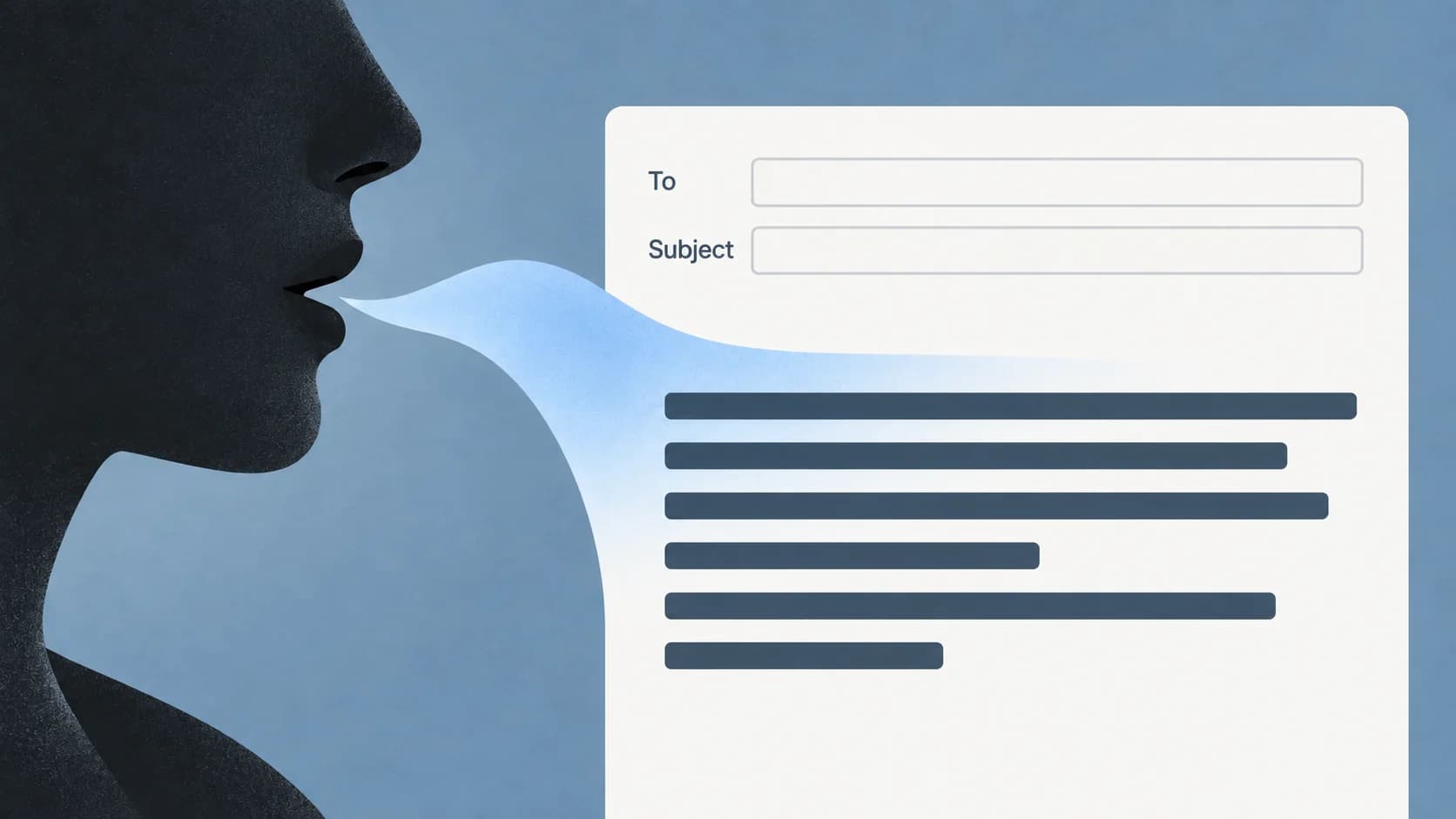
Dictation in Outlook: Find Dictate and Draft an Email by Voice
Choose the right Outlook surface, start in the message body, and separate a missing Dictate button from a microphone or recognition problem.
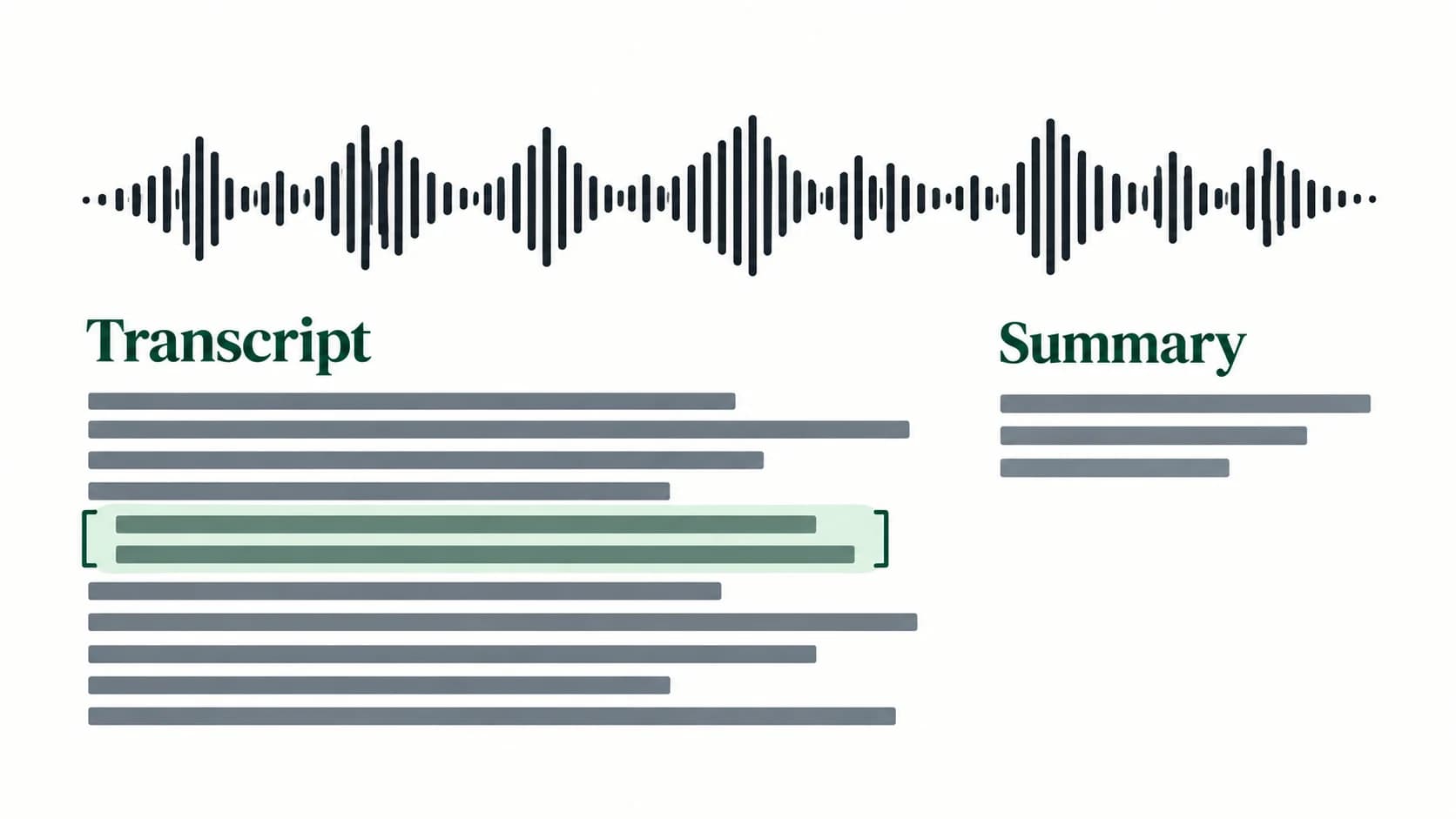
Apple Notes Transcription: Record, Find and Copy Your Words
Start with a recording made inside Notes. Find its transcript, replay uncertain words, and choose between adding text to the note and copying it elsewhere.
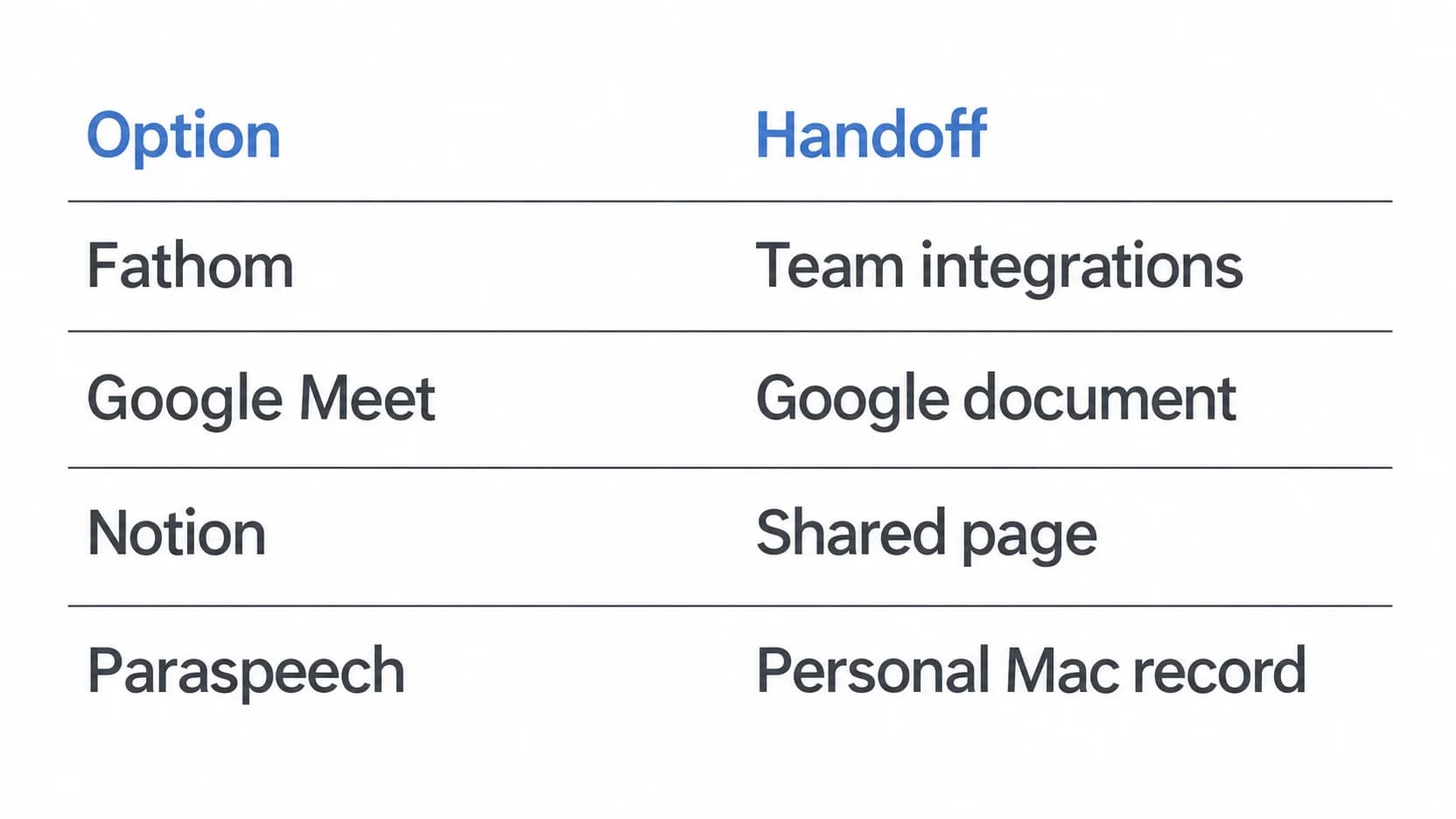
Fathom Alternatives: Choose Where Your Meeting Record Lives
A shared transcript, a workspace page and a personal meeting record solve different problems. Choose the handoff you need before replacing Fathom.
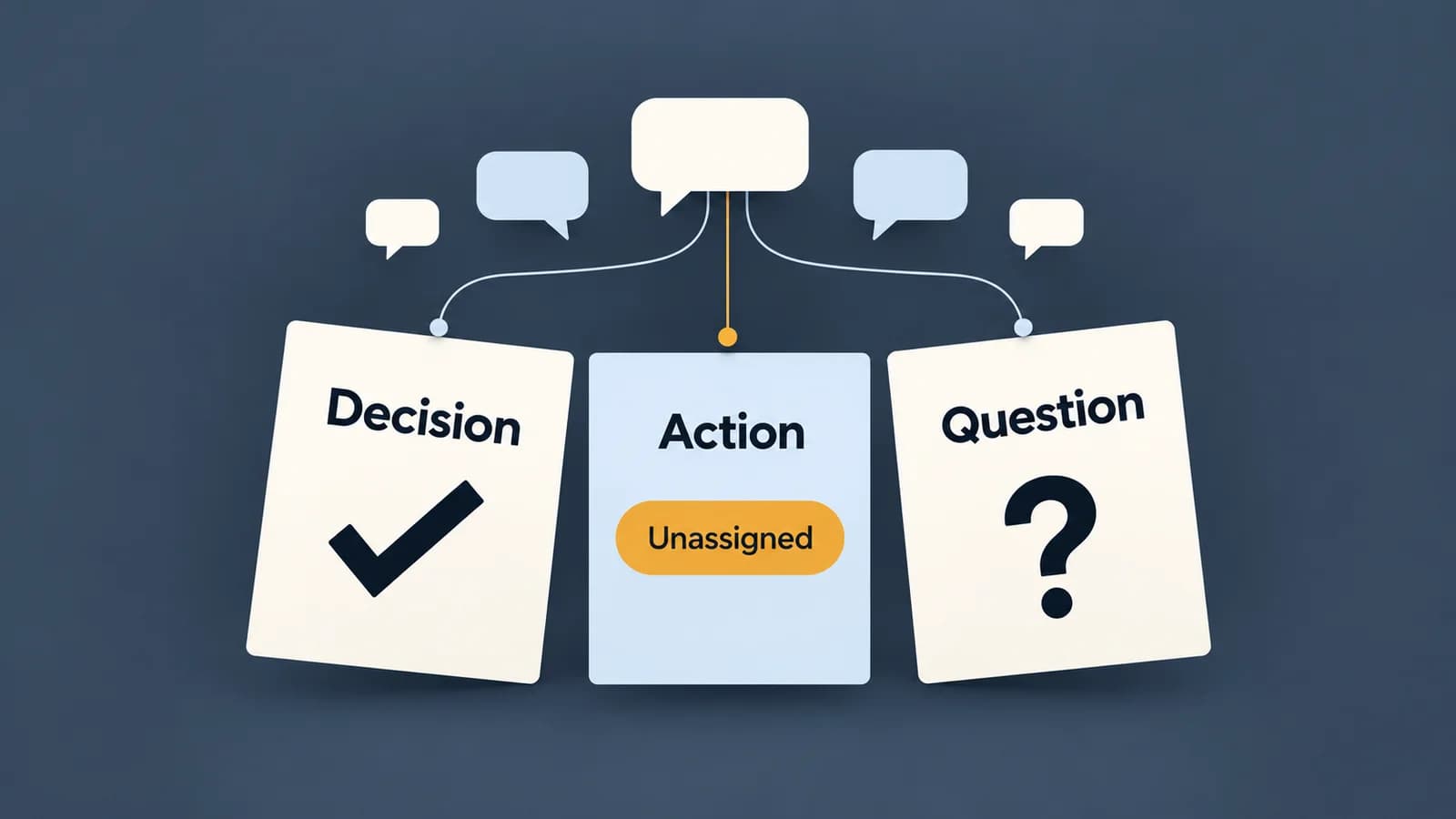
How to Write a Meeting Summary from Notes or a Transcript
A useful meeting summary preserves what was agreed and makes missing information visible. Follow a discussion through to a finished, evidence-checked recap.
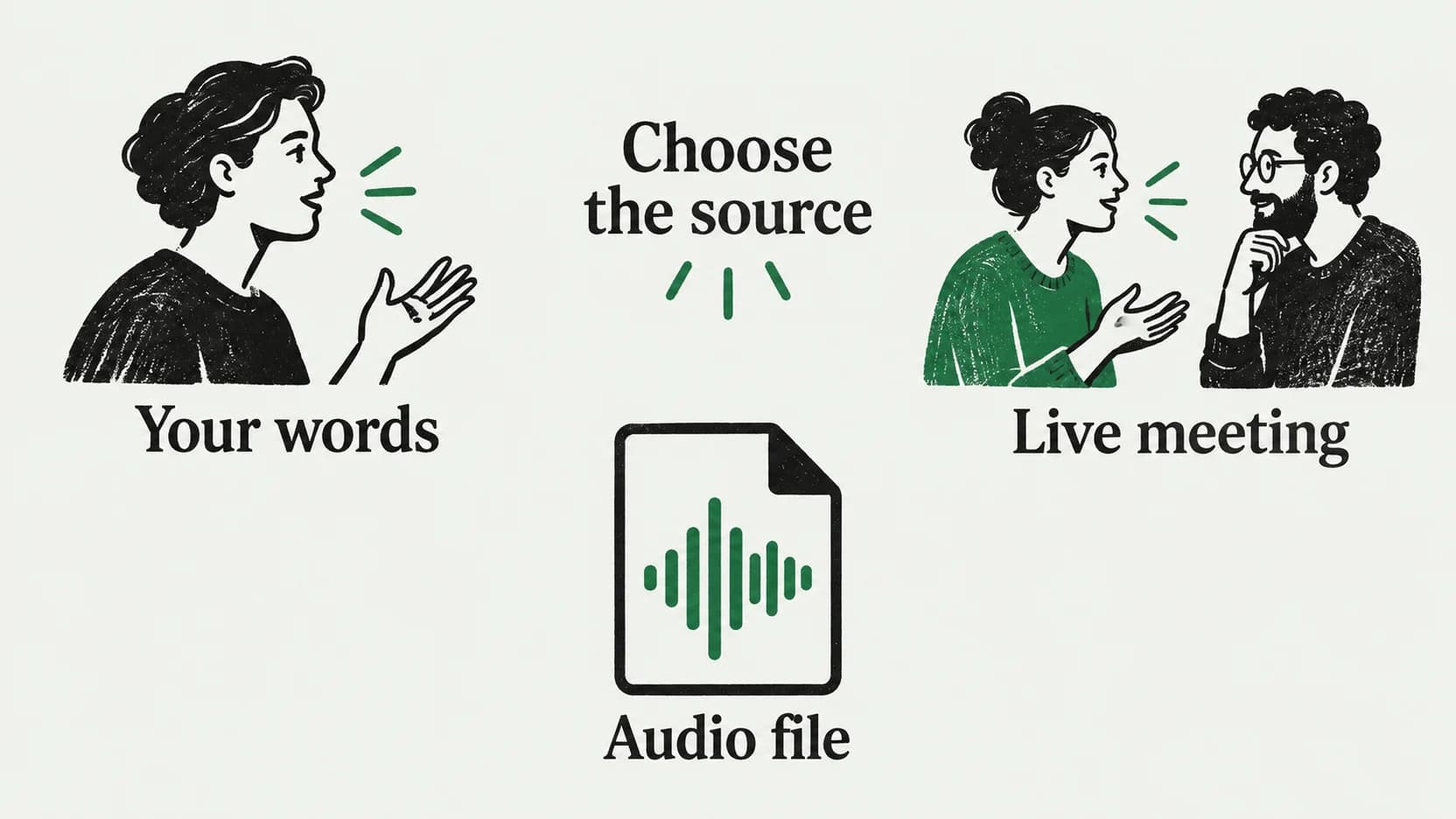
Notion Speech to Text: Dictate a Page or Transcribe a Meeting
A paragraph, a live conversation, and an existing recording need different routes into Notion. Choose the right one before you start speaking.

How to Transcribe a Lecture and Check What the Audio Misses
A lecture transcript records speech. Learn how to add clearly marked visual context, resolve uncertain terms and keep study notes separate.

Dictation in OneNote: Setup and Missing-Button Fixes
Find the right OneNote Dictate route, then diagnose the button, microphone, or connection condition that is stopping your notes.

Dictation for Emails on Mac: Gmail Setup and Draft Review
Start dictation in Gmail's message body, then edit the reply without changing its meaning. A Mac setup guide with a worked email example.
Apple Dictation Alternative for Mac: Built-In vs Dedicated Workflow
Start by testing Apple Dictation with your full writing task. Compare Paraspeech if you want vocabulary, replacements, templates, or separate speech and rewrite controls.
Write by voice on your Mac
AI powered voice to text across your Mac, with supported local and cloud-backed modes.