Write by voice, then edit
Speech-to-text guides, processing-path explainers, and Mac productivity stories from the team building Paraspeech.
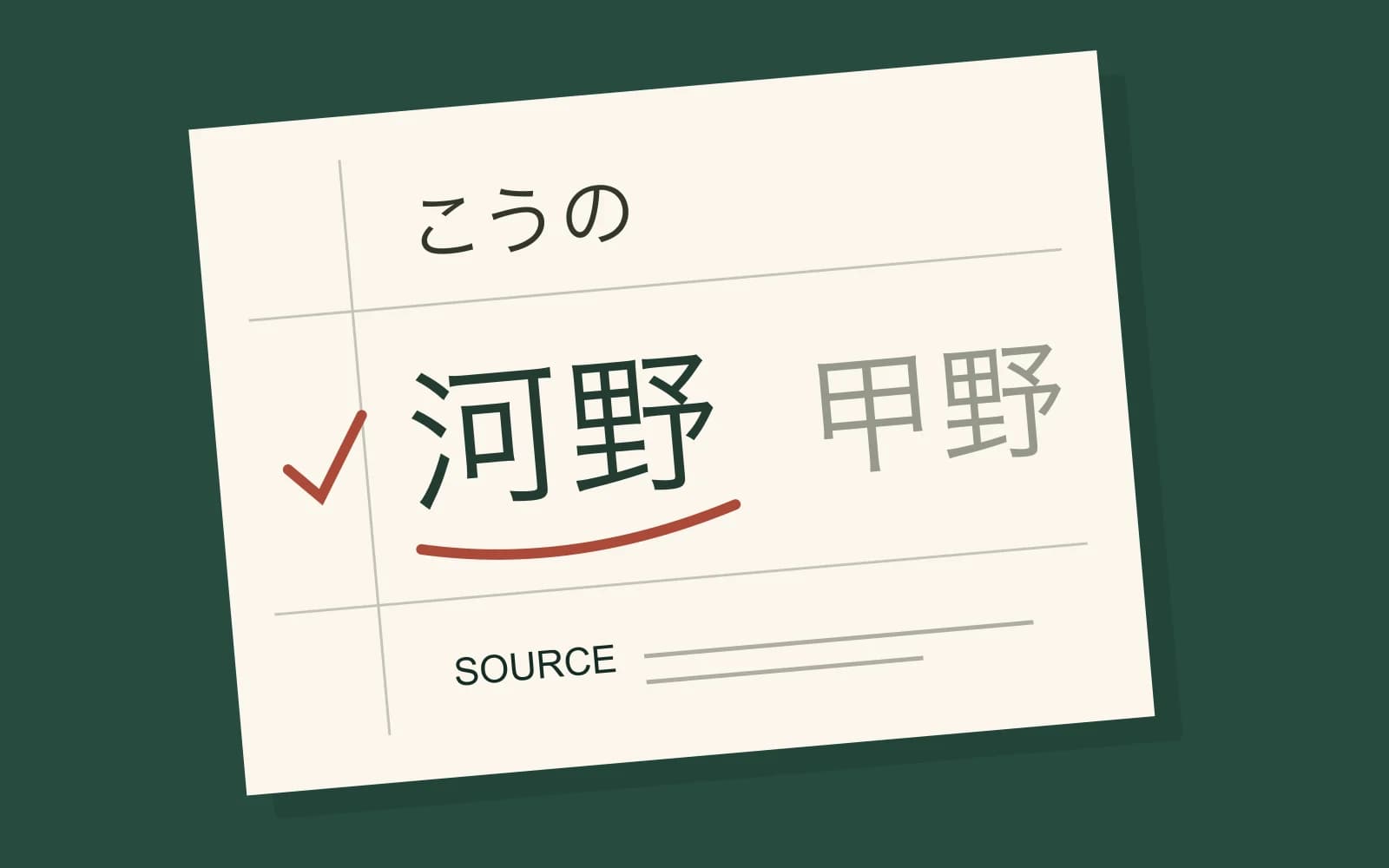
Japanese Speech to Text on Mac: Verify Names and Preserve Quotes
A plausible kanji spelling is still a guess. Keep the recording, check names against supplied written context and separate corrected quotes from summaries.
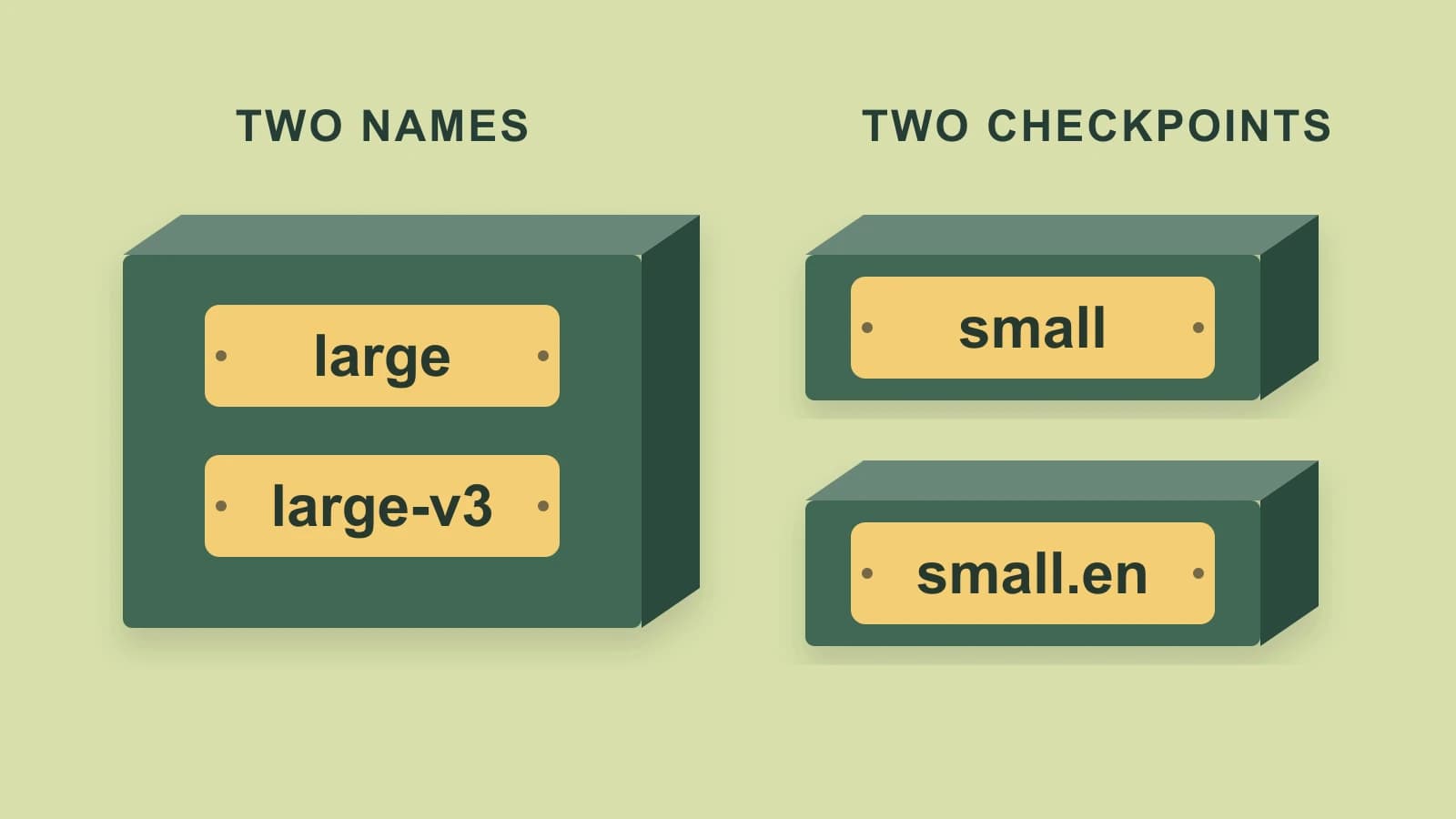
Whisper Models Comparison: Sizes, .en Variants and Aliases
A model size, an English-only variant and an alias describe different things. Compare the actual checkpoints before choosing your Whisper setup.

Transcribe a YouTube Video: Choose the Audio Behind the Words
One video can have original speech, a dub and caption text. Choose the words you need before making a new transcript.
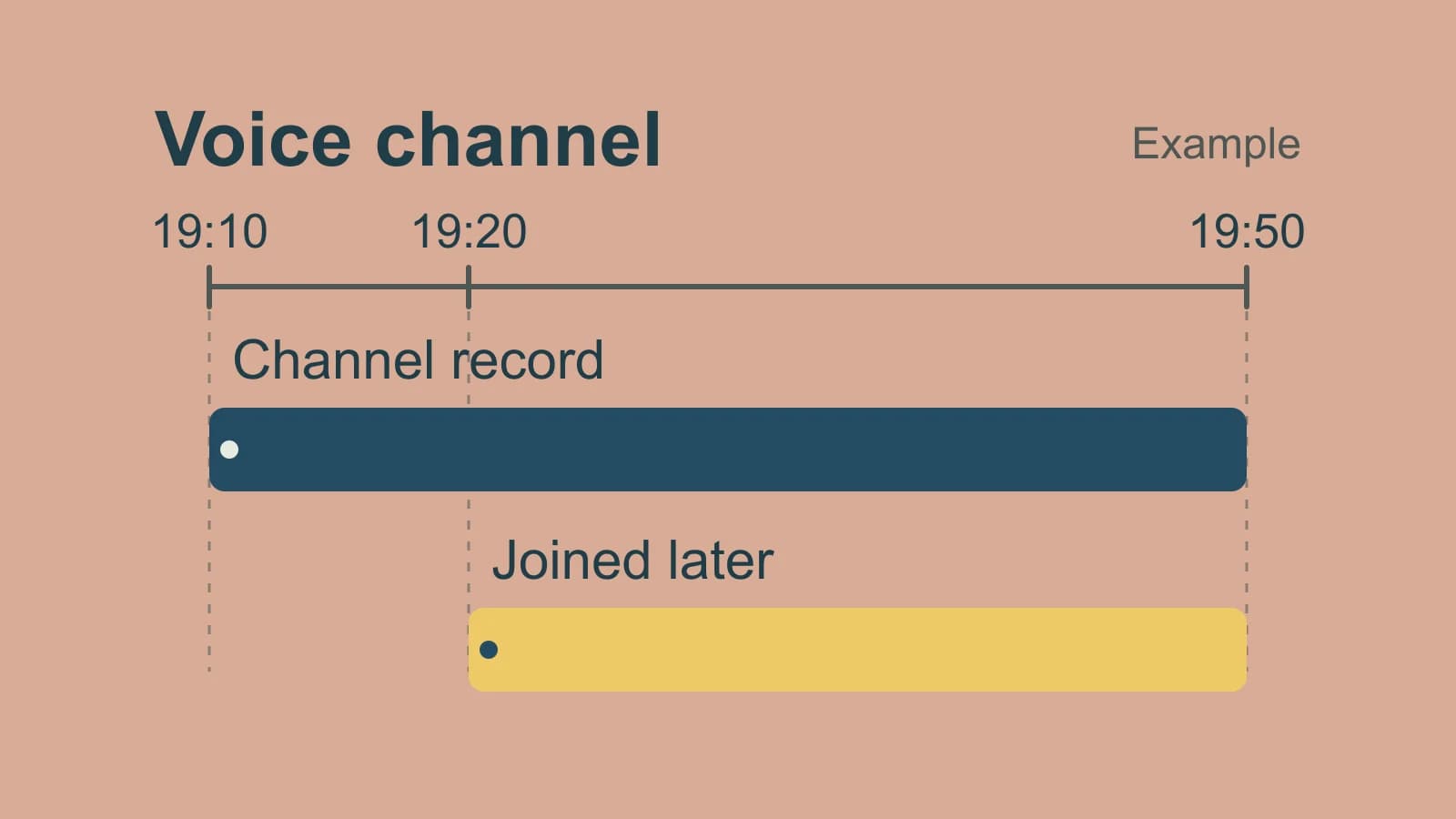
Discord Transcription: Voice Channels, Bots and Saved Copies
A channel recording, a posted Voice Message and a participant's saved copy cover different audio. Choose the source and text output you need.

Multilingual Transcription on Mac: Choose for Your Actual Recordings
French in one file and German in another pose a different task from a conversation that changes language. Choose and check your transcription route accordingly.

Batch Transcription on Mac: Account for Every File and Output
A batch is complete when every intended recording has its required, reviewed output. Here is how to keep missing files and unfinished exports visible.
Translate Audio to Text on Mac: Check the Source Before Changing Languages
A practical recording-to-translation workflow that keeps the source words, target language and review decisions separate.
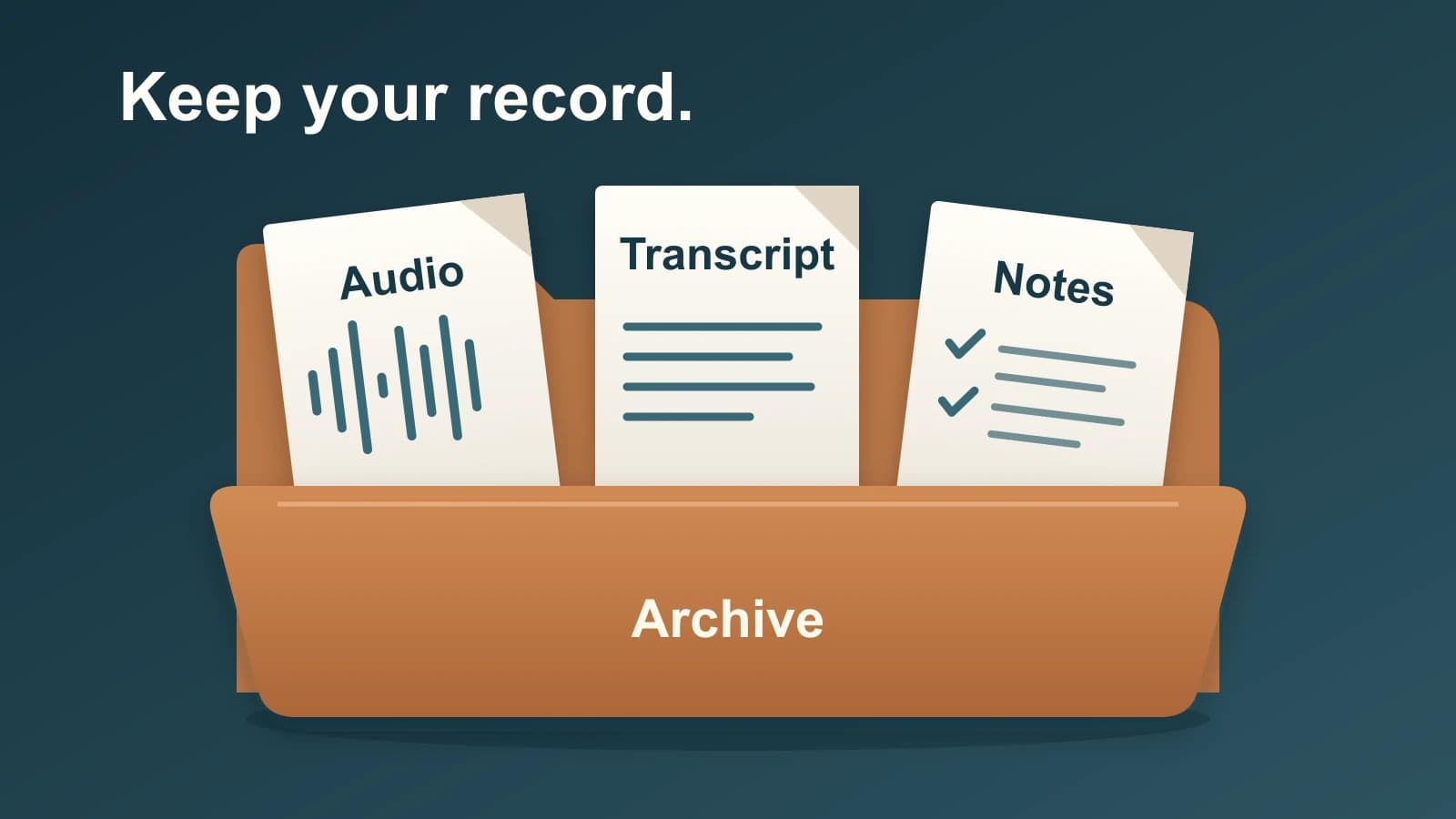
Otter AI Alternative: Preserve Your Archive Before You Switch
A fresh transcript cannot recreate every correction, summary or comment in your Otter archive. Save those records separately, then choose the replacement for the work you need.
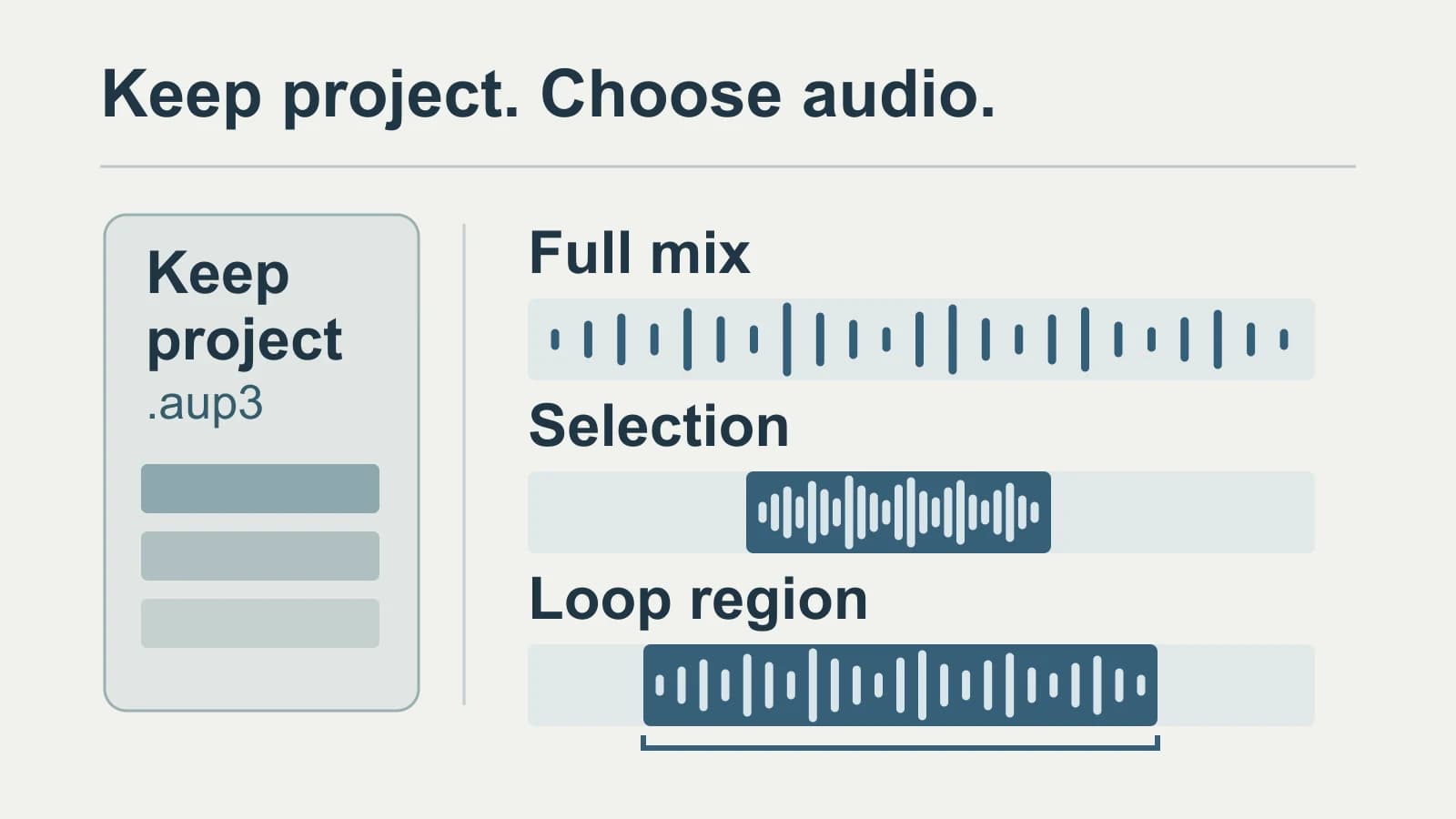
Audacity Transcription: Choose the Audio, Keep the Project
Keep the editable project, export the speech you need, and preserve the matching audio and time origin with the transcript.
Write by voice on your Mac
AI powered voice to text across your Mac, with supported local and cloud-backed modes.