Paraspeech Blog

Write by voice, then edit

Speech-to-text guides, processing-path explainers, and Mac productivity stories from the team building Paraspeech.

1 articleRSS
All topicsDictationSpeech-to-TextProductivityTranscriptionMacFor WritersPrivacy & OfflineFor DevelopersSubtitlesWispr FlowFile FormatsWhisperAccessibilityApple PagesAudacityCaptionsChromeClaude CodeDiscordDragonExcelFinal Cut ProFocus GroupsGoogle MeetGoogle SheetsGoogle SlidesImovieIphoneJapaneseKeyboardsManuscriptMarkdownMeeting CaptureMeeting SummaryMeeting TranslationMicrophonesMicrosoft CopilotMicrosoft WordModel SelectionNotionOnenoteOutlookPowerpointRaycastScreen RecordingScrivenerSlackSpeaker DiarizationTranslationTroubleshootingVs CodeWebexWhatsappYoutubeZoom
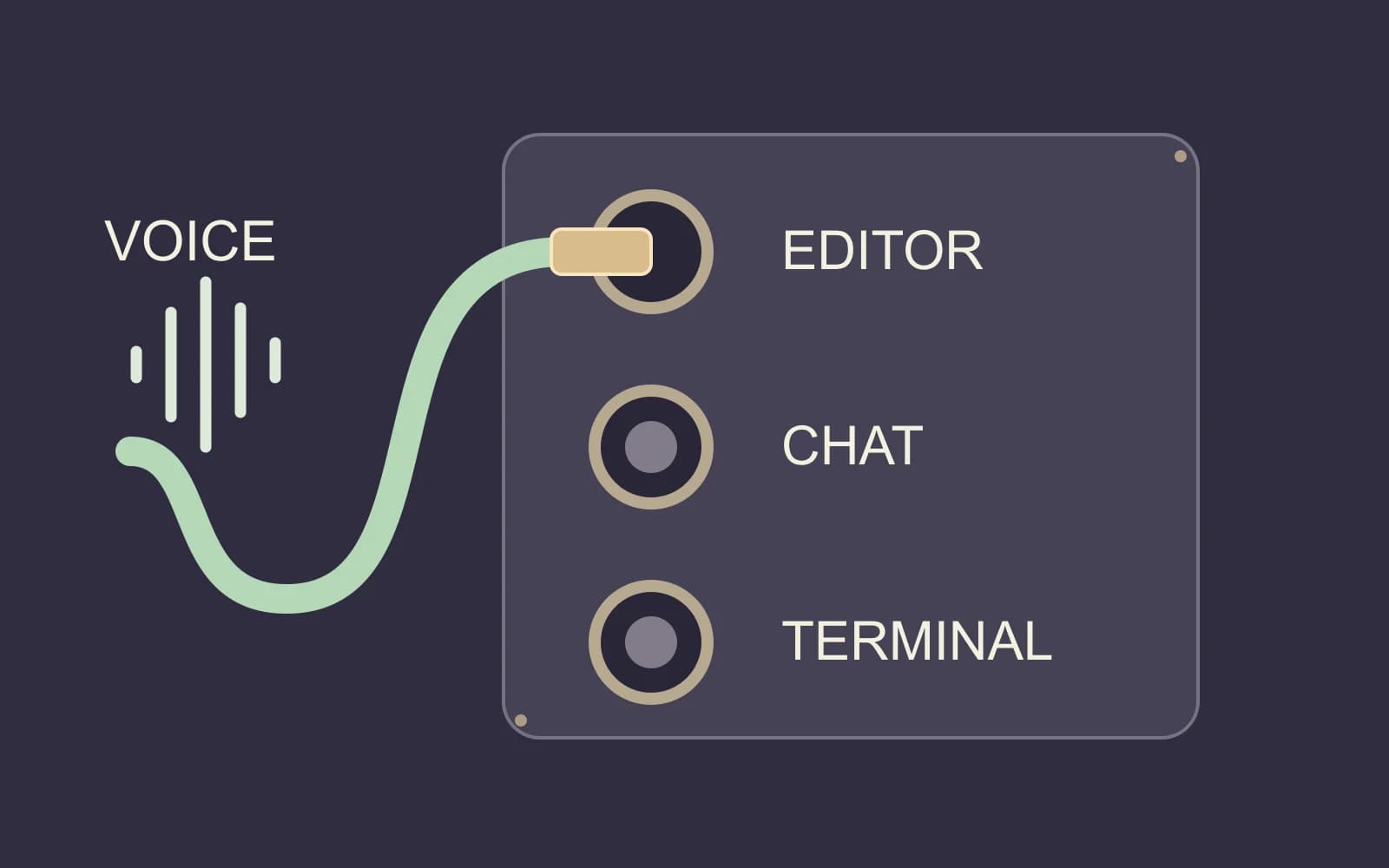
Original voice-routing illustration with one cable connected to Editor and separate Chat and Terminal sockets
Featured
vs codedictationdevelopers

VS Code Dictation: Choose the Editor, Chat or Terminal

Dictated prose belongs at the intended cursor. Here is the native control map and a worked bug-report prompt you can keep editable before sending.

November 22, 20265 min read
Free to try · Apple Silicon

Write by voice on your Mac

AI powered voice to text across your Mac, with supported local and cloud-backed modes.

BuyRead docsFollow updates

Footer

Paraspeech
Paraspeech

Voice typing for Mac. Offline or with the cloud.

Product

  • Download
  • iOS
  • Pricing
  • Teams
  • Changelog
  • Student Discount

Resources

  • Guides in your language
  • Documentation
  • Blog
  • Compare apps
  • Paraspeech vs. Wispr Flow
  • Review Kit
  • Support
  • Feature Requests

Company

  • Legal Notice
  • Manage License
  • Affiliate Program

Legal

  • Terms of Service
  • Privacy Policy
  • EULA
  • Refund Policy

© 2026 Paraspeech. All rights reserved.

Deutschv1.7.3
  • Home
  • Pricing
  • Blog
  • Docs
  • Changelog
  • Support
Download
Buy
Read docs