Paraspeech Blog

Write by voice, then edit

Speech-to-text guides, processing-path explainers, and Mac productivity stories from the team building Paraspeech.

1 articleRSS
All topicsProductivityDictationSpeech-to-TextTranscriptionFor WritersMacPrivacy & OfflineFile FormatsFor DevelopersSubtitlesAccessibilityApple PagesAudacityCaptionsDragonExcelFocus GroupsGoogle MeetGoogle SlidesMarkdownMeeting SummaryMicrosoft WordNotionOnenoteOutlookScrivenerSlackSpeaker DiarizationTroubleshootingWebexWhatsappWhisperZoom
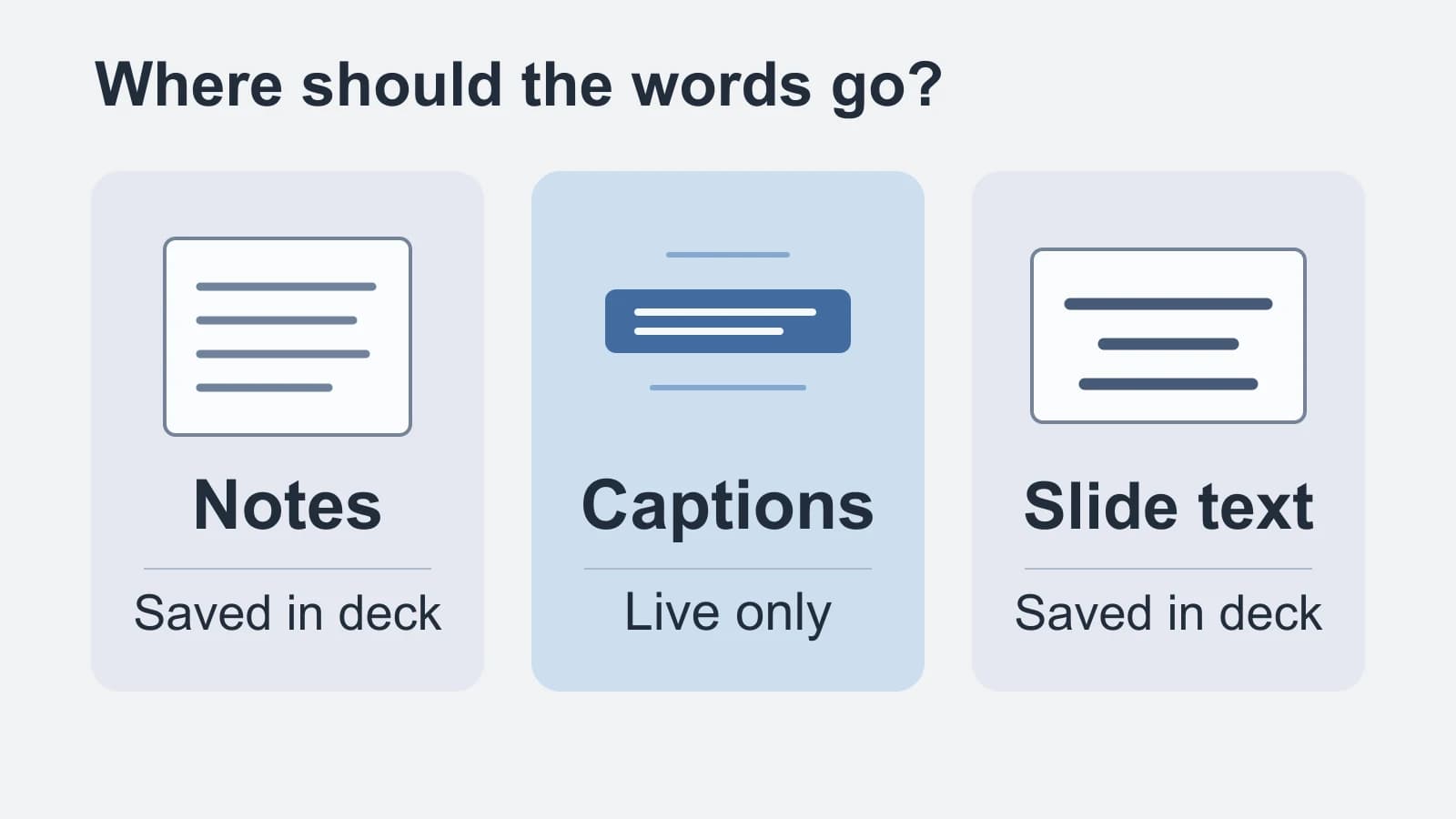
Original diagram showing notes and slide text saved in the deck, with live captions between them
Featured
Google SlidesSpeech-to-textCaptions

Speech to Text in Google Slides: Notes, Captions or Slide Text?

Match your spoken words to presenter notes, live audience captions or saved slide text before turning on the microphone.

October 13, 20266 min read
Free to try · Apple Silicon

Write by voice on your Mac

AI powered voice to text across your Mac, with supported local and cloud-backed modes.

BuyRead docsFollow updates

Footer

Paraspeech
Paraspeech

Voice typing for Mac. Offline or with the cloud.

Product

  • Download
  • iOS
  • Pricing
  • Teams
  • Changelog
  • Student Discount

Resources

  • Documentation
  • Blog
  • Compare apps
  • Paraspeech vs. Wispr Flow
  • Review Kit
  • Support
  • Feature Requests

Company

  • Legal Notice
  • Manage License
  • Affiliate Program

Legal

  • Terms of Service
  • Privacy Policy
  • EULA
  • Refund Policy

© 2026 Paraspeech. All rights reserved.

Deutschv1.7.3
  • Home
  • Pricing
  • Blog
  • Docs
  • Changelog
  • Support
Buy
Read docs