Write by voice, then edit
Speech-to-text guides, processing-path explainers, and Mac productivity stories from the team building Paraspeech.
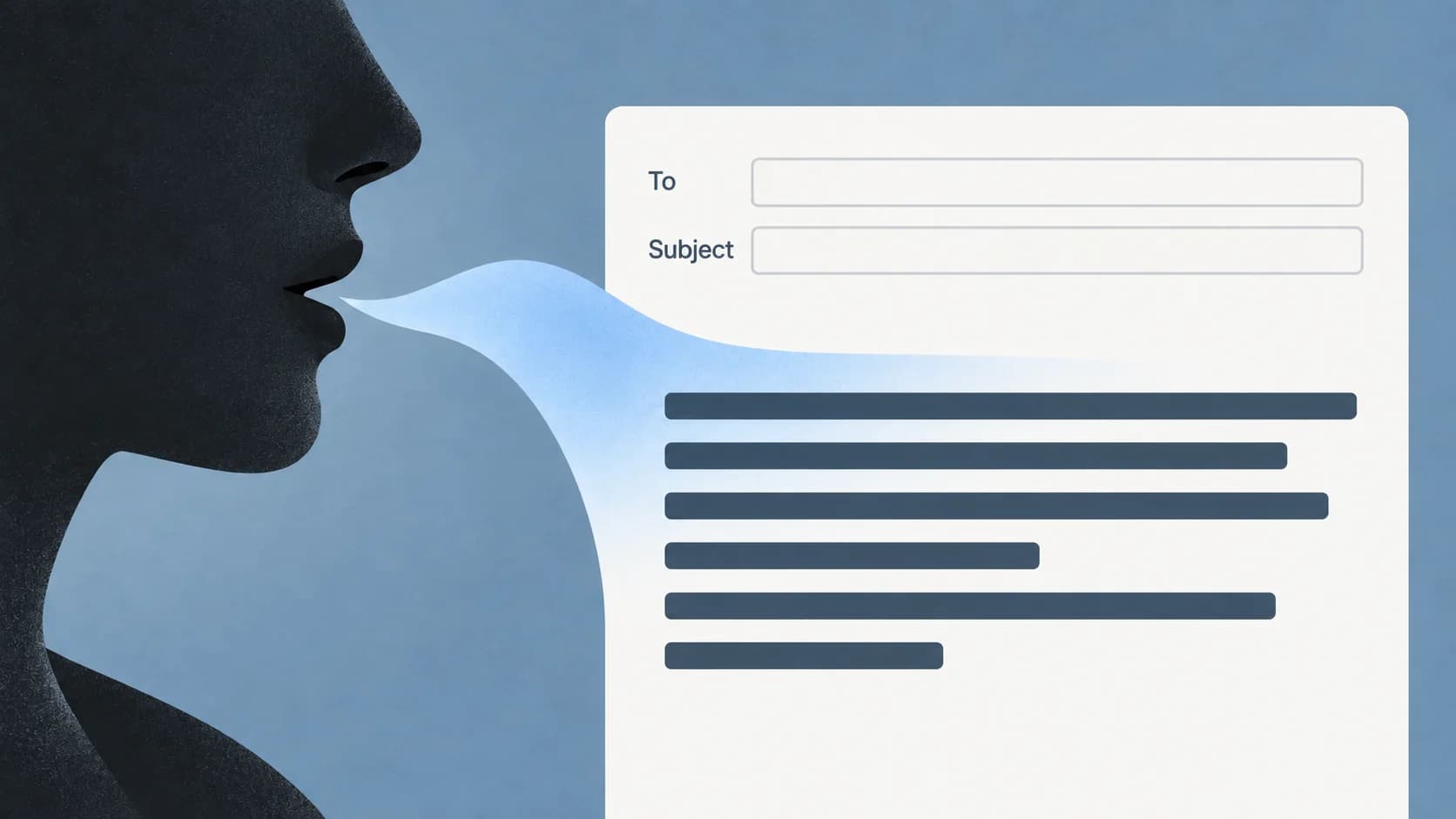
Dictation in Outlook: Find Dictate and Draft an Email by Voice
Choose the right Outlook surface, start in the message body, and separate a missing Dictate button from a microphone or recognition problem.
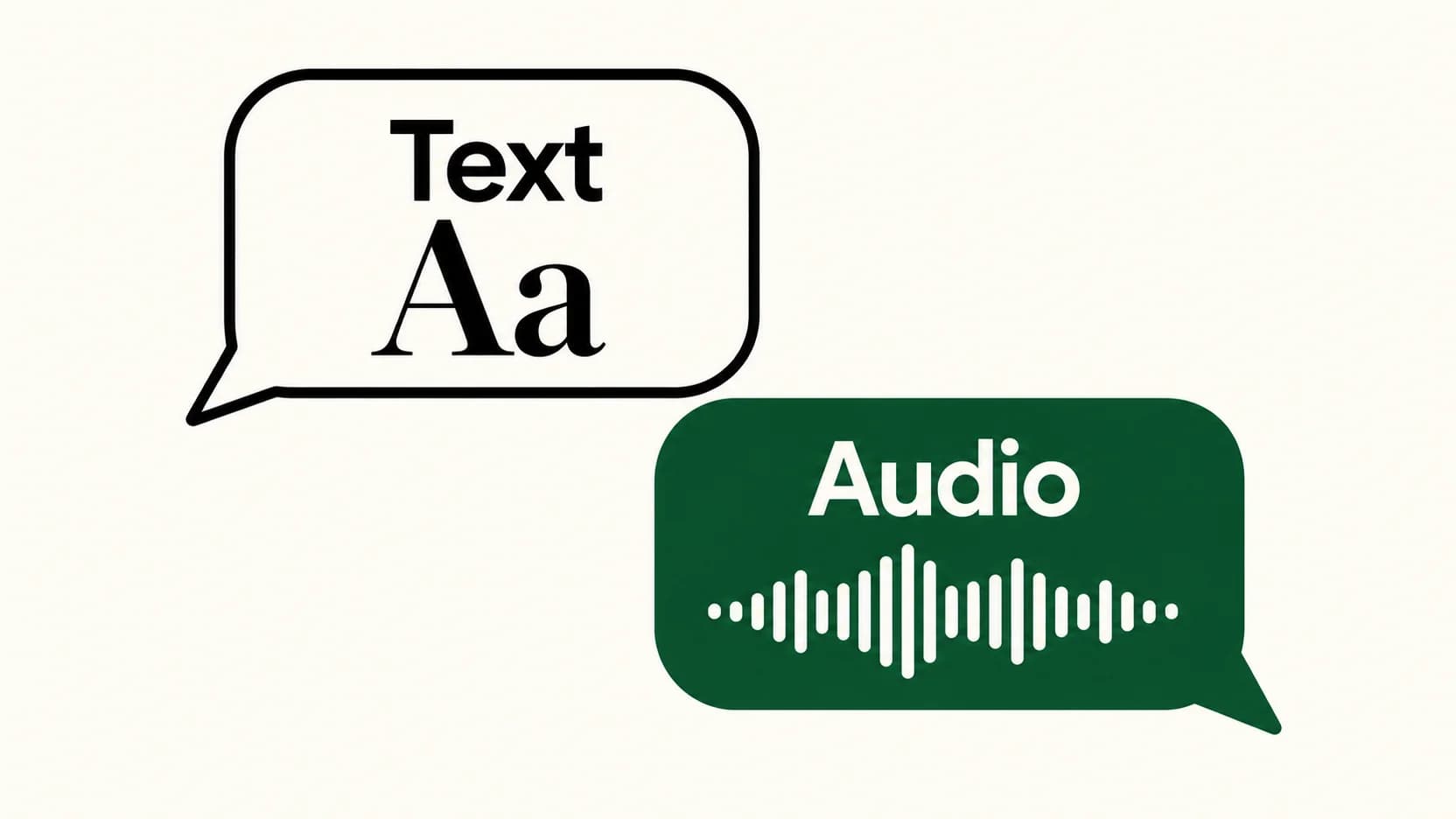
Voice Typing in WhatsApp: Send Text Instead of a Voice Message
The keyboard microphone writes a message. WhatsApp's recording control captures audio. Here's how to choose the right one and check your words before sending.
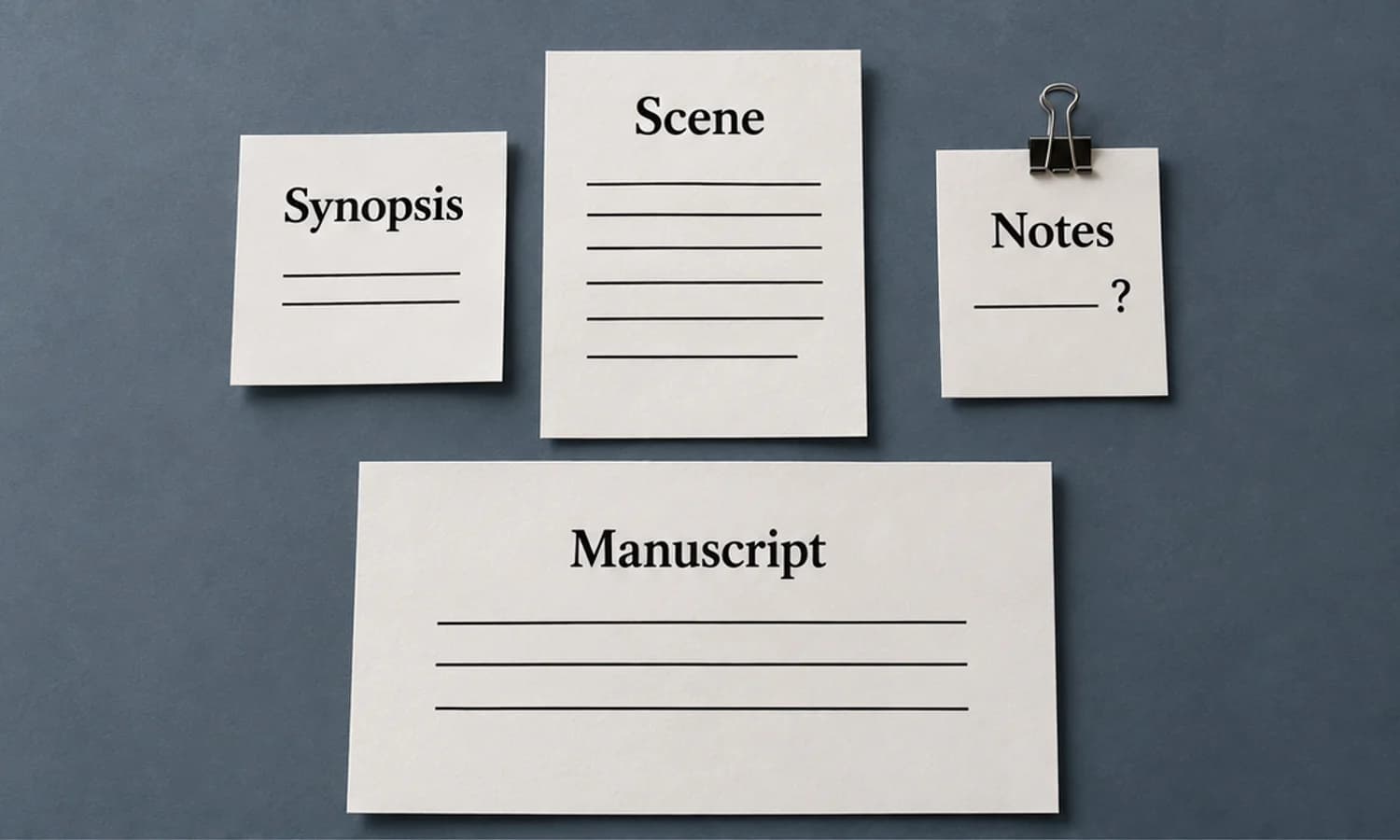
Scrivener Dictation on Mac: Keep Scene Prose and Notes Separate
Dictate one scene into three deliberate destinations, then inspect a compiled sample before treating it as your manuscript.
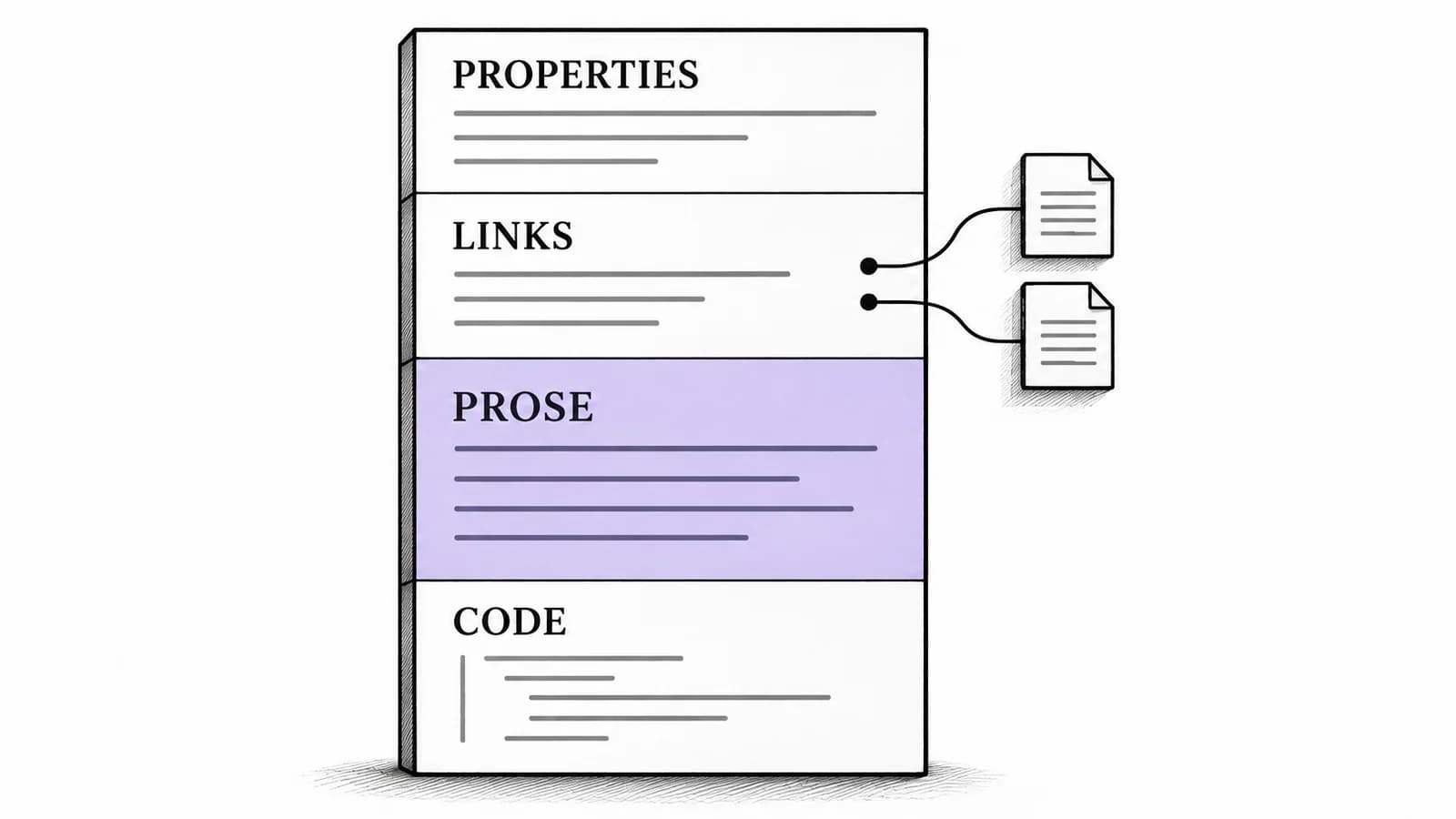
Obsidian Voice to Text on Mac: Add Prose to Linked Notes
A source-backed Mac workflow for adding spoken prose to an existing Obsidian note, with a structured Markdown example and a separate path for audio recordings.

Dictation vs Transcription: Choose the Right Workflow
The useful distinction is what the text must represent: your intended message or the speech you need to preserve.

Typeless Alternative: When a Local Mac Workflow Fits
Decide whether to keep Typeless across your devices or test a supported local Mac workflow, with a clear distinction between processing and storage.

Dictation in OneNote: Setup and Missing-Button Fixes
Find the right OneNote Dictate route, then diagnose the button, microphone, or connection condition that is stopping your notes.

Dictation in Excel on Mac: Enter Text in a Cell
The useful starting point for Excel dictation is an editable text insertion point. Learn where to put it, what to dictate, and when to use the keyboard.
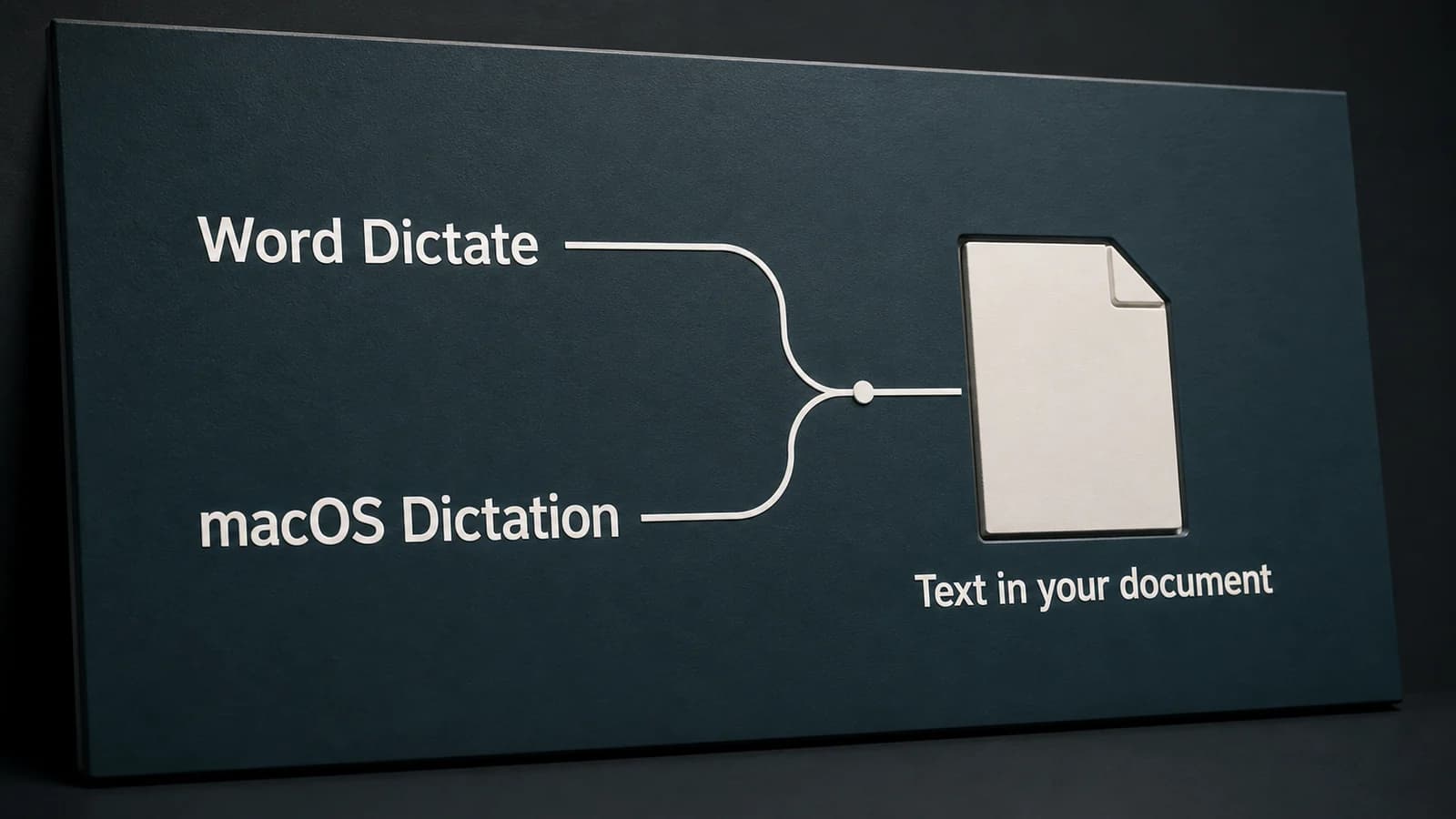
Dictation in Word on Mac: Word Dictate or Apple Dictation?
Word's Dictate button and Apple's Dictation are separate ways to speak into a document. Choose the right route, then diagnose the account, microphone, or editing problem.
Write by voice on your Mac
AI powered voice to text across your Mac, with supported local and cloud-backed modes.