Page 5
Write by voice, then edit
Speech-to-text guides, processing-path explainers, and Mac productivity stories from the team building Paraspeech.
40 articlesRSS
All topicsDictationSpeech-to-TextProductivityTranscriptionMacFor WritersPrivacy & OfflineFor DevelopersSubtitlesWispr FlowFile FormatsWhisperAccessibilityApple PagesAudacityCaptionsChromeClaude CodeDiscordDragonExcelFinal Cut ProFocus GroupsGoogle MeetGoogle SheetsGoogle SlidesImovieIphoneJapaneseKeyboardsManuscriptMarkdownMeeting CaptureMeeting SummaryMeeting TranslationMicrophonesMicrosoft CopilotMicrosoft WordModel SelectionNotionOnenoteOutlookPowerpointRaycastScreen RecordingScrivenerSlackSpeaker DiarizationTranslationTroubleshootingVs CodeWebexWhatsappYoutubeZoom

Featured
voice to text app for writersvoice to text for writersdictation software for writers
Best Voice to Text App for Writers
Compare Paraspeech, Dragon, Google Docs Voice Typing, and Apple Dictation by writing type, platform, privacy boundary, and cleanup effort.
4 min read
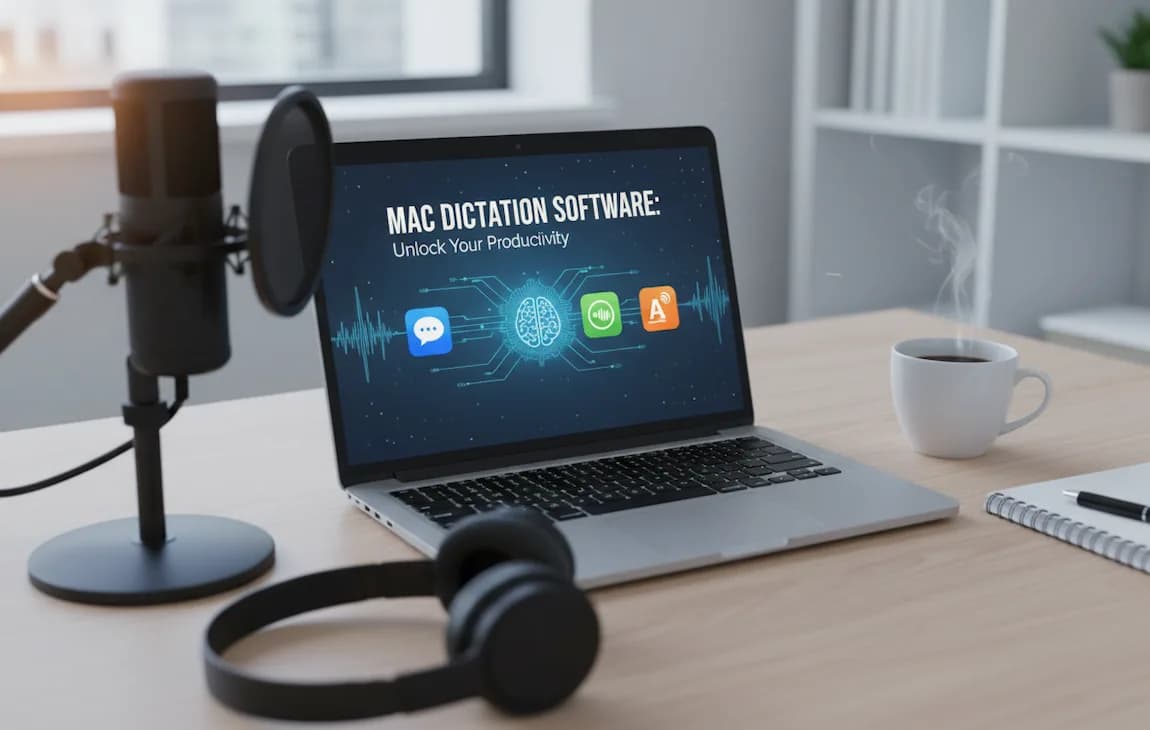
mac dictation softwarechoose Mac dictation software
Mac Dictation Software: How to Choose the Right Tool
Use this Mac dictation checklist to compare Apple Dictation, browser dictation, and dedicated apps by the constraints that affect daily writing.
5 min read
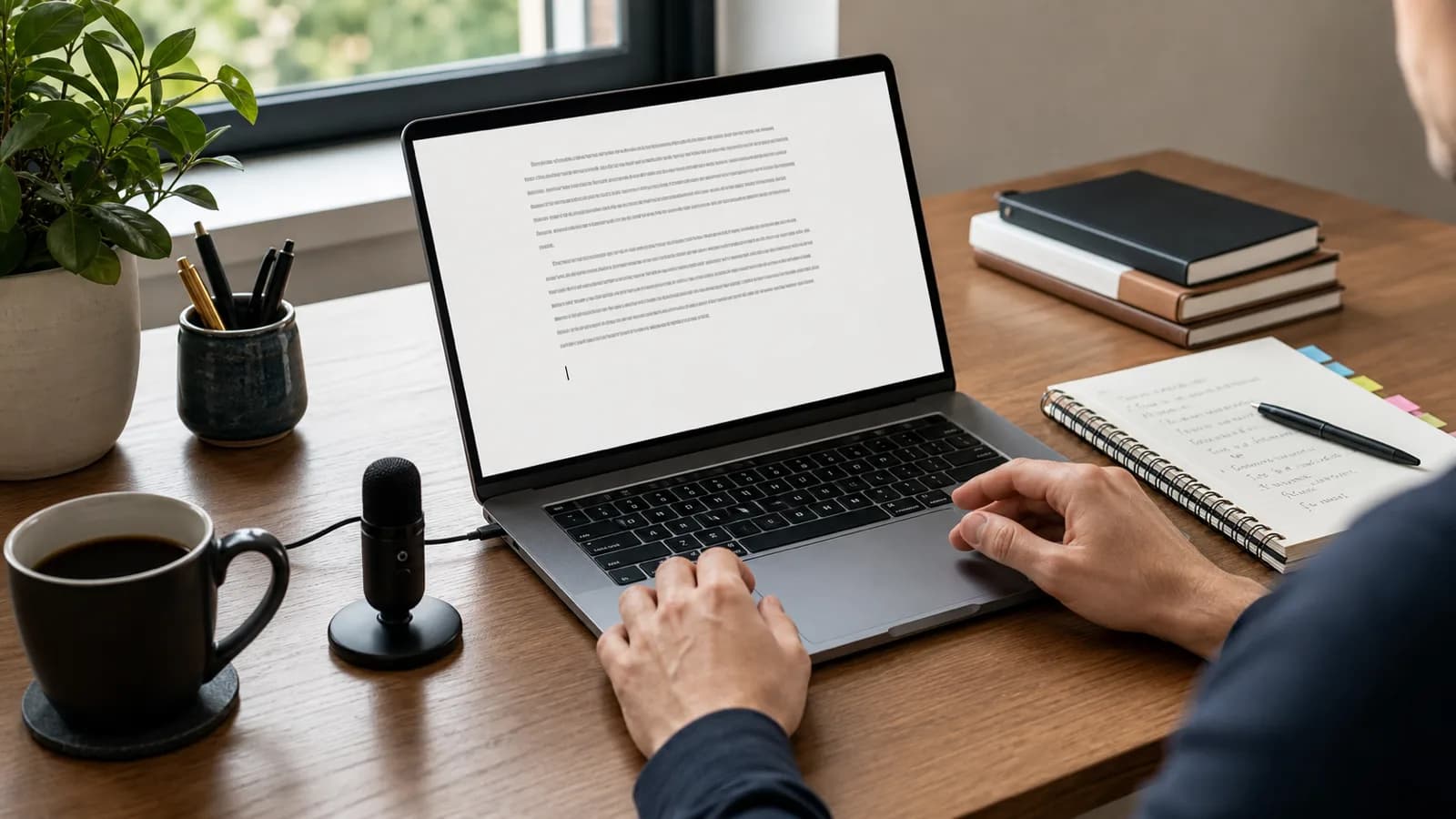
dictation softwarewriters
Best Dictation Software for Writers on Mac: What to Test
Choose Mac dictation by where the draft lands, how much you revise, and which speech and rewrite processing paths fit your work.
11 min read

macdictation
Moving Beyond Apple Dictation: A Paraspeech Mac Workflow
Test Apple Dictation first, then set up Paraspeech, choose a supported local or cloud-backed mode, and try it in the Mac apps where you write.
5 min read