Page 2
Write by voice, then edit
Speech-to-text guides, processing-path explainers, and Mac productivity stories from the team building Paraspeech.
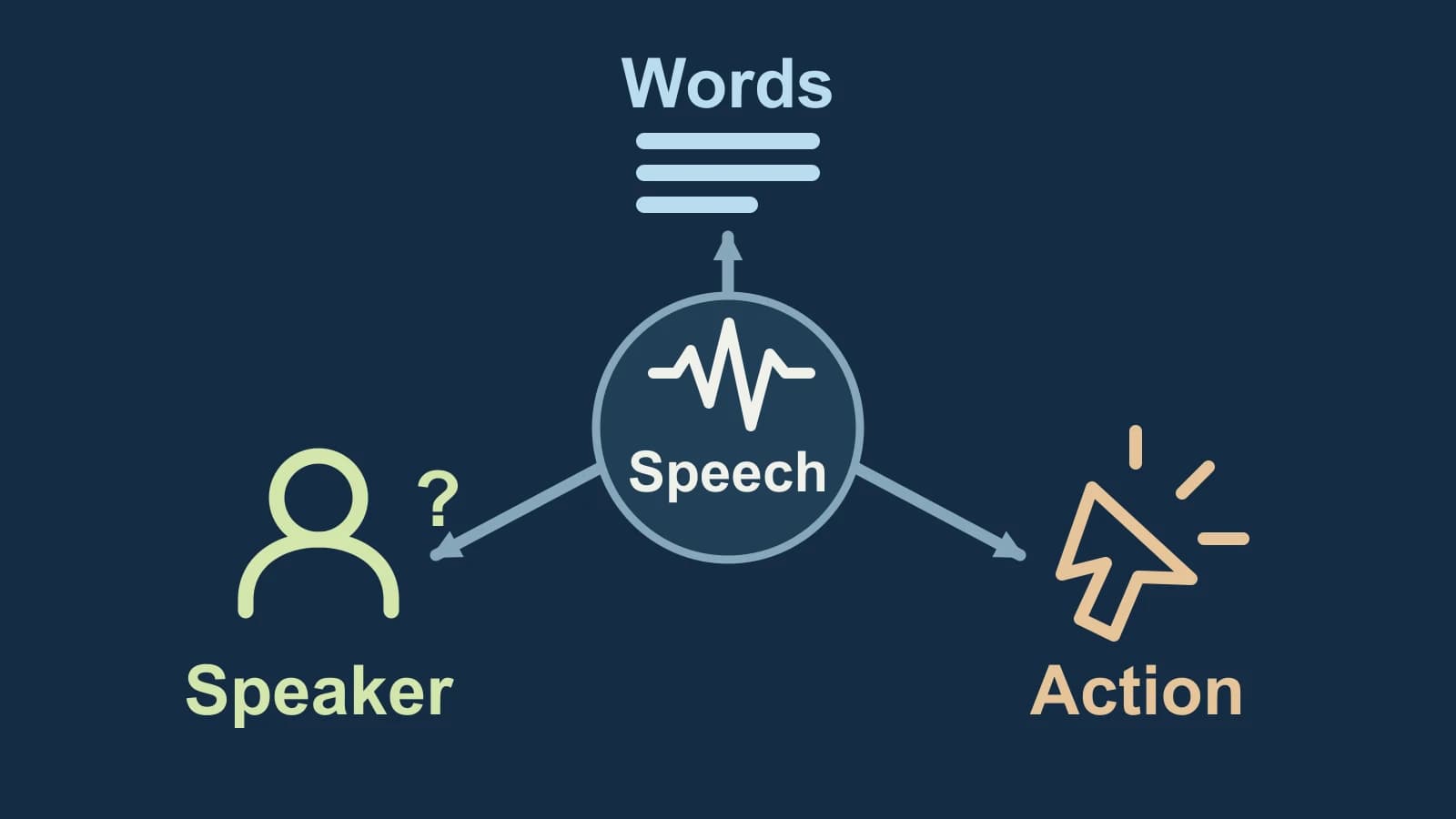
Speech Recognition vs Voice Recognition: Choose the Result You Need
A voice-recognition label can describe different capabilities. Compare the result, the purpose of any voice setup, and the mode that turns speech into an action.
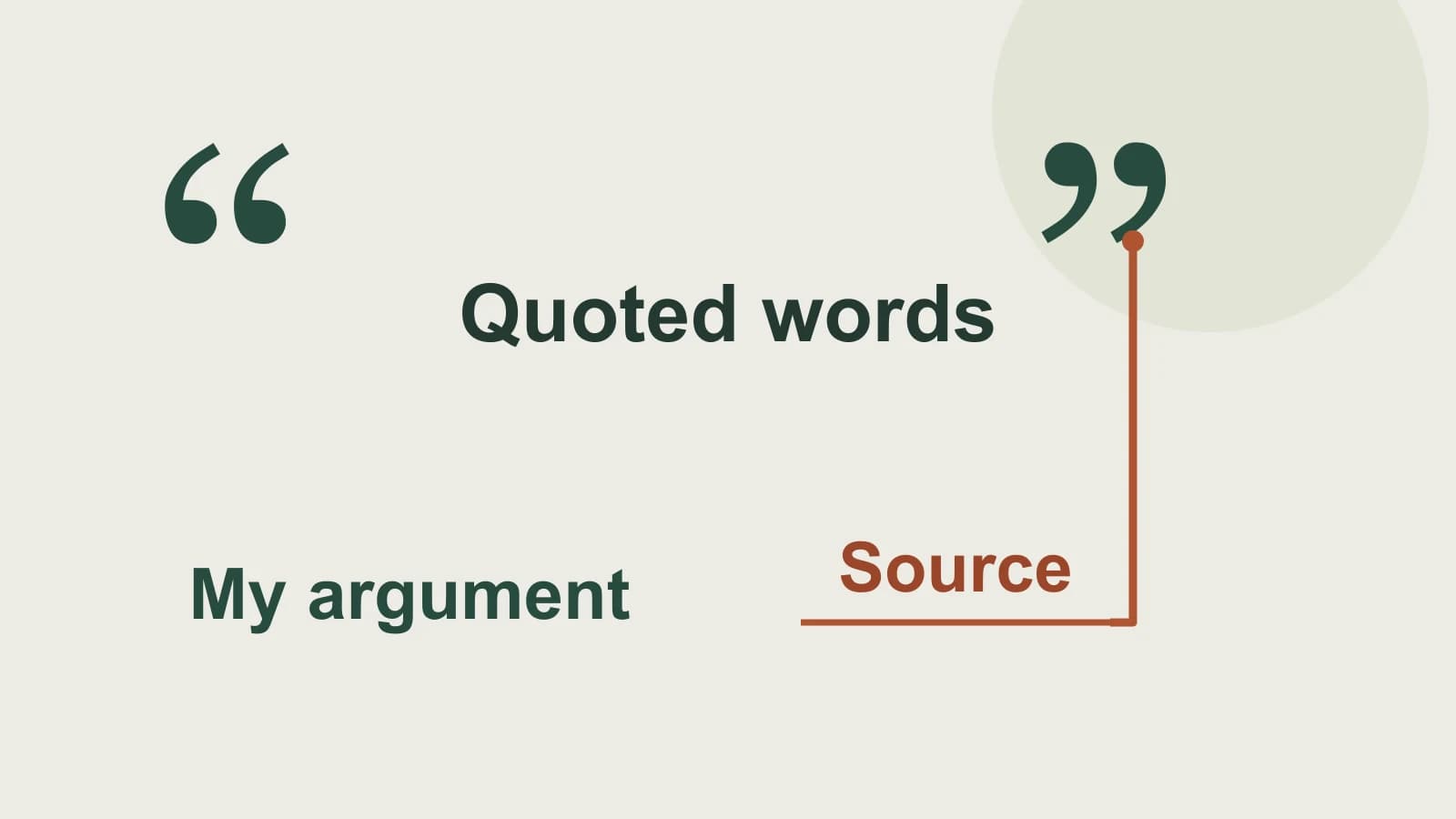
Dictation for Students: Draft a Source-Based Paragraph on Mac
Speak your argument while keeping quotations and source notes separate. A worked paragraph shows how to narrow a claim to what the reading supports.
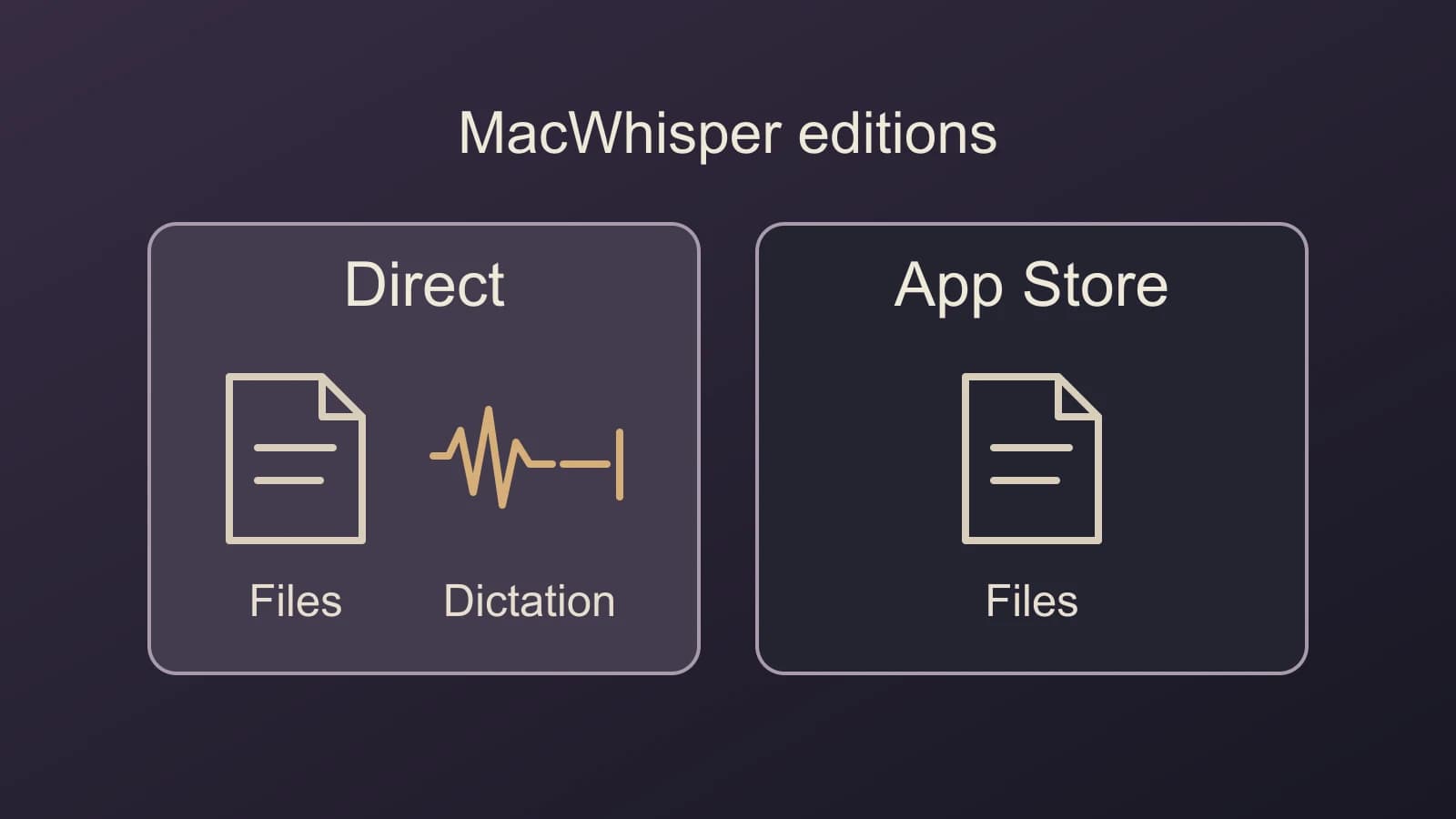
MacWhisper Alternative: Check the Job Before You Switch
Check the MacWhisper edition you have, then choose whether you need text at the cursor, exported transcripts or a different writing setup.
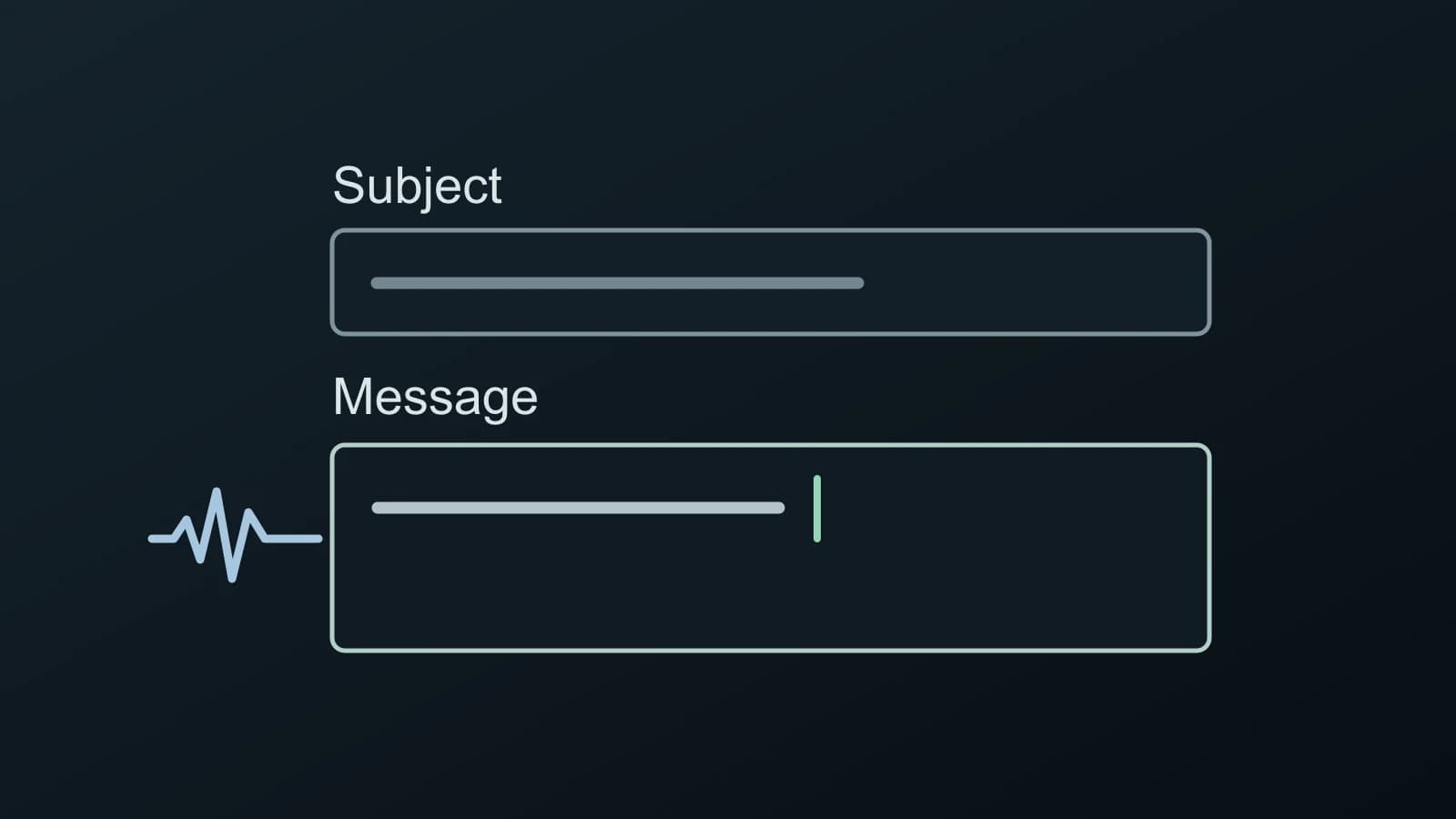
Speech-to-Text Chrome Extension: What to Choose on Mac
Chrome now has its own voice input. Choose an extension for the controls you need, then check whether speech reaches your actual web form.
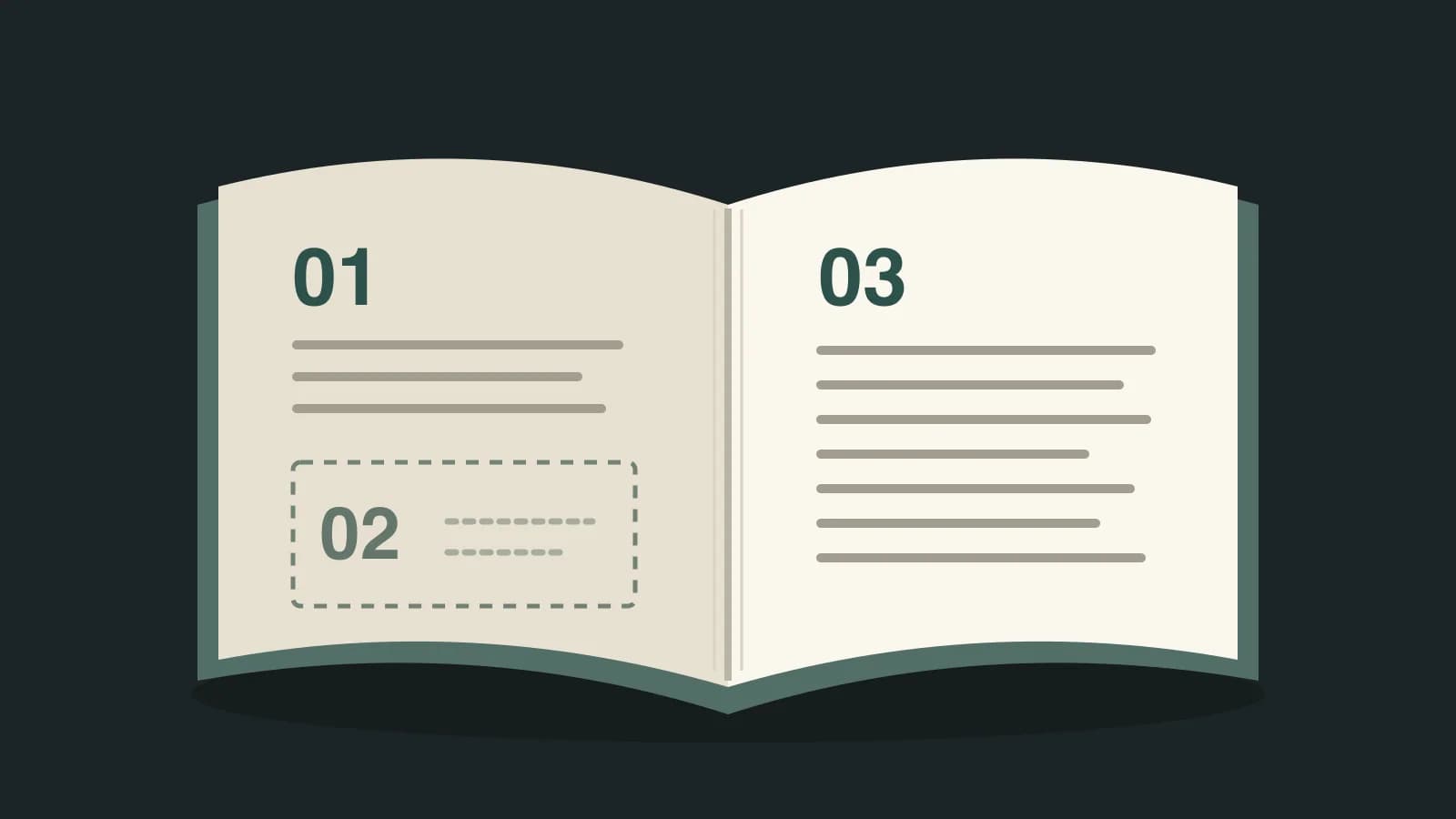
How to Dictate a Book: Build a Manuscript Across Sessions
A worked book example shows how to place spoken drafts, resume the next session and fix changes that affect earlier chapters.

Dictation Microphone for Mac: Choose the Audio and Controls Separately
A microphone can capture your voice without its record button controlling your app. Choose the physical setup and software controls separately.

Chinese Speech to Text on Mac: Get the Words and Characters Right
Chinese recognition, written character form and Pinyin typing are separate choices. Use the right Mac control for the part you need to change.
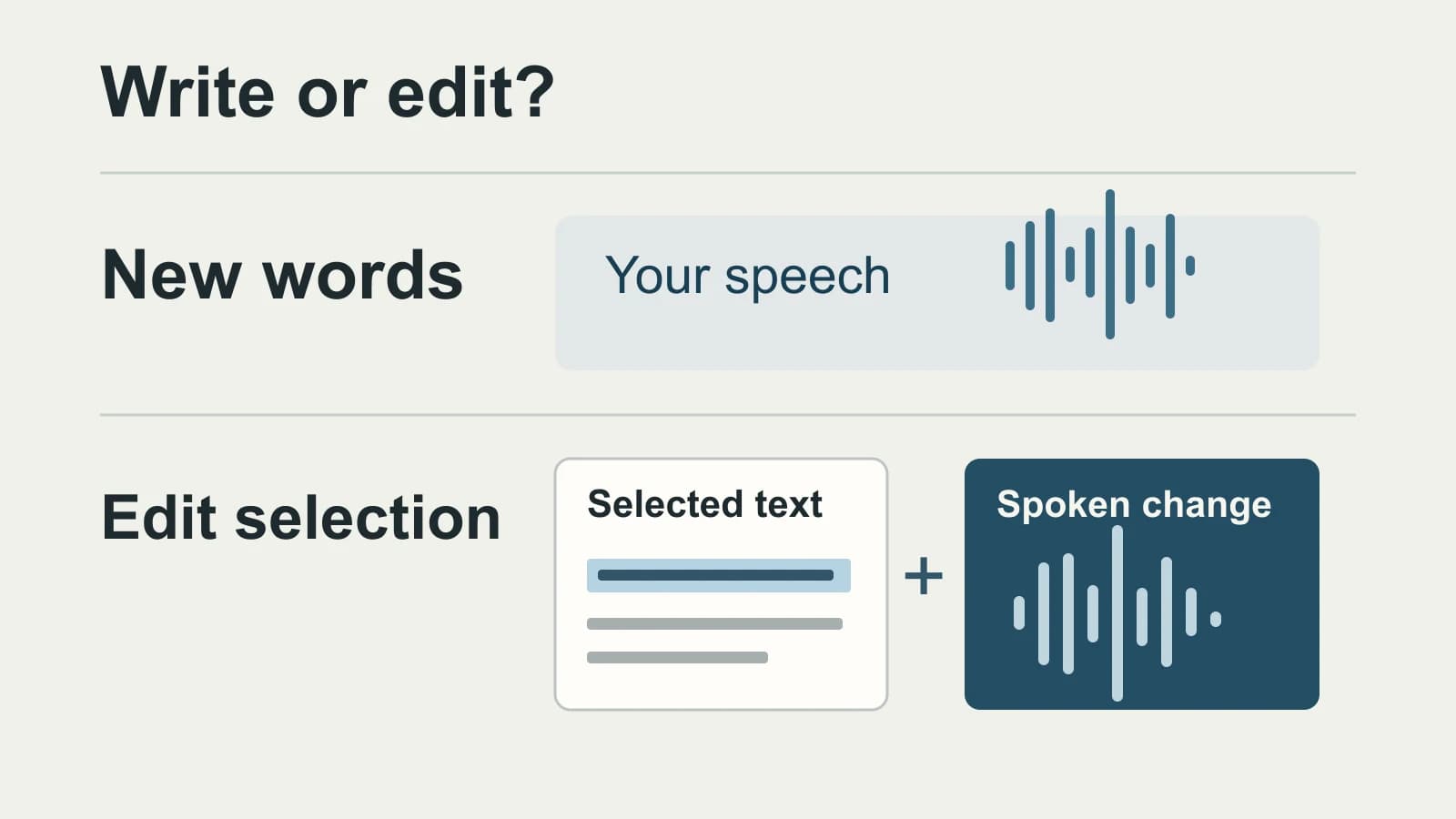
Replacing Aqua Voice on Mac: Which Writing Controls Must Survive?
Editing an existing sentence by voice is a different operation from cleaning up new dictation. Keep the Aqua controls you rely on before choosing a replacement.
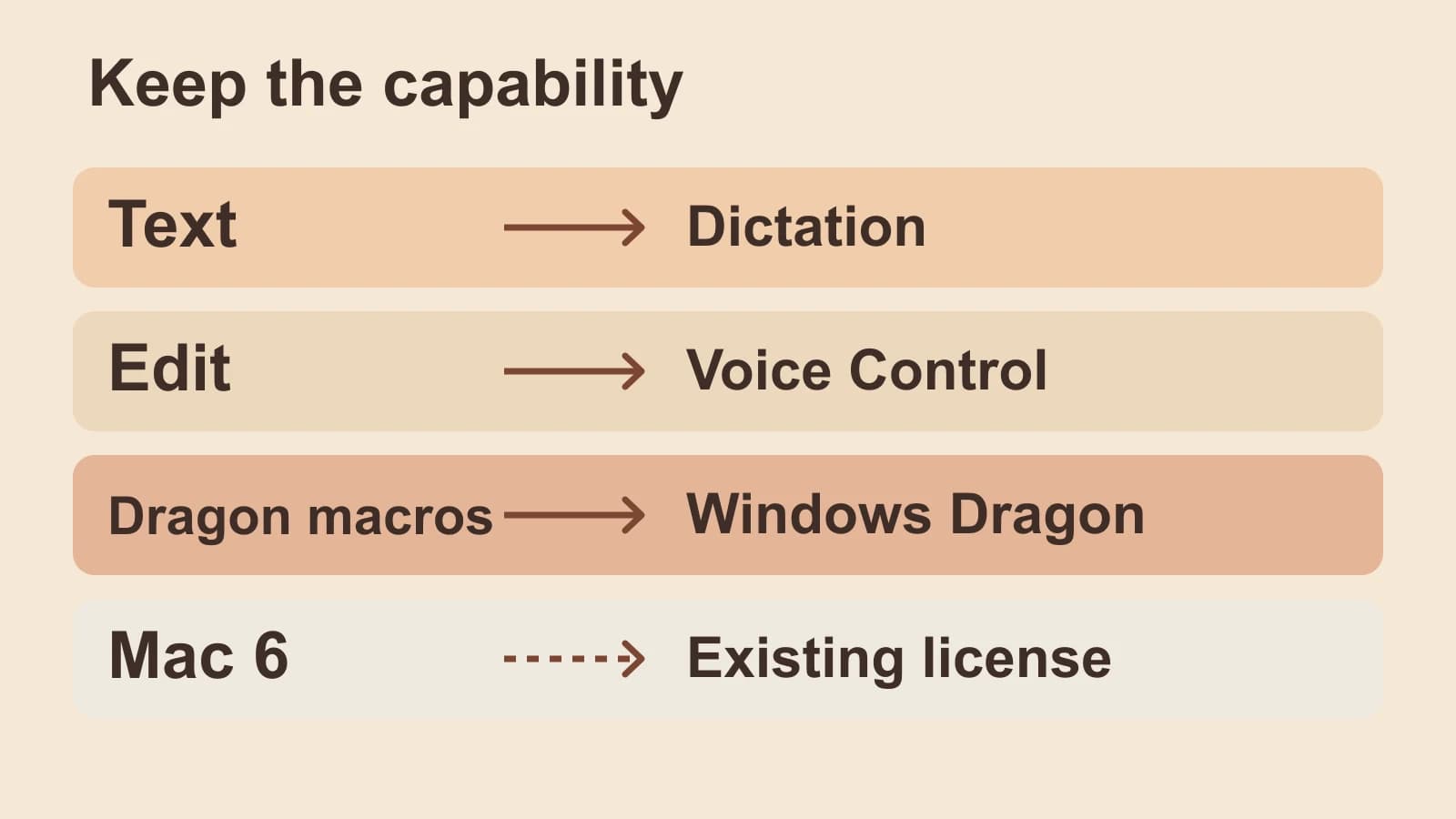
Dragon Dictation for Mac: Status and Replacement Routes
Separate text entry, spoken editing, Dragon commands and an existing Mac 6 license before replacing your old workflow.