Page 4
Write by voice, then edit
Speech-to-text guides, processing-path explainers, and Mac productivity stories from the team building Paraspeech.
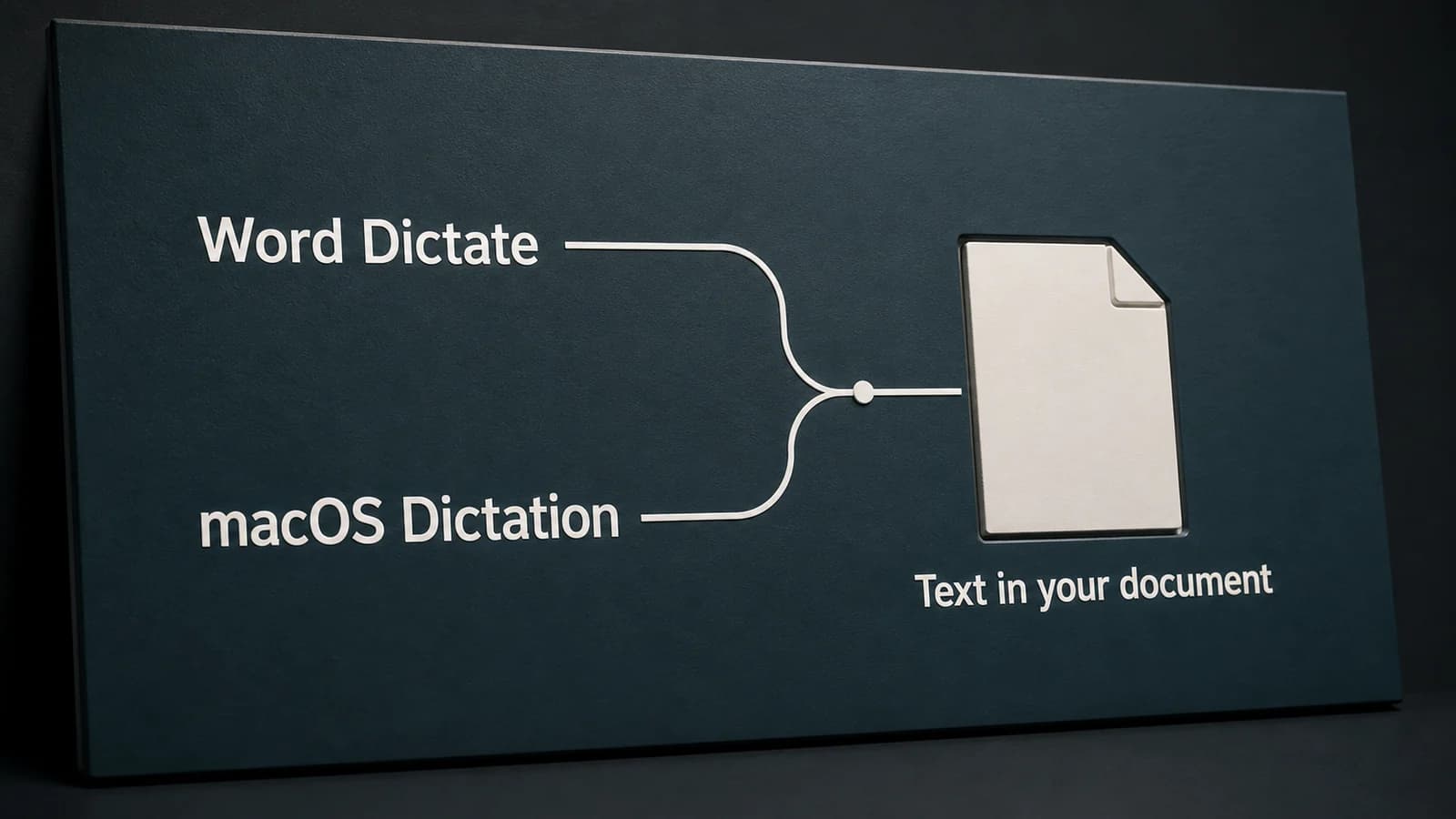
Dictation in Word on Mac: Word Dictate or Apple Dictation?
Word's Dictate button and Apple's Dictation are separate ways to speak into a document. Choose the right route, then diagnose the account, microphone, or editing problem.
Apple Dictation Not Working on Mac? Follow This Check Order
A focused Apple Dictation troubleshooting order for Mac: confirm the setting, language, shortcut, microphone signal, speaking conditions, and connection boundary.
Dictation for Emails on Mac: Gmail Setup and Draft Review
Start dictation in Gmail's message body, then edit the reply without changing its meaning. A Mac setup guide with a worked email example.
Apple Dictation Alternative for Mac: Built-In vs Dedicated Workflow
Start by testing Apple Dictation with your full writing task. Compare Paraspeech if you want vocabulary, replacements, templates, or separate speech and rewrite controls.
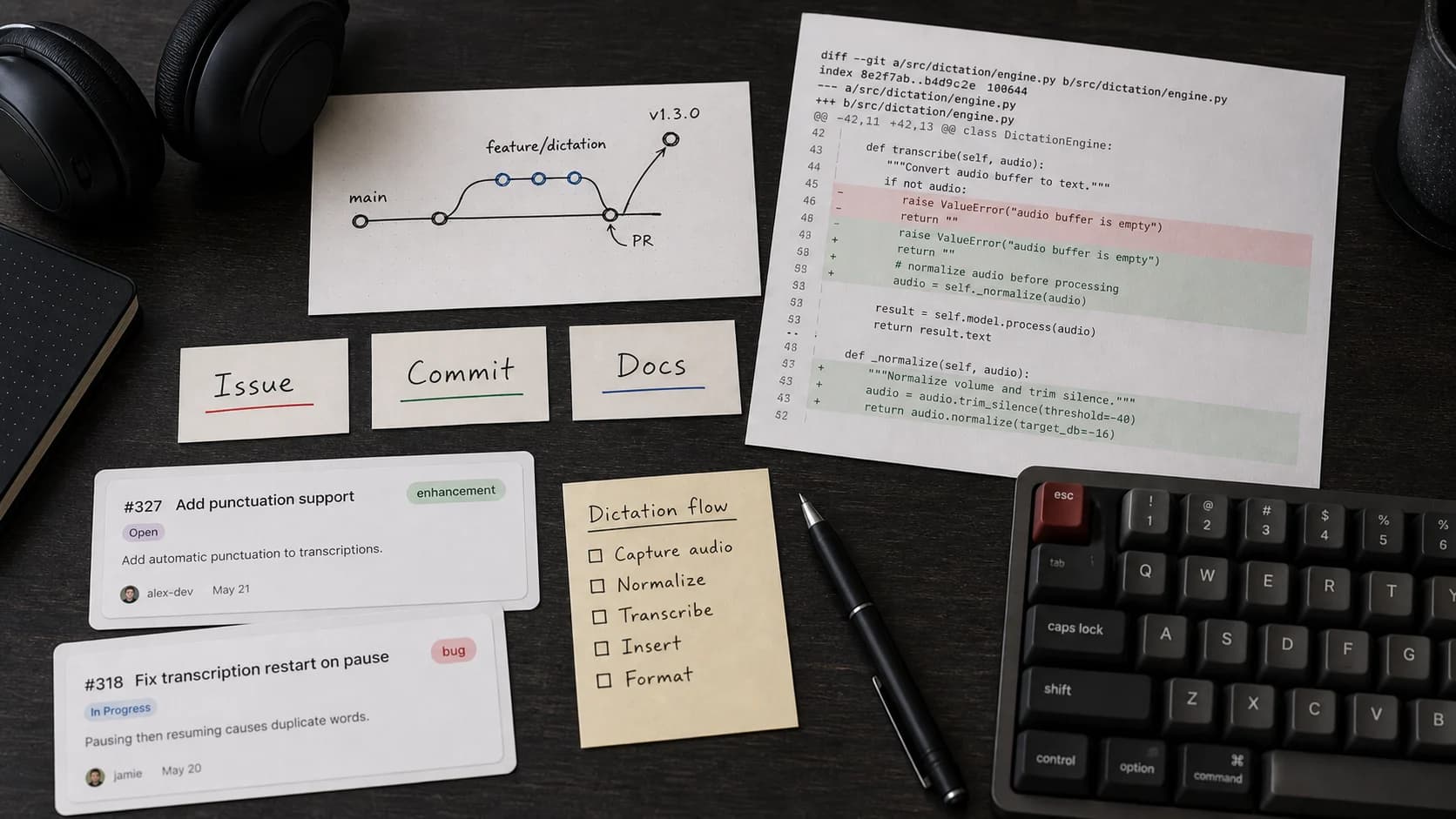
Dictation for Developers on Mac: Use Voice Around Code, Not Instead of It
Dictation helps developers with code-adjacent writing: issue notes, docs, PR descriptions, prompts, and changelogs. Use it around code, then review with the keyboard.
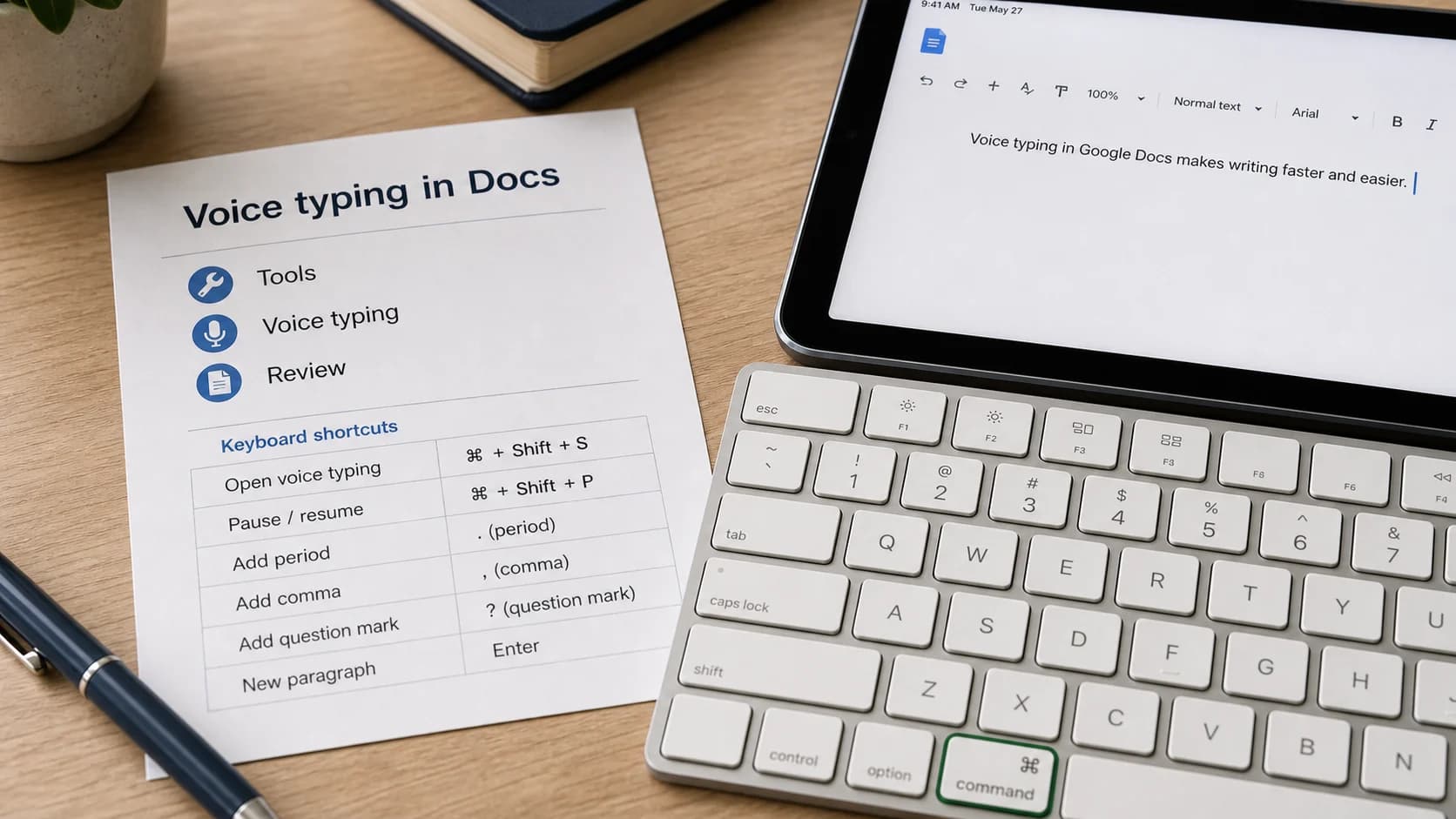
Google Docs Voice Typing: How to Dictate to Google Docs
Use Google Docs Voice Typing in a supported browser, understand its browser-only limits, and decide whether a system-wide Mac dictation workflow makes more sense.
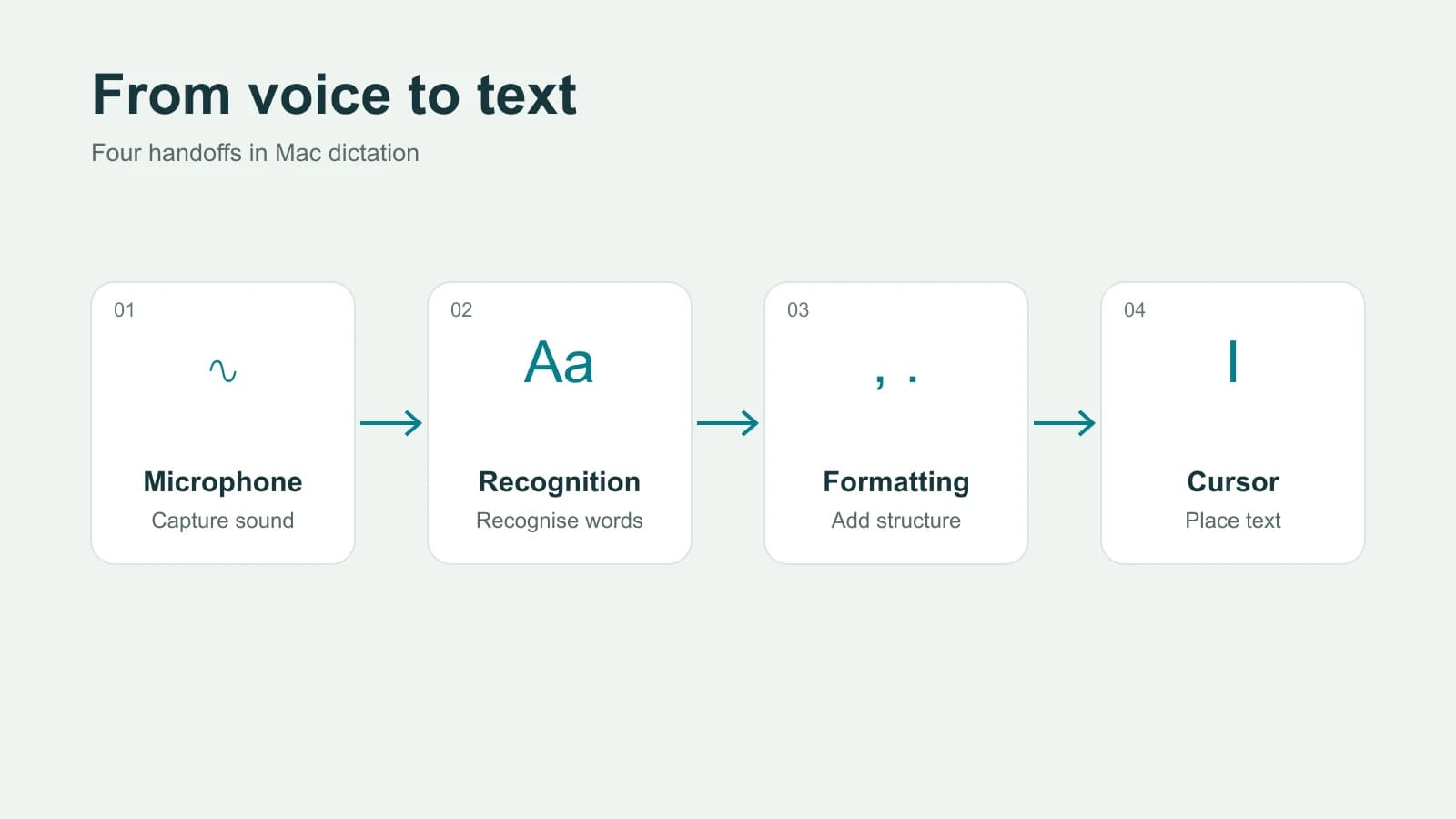
How to Do Speech to Text on Mac: Setup, Privacy, and Troubleshooting
A practical Mac speech-to-text guide: turn on Dictation, test in Notes, fix microphone or language problems, and decide when Apple Dictation is not enough.
Best Dictation Software for Mac: How to Choose
The best dictation software for Mac depends on whether you need quick built-in dictation, Mac-wide insertion, local processing, file transcription, or meeting transcripts.
How Dictation Software Works on Mac (Complete Guide)
See the Mac dictation path from text field and microphone permission to recognition, insertion, correction, and common failure points.