Page 3
Write by voice, then edit
Speech-to-text guides, processing-path explainers, and Mac productivity stories from the team building Paraspeech.
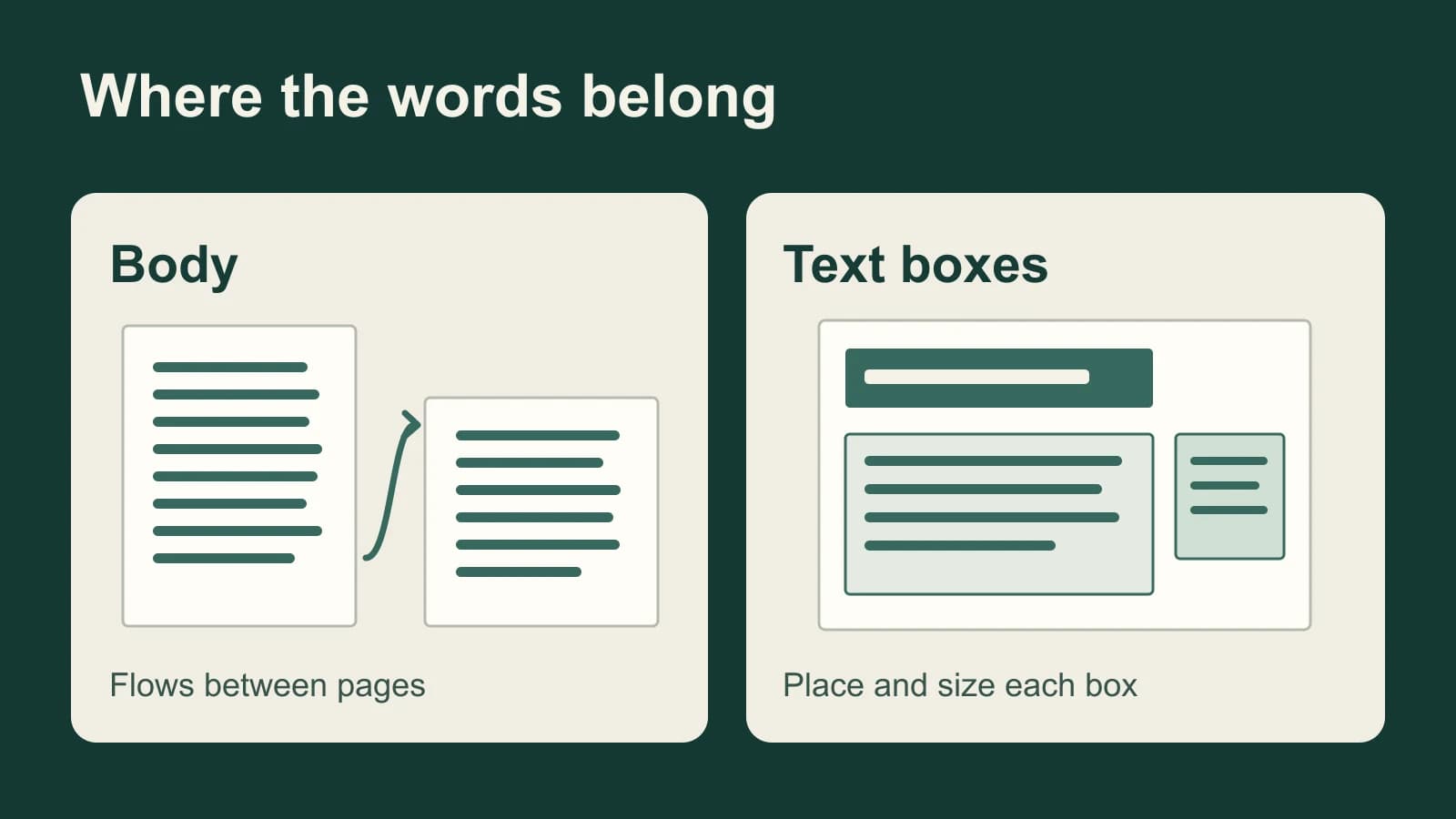
Dictation in Pages on Mac: Put Words in the Right Place
A Pages report has flowing body text; a flyer may have only text boxes. Choose the right text target before dictating, then handle visibility and styling in Pages.
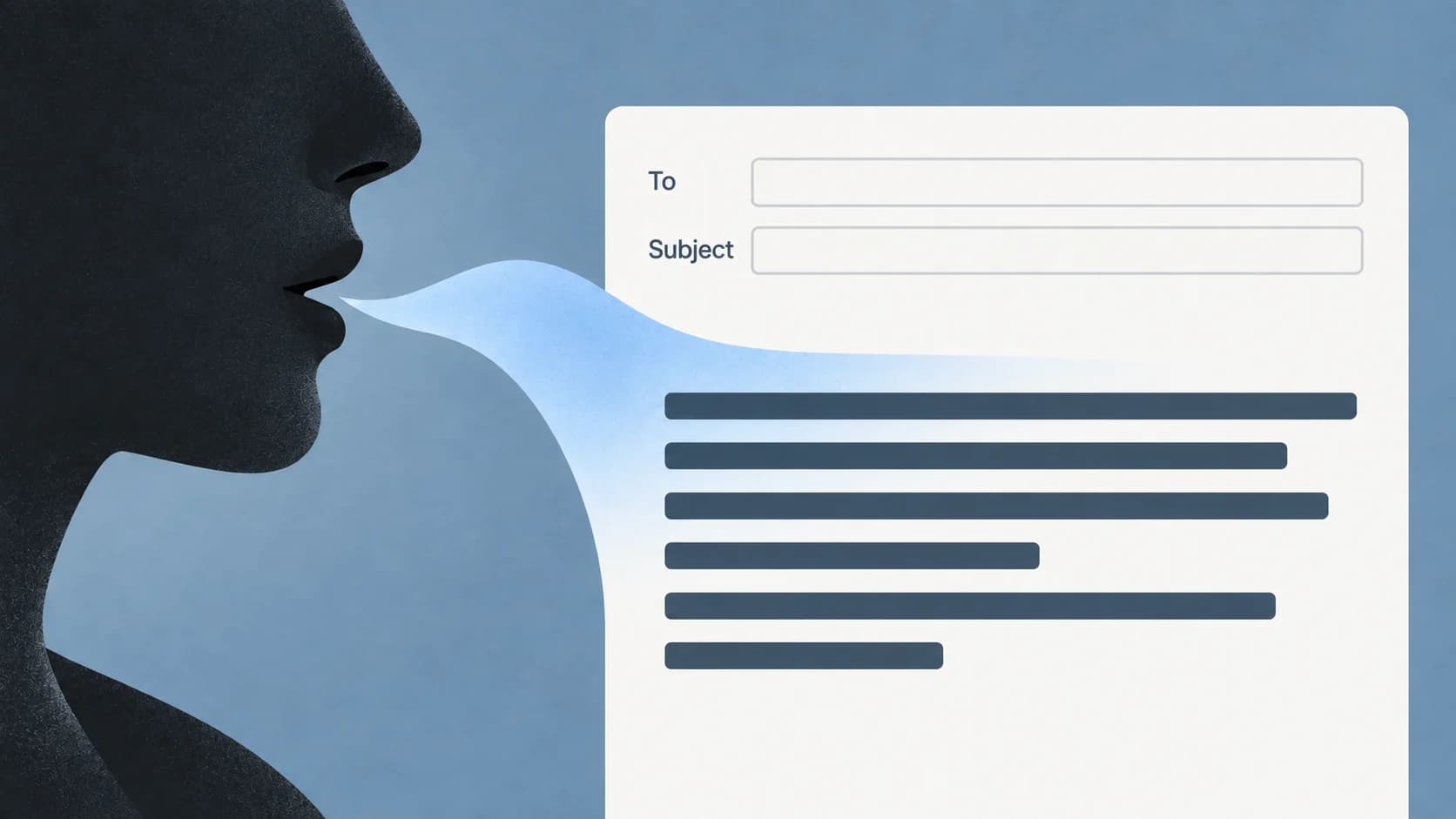
Dictation in Outlook: Find Dictate and Draft an Email by Voice
Choose the right Outlook surface, start in the message body, and separate a missing Dictate button from a microphone or recognition problem.
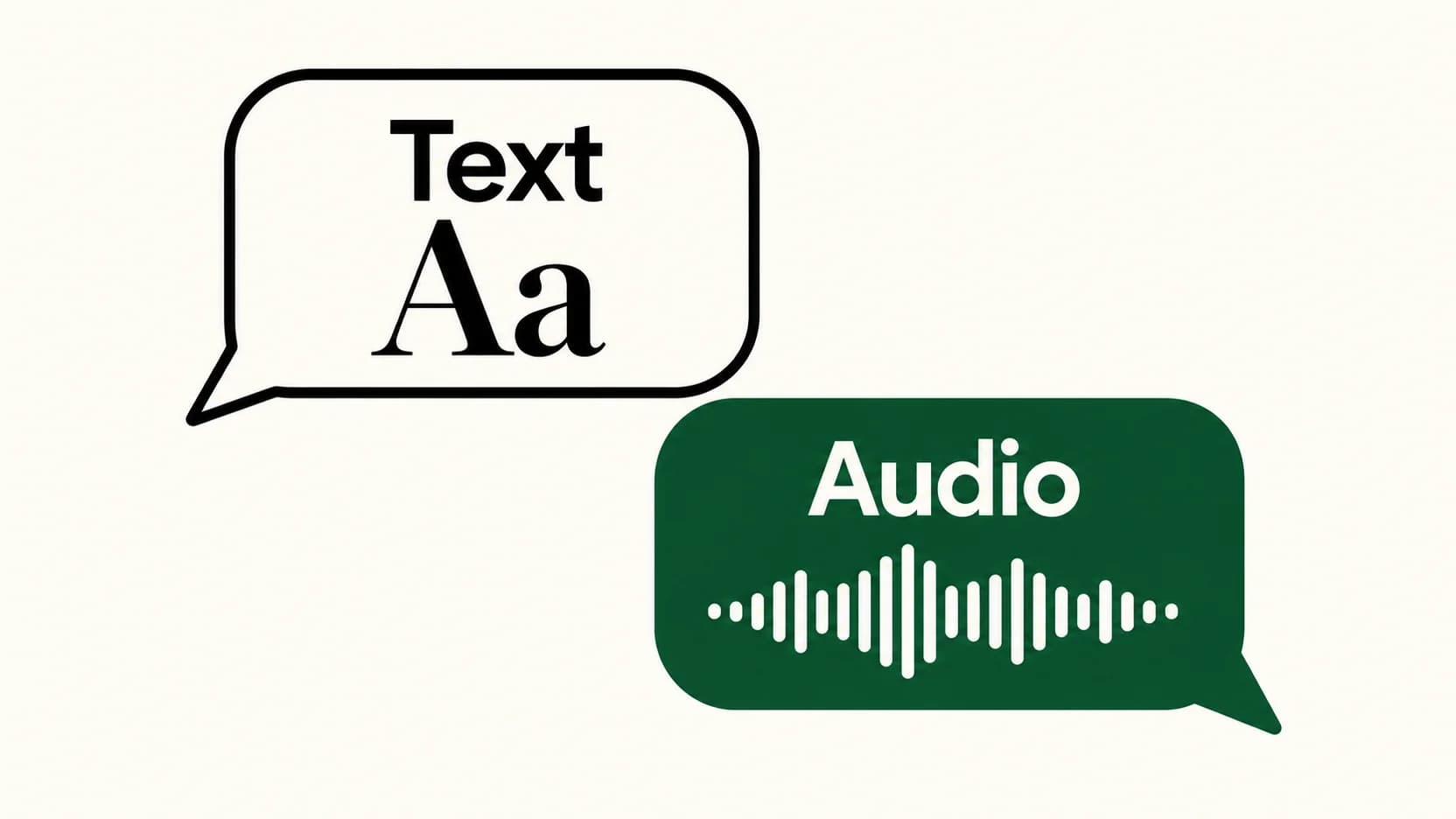
Voice Typing in WhatsApp: Send Text Instead of a Voice Message
The keyboard microphone writes a message. WhatsApp's recording control captures audio. Here's how to choose the right one and check your words before sending.
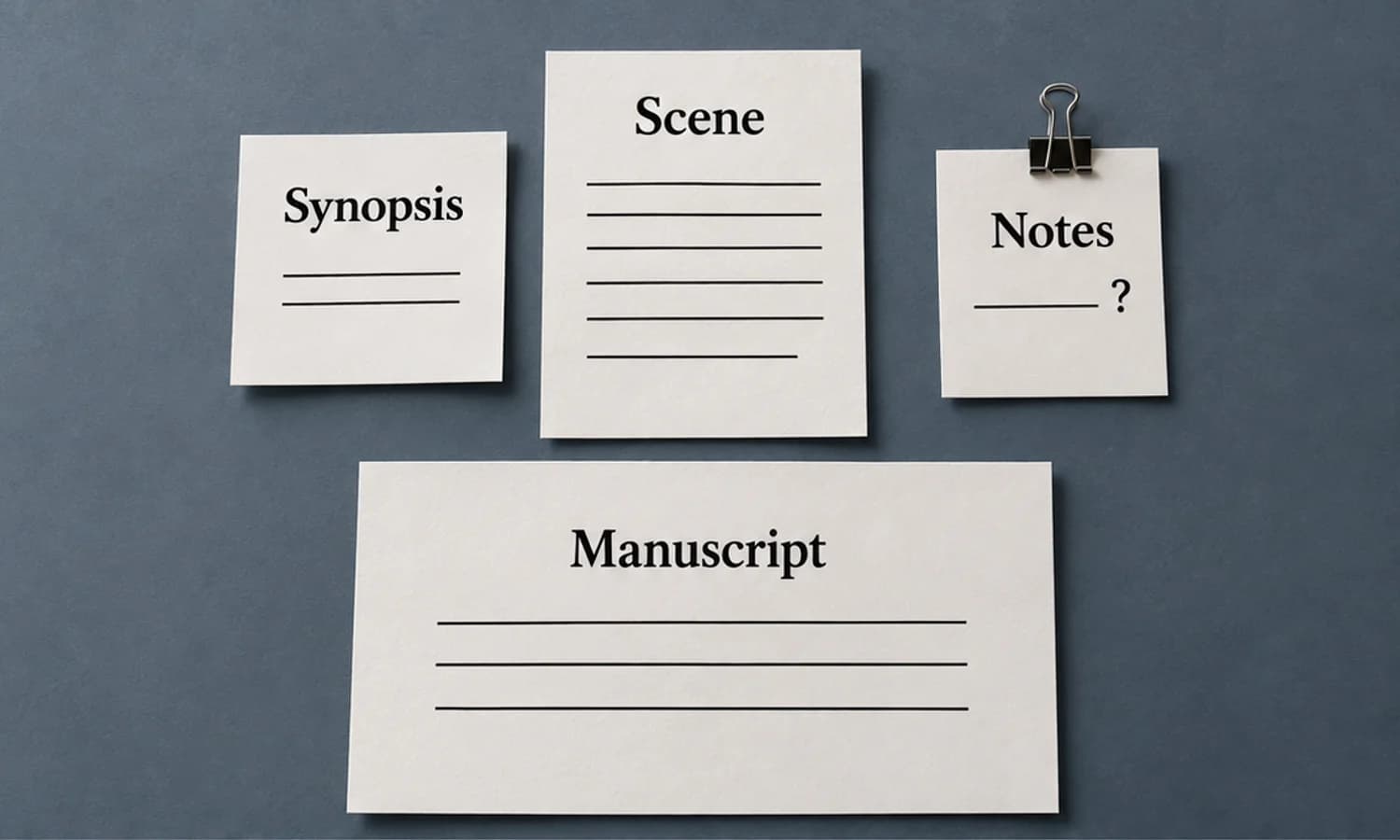
Scrivener Dictation on Mac: Keep Scene Prose and Notes Separate
Dictate one scene into three deliberate destinations, then inspect a compiled sample before treating it as your manuscript.
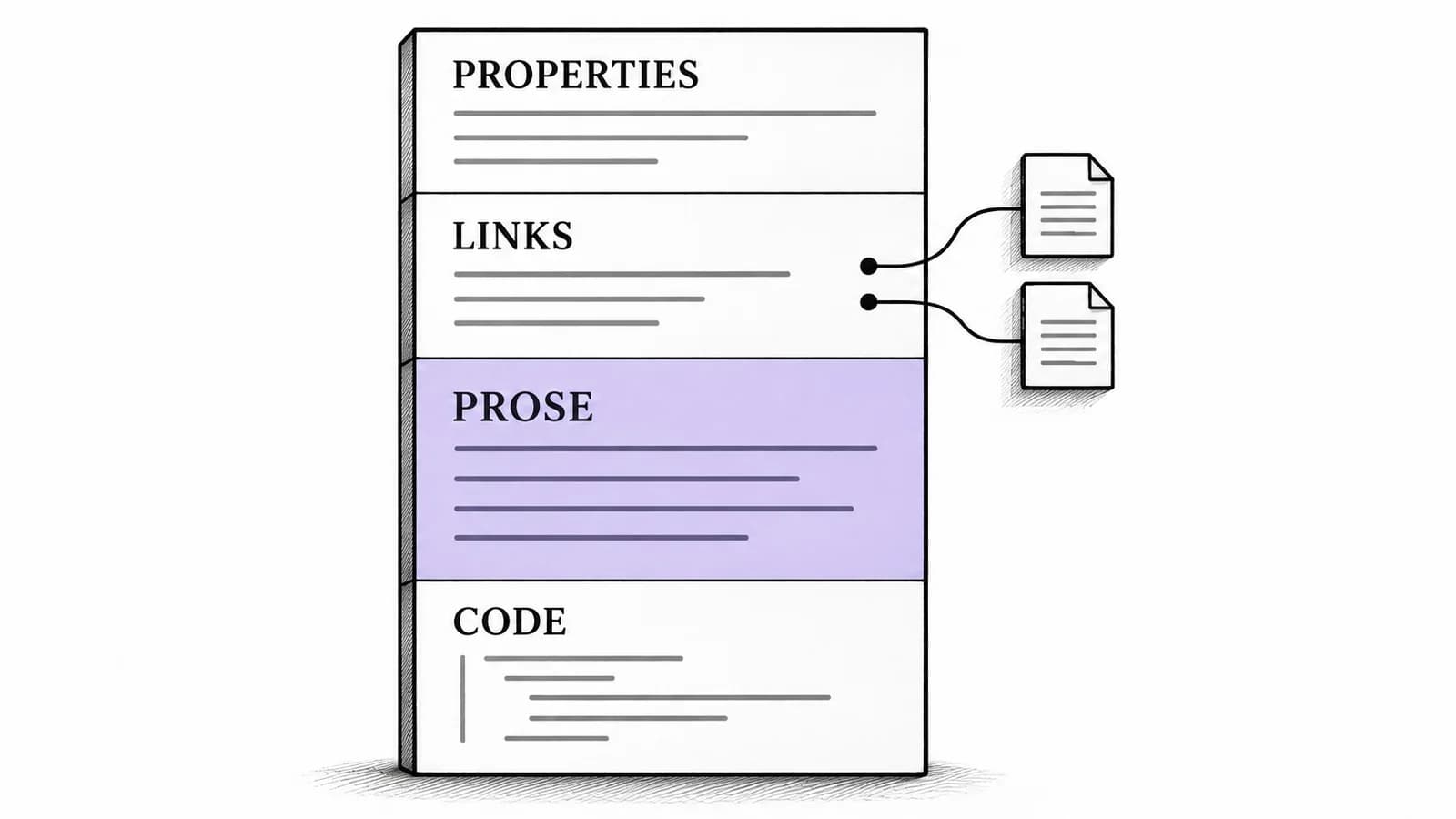
Obsidian Voice to Text on Mac: Add Prose to Linked Notes
A source-backed Mac workflow for adding spoken prose to an existing Obsidian note, with a structured Markdown example and a separate path for audio recordings.
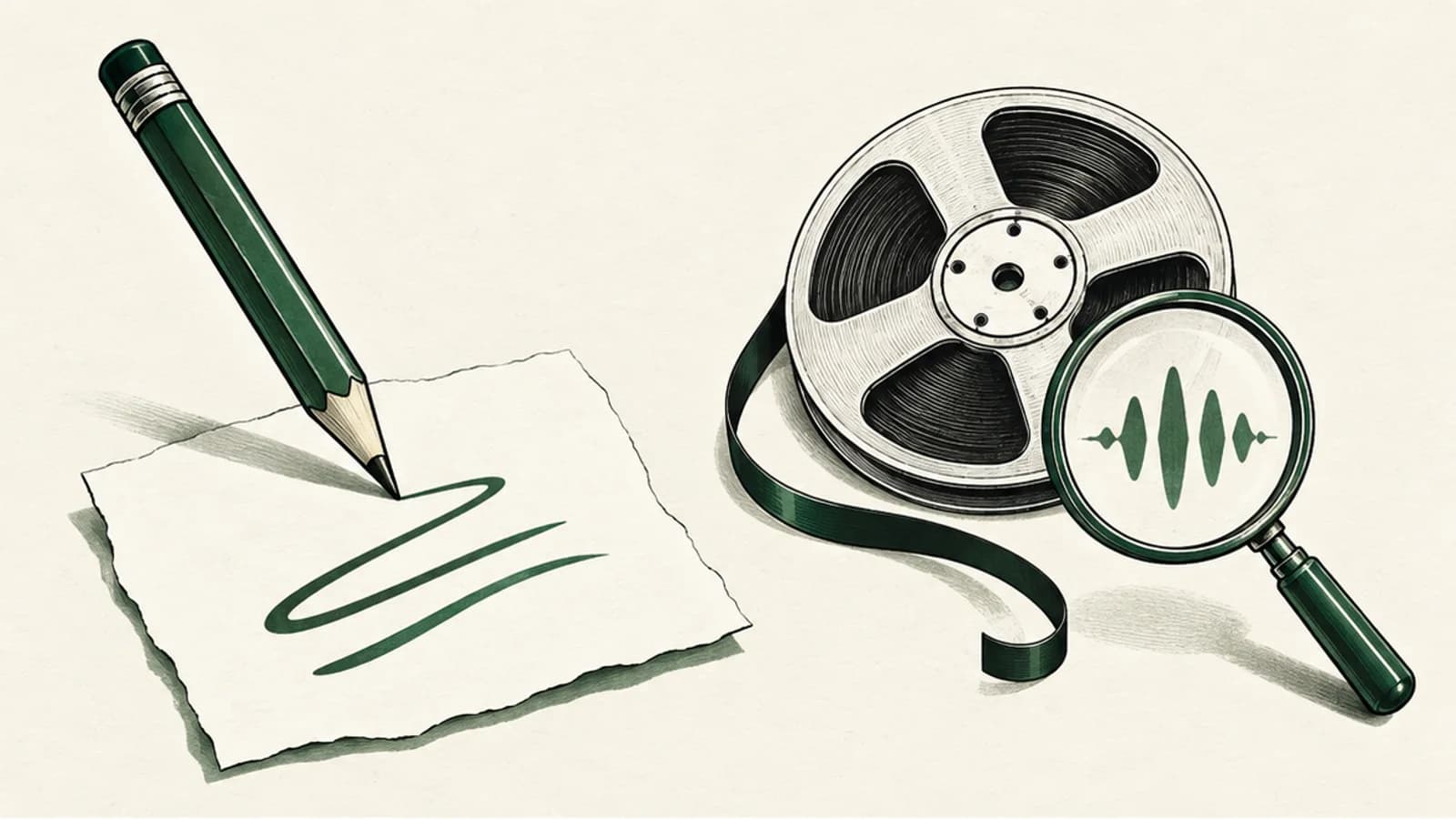
Dictation vs Transcription: Choose the Right Workflow
The useful distinction is what the text must represent: your intended message or the speech you need to preserve.

Typeless Alternative: When a Local Mac Workflow Fits
Decide whether to keep Typeless across your devices or test a supported local Mac workflow, with a clear distinction between processing and storage.

Dictation in OneNote: Setup and Missing-Button Fixes
Find the right OneNote Dictate route, then diagnose the button, microphone, or connection condition that is stopping your notes.
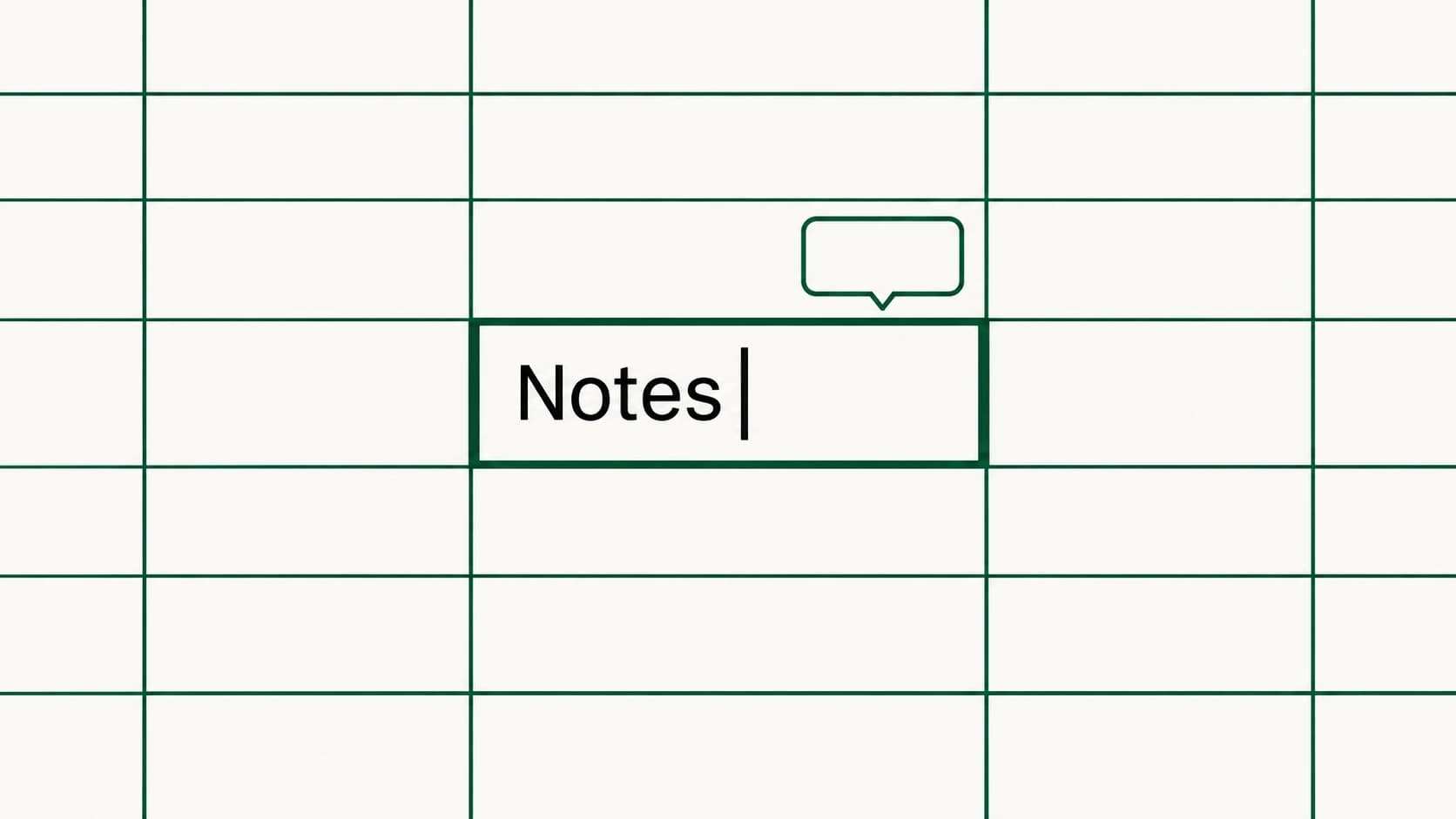
Dictation in Excel on Mac: Enter Text in a Cell
The useful starting point for Excel dictation is an editable text insertion point. Learn where to put it, what to dictate, and when to use the keyboard.