Paraspeech Blog

Write by voice, then edit

Speech-to-text guides, processing-path explainers, and Mac productivity stories from the team building Paraspeech.

1 articleRSS
All topicsDictationSpeech-to-TextProductivityTranscriptionMacFor WritersPrivacy & OfflineFor DevelopersSubtitlesFile FormatsWhisperWispr FlowAccessibilityApple PagesAudacityCaptionsChromeClaude CodeDiscordDragonExcelFinal Cut ProFocus GroupsGoogle MeetGoogle SlidesImovieIphoneKeyboardsManuscriptMarkdownMeeting CaptureMeeting SummaryMeeting TranslationMicrophonesMicrosoft CopilotMicrosoft WordModel SelectionNotionOnenoteOutlookPowerpointRaycastScreen RecordingScrivenerSlackSpeaker DiarizationTroubleshootingWebexWhatsappYoutubeZoom
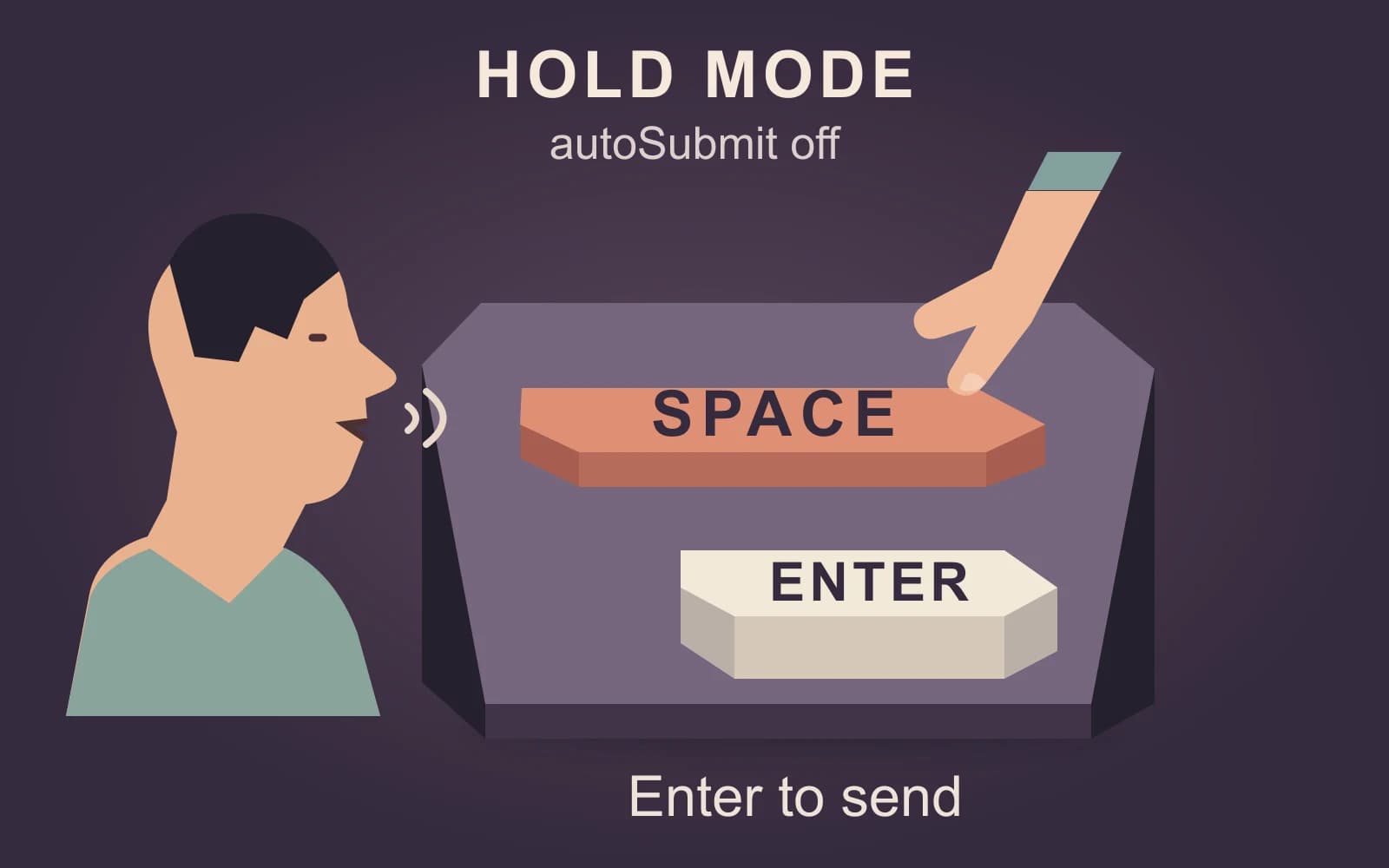
Original illustration of a speaking person holding Space, with Enter kept separate for sending in hold mode with autoSubmit off
Featured
dictationClaude Codedeveloper workflow

Claude dictation: know when your prompt will send

Hold, tap, and Quick Entry do not send the same way. Choose a reviewable route before dictating, then add exact code paths and commands with the keyboard.

November 9, 20266 min read
Free to try · Apple Silicon

Write by voice on your Mac

AI powered voice to text across your Mac, with supported local and cloud-backed modes.

BuyRead docsFollow updates

Footer

Paraspeech
Paraspeech

Voice typing for Mac. Offline or with the cloud.

Product

  • Download
  • iOS
  • Pricing
  • Teams
  • Changelog
  • Student Discount

Resources

  • Guides in your language
  • Documentation
  • Blog
  • Compare apps
  • Paraspeech vs. Wispr Flow
  • Review Kit
  • Support
  • Feature Requests

Company

  • Legal Notice
  • Manage License
  • Affiliate Program

Legal

  • Terms of Service
  • Privacy Policy
  • EULA
  • Refund Policy

© 2026 Paraspeech. All rights reserved.

Deutschv1.7.3
  • Home
  • Pricing
  • Blog
  • Docs
  • Changelog
  • Support
Download
Buy
Read docs