Write by voice, then edit
Speech-to-text guides, processing-path explainers, and Mac productivity stories from the team building Paraspeech.
2 articlesRSS
All topicsSpeech-to-TextDictationProductivityTranscriptionMacFor WritersPrivacy & OfflineSubtitlesFile FormatsFor DevelopersAccessibilityApple PagesAudacityCaptionsChromeDiscordDragonExcelFocus GroupsGoogle MeetGoogle SlidesImovieManuscriptMarkdownMeeting SummaryMicrophonesMicrosoft WordNotionOnenoteOutlookScrivenerSlackSpeaker DiarizationTroubleshootingWebexWhatsappWhisperYoutubeZoom

Featured
SubtitlesTranscriptionFile formats
How to Create a VTT File and Check It Against Your Video
Write a real WebVTT file, time each cue to the recording, and check the captions during playback.
8 min read
SubtitlesTranscription
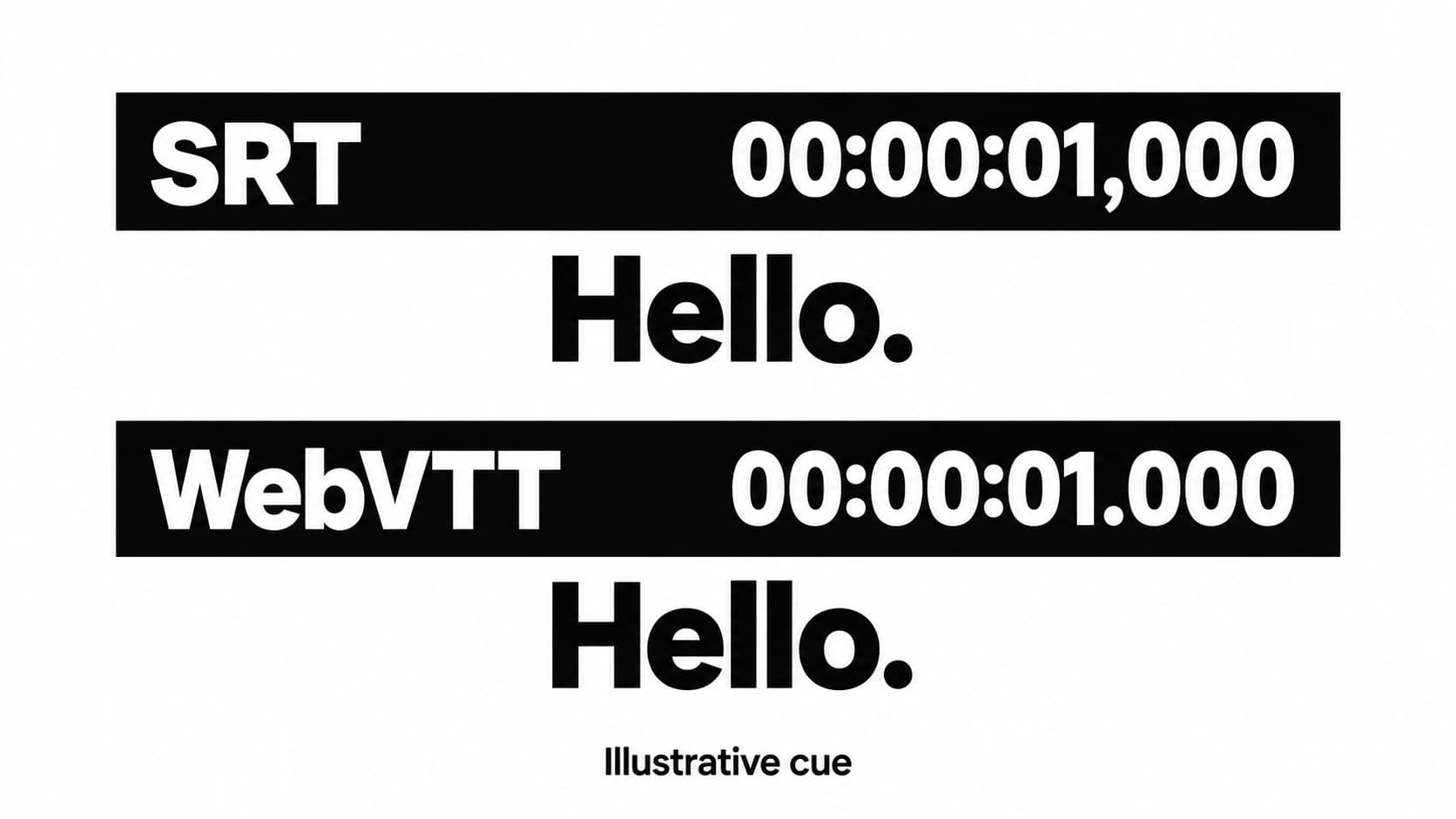
SRT vs VTT: Choose the Subtitle File Your Player Supports
Choose a subtitle format by its destination, then preserve the timing and meaning when you convert.
5 min read
Write by voice on your Mac
AI powered voice to text across your Mac, with supported local and cloud-backed modes.
