April 1, 2026dictation software macspeech to text machow dictation software works macspeech recognition macon device dictation macoffline dictation mac

How Dictation Software Works on Mac (Complete Guide)

Learn how dictation software works on Mac, from speech recognition to real-time AI processing. Understand on-device vs cloud dictation and how your voice turns into text instantly.

Published on
Published April 1, 2026
Reading time
12 min read
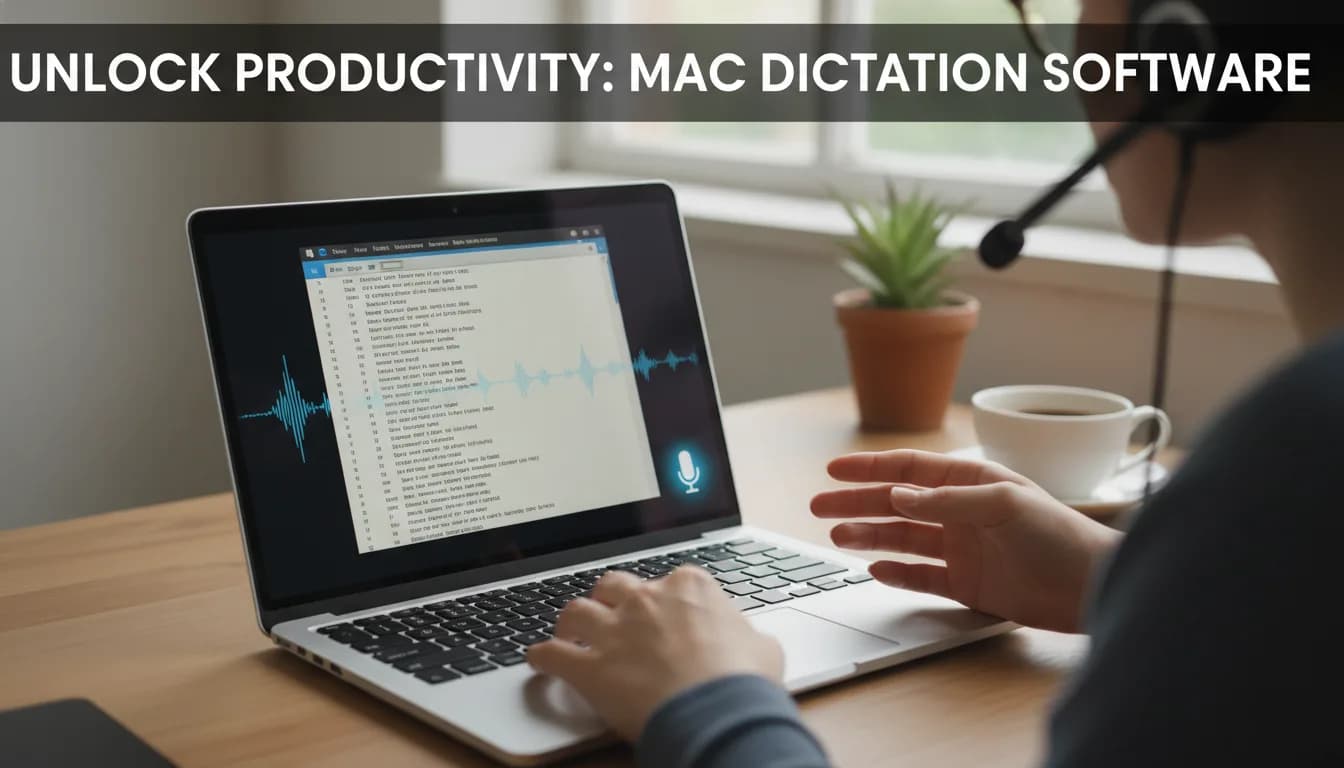
Speech-to-text dictation software converting voice into text on a Mac

How Dictation Software Works on Mac (Complete Guide)

Dictation software on Mac can feel almost magical. You speak a sentence out loud, and within seconds, it appears as text on your screen - clean, structured, and often surprisingly accurate.

But behind that seamless experience is a sophisticated system powered by artificial intelligence, speech recognition models, and real-time processing.

In this guide, you’ll learn exactly how dictation software works on Mac, what happens behind the scenes, and why modern speech-to-text tools are faster and more accurate than ever before.

person using dictation software on Mac

What Is Dictation Software on Mac?

Dictation software on Mac is a type of speech recognition technology that converts spoken language into written text, allowing you to use your voice instead of a keyboard.

On macOS, this can happen in two ways:

  • Built-in dictation (Apple’s native feature)
  • Third-party speech-to-text tools with more advanced capabilities

At its core, dictation software listens to your speech, processes the audio, and transforms it into text in real time. But this process is far more complex than simple voice recording. If you want to try it yourself, you can also read this step-by-step guide on how to use speech-to-text on Mac.

To understand why modern dictation is so accurate, it helps to look at how the technology works step by step.

How Modern Dictation Software Became So Advanced

Dictation software hasn’t always been as accurate as it is today. Earlier systems required users to speak slowly and clearly, often pausing between words, and still needed manual training to improve recognition. Even then, frequent corrections were unavoidable, making the experience frustrating and inefficient. This was because older systems relied on simple pattern matching rather than true language understanding, which limited their ability to interpret context or natural speech.

Modern dictation software works very differently. Instead of merely matching sounds to individual words, today’s systems analyze context in real time, predict entire phrases, and adapt to different accents and speaking styles. This shift is driven by large-scale machine learning models trained on vast amounts of speech and text data.

As a result, dictation has evolved from a basic accessibility feature into a reliable and widely used input method for writing, communication, and professional workflows.

What Makes Modern Dictation So Accurate?

Dictation technology has improved dramatically in recent years, largely due to advances in artificial intelligence. Modern systems rely on machine learning models that are trained on massive datasets of both spoken language and written text. This training enables them to recognize patterns in how people speak, how words are used in context, and how sentences are typically structured.

In addition to this, today’s dictation software uses context-aware prediction engines that don’t just process individual words, but entire phrases and sentences. As you speak, the system continuously evaluates what you are saying and refines its output based on context, grammar, and probability. Over time, many systems can also adapt to your specific way of speaking, improving performance as they become more familiar with your voice.

Because of these advancements, modern dictation tools are able to understand a wide range of accents, handle complex or specialized vocabulary, and adjust to different speaking styles. The result is a level of accuracy that often feels remarkably close to human transcription, making dictation a reliable option for everyday and professional use.

How Dictation Software Works on Mac

Dictation software on Mac converts spoken language into text using a combination of speech recognition models and real-time processing. At its core, this process relies on two main components: the acoustic model and the language model.

diagram showing how dictation software works on Mac using acoustic and language models This diagram shows how dictation software converts speech into text using acoustic and language models in real time.

The Acoustic Model (Recognizing Sounds)

The acoustic model is responsible for interpreting your voice as an audio signal and turning it into recognizable speech sounds. When you speak, your voice is first captured as a continuous waveform, which the system then breaks down into very small segments. These segments are analyzed and mapped to phonemes, the basic building blocks of spoken language. By comparing these sound units to a large set of learned patterns, the acoustic model determines which sounds you are most likely producing at any given moment.

This process is what allows the system to distinguish between words that sound very similar, such as “pair” and “bear.” Even though these words share almost identical structures, the model can detect subtle differences in how the sounds are formed and pronounced. By analyzing these fine acoustic details, it can accurately identify the intended word before passing it on to the next stage of processing.

The Language Model (Understanding Context)

Once the individual sounds have been identified, the language model takes over to determine their meaning within a sentence. Instead of looking at words in isolation, it evaluates how they fit together based on grammar, sentence structure, and context. Using probability and patterns learned from large amounts of text, it predicts the most likely sequence of words and continuously refines the output as more speech is processed.

This is especially important when dealing with words that sound the same but have different meanings. For example, when you say “I’m going to the park,” the system understands that “to” is the correct word based on the context of movement and sentence structure, rather than the similar-sounding “two.” By combining linguistic rules with contextual prediction, the language model ensures that the final text reads naturally and accurately reflects what you intended to say.

The Role of Machine Learning

Modern dictation software is powered by machine learning, which enables it to improve accuracy far beyond earlier rule-based systems. These models are trained on vast amounts of data, including both speech recordings and written text, allowing them to learn how language sounds and how it is typically used. By analyzing these patterns at scale, the system develops a deeper understanding of pronunciation, word relationships, and sentence structure.

This training allows dictation software to handle a wide range of real-world scenarios. It can recognize different accents, understand specialized vocabulary from various fields, and adapt to individual speaking styles over time.

As a result, the system becomes more reliable and flexible, delivering increasingly accurate transcriptions across different contexts and users.

Real-Time Text Output

Once the audio has been processed by both the acoustic and language models, the final result is displayed as text on your screen in real time. This happens extremely quickly - often within milliseconds - so it feels as if your words are being typed out as you speak.

However, the output isn’t always fixed immediately. Modern dictation systems continuously refine the text as more context becomes available. As you continue speaking, the software may adjust earlier words in the sentence to better match grammar, meaning, or intent. This is why you might occasionally see a word change shortly after it appears on the screen.

This real-time feedback loop is a key part of what makes dictation feel natural and fluid. Instead of waiting for a complete sentence to process, the system works alongside your speech, updating and improving the text dynamically. The result is a fast, responsive experience that closely mirrors how you think and speak.

On-Device vs Cloud Dictation Explained

One of the most important differences in dictation software is where the processing happens.

comparison of on-device vs cloud dictation software on Mac

On-Device Dictation

With on-device dictation, all speech processing happens directly on your Mac rather than being sent to external servers. Your voice is captured, analyzed, and converted into text locally, which means your data stays on your device at all times. Because everything runs on your machine, this type of dictation also works without an internet connection, making it reliable even when you’re offline.

Advantages:

  • maximum privacy
  • no internet required
  • fast response time

Limitations:

  • smaller AI models
  • slightly lower accuracy for complex input

Some modern tools focus specifically on on-device processing to combine privacy with performance. For example, Paraspeech runs entirely locally on your Mac while still delivering fast, accurate transcription.

Cloud-Based Dictation

Cloud-based dictation tools process your voice data on external servers rather than on your local device. When you speak, your audio is sent over the internet to powerful data centers that run large-scale AI models. These systems are designed to handle complex language patterns, understand context more deeply, and process a wide variety of speech inputs. After analyzing the audio, the servers return highly accurate text results back to your device.

Advantages:

  • higher accuracy
  • better with accents and noise
  • advanced features (e.g. speaker detection)

Limitations:

  • requires internet
  • voice data leaves your device

The key difference:
On-device dictation prioritizes privacy and speed, while cloud dictation prioritizes accuracy and advanced capabilities.

Why Dictation Is Faster Than Typing

Because dictation processes speech in real time, it allows ideas to be converted into text almost instantly.

speech vs typing speed comparison words per minute dictation vs typing

One of the biggest advantages of dictation is speed. The average person speaks at around 150 words per minute, while typical typing speed is closer to 40 words per minute. This means dictation can be three to four times faster than typing, allowing you to capture ideas much more quickly. If you're looking for tools that can take advantage of this speed, you can explore some of the best dictation apps for Mac to find the right fit for your workflow.

However, the benefit goes beyond raw speed. Dictation changes the way you think and work by reducing the friction between ideas and execution. Instead of slowing down to type each word, you can express thoughts naturally as they come to you, which helps maintain focus and momentum. This often leads to a more continuous and fluid stream of ideas, especially during writing or brainstorming.

In addition, dictation reduces the physical strain associated with long periods of typing. By relying less on the keyboard, it can help prevent fatigue in the hands and wrists, making it a more comfortable and sustainable way to work over extended periods.

Common Use Cases of Dictation on Mac

Because of its speed and accuracy, dictation software is no longer limited to accessibility. It has become a widely used productivity tool across many different workflows.

  • Writers and content creators use it to draft articles more quickly and capture ideas the moment they arise, without interrupting their creative flow.
  • Professionals and teams rely on dictation to write emails, prepare reports, and document meetings more efficiently, saving time on routine communication tasks.
  • Students and researchers benefit by using dictation to take notes during lectures or to transcribe recordings, allowing them to focus more on understanding the material rather than writing everything down.
  • Developers also make use of dictation, particularly for adding comments, documenting code, or reducing the physical strain that comes from long hours at the keyboard.

Across all of these use cases, dictation helps streamline workflows and makes it easier to turn thoughts into text with minimal effort.

Limitations of Dictation Software

Despite major improvements, dictation software is not perfect. It can still be affected by background noise, which makes it harder for the system to accurately interpret speech, especially in busy or uncontrolled environments. There is also a learning curve when it comes to using voice commands effectively, such as adding punctuation or formatting text, which may feel unnatural at first.

Accuracy can decrease if speech is unclear, rushed, or inconsistent, since the system relies on clean and well-formed audio input to perform at its best. In addition, the quality of the microphone plays a significant role, as better hardware can capture clearer audio and lead to more reliable results. Understanding these limitations helps set realistic expectations and allows users to get the most out of dictation software.

When You Need Advanced Dictation Software

While basic dictation is enough for simple tasks, more demanding workflows often require additional capabilities, such as:

  • higher accuracy
  • custom vocabulary
  • system-wide dictation
  • offline reliability
  • file transcription

This is where specialized tools can go beyond basic speech-to-text and support more advanced workflows.

If your workflow requires more than basic speech-to-text, this guide on choosing the right dictation software can help you compare your options.

Conclusion

At its core, dictation software on Mac works by combining speech recognition, machine learning, and real-time processing to convert spoken language into text almost instantly. What feels like effortless, immediate speech-to-text is actually the result of complex AI systems working continuously behind the scenes.

Understanding how this technology functions allows you to make more informed decisions when choosing tools, set realistic expectations for performance and accuracy, and ultimately get better results from dictation in your daily workflow. As speech recognition technology continues to evolve, dictation is becoming one of the most natural and efficient ways to interact with your computer.

Ready to stop typing and start talking? Paraspeech offers an ultra-fast, offline, and completely private dictation experience for your Mac, letting you work at the speed of thought without compromising your security. Get Paraspeech today.

Write 3x faster with your voice

AI powered voice to text in every app. Fully offline. 100% private.

BuyRead docsFollow updates

Keep exploring