To dictate a book, divide it into scenes or sections, speak a first draft of each, and place the text in one manuscript in reading order. End each session with a note about what changed and where to begin next. Once the sections exist, revise the book as a whole before polishing individual sentences.
Book dictation can begin with live text in your editor or a recording you transcribe later. The difficult part of a longer project is carrying yesterday’s choices into tomorrow’s writing: which version you kept, what the reader already knows, and which passage you have still to write.
The invented novel example below follows those decisions across several sessions. You can use the same approach for a nonfiction book by tracking the question each section answers and the evidence it still needs.
About this guide: We develop and sell Paraspeech, one optional dictation tool discussed below. We are not affiliated with or endorsed by Apple or Literature & Latte. Last checked: 20 October 2026. Product details use linked documentation; the examples are authored illustrations, not hands-on transcription results.
Choose live text or recorded sections
Use live dictation when seeing the draft helps you develop it. Open the document you will revise, put the cursor in the right section and speak. If watching every word makes you stop to edit, record the passage separately and transcribe it afterward. Keep each recording tied to the part of the book it belongs to.
Author Joanna Penn describes both routes in her guide to dictating a book. She also suggests using chapter headings and subheadings to prompt nonfiction material. If speaking finished prose feels difficult, begin with a spoken outline or brainstorming and develop it into a draft.
On a Mac, built-in Dictation is a reasonable first tool. Enable it in System Settings → Keyboard → Dictation, select the text destination and use your configured shortcut or Edit → Start Dictation. Apple’s current instructions allow text of any length without a timeout; Dictation stops after 30 seconds without speech. Restart after a thinking pause if necessary. Features and automatic punctuation vary by language.
You can therefore choose manageable writing sections for their meaning rather than an assumed short-text limit. Keep the built-in option if it handles your complete writing task. The writer software guide covers choosing a different tool; this guide follows the book after that choice.
Give each section a place in the book
Before dictating, make a rough contents list in your manuscript. A novel can start with scenes; nonfiction can start with the questions or arguments the reader needs in sequence. You need enough direction to know what the next passage contributes. You can discover the rest while writing.
Give each section a stable label. Chapter numbers can change when you rearrange the book, so a working label such as A03 — Reopen the gate is easier to reconnect to its recording than Thursday morning take. Put the same label in the document heading and audio filename if you record separately.
Here is an invented example. The author has dictated the ending before the middle:
| Working section | Place in the story | What the next session must do |
|---|---|---|
| A01 — The locked gate | Captain Marivel shuts the tide gate before the storm. | Keep the scene, but check its claim that he has the only key. |
| A02 — The spare key | Nell finds another way to open the gate. | Write how she finds the spare key; this section is still missing. |
| A03 — Reopen the gate | Nell reaches the mechanism while the inlet rises. | Keep the spoken draft, then check that its actions follow from A02. |
The file order follows the story, even though A03 was spoken first. A02 remains an explicit gap. A folder containing two fluent transcripts would otherwise make the draft look further along than it is.
For nonfiction, the equivalent gap might be a case study you discuss in the conclusion but have not yet explained. Put the missing case study in its intended place. A note saying “add the evidence here” keeps the dependency visible while you continue drafting.
Speak the passage the reader should encounter
Use the section outline as a prompt, then move from explaining the idea to writing it aloud. These are different kinds of material:
Planning note: Nell needs to reach the gate, but I have not worked out how she crosses the inlet.
Draft prose: The spare key bit into Nell’s palm. Across the inlet, the gate lantern went dark.
The first passage identifies a problem for the author. The second gives the reader an event. If a session produces mostly planning notes, keep them as planning material and use them to prepare the next attempt. They can be useful without becoming manuscript prose.
When you change direction while speaking, make the replacement easy to find. Stop, mark the passage for revision in your notes, and speak the new version. A recorded instruction such as “replace that sentence” may appear literally in the transcript; it does not necessarily perform an edit. Before accepting the section, choose one version and remove the discarded take from the manuscript.
For dialogue, make the speaker and intended paragraph breaks clear, then review the result. Spoken punctuation commands depend on the tool. The author still decides whether a pause means a comma, a new paragraph or a character being interrupted.
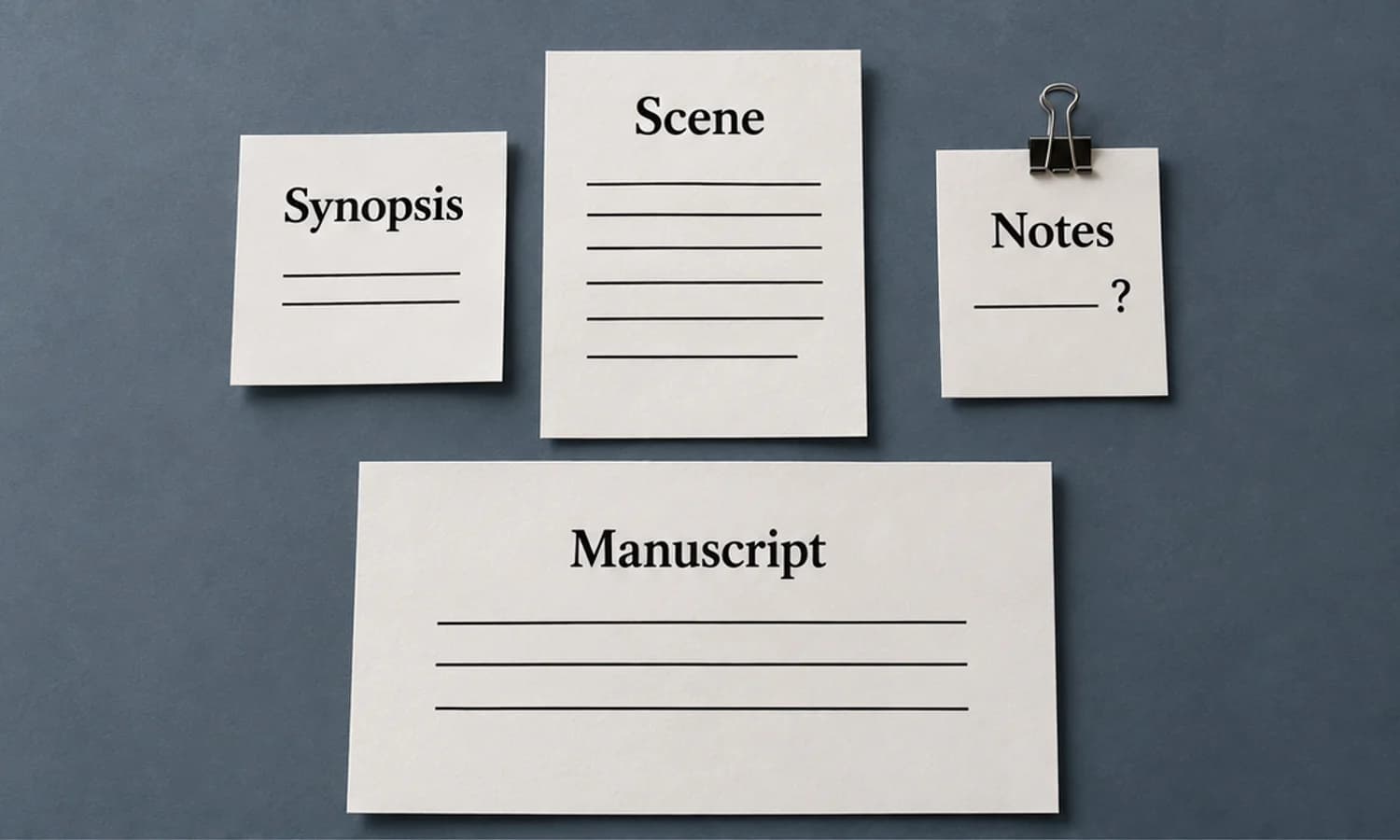
If your manuscript lives in Scrivener, use the Scrivener dictation guide for its scene, synopsis and notes destinations. The book-level question remains which passage belongs in the reading sequence.
Leave the next session a usable handoff
Finish a session by writing a short note outside the manuscript prose. Record the current endpoint, the choice you made and the passage that should come next. “Continue chapter two” leaves you to reconstruct the creative decision tomorrow.
For the gate story, the note could be:
Next: A02 — The spare key.
Nell has reached the abandoned workshop but has not found the key.
Keep: She chooses to help before she knows the captain is trapped.
Changed: A spare key exists. Revisit “the only key” in A01.
Begin with: What makes her search the workshop drawer?
Read this note and the end of the preceding passage before dictating again. If you are writing A02 after A03, also read A03’s opening. You now know what A02 must establish without accidentally giving Nell information she learns later.
Keep a small reference list for facts that recur: character-name spelling, who knows a secret, a journey’s timing, or the definition of a term. Add a fact when the draft commits to it. You do not need an elaborate story database to avoid changing the captain’s name halfway through the book.
For nonfiction, record the claim you have established and the question the following section must answer. Put a source reminder beside an uncertain fact. Fluent dictation does not turn a remembered number or quotation into verified evidence.
Revise the whole manuscript before polishing it
Correct transcription problems while the intended meaning is still clear. Then make a separate pass through the book in reading order. Penn’s author guidance treats dictated material as the start of a draft that still needs editing. The following checks apply that distinction to the accumulated manuscript.
Start with consequences. Finding a spare key in A02 changes the claim in A01. You might revise A01 to say that Marivel holds the only issued key, then explain who made the spare. Or you might keep the original claim as something Marivel believes, provided the prose makes that viewpoint clear. Choose the story you mean and carry the choice through A03.
Next, read the joins between sessions. A03 may begin with Nell at the mechanism while A02 ends with her at the workshop. That needs a crossing, a deliberate scene break, or a revision of the location. More accurate recognition would not supply the missing narrative decision.
In nonfiction, look for a similar break between an assertion and the example meant to support it. A later chapter may depend on a definition you cut from an earlier one. Restore the explanation where the reader needs it, or change the later argument.
Resolve replacement takes and visible gaps before line editing. Search for the markers you actually used, such as “rewrite this” or “source needed,” then read around every match. A marker can also be legitimate quoted text, so do not delete matches blindly.
Your spoken first draft is ready for a full revision when every intended section has text or an explicitly located remaining gap, one chosen version of each passage appears in the manuscript, and the order makes the unfinished work clear. Before sharing a complete manuscript with an editor, close those structural gaps and identify any research or quotation checks you still need help resolving. Sentence polish comes after those decisions.
Keep your chosen words when using Paraspeech
Paraspeech can supply spoken text for this process. It does not organize the book or resolve continuity for you. The controls worth checking for a prose draft are the output choice, the destination and recurring names.
In direct-download Mac 1.7.3, build 372, open Rewrite → Default Output → Transcription Only to skip the AI rewrite. Check App Exceptions for your writing app because an exception can choose a different output. Other normalization can still occur; review deliberate repetitions, unfinished dialogue and unusual phrasing before adding the passage to your manuscript. Output controls
Use the hold-to-record shortcut, speak the passage and release. Paraspeech can insert text into many editable Mac fields with the required permissions. Use a manual copy-and-paste handoff where the destination needs it, then confirm the section label before continuing. This guide does not establish a tested integration with your editor.
If a name is repeatedly misheard, the manual Dictionary supports Original and Replacement rules, with optional Case Sensitive matching. For this invented story, a narrow phrase such as “Captain Maryville” → “Captain Marivel” is more controlled than replacing every occurrence of a word that could be correct elsewhere. Add a rule after observing the actual recurring error. The example is a proposed rule, not a measured recognition result. Dictionary instructions
Paraspeech requires macOS 14 or later. Supported local speech models require Apple Silicon and a ready download; Intel Macs use eligible cloud models. Speech recognition and rewriting have separate processing choices. Use the Mac processing guide when those choices affect your unpublished material.
If these controls solve a need in your book workflow, download Paraspeech and try one passage with Transcription Only. Check the current plans and trial terms before normal use. Keep the manuscript and your session notes in your writing project so the next session begins from the choices you actually made.