March 23, 2026voice to text app for writersvoice to text for writersdictation software for writersspeech to text softwaredictation app for writersMac dictation software

Best Voice to Text App for Writers

Discover the best voice to text app for writers. Compare Paraspeech, Dragon, and Google Docs to find the fastest, most accurate dictation tool.

Published on
Published March 23, 2026
Reading time
22 min read
Best Voice to Text App for Writers

Best Voice to Text App for Writers

If you're looking for the best voice to text app for writers, your search will likely lead you to three major players: Paraspeech, Dragon, and Google Docs Voice Typing. These aren't just simple transcription tools; they're built to speed up the creative process, turning spoken words into clean text with modern voice-to-text technology. The right one for you really boils down to what you value most - privacy, specific platform support, or advanced features.

For writers, the right tool is not just about transcription accuracy. It also needs to fit naturally into the writing process, whether you’re drafting blog posts, outlining articles, or speaking through scenes in a novel.

The best dictation software for writers should do more than convert speech into text. It should help you stay in flow, reduce editing friction, and support the way you already write.

This comparison reflects general use cases and publicly available information. Individual experiences may vary depending on workflow, setup, and software updates. We include Paraspeech in this comparison as its developer. The evaluation is based on real use cases and publicly available data. Features and performance may change over time.

How Voice to Text Changes the Game for Writers

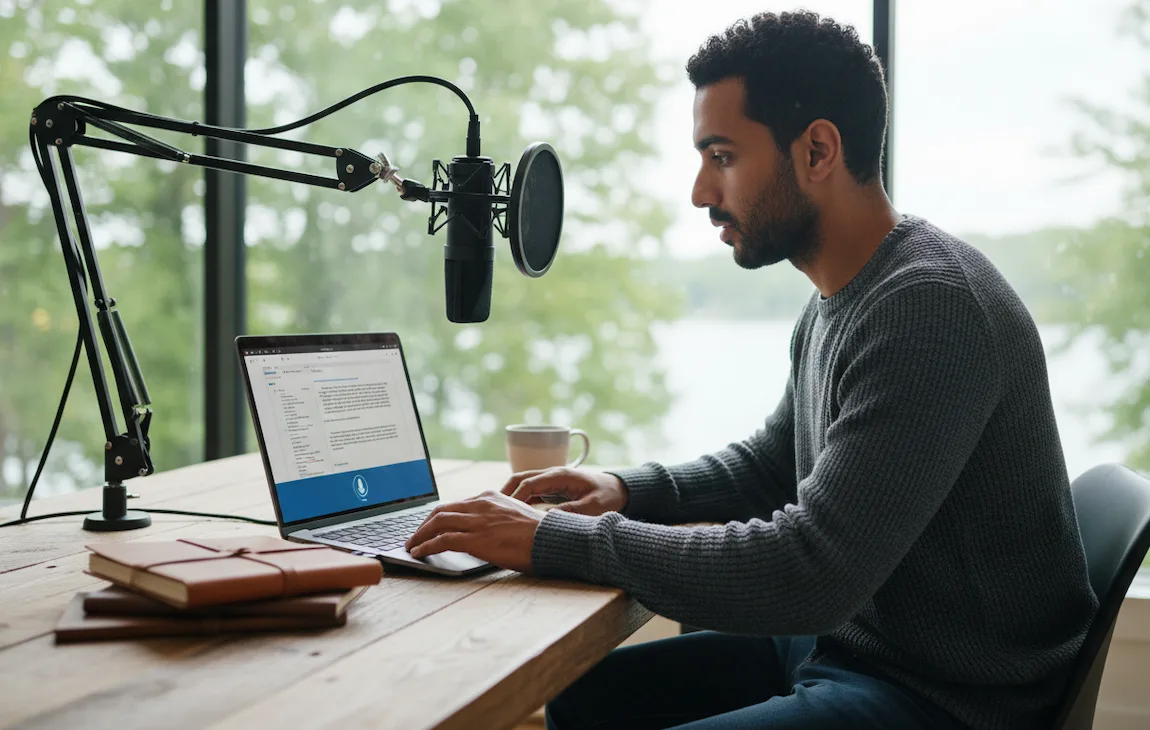
Writer using voice-to-text app to draft content on a laptop

For any writer, the blank page is a familiar foe. Dictation software offers a way to sidestep that initial friction by completely changing how you create. You're no longer chained to a keyboard, trying to type as fast as you think. Instead, you can capture ideas as they come, bypassing the inner editor that so often gets in the way of a first draft.

If you want a broader overview of features, workflows, and writer-focused tools, see our guide to dictation software for writers.

The most obvious advantage is raw speed. Most of us speak much faster than we type. While an average typist might hit 40 words per minute, speaking can easily get you to 160 words per minute. That's a massive difference, letting you hammer out a full draft in a quarter of the time and freeing up more energy for the important work of editing and polishing.

Dictation isn't just a productivity hack - it's a creative unlock. It helps you find a more natural, conversational tone and capture the real rhythm of dialogue without the clunky mechanics of typing getting in the way.

Finding Your Creative Flow

Writer's block often comes from the pressure to get every sentence perfect right out of the gate. Voice-to-text apps take that pressure off by letting you work in a more "stream-of-consciousness" style. You can pace around the room, act out a scene, or just talk your way through a tricky plot point while the software does the heavy lifting of getting it all down.

This simple shift helps you stay in the zone, avoiding the stop-start cycle that can kill momentum. Whether you’re a novelist building a world, a journalist chasing a lead, or a blogger brainstorming your next post, dictation creates a direct path from your brain to the page.

Top Voice to Text Apps for Writers

Before diving deeper, here’s a quick overview of the main voice to text and dictation apps writers are most likely to compare.

FeatureParaspeechDragon ProfessionalGoogle Docs Voice Typing
Best formacOS users who need speed & privacyWindows users with custom workflow needsFree, easy drafting
Data Privacy100% private, all on-device processingLocal processing is an optionAll processing happens in the cloud
PlatformmacOSWindowsBrowser
Works Across AppsYesYesNo
Best for PrivacyExcellentGoodLimited
Primary Use CaseFast, system-wide dictation anywhereHighly specialized professional workCasual writing and taking notes

The best voice to text app for writers depends largely on your platform, privacy needs, and writing workflow. Paraspeech stands out for Mac users who want a fast, private, and deeply integrated dictation experience. On the other hand, Dragon offers extensive customization for niche industries, and Google Docs Voice Typing is a strong no-cost entry point for writers with simple drafting needs.

If you want a deeper look at platform-specific options, read our guides to Mac dictation software and how to do speech to text on Mac.

What to Look For in Voice to Text Apps for Writers

Choosing the right voice-to-text app is about more than just speed or cost. For writers, the best tool should feel natural during real work, whether you're drafting a chapter, capturing ideas quickly, or handling sensitive material.

How Well Does It Actually Understand You?

Accuracy should be your first filter. If a voice to text app for writers requires too much correction, it will slow you down instead of speeding you up.

Speed, or what tech folks call low latency, is just as critical. The best apps transcribe your words almost as soon as you say them. That instant feedback is what lets you stay in the zone, keeping your train of thought rolling without those awkward, creativity-killing pauses.

Does It Adapt to Your Writing Style?

Writers don't use generic language. We invent character names, dive into technical jargon, and build entire worlds with unique terminology. A top-tier dictation app has to let you create a custom vocabulary. This is where you teach the software to recognize and spell your specific words correctly, saving you from an endless cycle of find-and-replace.

Smart formatting is another game-changer. Basic apps will give you a giant, intimidating wall of text. The really good ones, however, understand vocal commands and even your tone. They can automatically add commas and periods, start a new paragraph when you say "new paragraph," and handle dialogue formatting without you lifting a finger.

Will It Work Where You Work?

Your writing life probably isn't limited to a single program. The best dictation software needs to work everywhere you do. Do you need a tool that works across your whole computer - in Scrivener, Google Docs, your email, and your browser? Or is something that lives inside its own app good enough for you?

Paraspeech is one example of a system-wide dictation tool for Mac designed for writers who want to dictate across different apps.

Think about your devices, too. A solution that syncs between your Mac and your iPhone can be a lifesaver, letting you dictate ideas while you're out for a walk and polish them up later at your desk. This kind of flexibility means you never lose an idea just because you weren't at your keyboard.

  • Desktop-Only: Best for authors who have a dedicated writing space and do most of their work there.
  • Mobile-First: A great fit for journalists, students, or anyone who drafts and takes notes on the go.
  • Cross-Platform Sync: The gold standard for modern writers who switch between devices throughout the day.

Privacy and Price: The Practical Stuff

For writers choosing between voice to text apps, privacy and pricing often matter just as much as raw accuracy.

Many free, cloud-based apps send your voice recordings to their servers for processing. For a manuscript or a sensitive non-fiction project, that might be a deal-breaker. Software that processes your speech directly on your device offers far better privacy, keeping your work entirely yours.

Pricing is all over the map, from free (but limited) tools to subscriptions and one-time purchases. Think about the value, not just the price tag. For a professional writer, a reliable tool is an investment that pays for itself in saved time and reduced frustration. You can see how these different approaches stack up by exploring options available in different pricing models for dictation software like Paraspeech's. Often, a one-time fee offers much better long-term value than a never-ending subscription.

Best Voice to Text Apps for Writers Compared

When it comes to picking the best voice-to-text app, there’s no single "perfect" tool. It really boils down to finding the right tool for the job you're doing. A novelist crafting a scene full of snappy dialogue has completely different needs than a journalist transcribing a sensitive interview.

To find the right fit, we have to look past the marketing blurbs and see how these apps actually perform in the wild. We’ll be pitting Paraspeech, Dragon Professional, Google Docs Voice Typing, and Otter.ai against each other based on what matters most to writers: accuracy, speed, privacy, and features that genuinely help the writing process.

Otter.ai is worth mentioning as a transcription-focused alternative, especially for journalists and interview-heavy workflows, even though it is less focused on creative drafting.

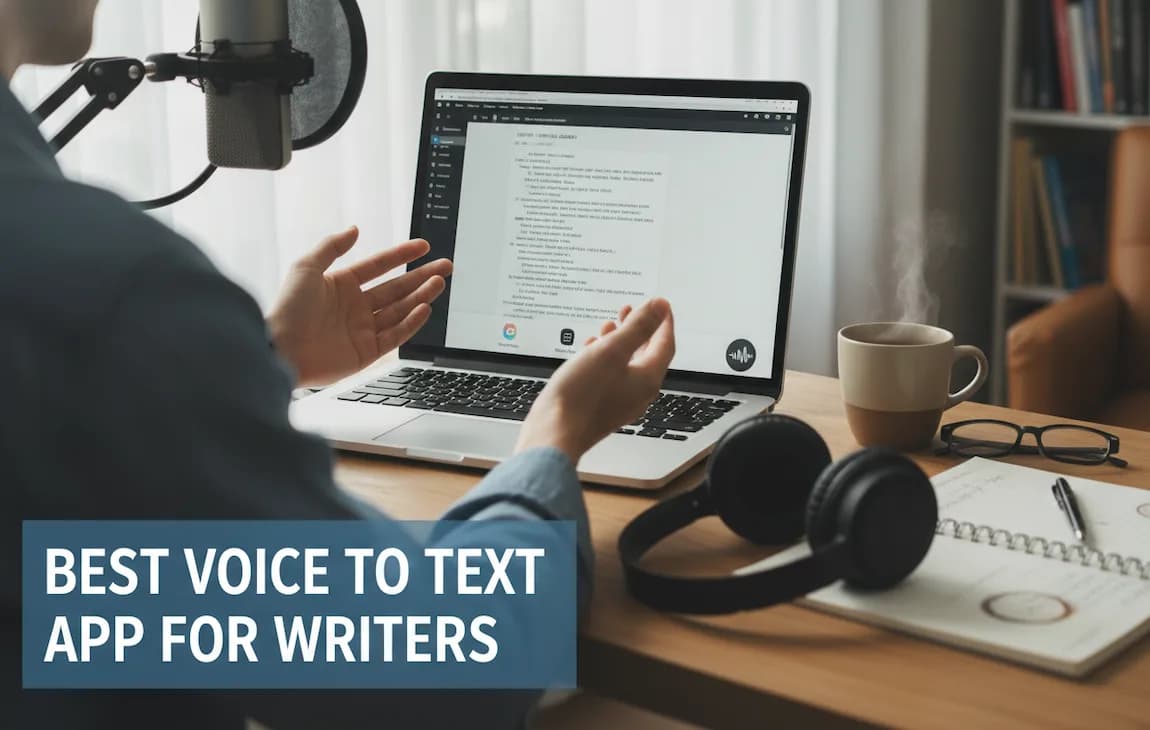
This infographic gives a quick rundown of what writers should be looking for in a dictation app.

Important features in a voice to text app for writers

For writers, the biggest differences between these tools come down to platform support, privacy, formatting help, and whether they fit drafting or transcription better.

Accuracy and Speed Under Pressure

A high accuracy score on paper is one thing. The real test is how an app keeps up when you're in the zone, speaking naturally, and maybe not in a soundproof studio. This is where you start to see the difference between consumer-grade tools and professional ones.

Dragon Professional for Windows has been one of the most established names in speech recognition for years. Even in 2025, it remains a strong option, with the company citing accuracy rates of up to 99% under optimal conditions and support for fast dictation speeds that match natural speech.

Its strength lies in advanced features like custom vocabularies and support for specialized professional workflows. While performance can vary depending on setup and environment, it is widely regarded as a reliable solution for users who need a high level of control and customization.

But Paraspeech is positioned as a strong alternative, especially for Mac users. It's built for Apple Silicon, which means transcription feels almost instantaneous. Because all the processing happens right on your machine, there's none of that slight hesitation you sometimes get with cloud-based apps. When an idea hits, that low-latency feel can be especially helpful.

Google Docs Voice Typing is more limited compared to dedicated dictation apps, especially when it comes to system-wide use and privacy controls. It works best for writers who already live in Google Docs and do not need system-wide support or stronger privacy controls.

It may still be a practical choice for quick, low-friction writing sessions. For a more practical walkthrough, read our guide on how to dictate to Google Docs.

Scenario: The Fiction Writer's Dilemma

Picture this: you're a novelist dictating a heated argument between two characters. They're talking over each other, the emotion is high, and the rhythm of the dialogue is everything.

  • Paraspeech is a natural fit here. Its AI is smart enough to handle punctuation and formatting based on your tone and pauses. You can just act out the scene, and it captures the flow without you having to bark commands.

  • Dragon would also do a great job, especially if you’ve fed it your characters' names and quirky phrases. The catch is that you're more reliant on specific commands like "open quote," "new line," which can pull you out of the creative moment.

  • Google Docs Voice Typing would probably be the most frustrating. You’d likely end up with a wall of text that you have to manually break apart and format, losing much of that raw energy from the initial dictation.

For creative writers, dictating dialogue without constantly stopping to say "comma" or "new paragraph" is a game-changer. Paraspeech’s AI-driven formatting can be especially useful for this kind of work.

Privacy and Data Security: A Critical Concern

Your manuscript is your intellectual property. The idea of your unpublished work being processed on some remote server can be a major hang-up for a lot of writers. This is where on-device processing becomes a non-negotiable feature.

Paraspeech was designed with privacy at its core. Every single word is processed fully on your device without sending audio to the cloud. This can offer peace of mind for writers, authors and journalists with confidential sources, or anyone who handles sensitive material.

On the other hand, Google Docs Voice Typing and Otter.ai are cloud-based by nature. Your voice data has to travel to their servers to be processed. While they have security protocols, the fact remains that your data leaves your machine. Otter.ai, in particular, is built for collaborative meeting notes, so its cloud infrastructure is a key feature - just not one that aligns with a solo writer's need for privacy.

Dragon Professional is available in both a desktop version and a cloud-based offering, Dragon Professional Anywhere. The desktop version processes speech locally on your device, which can be preferable for users with stricter privacy requirements. In contrast, the cloud-based version relies on remote processing and is typically offered as a subscription. The desktop software usually involves a higher upfront cost, reflecting its local processing and one-time licensing model.

Comparing the Core Writing Workflow

To give you a clearer picture of how these tools stack up in the real world, here’s a breakdown of how they compare for common writing tasks.

Feature Comparison of Voice to Text Apps for Writers

This table provides a side-by-side comparison of the key features, pricing, and ideal use cases for the top voice-to-text applications discussed in this guide.

Feature ScenarioParaspeechDragon ProfessionalGoogle Docs Voice TypingOtter.ai
Drafting a Novel ChapterVery Good. Works anywhere, so you can dictate into Scrivener or Ulysses. On-device speed keeps you in the creative flow.Very Good. Its custom vocabulary is perfect for complex fantasy or sci-fi terms. Relies more on voice commands.Fair. You're limited to Google Docs. It’s fine for simple prose but struggles with dialogue or complex formatting.Limited. It's built for meetings, not long-form creative writing. Transcripts are focused on who said what.
Transcribing an InterviewGood. Captures the audio accurately, but speaker identification may require manual handling.Good. Can handle pre-recorded audio files with high accuracy, but it’s not an automated process.Not Ideal. Doesn't have a feature for transcribing existing audio files.Very Good. This is what it was born to do. Automatically identifies different speakers and creates an interactive transcript.
Brainstorming & Note-TakingVery Good. You can dictate into any app on your computer - notes, email, you name it. It's instant and frictionless.Very Good. Works system-wide.Good. Super easy for quickly jotting down thoughts, as long as you're doing it in a Google Doc.Very Good. Fantastic for capturing spoken ideas and having them automatically organized and ready to review.

This comparison shows that the "best" app really depends on the specific task at hand. What's perfect for one writer could be a frustrating bottleneck for another.

The Verdict: Context Is Everything

So, which app should you choose? It all comes down to your specific needs as a writer.

  • If you're a novelist, blogger, or content creator on a Mac who values speed, absolute privacy, and the ability to work in apps like Scrivener or Ulysses, Paraspeech stands out as a strong choice. Its on-device processing and smart formatting are designed for a creative workflow.

  • If you're a professional in a technical field (like law or medicine) using Windows and need maximum accuracy with specialized jargon, Dragon Professional is still a powerhouse, provided you can stomach the cost.

  • Google Docs Voice Typing remains a strong free option for writers on a tight budget. It’s a fantastic, free tool for getting words down in the Google ecosystem.

  • And if you're a journalist or researcher who spends most of your time transcribing interviews with multiple speakers, Otter.ai is the right tool for that specific job.

By thinking about your own writing process and priorities, you can pick the app that will actually make you a faster, more productive writer.

Weaving Dictation into Your Daily Writing Life

A person using dictation in daily life

Knowing what a voice-to-text app can do is one thing. Actually making it part of your creative life is where the real breakthrough happens. The idea is to stop seeing dictation as just a transcription tool and start using it to snag ideas on the fly, outline your thoughts, and speed up your entire writing process.

This means you have to break the habit of defaulting to the keyboard for everything. It’s about learning to spot those moments when talking out your ideas is simply faster and more natural than typing. With the right software, making this switch feels like it was always meant to be.

Dictation can also be useful for capturing ideas quickly during meetings, research sessions, or planning. If note speed is your main problem, read our guide on how to take notes faster without missing a thing.

For Novelists: Capturing Raw Creativity

For novelists, dictation can be especially useful during early drafting. Speaking scenes out loud often produces more natural dialogue, helps maintain momentum, and makes it easier to capture ideas before the inner editor slows everything down.

For Journalists: Nailing Transcripts in the Field

Now, think about a journalist on a tight deadline with hours of interviews to get through. Manually transcribing audio is a soul-crushing task that steals time from actual writing. A good dictation app can completely upend this workflow.

By using an app that can distinguish between speakers, a reporter can turn field recordings into a neat, organized transcript almost instantly. This doesn't just save countless hours of grunt work; it makes finding key quotes and structuring the story a breeze. That saved time can go back into fact-checking and refining the piece, letting them hit their deadline without the usual panic.

A smarter workflow looks like this:

  • During the interview: Stay fully present in the conversation, not worrying about taking notes.
  • Post-interview: Upload the audio file and get an immediate transcription.
  • Reviewing: Scan the text, see who said what, and pull the most powerful quotes for the article.

Writers and journalists who work with recordings may also need a dedicated transcription workflow, especially for interviews and long audio files. Our guide on how to transcribe an audio file explains when transcription software makes more sense than live dictation.

For Bloggers: Formatting as You Go

Content creators and bloggers are always juggling multiple articles, so efficiency is everything. With a more advanced voice-to-text tool, you can do more than just write - you can format the entire post as you speak. Simple voice commands let you draft and structure an article without ever touching your keyboard.

For instance, you could dictate a whole post, saying "new paragraph," "start a bulleted list," or "bold the next few words." This approach drastically shortens the time spent on editing and formatting later. You're basically building the article’s framework while you're creating the content. This is especially useful when working inside a CMS or Google Docs. If you want a more practical setup guide, read our article on dictating in Google Docs.

When you start using dictation in these ways, the best voice to text app for writers becomes more than a tool - it becomes a true partner in your creative work, helping you write faster and more intuitively.

Why Paraspeech Is a Strong Choice for Writers

A writer smiling using Paraspeech

After comparing the main options, Paraspeech stands out as a particularly strong choice for Mac-based writing workflows.

Paraspeech’s biggest advantage is that it focuses on the essentials writers actually care about: fast response, privacy, and the ability to work directly in their usual apps. Its on-device processing keeps transcription quick while giving writers more control over sensitive drafts and private material.

The Power of a Writer-Centric Design

Paraspeech shines because it was clearly built by people who understand how writers actually work. It’s not a generic dictation tool. It operates system-wide on macOS, so you can dictate straight into Scrivener, Ulysses, Final Draft, or whatever app you call home. There are no clunky integrations to wrestle with, which is critical for staying in your creative flow.

The AI-powered formatting is another standout feature. The software is smart enough to interpret your natural pauses and tone to add punctuation or start a new paragraph automatically. This might sound small, but it has a massive impact. You can just speak your story, especially when writing dialogue, without constantly stopping to say "period" or "new line."

For fiction authors and screenwriters, Paraspeech’s genre-aware vocabulary is a standout capability. It learns character names, unique places, and specialized terminology, adapting to your project to ensure a remarkably clean first draft.

Balancing Cost and Long-Term Value

Free tools definitely have their place. The widespread availability of services like Google Docs Voice Typing, which supports over 125 languages, has been fantastic for introducing writers to dictation. It’s given millions a chance to try hands-free drafting without any financial commitment.

However, professional writers eventually hit a wall with free options and need more reliability. This is where Paraspeech presents a compelling alternative. It sidesteps the subscription fatigue many of us feel by also offering a one-time purchase for a lifetime license. It’s a straightforward, budget-friendly investment that delivers a professional-grade experience far beyond what free tools can manage.

The Final Verdict for Creative Professionals

At the end of the day, the best voice to text app for writers is the one that helps you stay focused on your ideas rather than the tool itself. The right choice depends largely on your platform, workflow, and privacy preferences.

For Mac users who want fast, private, and system-wide dictation, Paraspeech is a strong option that integrates naturally into everyday writing workflows. For Windows users, Dragon Professional remains a powerful choice, especially for those who need advanced customization and industry-specific vocabulary.

Your Top Questions About Dictation Software, Answered

If you're a writer, you're probably curious about dictation software, but you likely have some serious questions. Precision, privacy, and practicality are non-negotiable. Getting clear, honest answers about how these tools really work is the only way to feel confident about bringing one into your writing life.

Let's cut through the noise. Here are the answers to the most common questions I hear from fellow writers about voice-to-text apps.

Can These Apps Actually Understand My Accent?

Yes, for the most part. Modern voice-to-text apps have gotten remarkably good at handling different accents. High-end tools like Paraspeech and Dragon are built on sophisticated AI that has been trained on a massive amount of diverse speech data, so they can adapt to a huge variety of dialects and speech patterns right out of the box.

The real magic, however, happens over time. These systems learn your voice. While free tools might do an okay job, the premium software is far more reliable with non-standard accents simply because the training is more rigorous and the learning algorithms are more advanced.

The key is consistent use. The more you use a high-quality dictation app, the better it gets at understanding you. This "training" period is what gets you to those super-high accuracy levels, regardless of your accent.

How Safe Is My Manuscript When I'm Dictating?

It depends on the app. Some tools process audio in the cloud, while others keep everything on-device. If manuscript privacy matters to you, local processing is usually the better option.

  • Paraspeech handles all audio 100% on your device. Your words never touch the cloud.
  • Dragon Professional also has a desktop version that keeps processing local.

This approach gives writers more control over sensitive drafts, unpublished material, and private research.

How Much Editing Am I Really Looking At Afterward?

Let's be realistic: even with 99% accuracy, you're still going to edit. Dictation is about getting that first draft down fast, not about producing a perfectly polished final copy. Think of it as a tool to get your ideas out of your head and onto the page with incredible speed.

The amount of cleanup really depends on how smart the software is. The best apps for writers have intelligent formatting features that drastically cut down on editing time. They can recognize pauses to add punctuation, start new paragraphs based on your cadence, and even format dialogue correctly. That kind of thing saves a ton of post-dictation work.

Is Dictation Actually Good for Writing Fiction and Dialogue?

It’s not just good; it's fantastic for it. Dictation lets you capture the natural rhythm and flow of spoken language in a way that typing just can't match. When you speak a conversation between characters out loud, the dialogue you create feels far more authentic and real.

The real game-changer here is a custom vocabulary feature. You can teach the app your characters' unique names, your world's fictional places, and any other made-up terms. Once they're in the dictionary, the app transcribes them perfectly every time, making the process of drafting a novel or screenplay feel incredibly fluid and fast.

Ready to see how a tool built for writers can change your workflow? Paraspeech gives you an intuitive, on-device dictation experience built for speed, privacy, and real writing workflows.

You can explore the available plans on the Paraspeech pricing page or get started directly on the Paraspeech website.

Write 3x faster with your voice

AI powered voice to text in every app. Fully offline. 100% private.

BuyFollow updates

Keep exploring