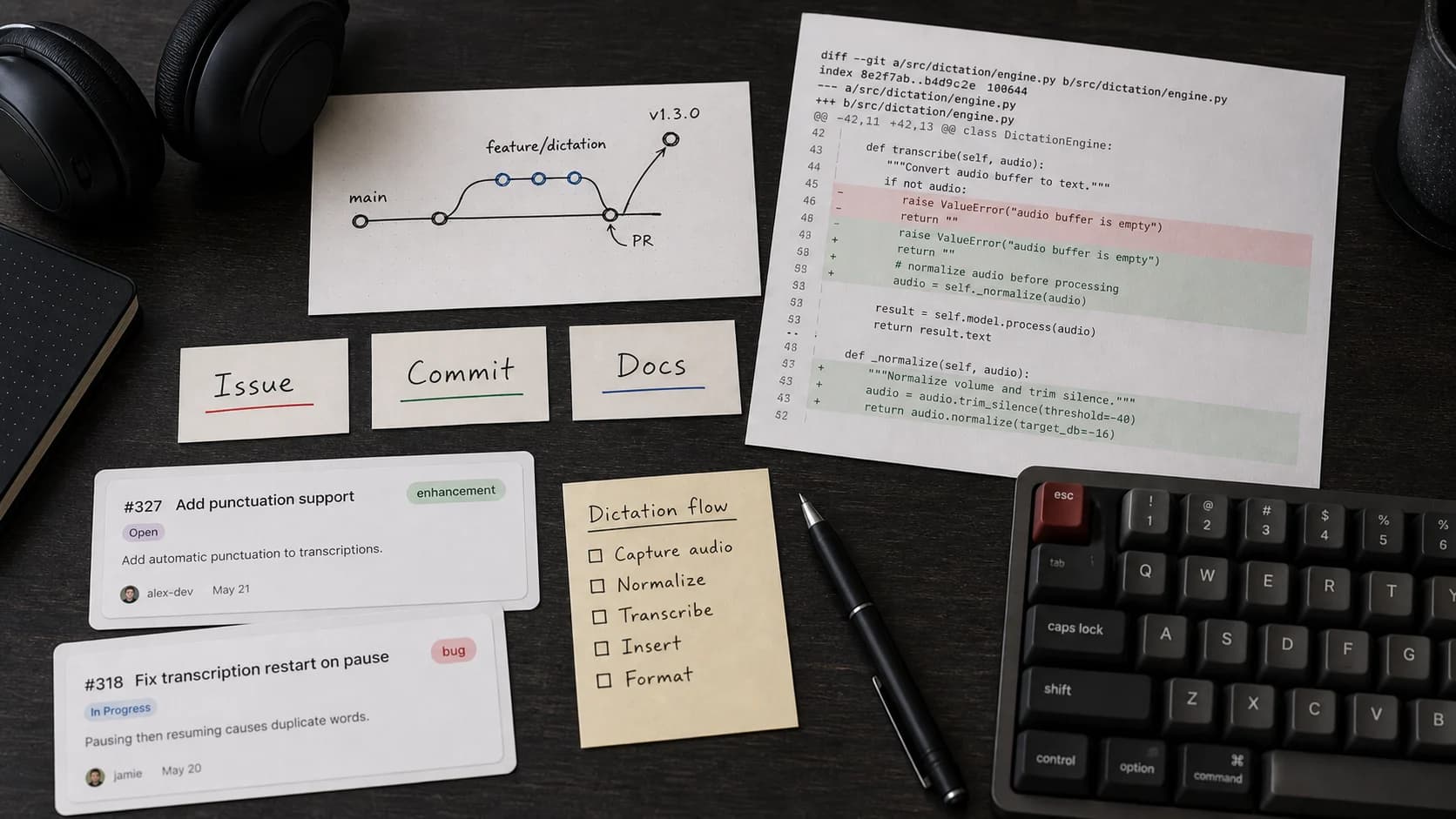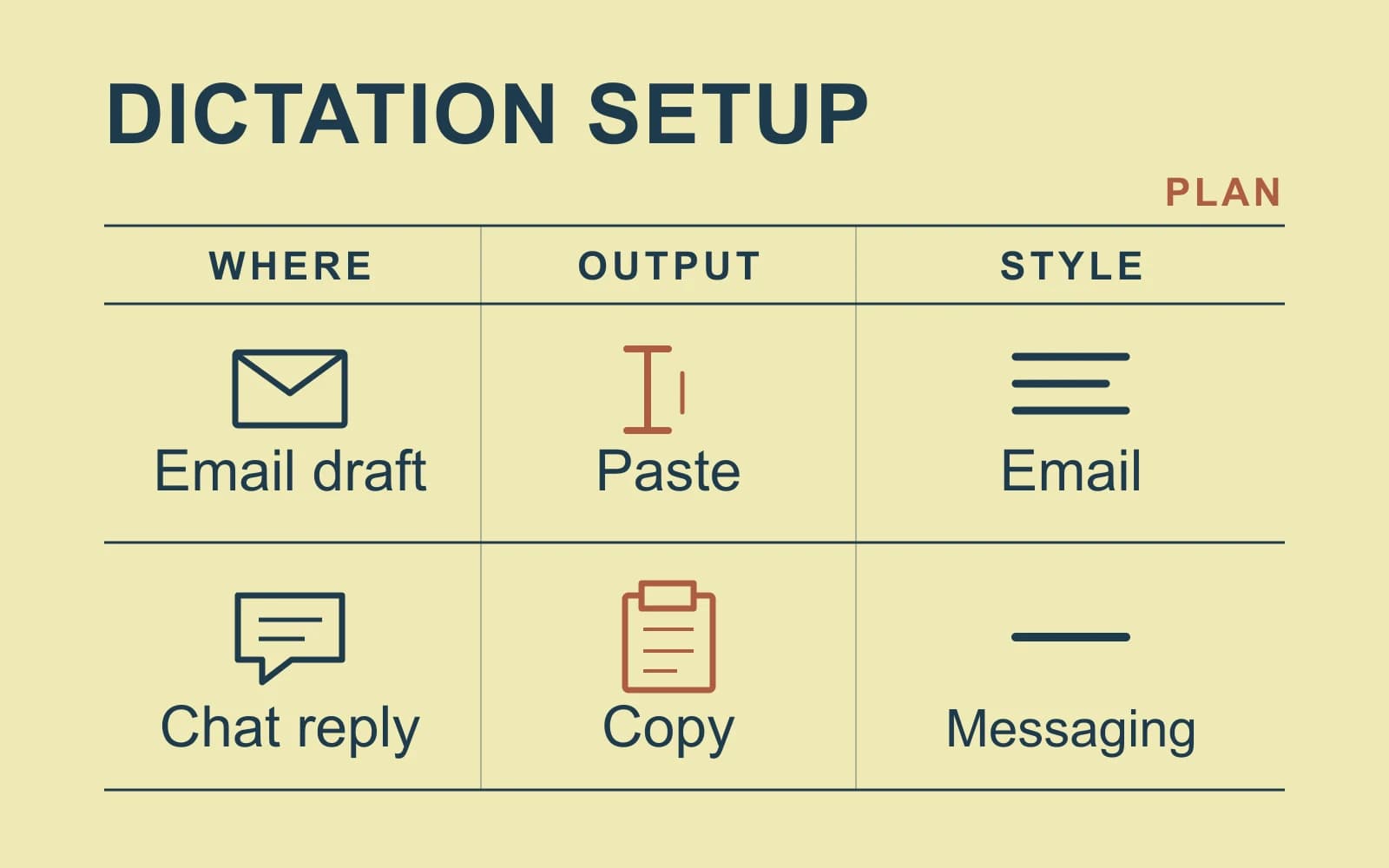
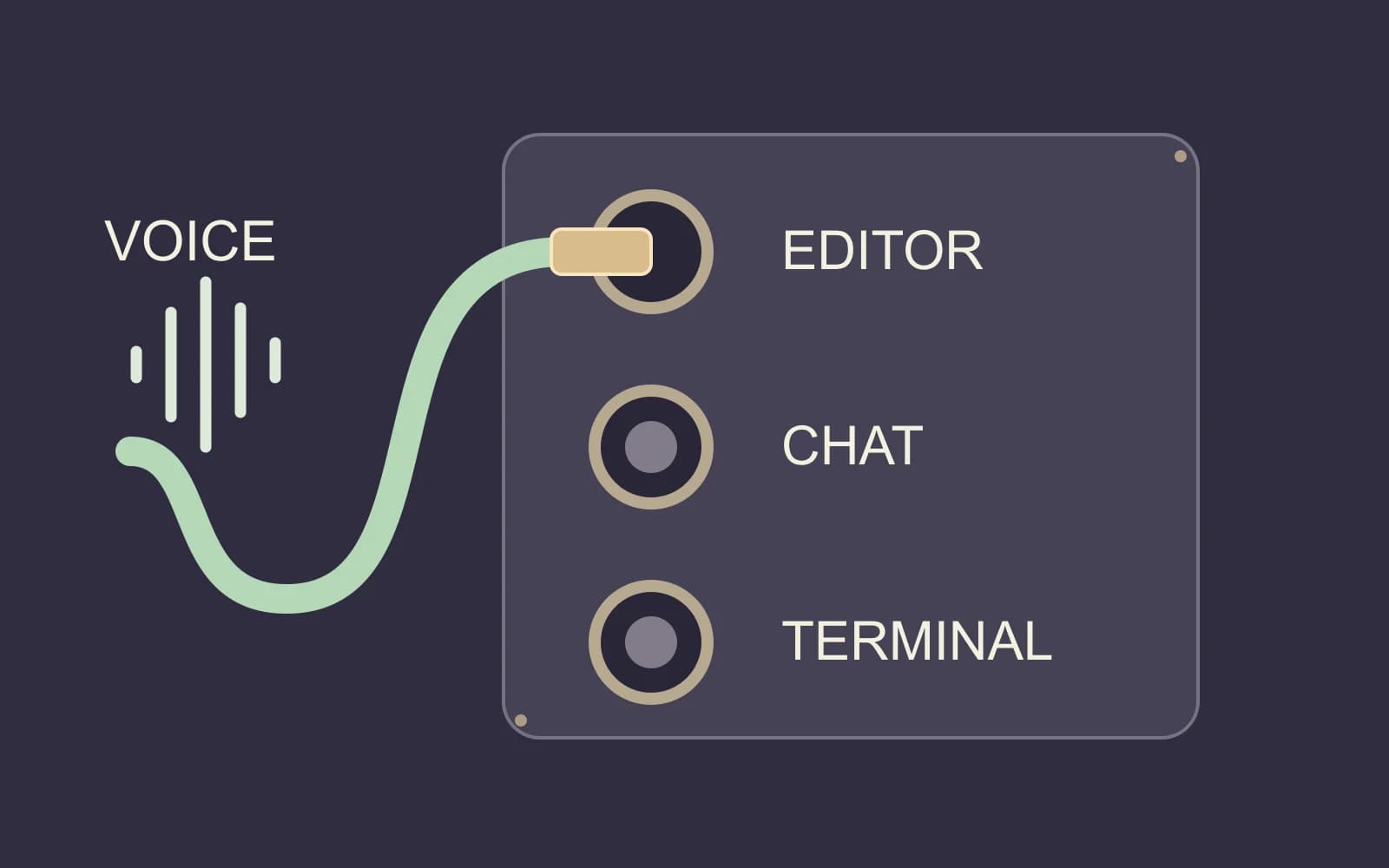
VS Code dictation has separate entry points for the editor, chat and terminal. Choose the destination first: a prose draft in a file, an editable coding prompt or terminal input.
For text you want to review before sending, start with built-in dictation. Voice Mode is a separate spoken agent conversation. Microsoft's current voice guide marks built-in dictation as experimental; it requires AI features enabled and dictation.enabled turned on.
About this guide: We make and sell the Mac dictation app in the final section. We are not affiliated with or endorsed by Microsoft or VS Code. Last checked: November 11, 2026. The example is authored, not a recorded app test.
Choose where the words should land
| Destination | Native control | What to do with the result |
|---|---|---|
| Writable editor | Voice: Start Dictation in Editor; use Voice: Stop Dictation in Editor to finish | Keep a documentation paragraph or issue draft in a file. |
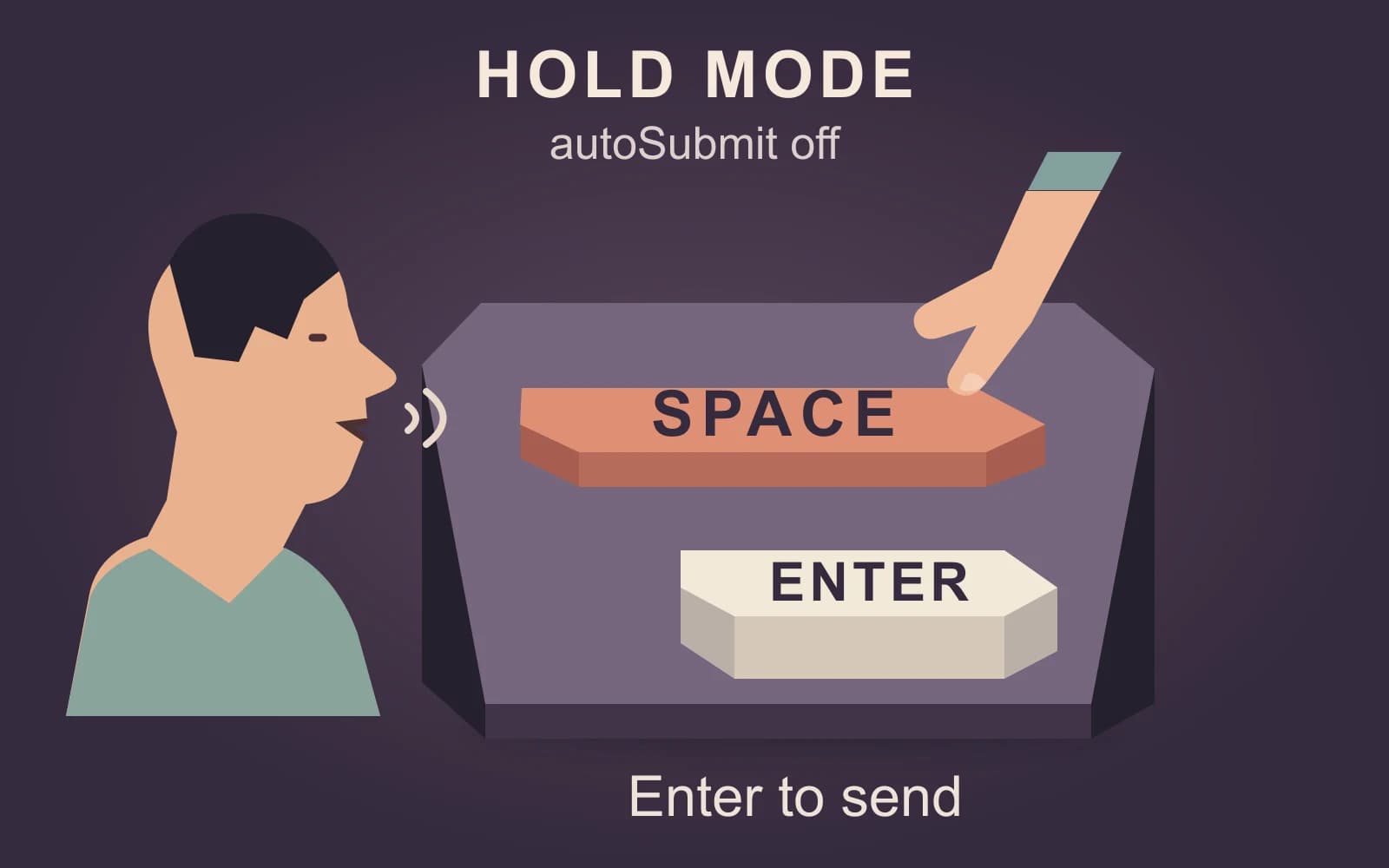
| Chat input | Microphone button or ⌘I on Mac; repeat to stop and keep text. Escape cancels and removes this dictation session's text. | Review the prompt before the separate submit action. |
| Terminal prompt | Voice: Start Dictation in Terminal; Voice: Stop Dictation in Terminal to finish | Treat it as terminal input. VS Code adapts punctuation and spoken symbols for that destination. |
Run named controls through the Command Palette when you do not want to rely on a shortcut binding. The table is based on the linked official guide; it is not evidence that a particular extension, organization policy or customized keymap has the same controls.
For a bug description, choose an editor or chat input. The terminal's text adaptation changes the task, so it is a poor place to compose the explanatory paragraph you intend to paste into an issue.
Turn one bug description into an editable prompt
Suppose your project has a filter panel that loses keyboard focus when dismissed. This is an illustrative scenario, not a defect observed in VS Code or a test result.
A prose description for a README or issue could be:
Closing the filter panel should return keyboard focus to the control that opened it. The current behavior leaves focus elsewhere, so the next keyboard action does not reach the expected control.
Place that explanation in an editor when you want a durable note. Its job is to describe the behavior to another reader. It does not ask a coding agent to change files.
For a coding prompt, use the chat input and give the reader a bounded action:
Investigate why dismissing the filter panel loses keyboard focus. Restore focus to the opening control after dismissal. Preserve the existing filter value and keyboard navigation. Keep the change in the panel and its focus handling unless the cause is earlier. Show how the result was checked.
Stop dictation to keep this as a draft. Then add the actual component path, observed reproduction and relevant error text from your project. Paste exact identifiers rather than trying to reconstruct them from speech. The prompt above supplies intent and scope; your real evidence supplies the implementation target.
Read the request for an accidental expansion before submitting it. “Preserve the filter value” and “clear the filter when closing” ask for different behavior. Correct the intended action while the prompt is still editable. If the spoken draft is unusable, the chat cancellation control lets you discard that session's text instead of sending it.
The developer dictation guide covers broader issue and review writing. This VS Code workflow adds the destination and submission decision: the same paragraph can be a saved explanation or an instruction, depending on where you put it and what you ask.
Check speech recognition and cleanup separately
On supported desktop platforms, including Apple Silicon Macs, VS Code downloads an on-device speech model for local recognition. Intel Macs use the documented Speech-extension route instead. In the web client, dictation sends audio to Microsoft's voice service and needs a network connection and GitHub sign-in.
The separate dictation.experimental.llmCleanup setting is on by default and sends transcript text to a Copilot language model. Turn it off to avoid that cleanup transfer; it does not disable web audio transcription. See Microsoft's processing and privacy section.
A local recognition result can therefore still be sent for cleanup, and a submitted chat request has the destination chat's own processing. Choose the route for both speech and text before dictating private project material.
When a separate Mac dictation route fits
If you also draft prose outside VS Code, Paraspeech offers a separate Mac text-creation route. Supported local speech requires an eligible Apple Silicon Mac, access and a downloaded, ready model; optional rewriting has its own processing choice. The Mac setup documentation explains that boundary.
Use copy and paste for a field that does not accept direct insertion. This does not provide VS Code's native Voice Mode conversation or prove automatic insertion into its editor. Keep the native route when its editor and chat controls already solve the task; consider a separate route when the same writing workflow needs to travel across your other apps.