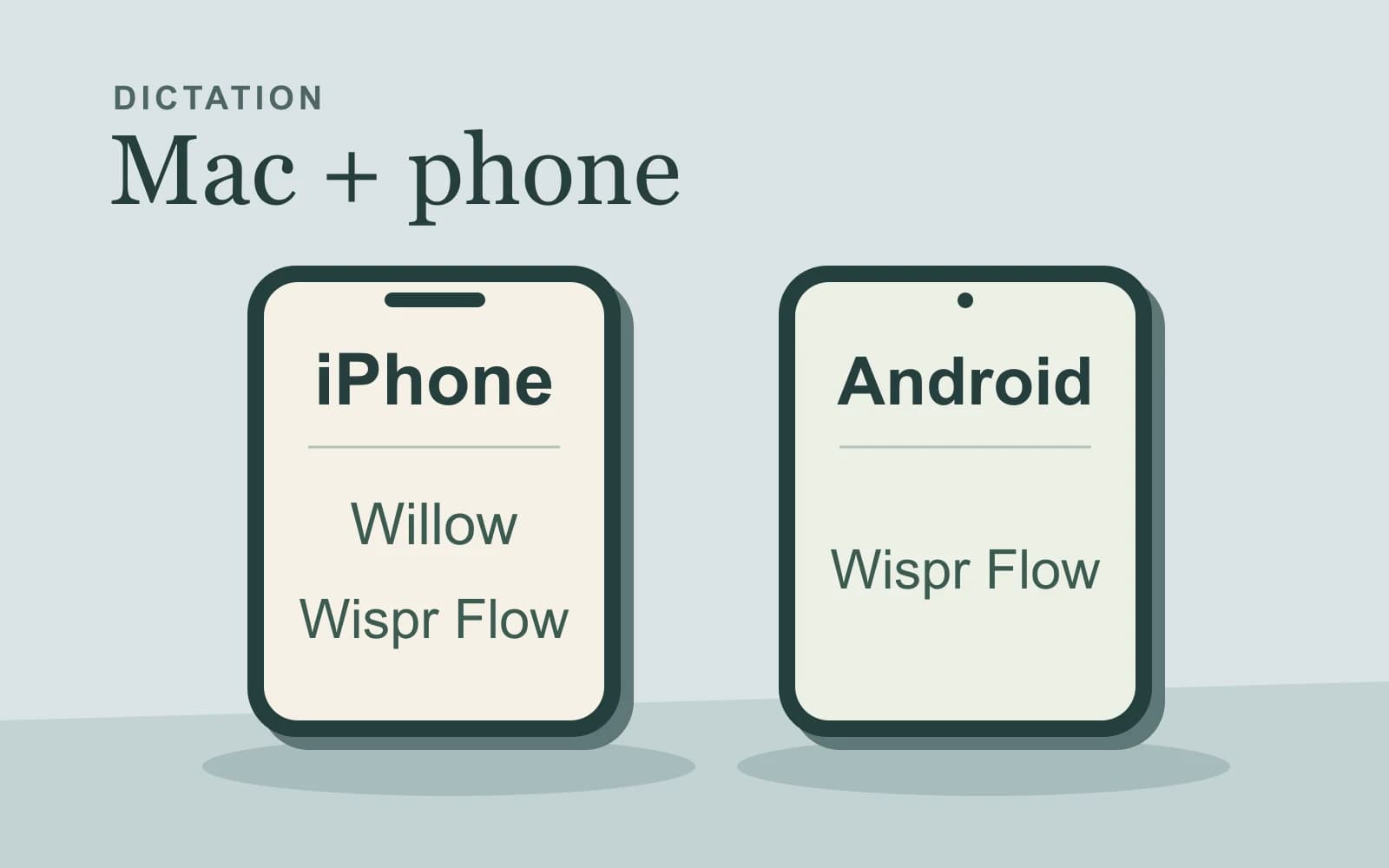
For Willow vs Wispr Flow, start with your phone: try Wispr Flow first for Mac-plus-Android dictation, because Willow still lists Android as coming soon. With a Mac and iPhone, try Willow first when you want Scribe to compose messages from rough intent and its weekly allowance fits. Keep Flow when its dictation or documented writing controls already do the job you need. Willow devices and plans · Flow devices
Both apps can help with more than transcription. Willow’s Scribe and Flow’s Command Mode use different controls and context, so compare the actual reply you need before comparing a word allowance.
About this comparison: We make and sell the Mac dictation app discussed in the final section. We are not affiliated with or endorsed by Willow or Wispr Flow. Competitor facts come from linked official documentation.
Documentation and prices checked: November 3, 2026.
Choose a supported device pair first
| Required setup | Willow | Wispr Flow |
|---|---|---|
| Mac and iPhone | Both listed under one account. | Both supported. |
| Mac and Android phone | Android remains coming soon. | Android dictation documented. |
For a supported Android phone, Flow is the practical first choice in this pair today. Its current requirements include Android 13 or later and an accelerometer. The iPhone app requires iOS 18.3 or later. Check the device requirements before treating a platform name as install eligibility.
Mac-plus-iPhone access leaves a real writing decision. Willow documents Scribe’s entry point in its iOS keyboard as well as desktop shortcuts. That establishes an available control; it does not establish identical screen context or offline behavior on every device. Compare the operation on the device where you intend to do it.
Match a dictated draft, an intention or a contextual reply
If you already know the wording, ordinary dictation supplies that wording to the app. If you know only the outcome, a composition control needs to write the message for you. Cleanup can change formatting, so ordinary dictation is not a guarantee of character-for-character transcription.
| What you supply | Willow’s documented route | Flow’s documented route |
|---|---|---|
| A complete spoken draft | Dictation: speak into the focused field and release. | Dictation: transcribe, clean up and insert after stopping. |
| Rough intent for a new message | Scribe from scratch. | Command Mode documents drafting replies; text commands require existing text in an editable field. |
| An instruction responding to existing material | Respond with Scribe uses screen and conversation context. | Command Mode uses the text-box contents and selection with the instruction. |
On desktop, Willow’s Scribe default is Fn + Control on Mac and Left Windows + Left Shift on Windows. Its Scribe guide distinguishes starting from scratch, responding and editing. Flow’s Command Mode must be enabled in Settings → Experimental and needs eligible subscription or trial access. Its instructions also say that text-editing commands do nothing when both the field and selection are empty.
For a reply whose meaning depends on a visible conversation, Willow’s documented Respond route is a useful first test. In Flow, make sure the relevant material is in the context its Command Mode receives. These source descriptions do not establish identical context collection or quality.
Flow additionally documents Transforms for rewriting existing text with saved prompts, including iOS Polish with different controls. That is a relevant route when the draft already exists. This comparison does not turn a rewrite feature into proof of empty-field composition or copy a desktop operation onto the phone.
A workshop follow-up that exposes the difference
Suppose you use your Mac to prepare workshop replies and your phone for dictation later.
For a complete drafted follow-up, speak:
Thanks for joining the workshop. The exercises are attached, and I’ll answer questions in the group until Friday.
Ordinary dictation in either app is the relevant starting route. You supplied the greeting, promise and deadline.
Now suppose a participant’s question is visible: “Will a recording be available for people who missed the session?” You have not drafted the answer. Your intent is:
Explain that there was no recording. Offer the written exercises and invite one question about them. Keep it friendly and don’t promise another session.
Here the desired artifact is a complete answer to that participant. A transcript of the instruction would leave the writing job unfinished. Willow documents Scribe for this intent-and-context operation. For Flow Command Mode, provide the relevant question through the documented field/selection context and request the reply there; the sources do not establish the same empty-field starting conditions.
The reply should say there is no recording, offer the exercises and invite one question. Remove any promise of a future session that you did not intend.
Count weekly words separately from Scribe uses
Willow’s current Basic plan lists unlimited Frontier Mini dictation, limited personalization and 20 Scribe uses per week. Pro lists Frontier Pro and unlimited Scribe. A long dictated message and a Scribe request therefore draw on different advertised allowances.
This example week keeps the two units separate. All Scribe tasks occur on the Mac; the iPhone column is ordinary dictation.
| Weekly requirement | Light composition week | Frequent composition week |
|---|---|---|
| Mac dictated words | 1,800 | 2,800 |
| iPhone dictated words | 300 | 300 |
| Mac Scribe requests | 12 | 24 |
For Willow Basic, both word totals fit its advertised unlimited Frontier Mini allowance. 12 Scribe uses fit within 20; 24 exceed 20 by 4. The second week therefore points to Pro if you want to retain all 24 Scribe requests, even though ordinary dictation remains uncapped under that listed model.
For Flow Free on desktop, the current plan documentation distinguishes a 2,000-word weekly allowance from a 5,000-word maximum. The 1,800-word week stays below the allowance. The 2,800-word week crosses it, so dictation slows; it remains below the documented maximum. iPhone and Android share a mobile count, and actual account limits can vary. Check that separate mobile allowance for the 300 phone words rather than adding them to the desktop budget.
The Scribe row cannot be converted into Flow credits. If those tasks use Command Mode, its subscription/trial eligibility is a separate requirement from the free dictation allowance. Flow Pro lists unlimited dictation; that wording alone is not a promise about every writing operation.
Both vendors currently display individual Pro at $15 per month, or $12 per month with annual billing, equivalent to $144 for a year. Compare what that purchase includes for your worksheet, and check regional or store terms before buying. Willow pricing · Flow US card terms
Willow’s older plan overview still has a lower table saying 2,000 free words weekly, despite listing unlimited Frontier Mini above it. The current pricing page supports the worksheet here; the conflicting table does not justify calling Basic universally capped at 2,000 words.
Treat offline dictation as its own requirement
Willow calls a feature Offline mode on its current site and lists offline dictation under Individual Pro in its help overview. A Willow coding guide names Mac and iOS for that mode.
That establishes a positive documented offline option. It does not establish the model, hardware/setup requirements or offline Scribe composition for the workshop response. The linked guides do not specify all those details. If disconnected writing decides the purchase, confirm the exact mode and whether it covers your dictated draft, composed reply or both before paying.
Flow’s overview requires an internet connection for transcription. Do not choose its ordinary dictation route for a requirement that speech transcription continue without internet. Equally, do not call Willow cloud-only because an older privacy page discusses cloud models.
When a separate Mac dictation route fits
We develop and sell Paraspeech. It is relevant when the job is new Mac dictation with separately chosen speech and cleanup processing. It does not resolve the Willow-versus-Flow device and composition choices above.
Supported local speech modes require Apple Silicon, downloaded models and eligible access. Rewriting is separate, and eligible online dictation can use cloud processing when local processing is unavailable. Privacy Mode blocks cloud speech and cleanup for dictation; separate meeting archives and cloud summaries remain outside that boundary. Permissions and editable-field support matter, and some fields need copy and paste. Mac processing and setup
Keep Willow or Flow when its documented writing control, phone coverage and plan fit your requirements. Choosing a separate Mac dictation app would still leave a required contextual-composition or phone workflow to account for.