Page 3
Write by voice, then edit
Speech-to-text guides, processing-path explainers, and Mac productivity stories from the team building Paraspeech.
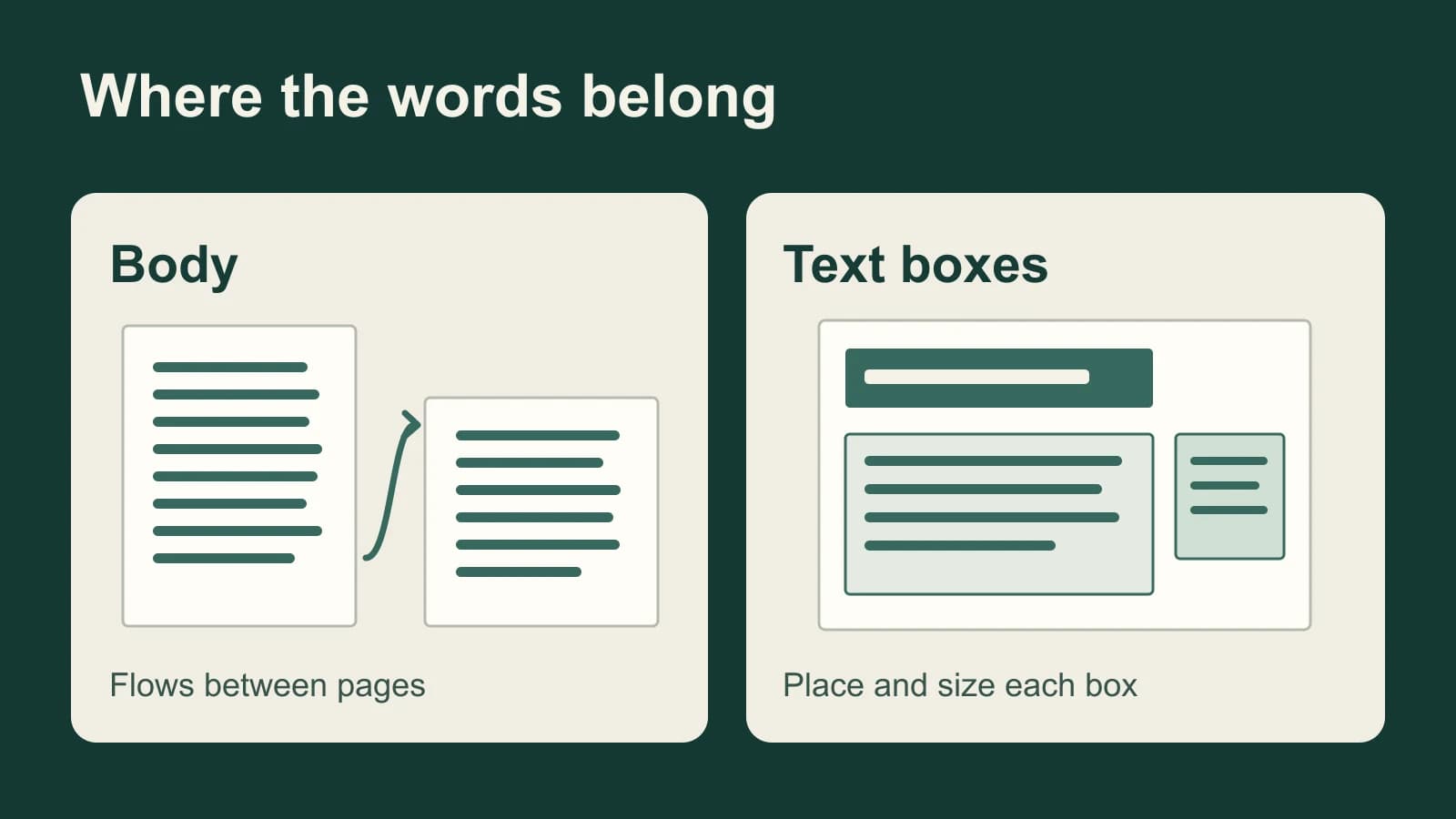
Dictation in Pages on Mac: Put Words in the Right Place
A Pages report has flowing body text; a flyer may have only text boxes. Choose the right text target before dictating, then handle visibility and styling in Pages.

In-Person Meeting Transcription: Choose for the Room
A clear recording of the nearest person is not proof that you captured the table. Choose a transcript workflow, then test the voices you need to hear.
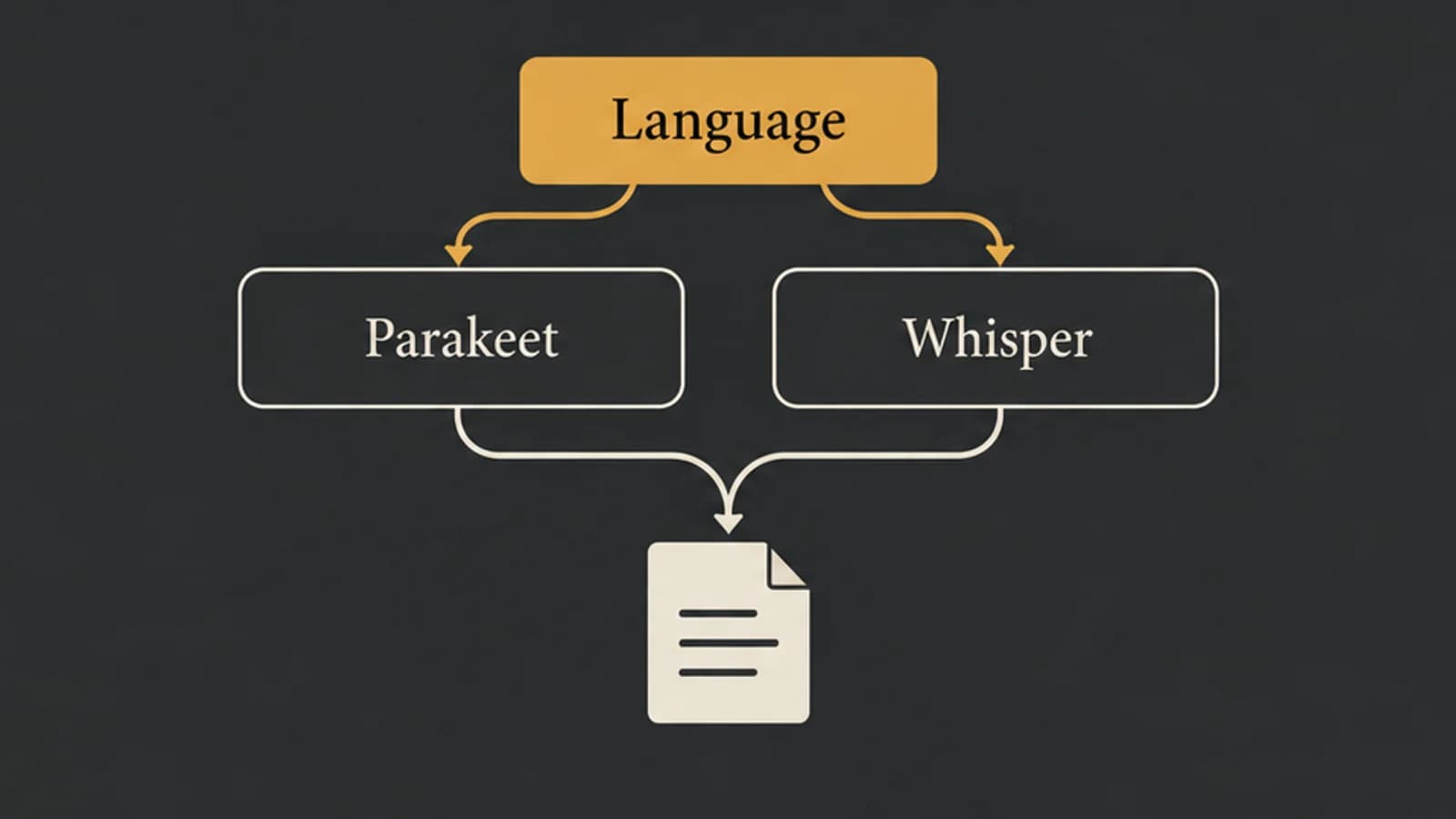
Parakeet vs Whisper: Choose by Language, Model, and App
Parakeet v2, Parakeet v3, and Whisper large-v3-turbo are different choices. Start with language and task support before comparing results on your Mac.
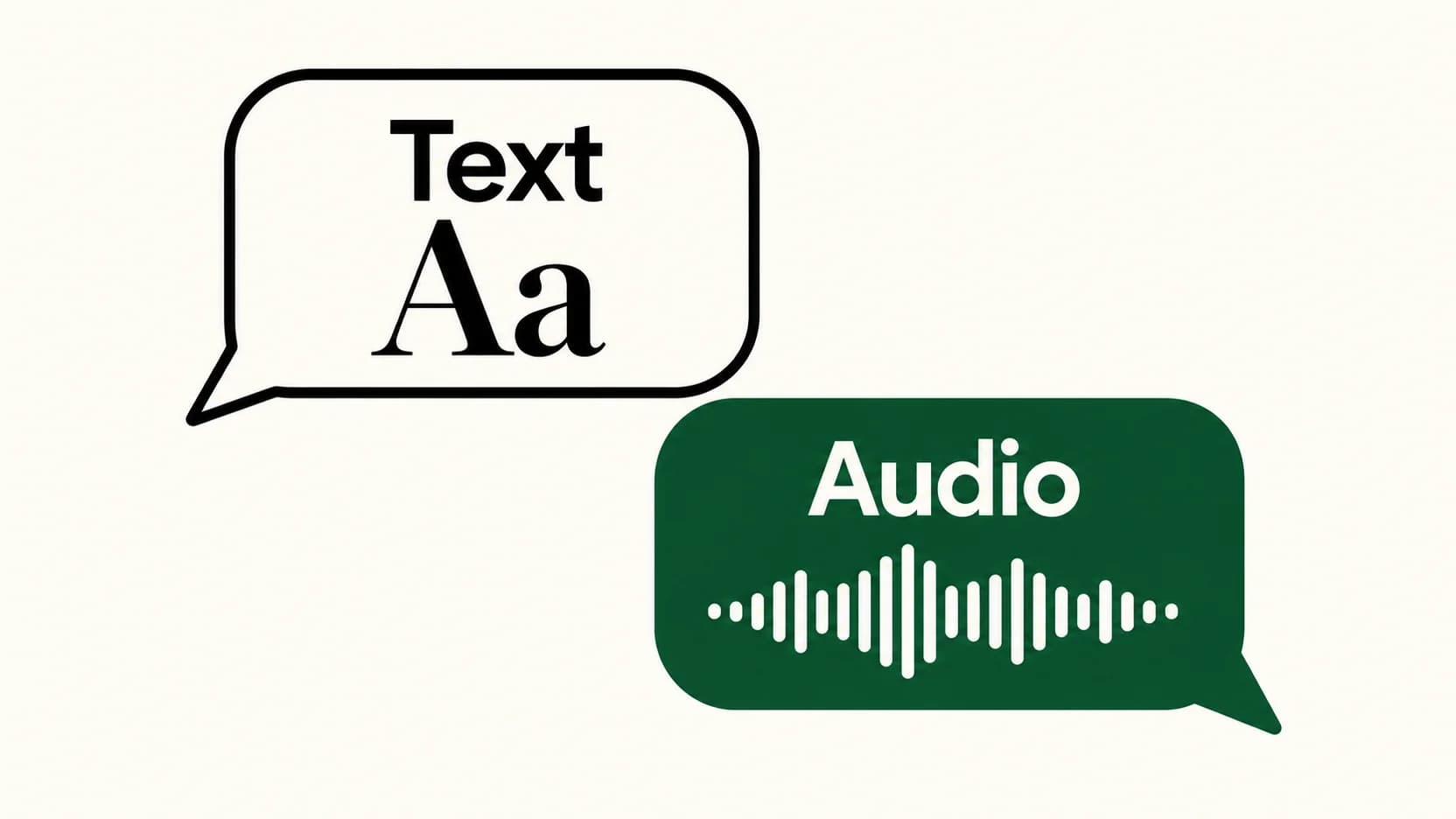
Voice Typing in WhatsApp: Send Text Instead of a Voice Message
The keyboard microphone writes a message. WhatsApp's recording control captures audio. Here's how to choose the right one and check your words before sending.
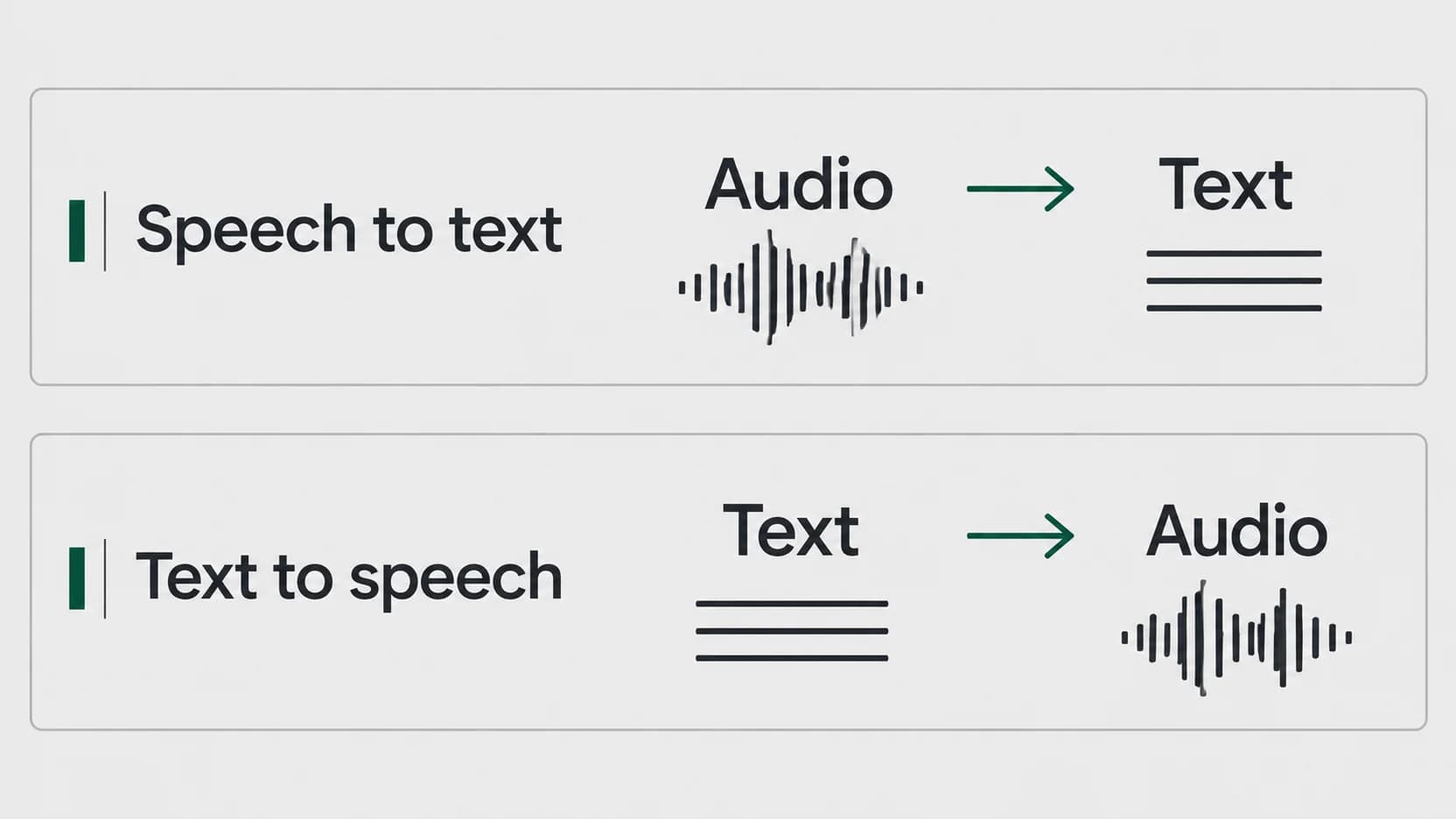
Speech to Text vs Text to Speech: Which Direction Do You Need?
Start with what you have and what you want to produce. A recording needs a different conversion from a document you want to hear.
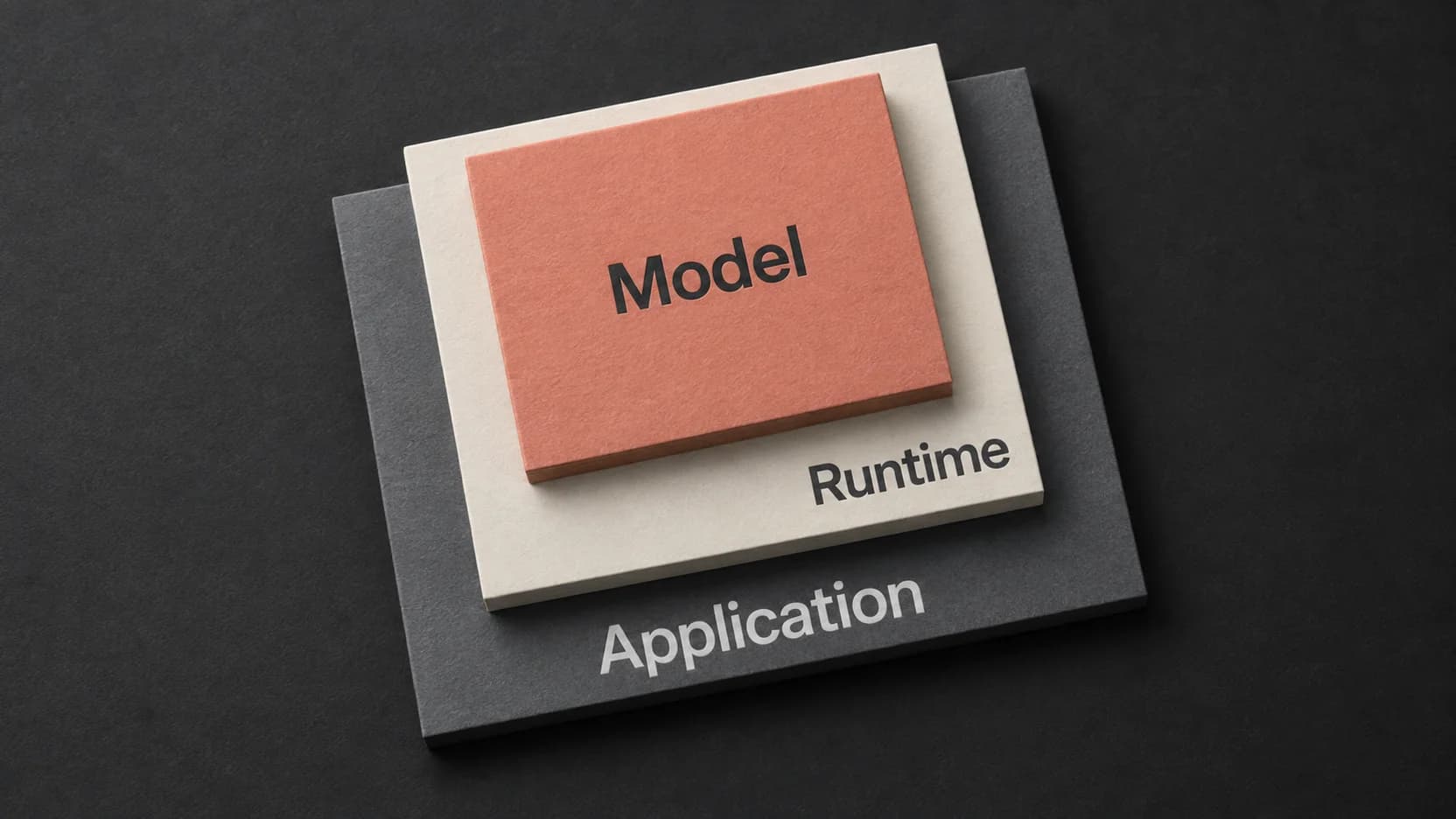
Whisper Large V3 Turbo: Choose a Runtime and Check Its Output
The turbo model is one part of a transcription workflow. Match the runtime and its returned output to the recording you actually need to use.
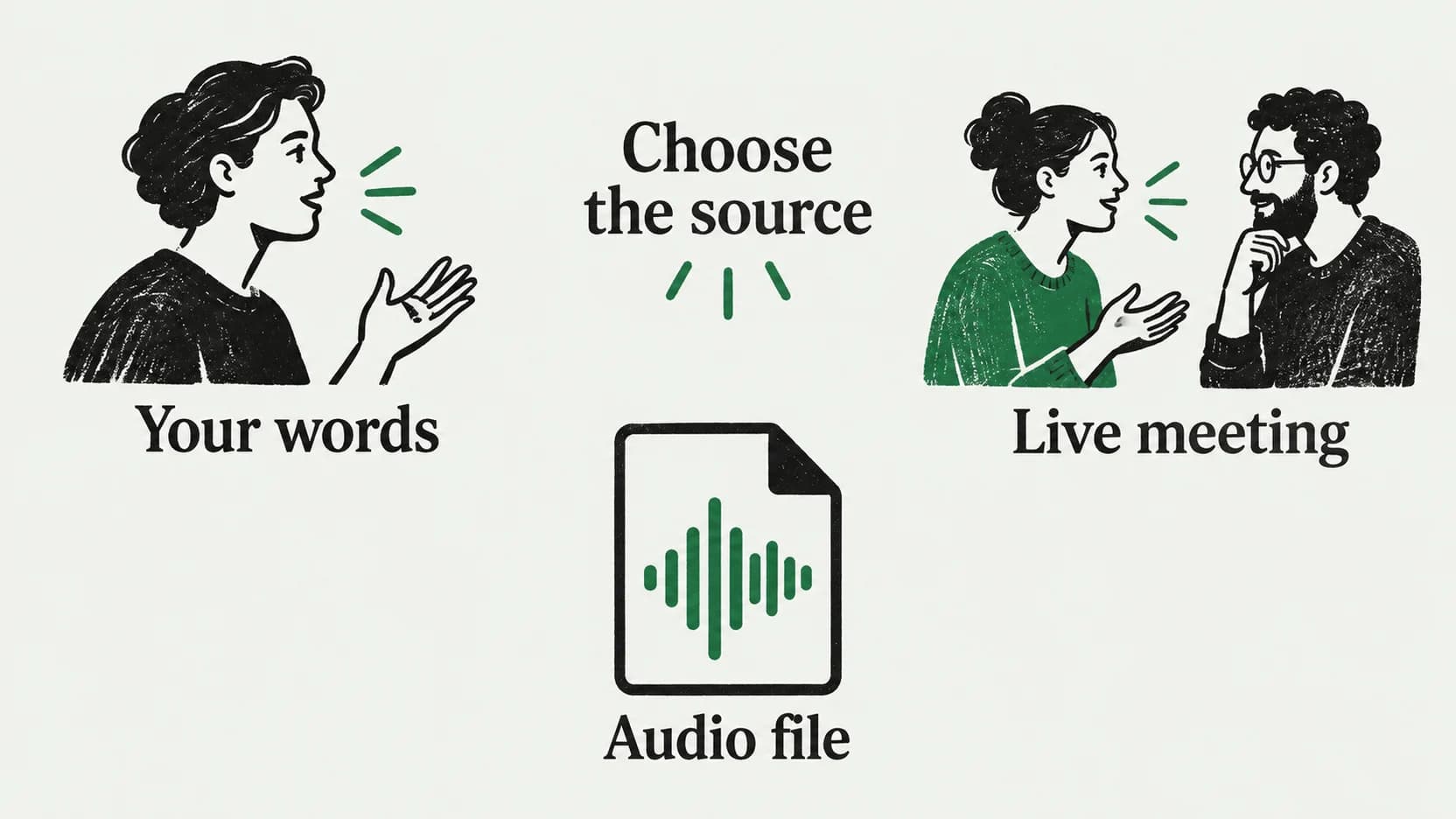
Notion Speech to Text: Dictate a Page or Transcribe a Meeting
A paragraph, a live conversation, and an existing recording need different routes into Notion. Choose the right one before you start speaking.
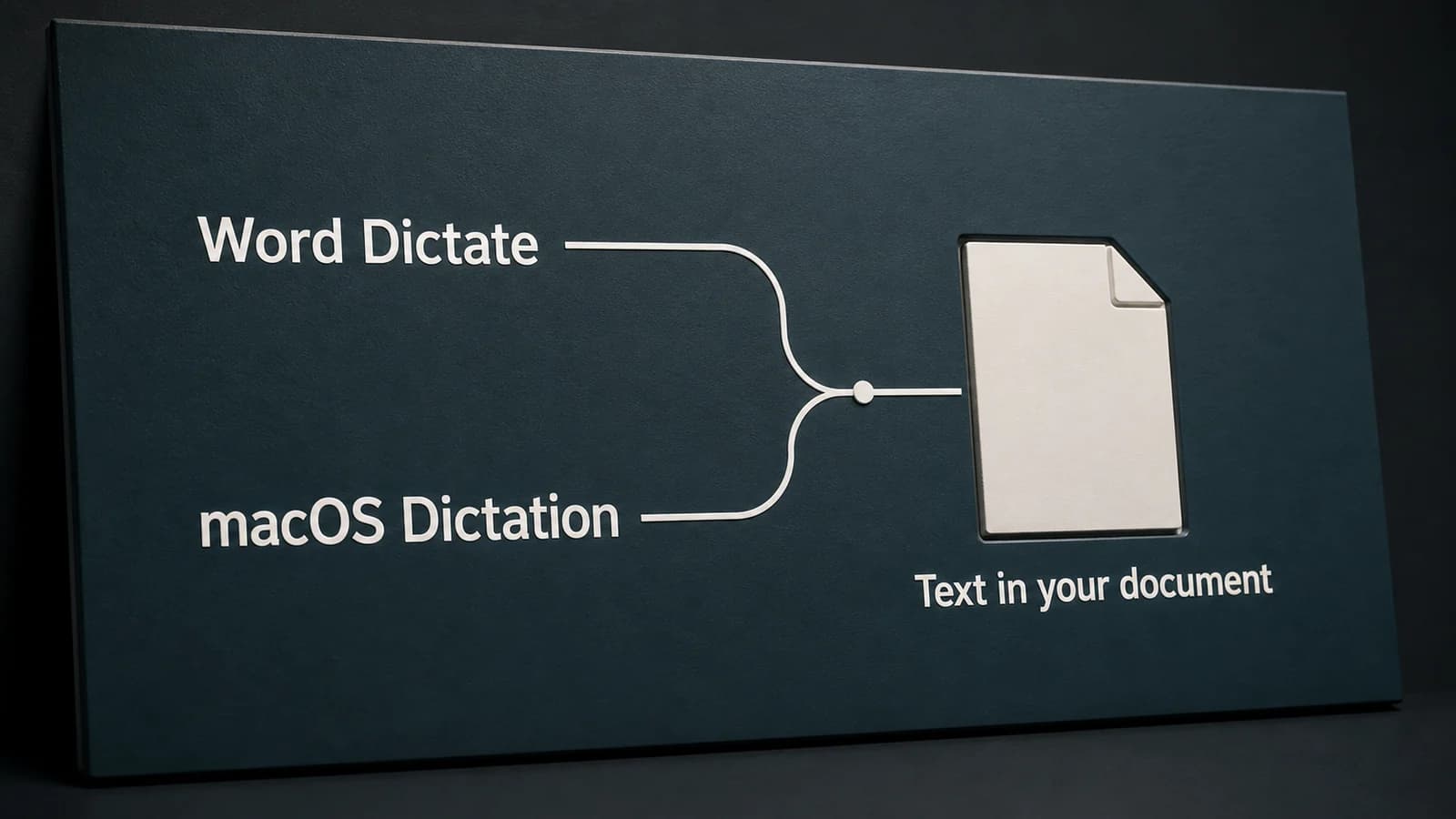
Dictation in Word on Mac: Word Dictate or Apple Dictation?
Word's Dictate button and Apple's Dictation are separate ways to speak into a document. Choose the right route, then diagnose the account, microphone, or editing problem.
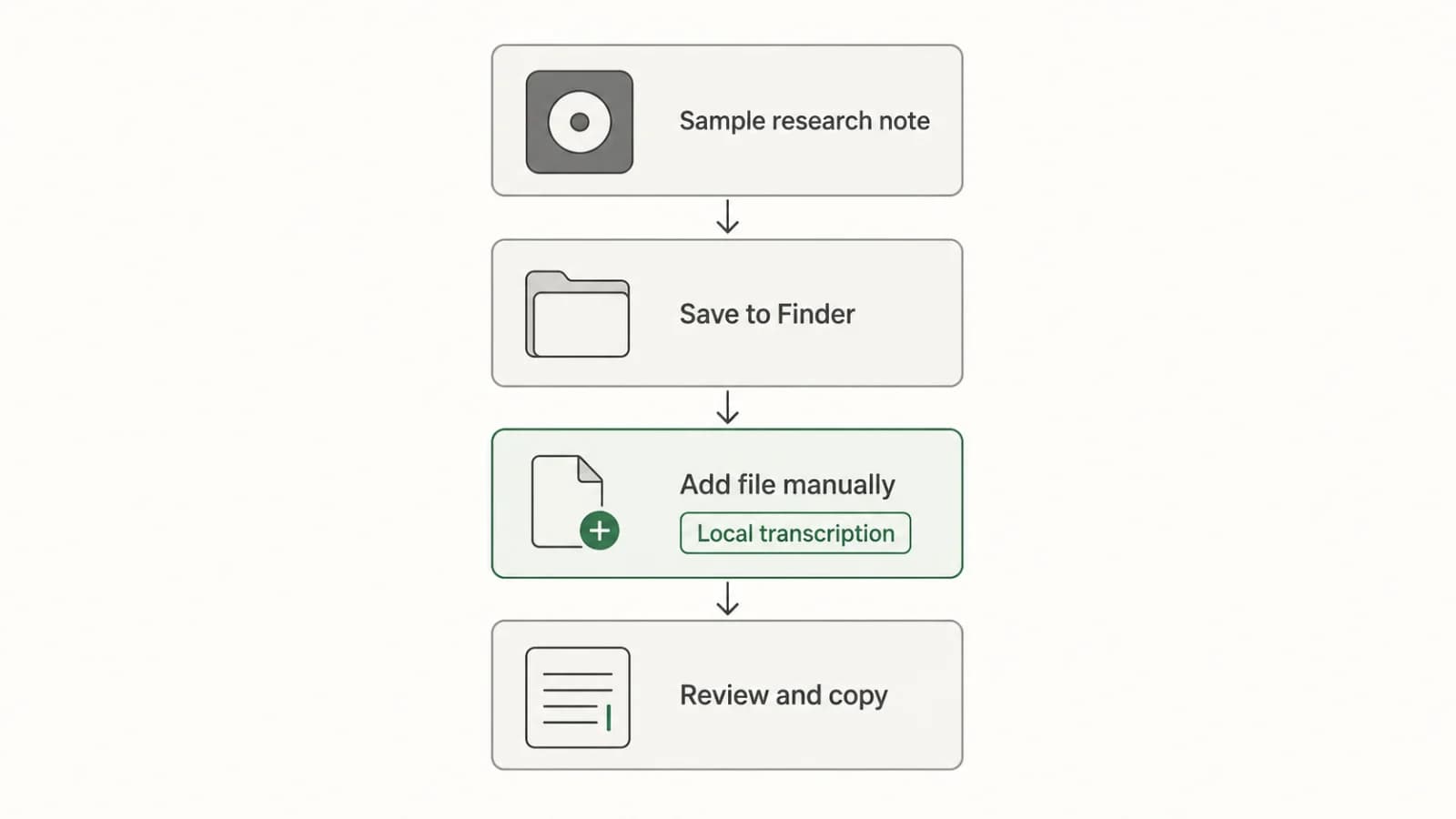
Transcribing Apple Voice Memos Recordings on Mac
Turn an existing Voice Memos recording into editable text with a clear Mac workflow: check the built-in transcript, transfer the file if needed, transcribe locally, review, and copy.