About this article: Prepared by the Paraspeech team. We sell one of the products discussed. Product information comes from the linked sources; any hands-on findings are identified separately.
For in-person meeting transcription, choose a tool for the output you need, then check whether its microphone can hear the people around your table. Start with Apple Notes when a transcript kept inside a note is enough. Consider Otter for its documented browser or phone live-transcript workflow. A separate Mac workspace suits people who want to return to meeting audio and review speaker turns after capture.
The first useful test is a short recording from the actual seats, using the actual input. A transcript of your voice alone tells you little about the quiet colleague at the far end of the table.
Last checked: September 28, 2026. This guide uses official documentation; we have not performed the room trial below or tested microphone coverage.
Choose the room-recording workflow
These are starting points for the same task: capturing a conversation in one room. Choose by the destination and timing of the text, then validate capture separately.
| If you need… | First route to try | What to establish before the meeting |
|---|---|---|
| Audio and a transcript within an existing note | Apple Notes on a supported device | Confirm transcription is available for your Mac, language and region. Apple's Mac guide specifies M1 or later and describes viewing, searching and copying the transcript. |
| Live text through a browser or phone recording workflow | Otter | Its official guide documents browser and mobile microphone recording. Real-time transcription needs a stable internet connection. |
| A separate Mac workspace for playback and speaker-turn review after capture | Paraspeech Meeting Mode | Its documentation describes microphone capture, playback and a speaker-aware transcript. Meeting Mode automatically attempts a cloud-generated summary after you stop; it requires internet. |
Sources: Apple Notes audio transcription, Otter's in-person recording guide, and Paraspeech Meeting Mode documentation.
Choose Notes first when the note is already the right home for the result. Apple's guide also documents a live transcript on supported Macs; live text alone is not a reason to add another app. Select the guide version matching your installed macOS, then use our Apple Notes transcription guide for the native controls.
Choose Otter first when its browser or phone workflow fits how you will record. Its documentation covers the room input and live-transcription connection requirements directly. Make the network check part of that trial.
Choose Paraspeech when the separate Mac review workspace is the reason to use it. Open Meetings, choose Start Meeting, then Stop Meeting when finished. On supported Apple Silicon Macs, capture requires the relevant permissions and ready local speech and speaker-label models. The documented capture includes microphone and system audio. For people sharing a room, the microphone is the input to evaluate; capturing computer audio does not establish that distant voices were recorded. Review the saved audio and speaker-aware timeline afterward. Selecting a local transcription mode does not make generated meeting notes offline. Source: Paraspeech documentation.
If Notes already gives you the recording and text you need, a separate workspace may add no useful step. If you need text during the conversation, test a documented live-transcript route rather than assuming a post-capture review workflow supplies it.
Named third-party products identify the workflows discussed. Paraspeech is not affiliated with, sponsored by, or endorsed by their publishers. Details can change; verify the linked official documentation.
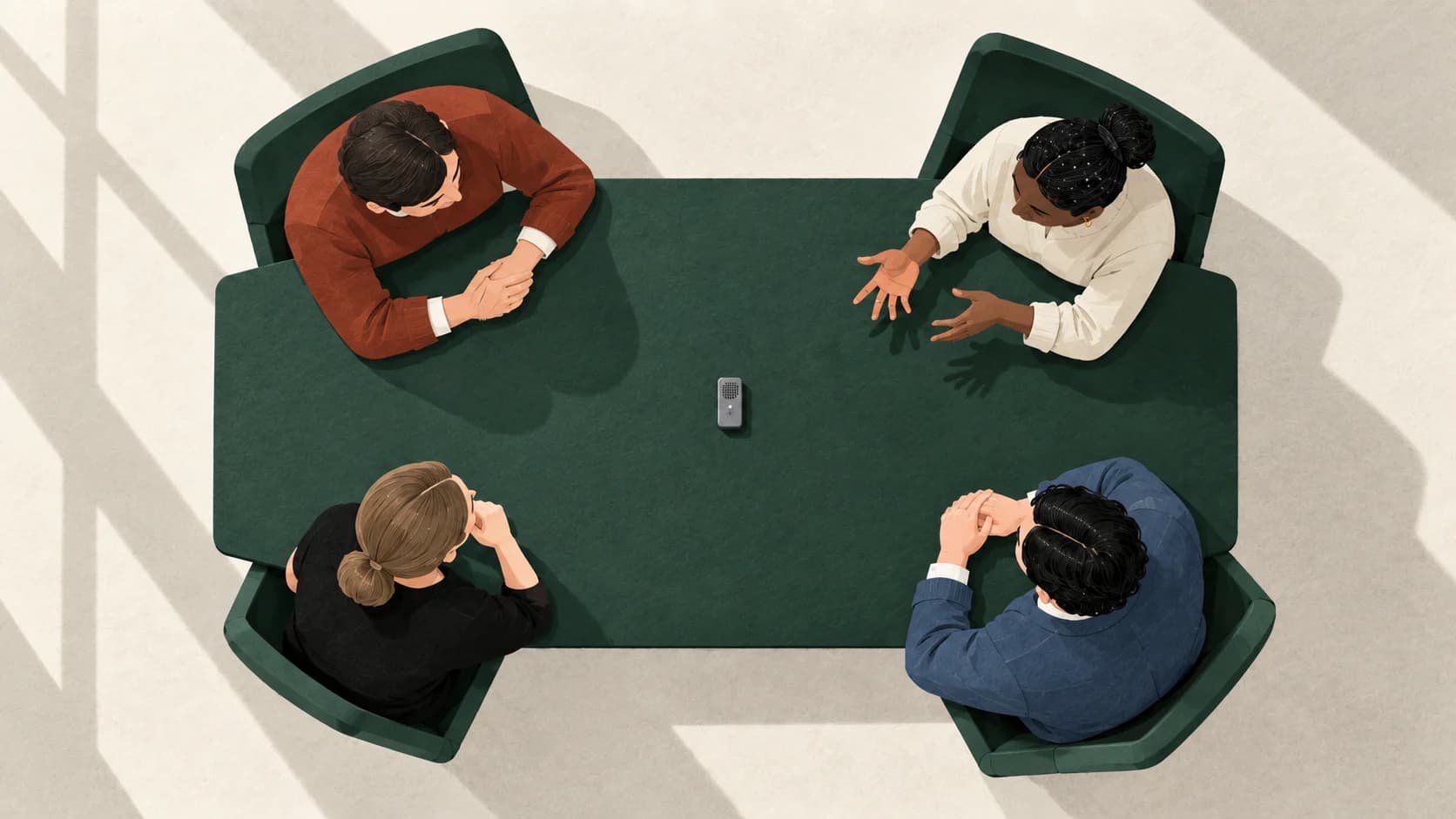
Make the room, not the nearest voice, the capture test
Otter recommends choosing the input for where the speakers sit, positioning it near the intended speakers and doing a trial before the event. Its guide suggests a central position for an omnidirectional microphone. These are vendor recommendations, not a measured range or a guarantee for your room.
The headset trap is easy to miss: your own words appear clearly, so recording seems ready. Otter specifically warns that Bluetooth headphones can capture the wearer well while missing surrounding speakers. Check which microphone is selected before interpreting that result. Test an appropriate room input rather than treating clear near speech as evidence about everyone else.
A permitted room-capture trial
Arrange permission to record before starting, including the trial. Explain the intended recording, processing and audience, and follow the applicable workplace rules. Notice alone does not establish that recording is permitted. If participants or policy disallow it, use written notes.
Once recording is agreed, try this brief sequence from the intended seats:
- Have someone near the microphone speak normally, followed by someone farther away. Use distinct, harmless sentences so you can locate both turns on replay.
- Include a quiet response and a normal interruption. These are proposed test inputs, not a claim that any tool will separate them correctly.
- Stop and replay the recording. Listen for each contribution before judging the transcript. Then compare the text and any speaker labels with what you heard.
- If a voice is missing or unclear, change the input or placement and repeat that passage before the meeting starts.
This trial can reveal a problem with the proposed setup; it cannot establish accuracy for an entire meeting. We have not run it for this article, and it does not certify a microphone, seating distance or number of speakers.
Turn the result into the right repair
The recording, words and speaker attribution answer different questions. Use the failure you can observe to decide what needs attention.
| What you observe | What it tells you | What to do |
|---|---|---|
| The nearest person is audible, but a distant response cannot be understood on replay | The saved audio does not provide a usable record of that response | Address input selection or placement and repeat the trial. Do not try to repair missing speech by guessing words. |
| Every voice is audible, but a sentence is transcribed incorrectly | That passage needs text correction | Replay it and correct the words; check important names, numbers and negations against the audio. |
| The words are right, but speaker labels switch | Attribution needs review separately from transcription | Correct the affected turns after listening. Do not assign a person's name solely from a speaker number. |
| An interruption is merged into the preceding turn | The displayed turn may hide a second contribution | Replay around the boundary; preserve both audible contributions or mark the unresolved passage. |
| A generated action sounds definite, but the discussion contains only a suggestion | The proposed summary goes beyond the source | Remove the commitment or mark it for confirmation. Transcript words alone do not prove agreement. |
For label errors, the speaker diarization guide explains how to distinguish a wrong turn from a globally renamed speaker. For decisions and actions, use the meeting-summary guide after the transcript review; it shows how to preserve proposals and missing owners without inventing commitments.
Before sharing, return to the exact passages you plan to quote or use as assignments. Keep uncertain words and identities visibly uncertain. If someone clarifies them afterward, label that as a later clarification rather than rewriting it as something the recording proved.
