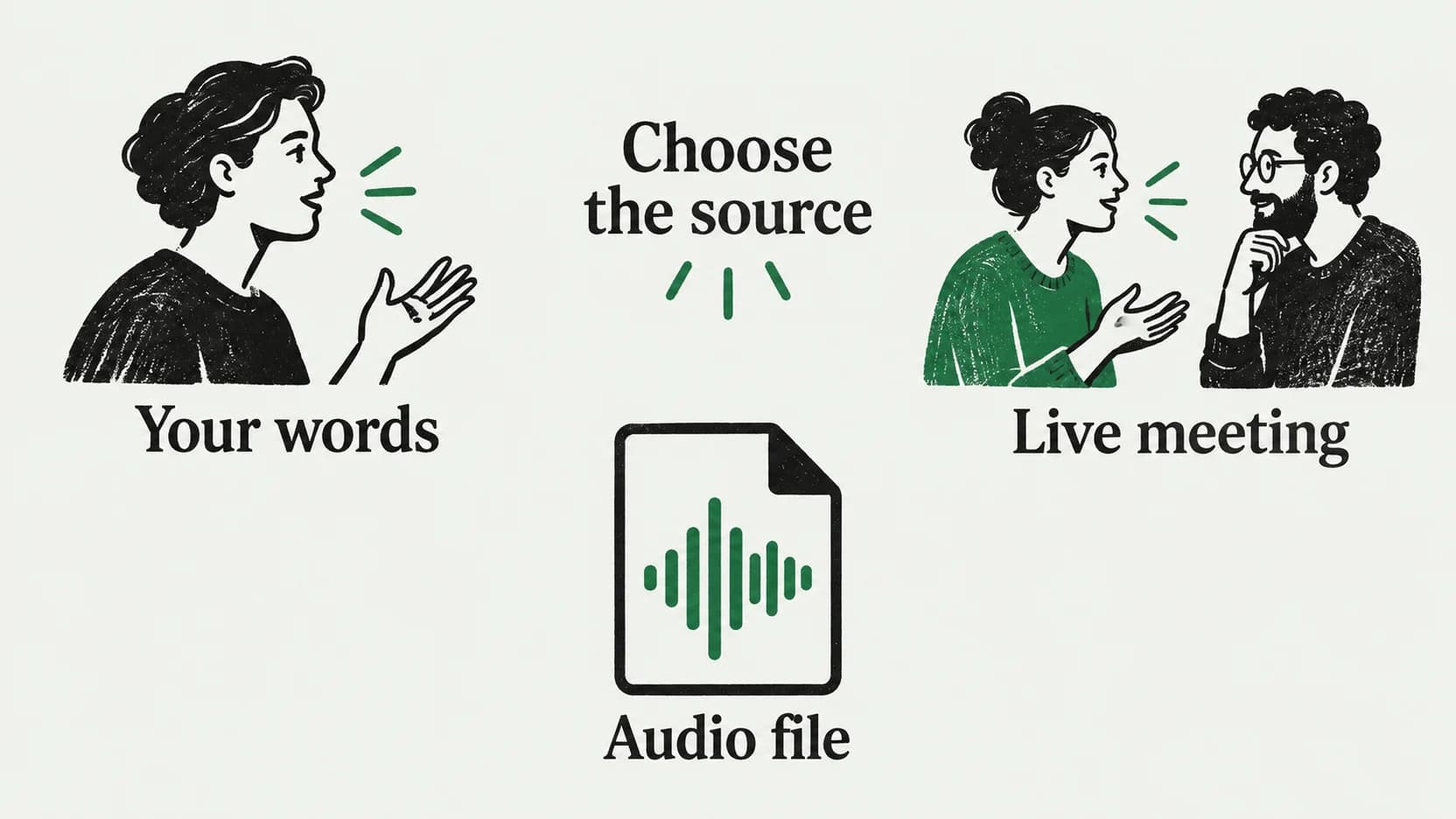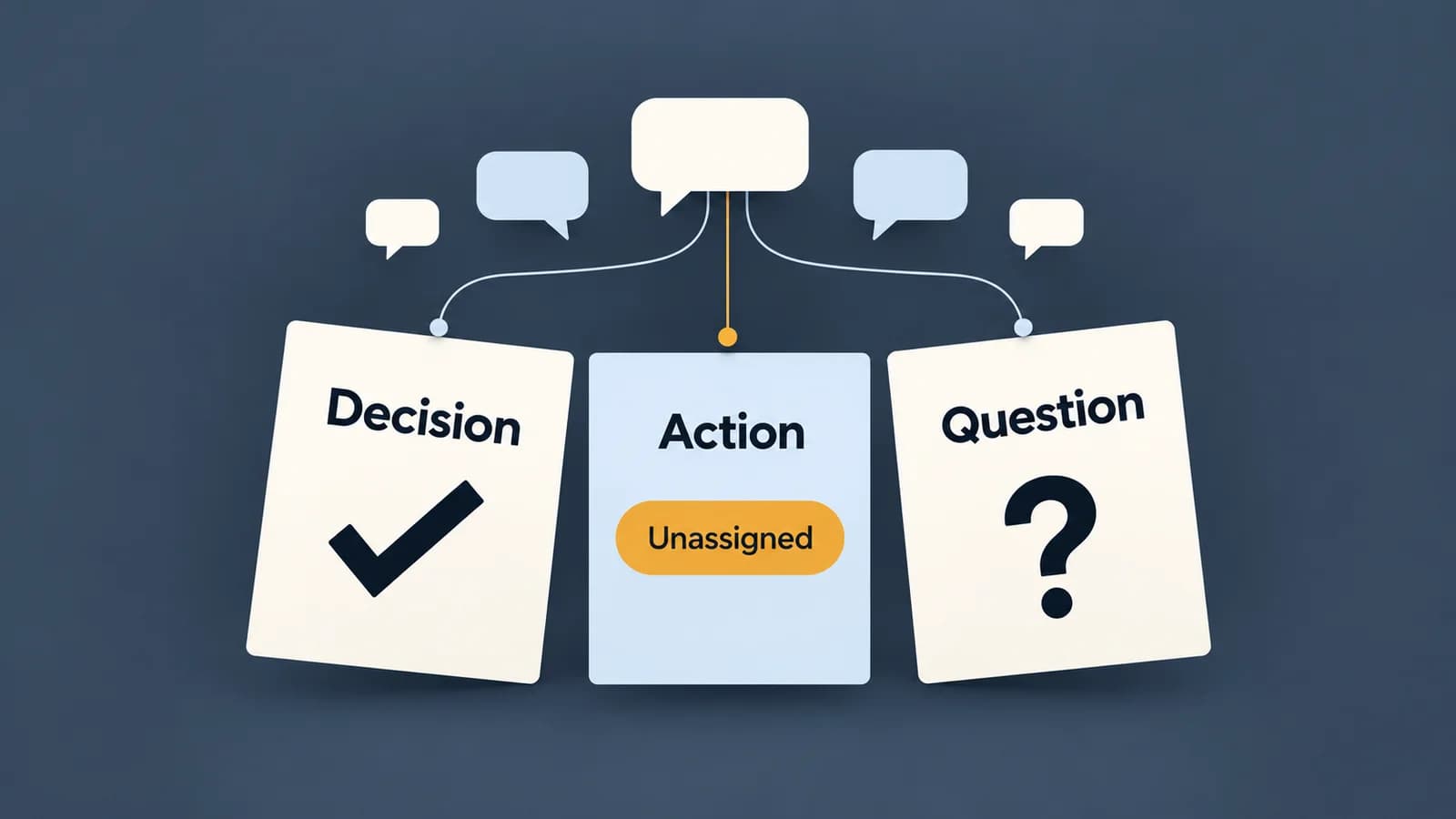
To write a meeting summary, start with the notes or transcript and extract three things: decisions actually made, work actually committed to, and questions still open. Add a brief description of the meeting's purpose. For each action, include only the owner and deadline supported by the discussion; write “Unassigned” or “Not stated” when the source does not provide them.
The difficult part is deciding what counts as an outcome. A proposed date is not a deadline, an offer is not an assignment, and repeated discussion does not establish agreement. The example below shows how to preserve those differences in a summary someone can act on.
Give the reader outcomes before discussion history
A short summary can use four sections:
- Context: Identify the meeting and explain the purpose in one sentence. Include the date and participants when known and useful.
- Decisions: State the choices that were explicitly agreed, including relevant limits or conditions.
- Actions: Describe the committed work, its owner, and its deadline. Keep missing details visible.
- Open questions: Record unresolved choices, dependencies, and proposals awaiting a decision.
Add discussion detail only when it explains an outcome. Someone reading the recap needs to know that a pilot date depends on support coverage; they usually do not need every suggested date in the order it was mentioned.
UC Berkeley's meeting guidance recommends documenting decisions, action items, and assigned responsibilities, then tracking work with an owner and deadline. When your notes lack those details, expose the gap so it can be resolved. Do not make the summary look complete by supplying an owner yourself.
Work from the discussion to the summary
The following is a synthetic example written for this guide. It is not a customer transcript, an app test, or generated software output.
Source discussion: pilot planning
- Maya: “We've agreed to use the existing checkout for the pilot. We are not building a new payment page.”
- Leon: “Could we open the pilot on 6 October?”
- Maya: “We haven't agreed a launch date. We need to know whether support can cover weekends first.”
- Isha: “I could draft the invitation if someone sends me the eligibility criteria.”
- Maya: “We will run an accessibility check before the pilot. We still need to assign it and set a due date.”
- Leon: “Who can confirm weekend support coverage?”
Finished summary
Context: The team discussed checkout scope and readiness for a pilot.
Decision: Use the existing checkout. Do not build a new payment page.
Committed action: Run an accessibility check before the pilot. Owner: Unassigned. Due date: Not stated. The check must happen before the pilot, whose launch date is not yet agreed.
Open questions: Who can confirm weekend support coverage? When can the pilot launch once that dependency is resolved? Who will own the accessibility check, and when is it due?
Proposal and offer still pending: Leon proposed 6 October; it was not approved. Isha offered to draft the invitation if given the eligibility criteria; the discussion does not establish an accepted assignment.
Check each outcome against its evidence
| Source | What the summary can say | What would overstate it |
|---|---|---|
| Line 1: explicit agreement and exclusion | Existing checkout agreed; new payment page excluded | “The checkout redesign was approved” |
| Lines 2–3: suggested date, then explicit uncertainty | 6 October proposed; launch date undecided | “Launch deadline: 6 October” |
| Line 4: conditional offer | Isha offered help, subject to receiving criteria | “Isha owns invitations” |
| Line 5: committed task, missing assignment | Accessibility check required; owner and date unknown | Assigning Maya because she stated the task |
| Lines 3 and 6: dependency and unanswered question | Weekend support coverage needs confirmation | “Leon will confirm support coverage” |
The accessibility check has a real timing constraint: it must precede the pilot. Preserve that constraint without inventing a calendar date. Similarly, the person raising a question is not automatically responsible for answering it.
Handle gaps without turning them into facts
If your notes say only “invites — Isha — Friday,” you do not yet know whether Friday was a suggestion, a commitment, or an example. Revisit the relevant recording if one is available. Otherwise ask the participants to confirm, and leave the assignment marked uncertain until they do.
Keep later clarification distinguishable from the original meeting. “Owner confirmed after the meeting: Isha” is clearer than silently rewriting the recap to imply that responsibility was assigned during the discussion.
An AI summary needs the same evidence check. Use its decisions and actions as draft claims to verify. For each one, find the supporting passage and read the surrounding exchange: a later correction or refusal can reverse the meaning of an earlier sentence. If you cannot find support, remove the claim or mark it for confirmation.
When your starting material is incomplete, improve capture for the next meeting with the note-taking guide. If you already have a recording and need text first, use the audio-file transcription guide. This summary method starts once you have material to review.
Output review and documented manual handoff
Paraspeech Mac 1.7.2, build 367, has a released Meetings workflow for producing a transcript and cloud-generated summary. With the necessary capture permissions and local transcription and speaker-label models available, use Start Meeting, then Stop Meeting when the conversation ends. Stopping invokes transcript processing and the cloud-summary pipeline; review the resulting Transcript and Summary tabs. Arrange permission to record before capturing a conversation.
The summary step requires cloud-processing consent. Local transcription does not make that summary step offline. The released summary instructions request decisions, committed actions, and open questions, but instructions to a model do not guarantee that its output follows them. Apply the evidence check above before using the generated notes.
For a manual handoff, select the meeting and use Reveal meeting files. The released source saves the generated summary as notes/summary.md in that meeting's folder. Open the Markdown file, prepare your reviewed copy, and place that copy in the destination your team uses.
Before sharing, check names and numbers against the source, find support for every decision, and verify each action's owner and timing. Keep proposals, conditions, and unresolved questions visible. If the summary will be shared more widely than the recording, include only the context those readers need rather than attaching the full transcript by default.
Use the Paraspeech documentation to set up the capture workflow.
Last checked: September 20, 2026. The worked discussion is synthetic; product details are based on released-source inspection, not observed transcription or summary accuracy.