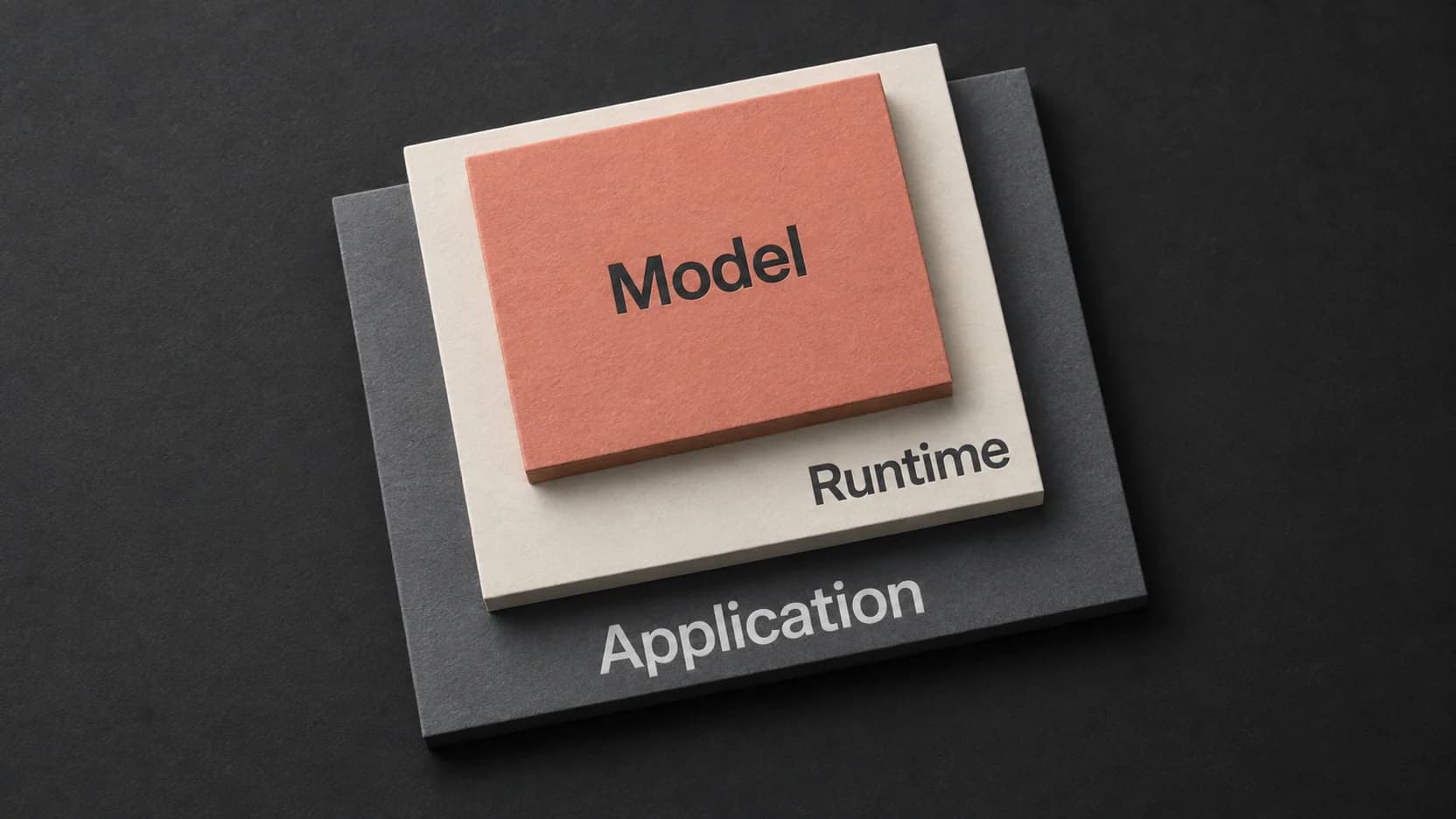
Whisper large-v3-turbo is OpenAI’s multilingual speech recognition model for turning speech into text. To use it, you also need software that loads the model, accepts your recording, and returns a usable result. That software might be a Python program, a hosted API, or a desktop application.
Choose that execution route by the output you need. A transcript in the recording’s language, a translated transcript, and a transcript with named speakers are different deliverables. Finding “turbo” in a model menu does not establish that the surrounding tool can produce all three.
What changes in the turbo model
The official model card describes turbo as a version of large-v3 with fewer decoder layers, fine-tuned after that reduction. The practical reason to consider it is transcription with a model designed to reduce computation. The result you experience still depends on the runtime, hardware, recording, and processing options.
Treat speed numbers as measurements of a particular setup. OpenAI’s published relative-speed comparison uses an NVIDIA A100; it is not a prediction for a Mac application, a hosted queue, or your complete import-and-export workflow. GPU memory figures likewise do not establish a Mac’s total memory requirement.
One task boundary matters before you install anything: do not choose turbo for speech-to-English translation. The OpenAI Whisper README explicitly says turbo is not trained for that task. Its usage guidance warns that requesting translation with turbo still produces the original language. A translation option in a wrapper does not change that limitation.
Choose where the model will run
Start with who needs to operate the transcription and where the resulting text must go.
| Your job | Route to investigate | What you need to own or verify |
|---|---|---|
| Transcribe recordings inside a script or repeatable data workflow | A local command-line or Python runtime | Installation, model download, audio decoding, errors, and the returned fields |
| Send recordings from an existing application to a service | A hosted API that explicitly offers the exact model | Model identifier, accepted input, response schema, processing location, retention, and current charges |
| Transcribe occasional recordings or dictate without maintaining code | A desktop application with a documented turbo backend | Supported hardware and distribution, selectable model, import behavior, and downstream editing or export |
For the code route, OpenAI supplies a concrete starting point. Its documented command-line usage includes:
whisper audio.mp3 --model turboThis is an instructional command from the upstream workflow, not a test performed for this article. Follow the repository’s installation requirements, including its audio-decoding dependency, before running it. Replace the filename with a recording you are authorized to process.
The corresponding Python pattern makes the boundary between recognition and your own application especially clear:
import whisper

model = whisper.load_model("turbo")
result = model.transcribe("audio.mp3")
print(result["text"])
Here, your program chooses to print the text field. If your application needs timed segments, a structured response, or an export file, inspect what the runtime returns and explicitly handle those fields. Printing text is not the same as implementing a complete transcript editor.
For a hosted route, use the provider’s current documentation to confirm the exact identifier and response format before connecting it to your workflow. A service can offer several Whisper variants under similar names. Do not assume an example written for another provider accepts the same options, or that the word “Whisper” guarantees turbo. This guide does not rank hosted services or report API tests.
Specify the output before choosing the interface
Write down a short acceptance record before processing a long recording. This is more useful than starting with a list of model features.
The following example is hypothetical. It is not a transcription result or a performance test:
Recording: Spanish interview, two people, 12 minutes
Required text: Spanish, checked against the recording
Timing: a reference at each speaker change
Speakers: Interviewer and Participant, manually verified
Names: preserve the spelling in the supplied project glossary
Delivery: editable text for quotation review
Translation: not required
Turbo is relevant to the Spanish recognition step. The rest needs decisions about the integration and review process:
- Timing: confirm whether the runtime returns the timing granularity you need and whether the application keeps it in the output you actually export. A transcript view and its copied text can carry different information.
- Speakers: require a separate supported way to separate speakers, or label and verify turns yourself. Recognizing the words does not identify the person who said them. The speaker diarization guide explains that distinction.
- Names: check whether the chosen backend accepts recognition hints. A glossary in your project folder does nothing unless the workflow uses it. Post-transcription replacements can correct spelling, but they are a different operation and still need review.
Now change one line to “Required text: English translation.” That changes the model decision: turbo is no longer the right basis for the requested speech-translation task. Alternatively, if named speakers must arrive automatically and the chosen integration supplies only text, change the integration or the delivery requirement before running the full recording.
This example separates a model limitation from an application limitation. It also makes a missing capability visible while the cost of changing course is still small.
Use turbo through a Mac application
Paraspeech provides one application route on eligible direct-distribution Apple Silicon Macs. In the released 1.7.2 implementation, the Multilingual Large selection maps to the Whisper large-v3-turbo model through WhisperKit. The released backend supports imported-file transcription and completed dictation recordings. Check the current setup documentation for the local-model requirements and controls.
That mapping comes from inspection of the released implementation; it is not a hands-on speed or accuracy result. It also should not be generalized to another app distribution or an Intel Mac.
Two backend boundaries affect the interview example above: this released WhisperKit backend does not advertise speaker segmentation or dictionary hints. Plan to verify speaker turns and names after recognition. A text-replacement feature elsewhere in an application is not evidence that this speech backend received an acoustic vocabulary hint.
Keep recognition separate from rewriting. Imported-file recognition uses a downloaded local model, while the subsequent text-processing settings are a separate part of the workflow. If you want recognition text without AI rewriting, consult the documented Transcription Only mode. That setting does not make recognition verbatim or error-free, and a local recognition step alone does not establish an entirely local workflow.
Check the output your chosen integration provides
Before committing a long recording, use a short representative excerpt and inspect the actual deliverable. Include a speaker change if you need speaker turns, a specialized name if spelling matters, and a passage in the source language you will use. Keep the source audio so that corrections can be traced back to it.
For the hypothetical interview, the first check is straightforward: is the text Spanish? Then examine whether timing survived into the saved or copied output. If labels appear, verify their consistency against the voices rather than treating them as confirmed identities. Listen to names, numbers, negations, and unclear passages before quoting them.
Also inspect the point where recognition ends and editing begins. In the Mac application route, compare the processing settings with the text you intended to retain. In your own script, distinguish the model result from any cleanup function you run afterward. In a hosted integration, inspect the documented response fields rather than inferring their meaning from an example screen.
OpenAI’s model guidance describes possible errors including text not present in the audio. Fluent output is therefore a reason to review the source, not evidence that review is unnecessary. Keep uncertain passages marked until listening resolves them.
You have a usable turbo workflow when the selected route runs the intended model and its saved result meets your acceptance record. If the result is only plain text, use it for a plain-text task; add or choose the missing timing, speaker, or editing capability before promising a richer deliverable.