Page 2
Write by voice, then edit
Speech-to-text guides, processing-path explainers, and Mac productivity stories from the team building Paraspeech.
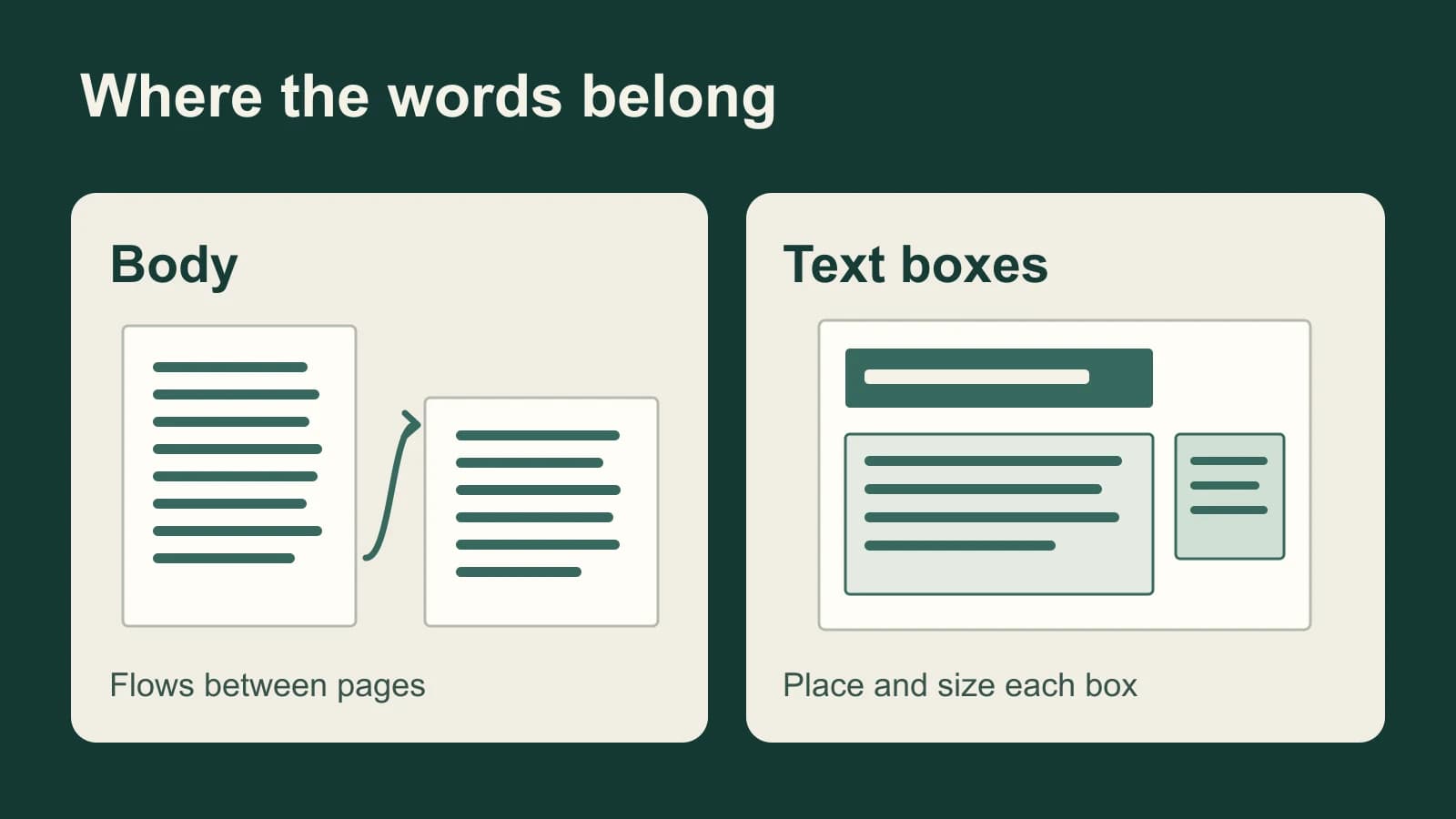
Dictation in Pages on Mac: Put Words in the Right Place
A Pages report has flowing body text; a flyer may have only text boxes. Choose the right text target before dictating, then handle visibility and styling in Pages.
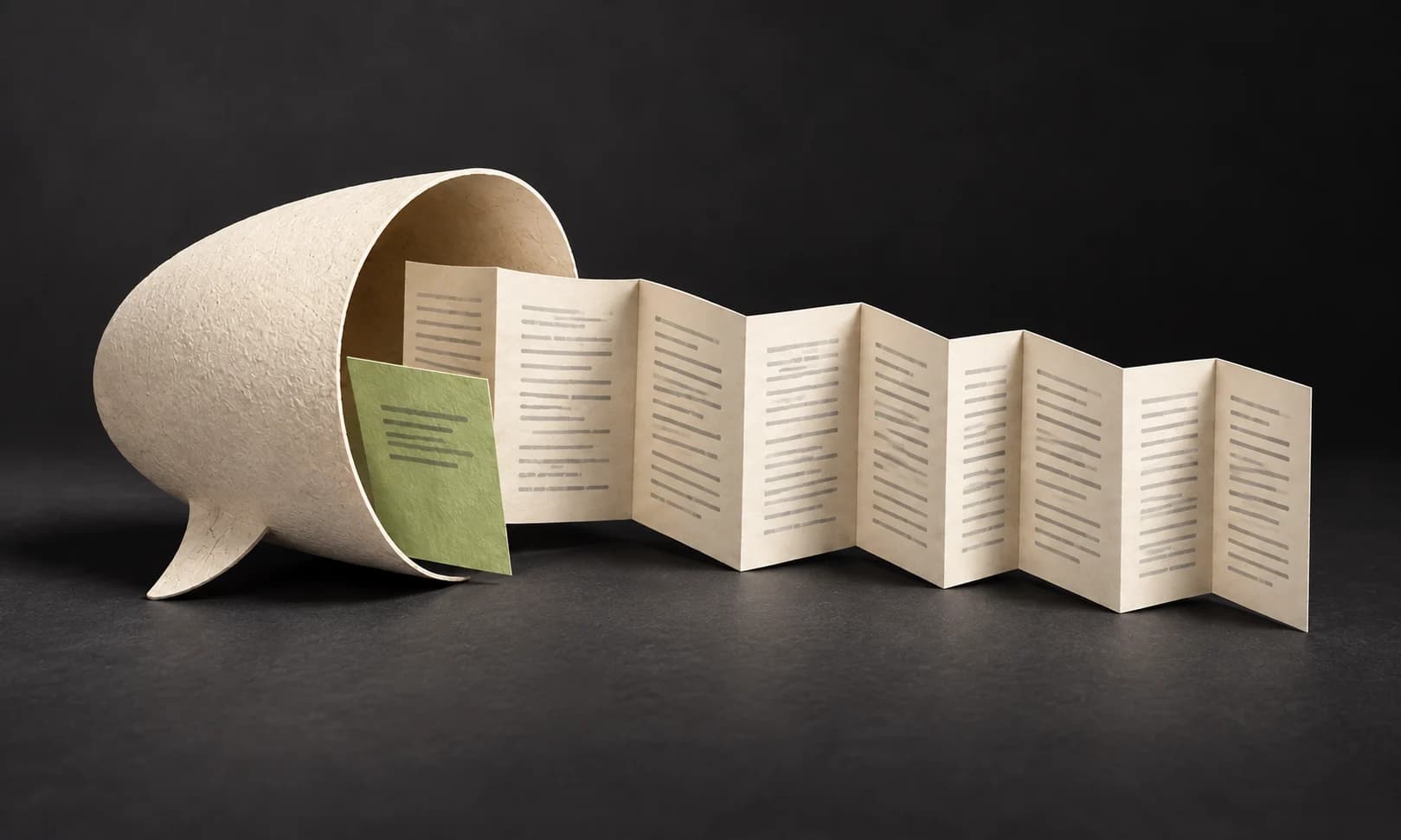
Slack Huddle Transcription: Start AI Notes and Find the Transcript
Slack saves huddle transcripts inside the notes canvas. Find the right thread, understand who can read it, and check the source before forwarding an action item.

How to Create a VTT File and Check It Against Your Video
Write a real WebVTT file, time each cue to the recording, and check the captions during playback.

In-Person Meeting Transcription: Choose for the Room
A clear recording of the nearest person is not proof that you captured the table. Choose a transcript workflow, then test the voices you need to hear.

Focus Group Transcription: Preserve the Group, Not Just the Words
A focus group transcript must show how participants respond to each other. Use this worked example to preserve disagreement, overlap and uncertain attribution.

Webex Meeting Transcription: Save and Find the Transcript
A recording, captions and an AI summary leave different records. Find the Webex transcript you need and check who can access it.
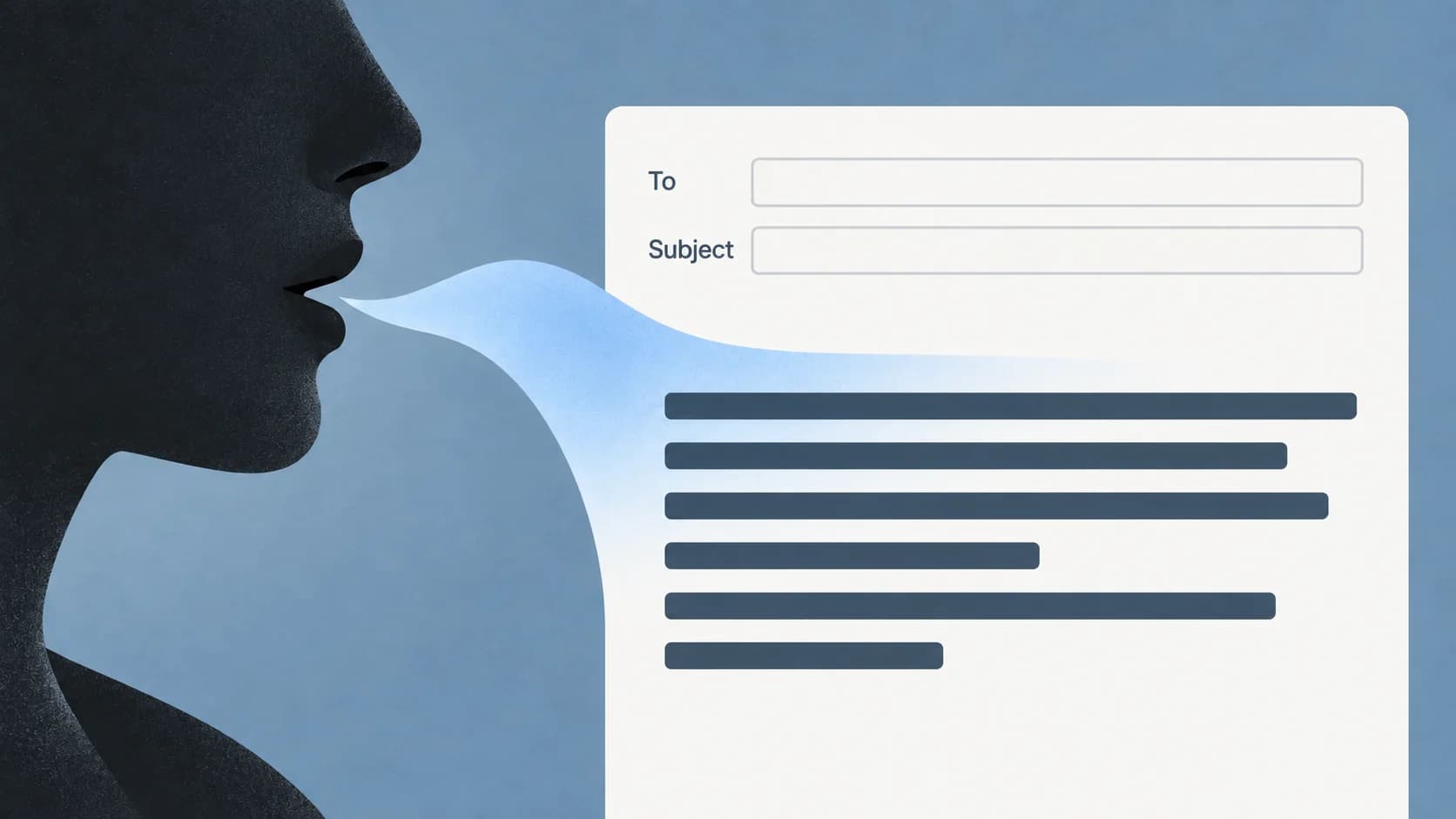
Dictation in Outlook: Find Dictate and Draft an Email by Voice
Choose the right Outlook surface, start in the message body, and separate a missing Dictate button from a microphone or recognition problem.
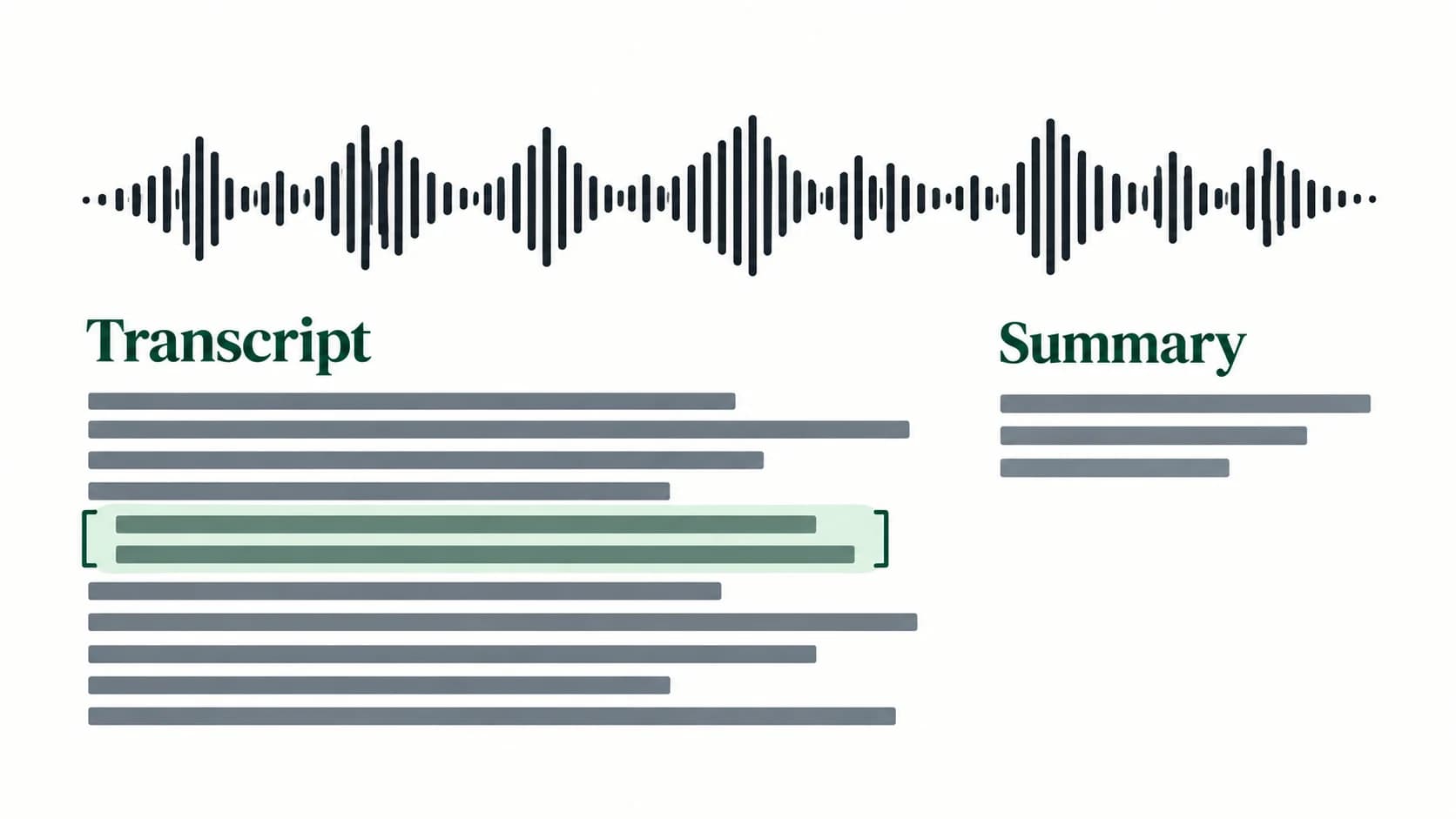
Apple Notes Transcription: Record, Find and Copy Your Words
Start with a recording made inside Notes. Find its transcript, replay uncertain words, and choose between adding text to the note and copying it elsewhere.
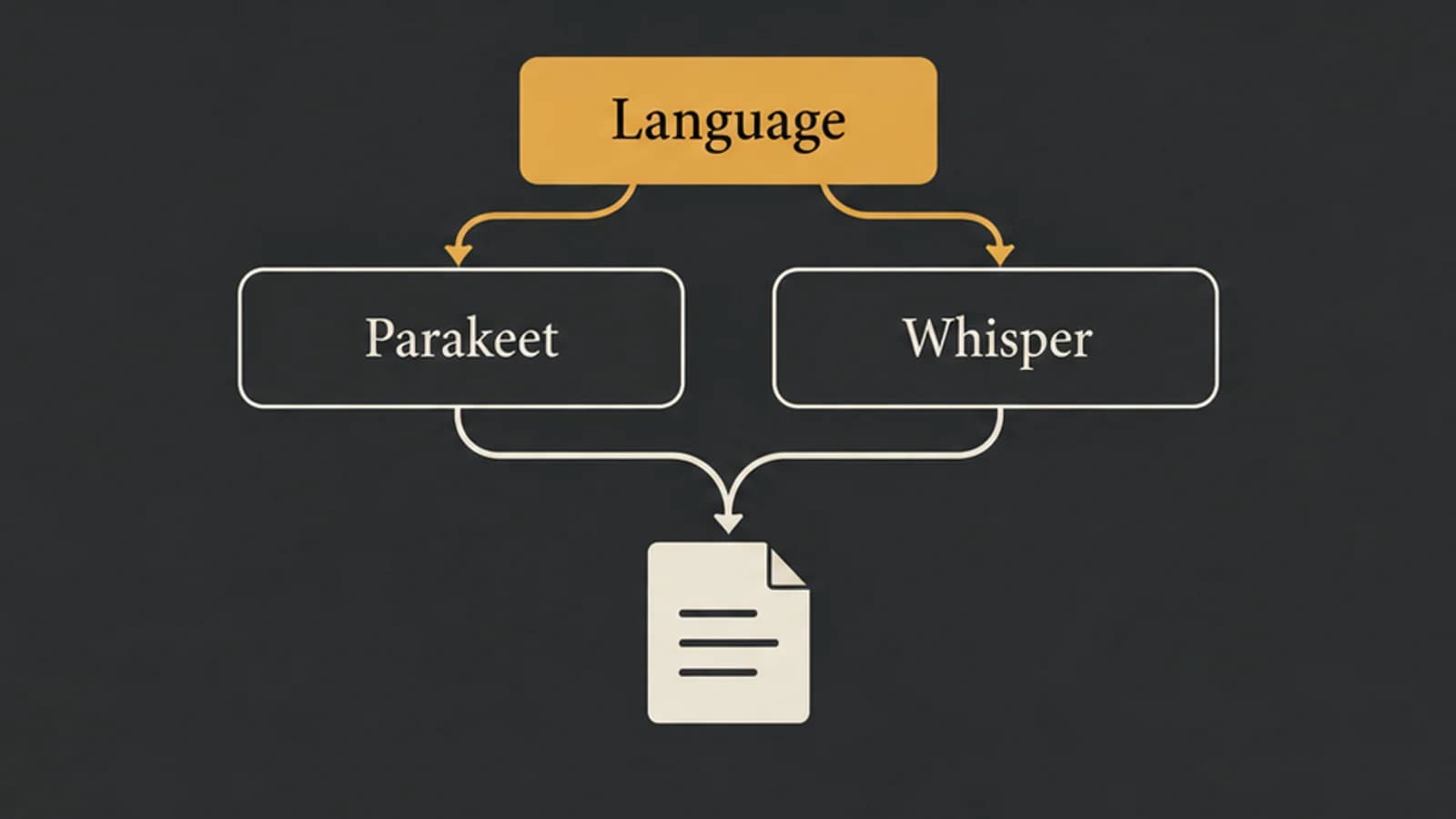
Parakeet vs Whisper: Choose by Language, Model, and App
Parakeet v2, Parakeet v3, and Whisper large-v3-turbo are different choices. Start with language and task support before comparing results on your Mac.
