Page 3
Write by voice, then edit
Speech-to-text guides, processing-path explainers, and Mac productivity stories from the team building Paraspeech.

How to Transcribe a Lecture and Check What the Audio Misses
A lecture transcript records speech. Learn how to add clearly marked visual context, resolve uncertain terms and keep study notes separate.
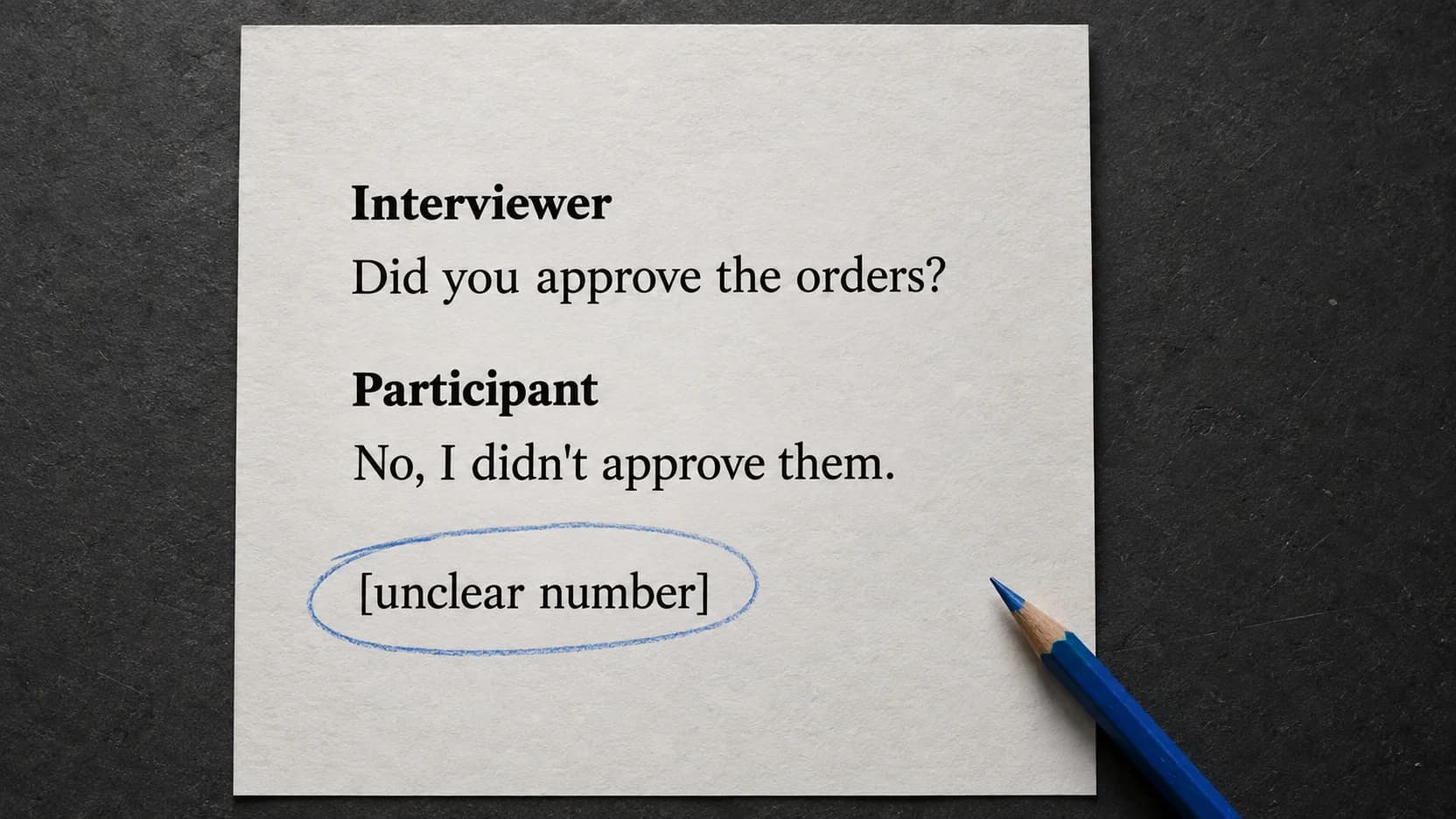
How to Transcribe an Interview Without Changing What Was Said
A readable transcript can still change an interviewee's meaning. Preserve denials, uncertainty, and speaker turns while turning your recording into usable text.

Podcast Transcription: Find an Episode Transcript or Make Your Own
Start with the episode's existing transcript. If you're creating your own, work from the final audio and choose text or timed files for where readers will use it.
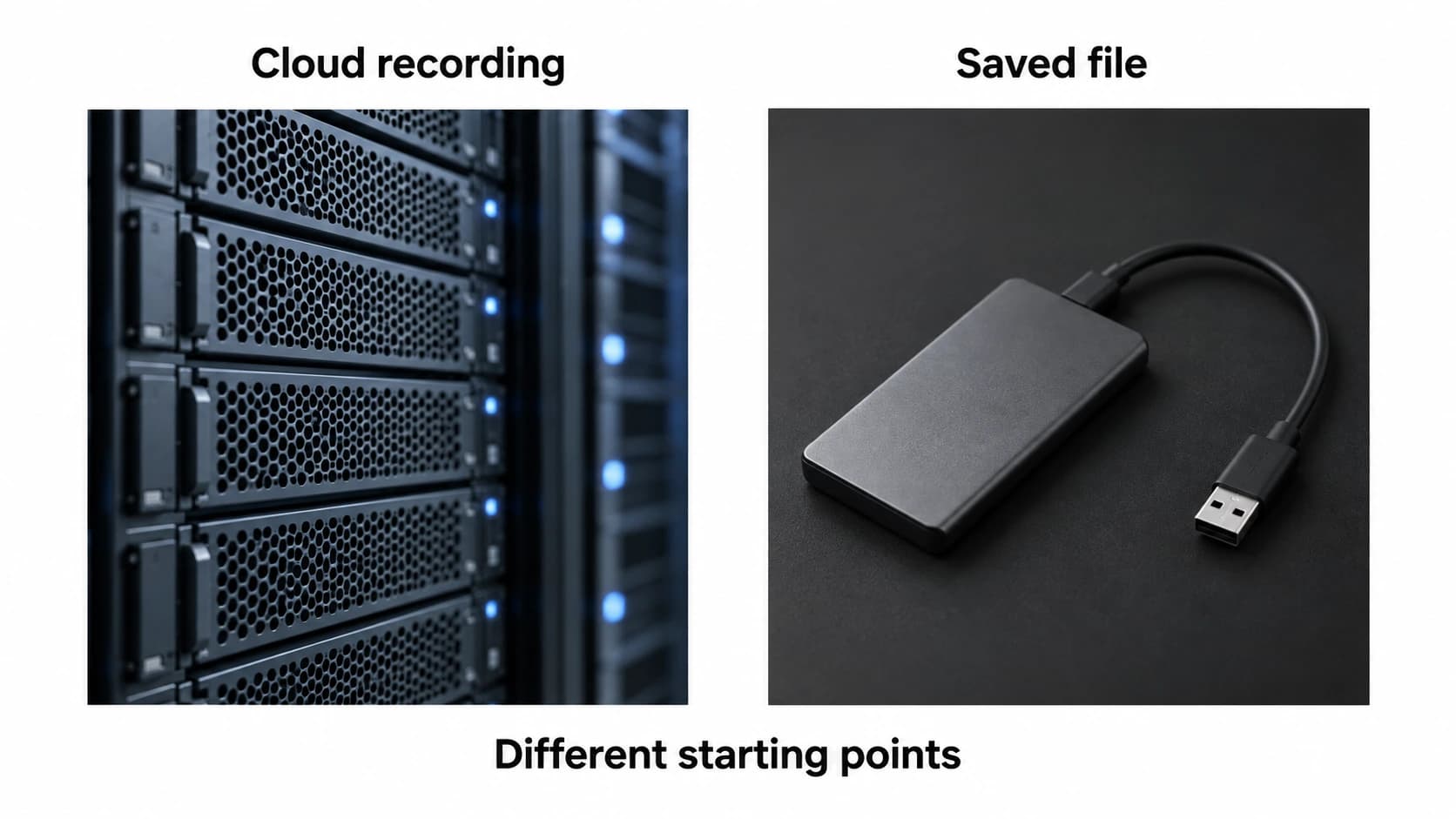
Transcribe a Zoom Recording: Cloud Transcript or Saved File?
Start with where the recording lives. A Zoom cloud transcript and a saved audio file need different steps.

Live Captions on Mac: Set Up and Choose Your Audio Source
Choose the right audio source for Apple Live Captions, make captions readable, and separate reading along from saving a transcript.

Dictation in OneNote: Setup and Missing-Button Fixes
Find the right OneNote Dictate route, then diagnose the button, microphone, or connection condition that is stopping your notes.
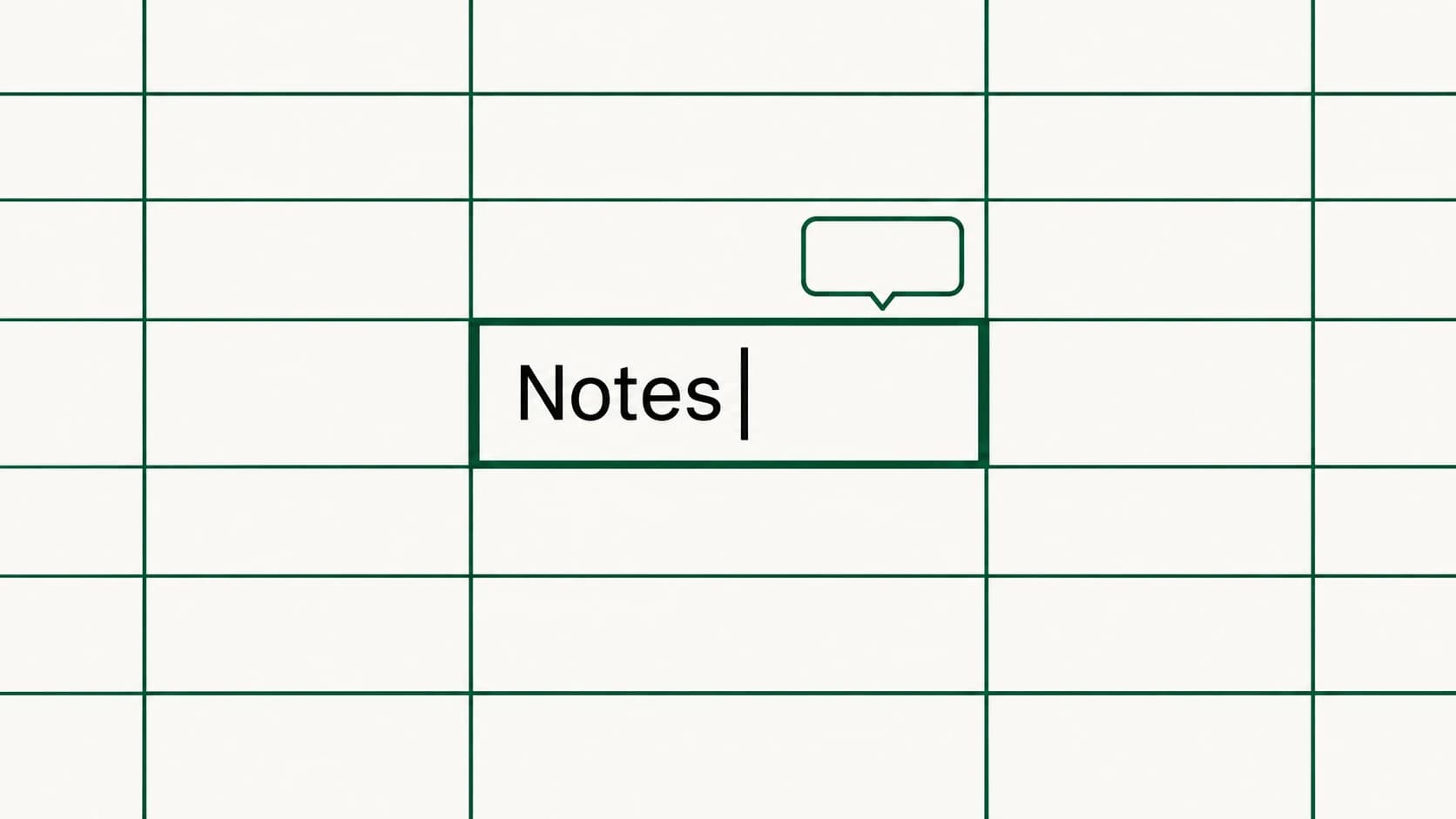
Dictation in Excel on Mac: Enter Text in a Cell
The useful starting point for Excel dictation is an editable text insertion point. Learn where to put it, what to dictate, and when to use the keyboard.
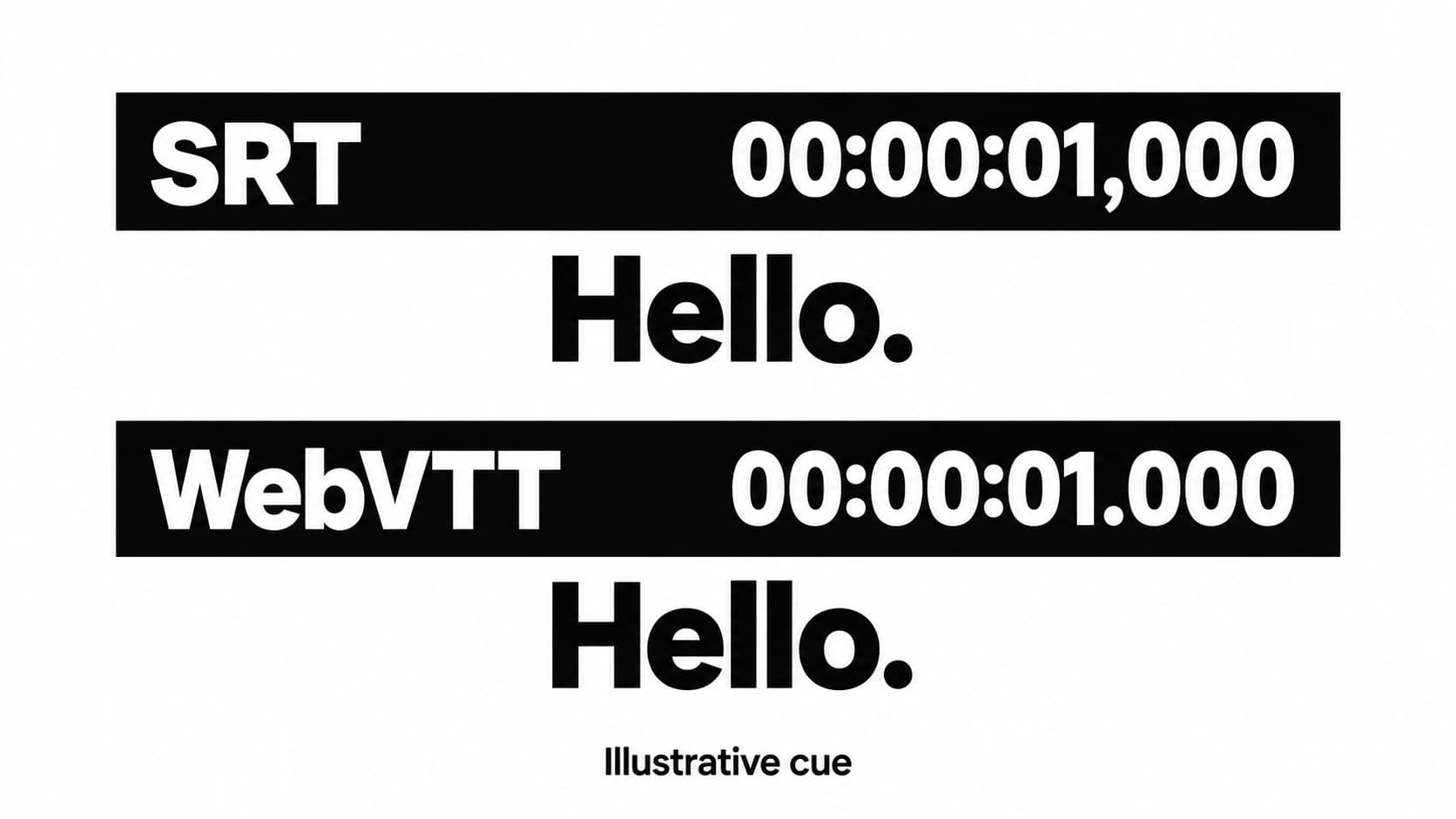
SRT vs VTT: Choose the Subtitle File Your Player Supports
Choose a subtitle format by its destination, then preserve the timing and meaning when you convert.
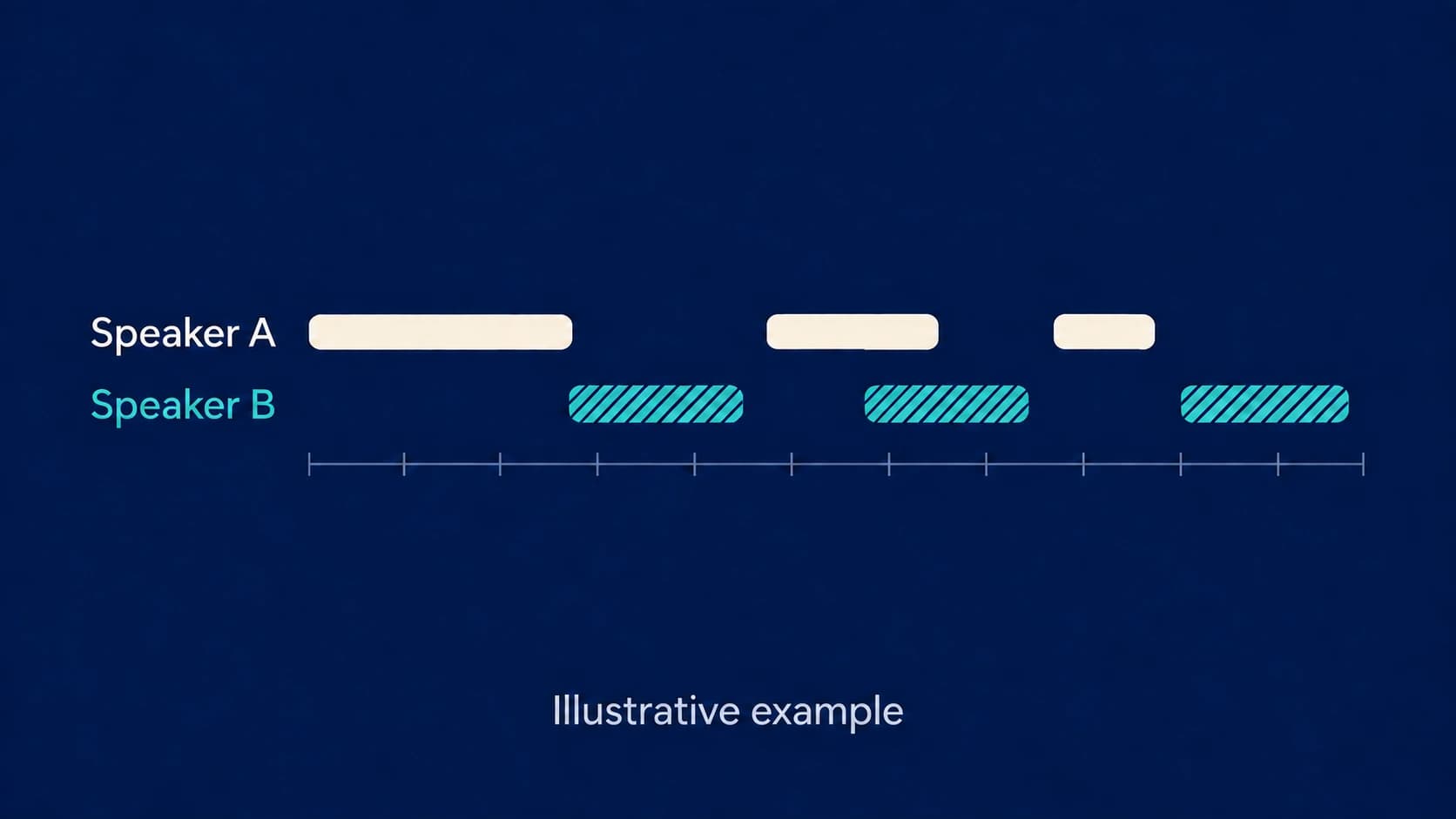
Speaker Diarization: What Speaker Labels Can and Cannot Tell You
Speaker labels help you follow a conversation. Learn what they mean and how to correct them when the attribution goes wrong.
