
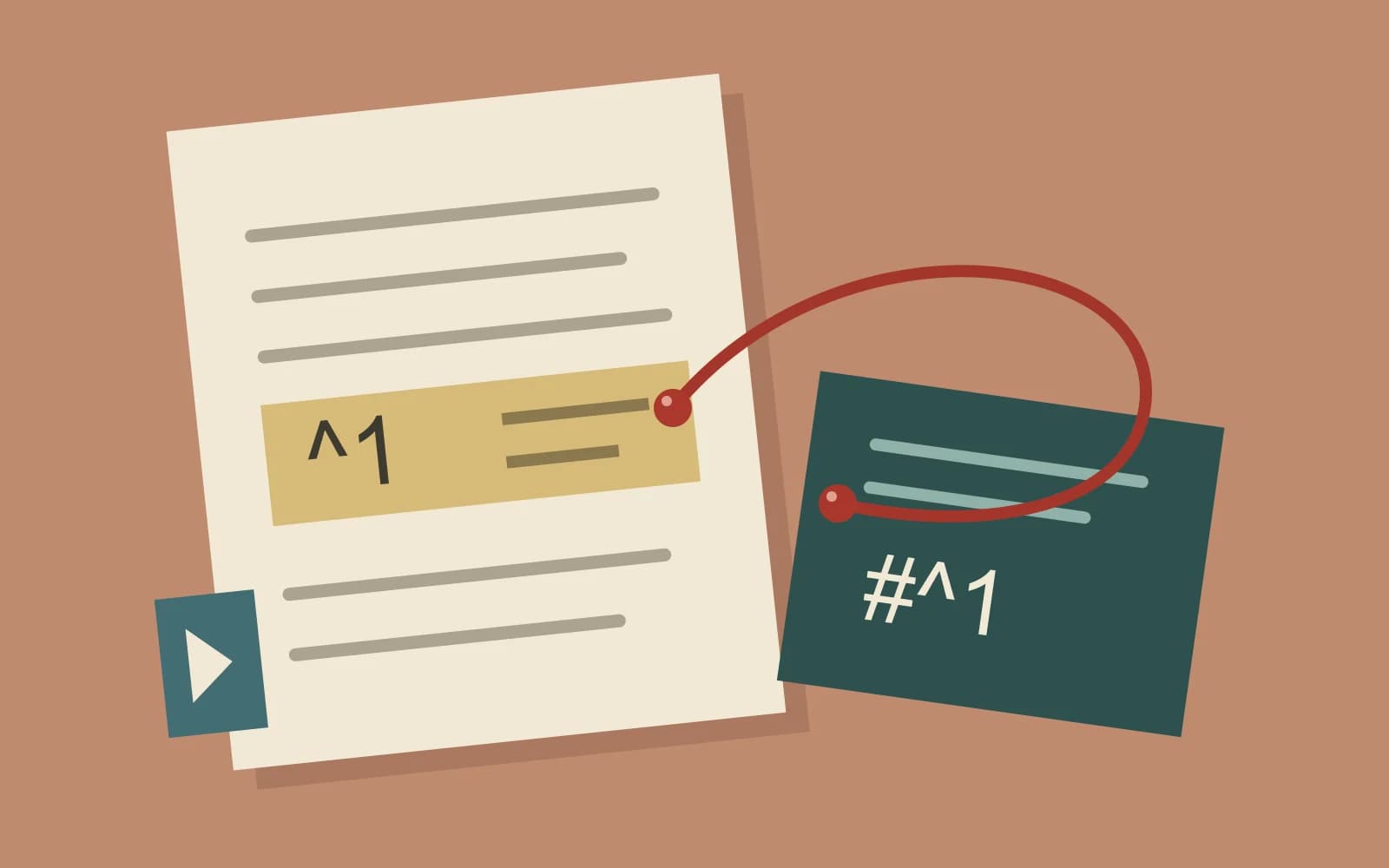
For Obsidian meeting transcription, keep a reviewed transcript note and a separate decisions-and-actions note. Add block IDs to the supporting transcript passages, link each outcome to the right block and retain a manual reference to the original audio so you can check the words again.
Obsidian's Audio recorder documents recording an audio file into the vault and embedding it in a note. The workflow below adds a transcript and passage-level references; it starts once you have meeting text you can review against the recording.
About this guide: We make the Mac app used for capture below. We are not affiliated with or endorsed by Obsidian. Sources checked: November 11, 2026. The two-note example and correction are fictional, authored for this guide. They are not recorded meeting output.
Capture the meeting and copy its transcript into your vault
If you already have audio and a transcript, keep those originals and work on a reviewed copy. For adding new spoken prose to an existing note, use the separate Obsidian voice-to-text guide. This article concerns the meeting record that connects outcomes to passages.
Paraspeech Meeting Mode offers a separate capture and review workspace on supported Apple Silicon Macs with ready local speech and speaker-model setup. Arrange permission to record, complete the capture setup, choose Start Meeting, then Stop Meeting. Its documentation describes microphone and system-audio capture, saved playback and a speaker-aware transcript.
Meeting Mode automatically attempts a cloud-generated summary after Stop; it requires internet and sends transcript text for processing when it runs. Its meeting archive and summaries are separate from dictation Privacy Mode. Local speech recognition does not make this entire meeting workflow local-only.
The following manual file route follows the released Mac 1.7.3, build 372 sources:
- Select the meeting and use the folder control whose help label is Reveal meeting files. Open that meeting's workspace rather than relying on a hardcoded Library path.
- Keep the original workspace. Open
transcript/transcript.mdand manually copy its text into a new vault note. Review that copy before adding outcome links. - When playback creation succeeds, the workspace contains
audio/playback.m4a. If you want audio inside the vault, copy that file to your chosen attachment location and add a link to the actual copy.
Obsidian lists M4A among its accepted audio formats, while noting that playback depends on device codecs. Its attachment guide describes copying files into the vault, including desktop drag-and-drop. Check that your actual attachment plays; an accepted extension alone does not prove playback on your device.
Copying audio into a synced vault gives that vault's sync service another copy to handle. Keep that storage choice separate from the original Mac workspace. This is a manual file-and-text handoff, not a plugin, automatic export or vault synchronization.
If that separate archive fits your capture needs, set up Mac meeting capture. For room input and microphone placement, follow the in-person meeting guide before the conversation.
Give the reviewed transcript explicit block IDs
Use a source note for the reviewed passages. In this fictional example, the vault contains Meetings/Pilot transcript.md and an audio copy named Attachments/pilot-review.m4a. Replace those example filenames with the actual files in your vault.
Meetings/Pilot transcript.md
Source audio: [[Attachments/pilot-review.m4a]]
Review note: Edited transcript passages; original capture archive retained.

The group agreed to move the pilot review to Thursday. ^review-date

Rina committed to sending the revised test outline by Wednesday. ^outline-action

Expansion is still undecided until the pilot results have been reviewed. ^expansion-open
Add the IDs by hand after checking the passages. Obsidian's internal-link documentation describes a space followed by ^identifier at the end of a simple paragraph. Human-readable identifiers use Latin letters, numbers and dashes; keep each target identifier unique within its note.
The three paragraphs support different outcomes: an agreed review day, an assigned action and a choice still open. The IDs identify those paragraphs. They do not establish that the transcript is accurate or that a speaker label names the right person.
Link each outcome to its supporting block
Create the separate note Meetings/Pilot outcomes.md. Write the concise outcomes yourself and attach the reference that supports each one:
Transcript: [[Meetings/Pilot transcript]]

## Decision

- Move the pilot review to Thursday.
  [[Meetings/Pilot transcript#^review-date|Supporting passage]]

## Action

- Rina — send the revised test outline — due Wednesday.
  [[Meetings/Pilot transcript#^outline-action|Supporting passage]]

## Open question

- Expansion remains undecided pending review of the pilot results.
  [[Meetings/Pilot transcript#^expansion-open|Supporting passage]]
The #^outline-action suffix targets the paragraph with that ID; the text after | changes the link's display label. Include the folder path so the reference names the intended note. These are Obsidian block references, not portable standard Markdown citations.
Open each link and read the surrounding exchange before treating the outcome as supported. A correct link to the wrong passage is still weak evidence. Here, the expansion passage supports an open question, not an approval to expand.
For the judgment involved in separating decisions, offers and missing assignments, use the meeting-summary guide. The extra value here is the explicit connection between an outcome and the reviewed passage you will revisit.
Review the source recording
A block link takes you to text. It does not seek to a moment in the audio or prove who spoke. Return to the retained recording for uncertain names, deadlines, negations and assignments. Paraspeech's Meetings workspace provides playback; the manually attached M4A is a separate copy.
Suppose the first draft of the fictional transcript said Tuesday, and the action note copied that deadline. Reviewing the source reveals Wednesday. The two notes above show the corrected state. Make both repairs:
| Record | Earlier wording | Reviewed correction |
|---|---|---|
Transcript paragraph carrying ^outline-action | Rina committed to sending the revised test outline by Tuesday. | Rina committed to sending the revised test outline by Wednesday. |
| Separate action text | Rina — send the revised test outline — due Tuesday. | Rina — send the revised test outline — due Wednesday. |
Keep the same block ID when correcting that same passage. The link will still target the paragraph, but it does not rewrite the independently written action beside it. Leaving Tuesday in the action note would preserve an error despite a working evidence link. Record that the correction came from audio review; if it instead comes from a later participant clarification, label it as a later clarification.
If you want the current source paragraph displayed inside the outcomes note, Obsidian also documents a block embed:
![[Meetings/Pilot transcript#^outline-action]]An embed displays the source block and follows changes to it. It still does not check whether the source is true, and it does not update other action text you wrote separately.
Refresh copied files after processing changes
The original meeting workspace, the vault transcript and any copied summary are separate files. After Retry Transcript or Retry Summary, revisit Reveal meeting files and refresh the affected vault copy. Compare changes before merging them into your reviewed note, preserving its manual block IDs and checking the linked outcomes again.
The optional notes/summary.md exists only after cloud summary generation succeeds. If summary processing fails, do not assume that file is present. A generated summary is another set of claims to review against the transcript and audio; it is not automatically grounded by the block links you added in Obsidian.
Retain the original meeting artifacts as well as the reviewed notes. Removing an audio link or embed is not the same as removing its file: Obsidian's Audio recorder documentation explicitly says its saved recordings remain in the vault after their embeds are removed. Manage the actual source files deliberately, and keep the reviewable record available wherever the linked outcomes will be used.