You are choosing Mac dictation software because something in your current writing setup breaks: text only works in one app, private drafts leave the device, cleanup takes too long, or the cursor loses focus when you speak.
Start with the first constraint that would make the tool unusable. If you need offline local processing, test that first. If you write in Gmail, Notes, Google Docs, Slack, and a browser CMS, test system-wide insertion first. If you dictate names, code, or numbers, test correction speed before you care about any feature list.
The First Decision: Where Should Text Land?
Some tools work inside one document. Others insert text wherever the Mac cursor is active. That difference matters more than most feature tables.
Test these fields:
- Apple Notes
- Mail or Gmail
- Google Docs
- a browser form
- your editor or CMS
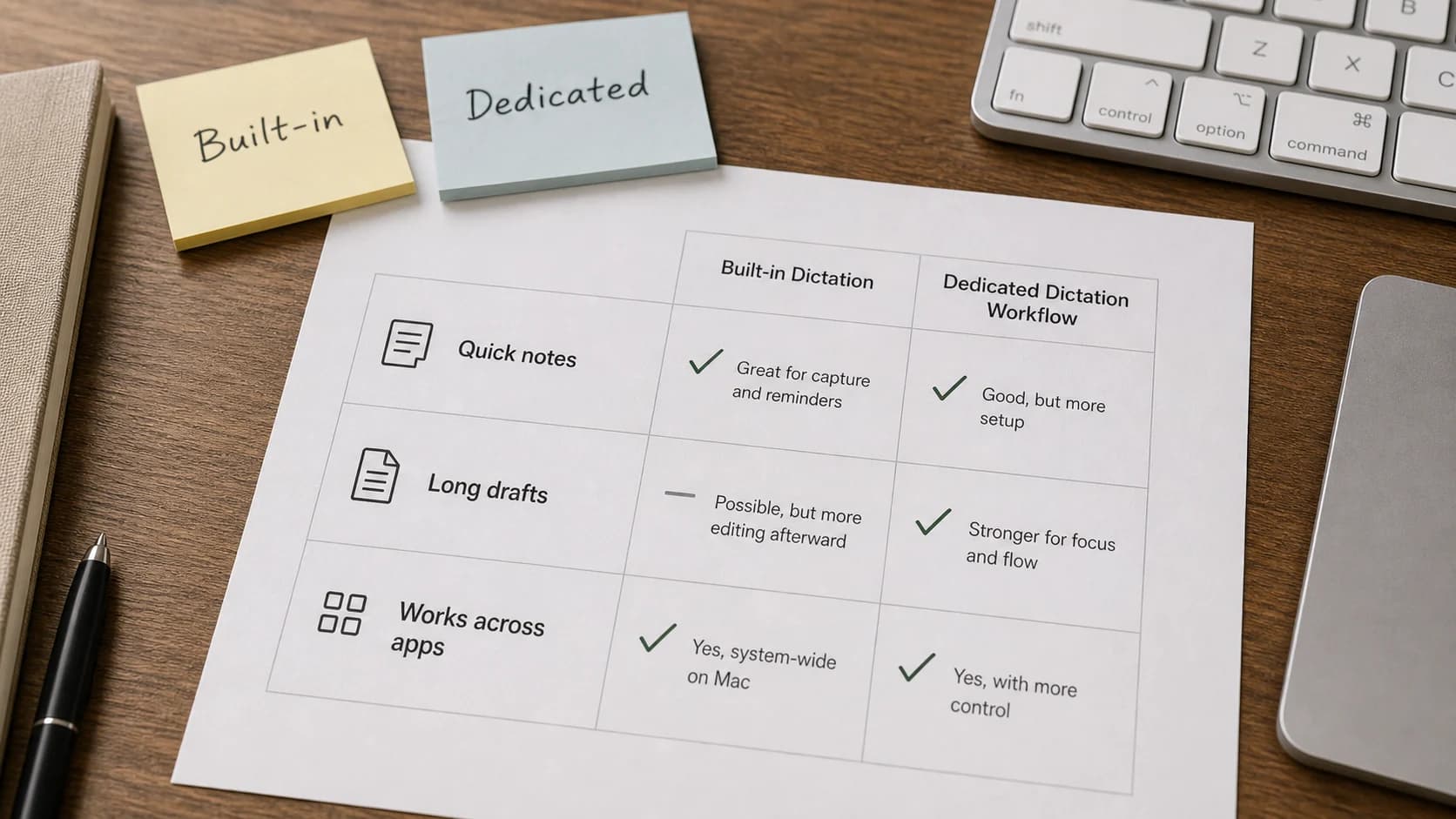
If the tool only works well in one place, it may still be fine for drafts. If your day moves across apps, choose a tool that follows the cursor.
Paraspeech is built for system-wide Mac insertion. Apple Dictation is already on the Mac and is worth testing for short text. Browser dictation is useful when your writing stays in the browser.
Offline Need And Local Mode
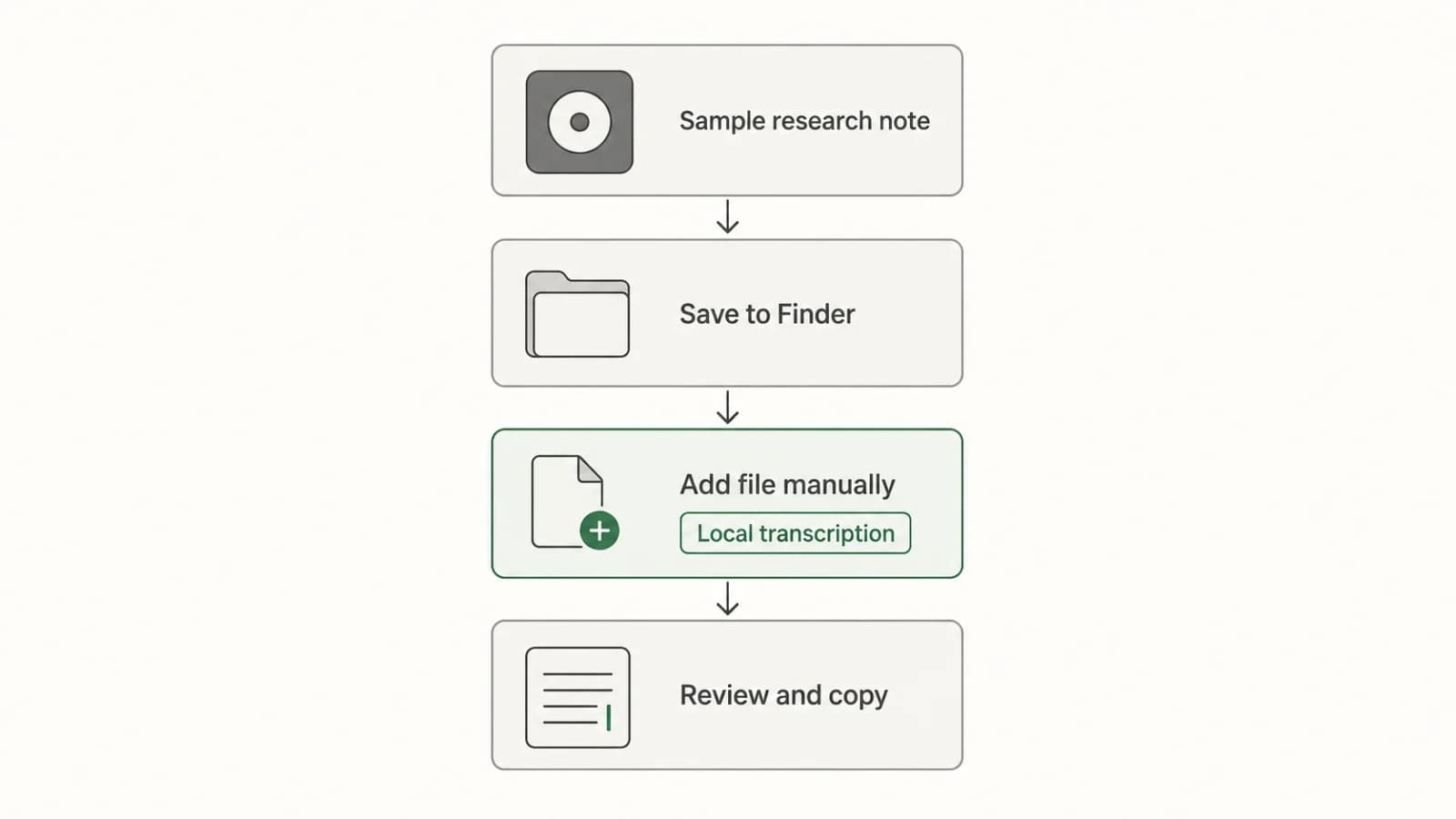
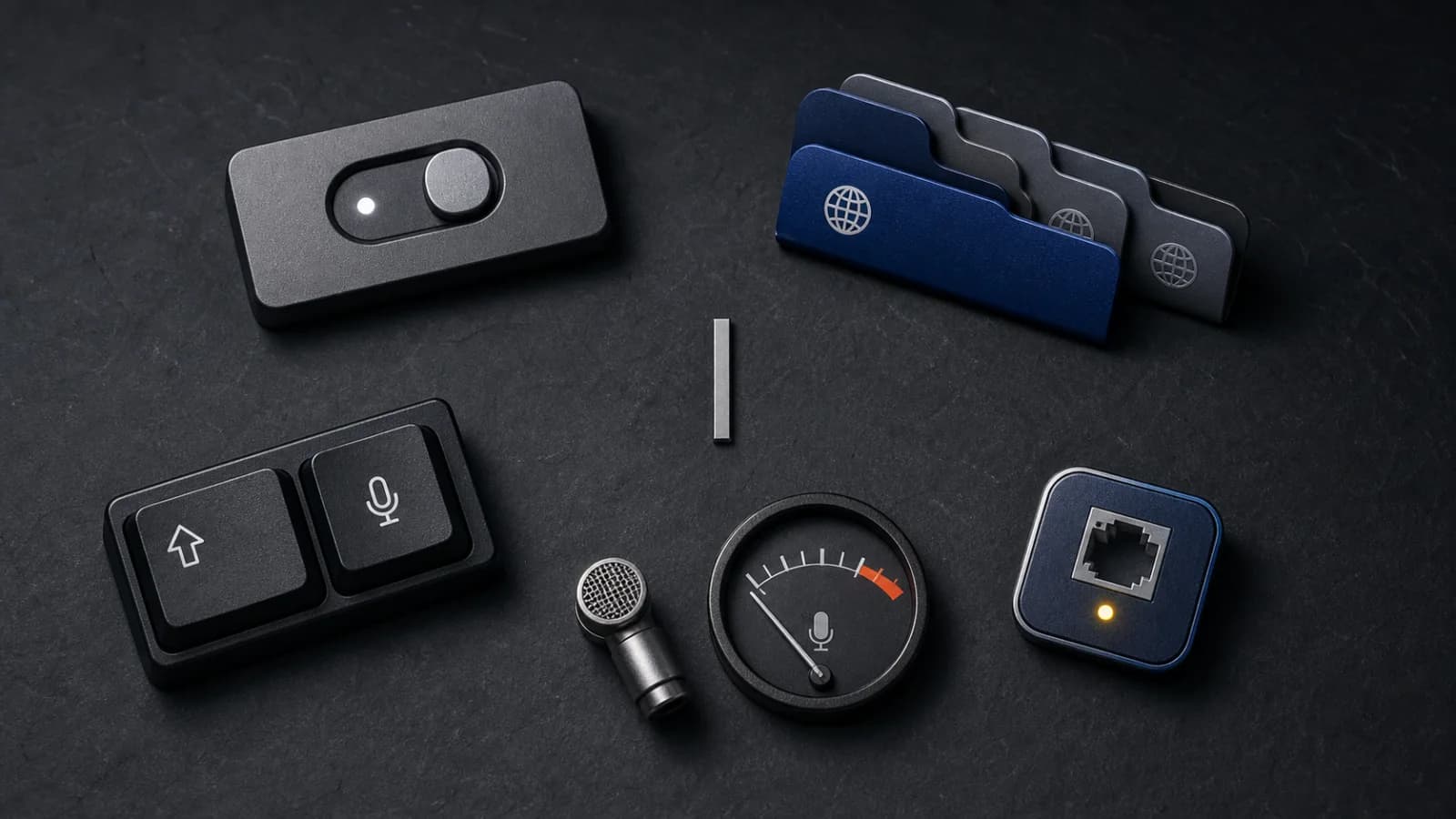
Offline support is not the same as privacy, but it is a useful filter. A local mode can keep recognition on supported hardware after setup. A cloud-backed mode depends on a remote service and should be tested separately.
Ask these questions before choosing:
- Does the tool work after setup with internet off?
- Does it require an Apple Silicon Mac for local processing?
- Are rewrite or cleanup features local too, or only transcription?
- Are model downloads required before offline use?
If the answer is unclear, do not assume. Test it with Wi-Fi off after setup. For the privacy side of this decision, read private dictation software.
Correction Speed
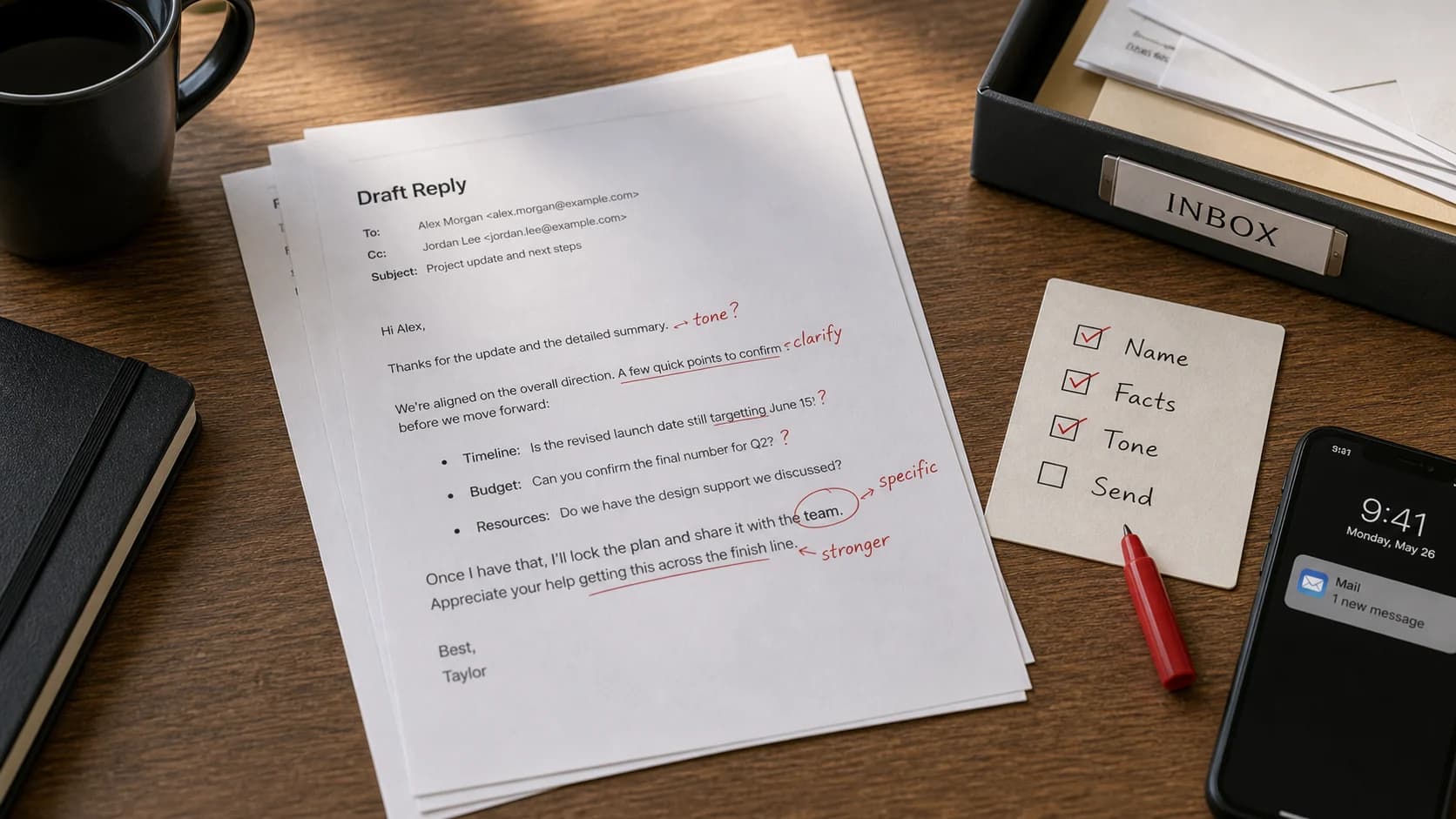
Every dictation tool makes mistakes. The better question is how quickly you can fix them.
Run a short test with:
- one proper name
- one number
- one sentence with punctuation
- one noisy input
- one paragraph you would actually publish after editing
If fixing the result takes longer than typing, the tool is wrong for that job. For long-form writing, the best setup is usually rough capture first, then a focused cleanup pass.
Privacy Boundary
Privacy claims need exact wording. "Private", "offline", and "local" do not always mean the same thing.
For sensitive drafts, confirm which mode you are using and what it does with audio and text. Local transcription can keep supported recognition on the Mac. Cloud-backed transcription or cleanup may send data to a remote service. Some tools also keep local history, which matters if other people use the Mac.
If you work with regulated or highly sensitive material, do not rely on marketing language. Check the product docs and your own compliance requirements before dictating that content.
Price Tolerance
Price only matters after the tool passes the practical tests. A free tool that only works in one editor may cost more time than a paid tool that works everywhere you write.
Use this order:
- Test Apple Dictation because it is already included.
- Test a browser option if you mainly draft in Google Docs.
- Test a dedicated app if you need cross-app insertion, local modes, or cleaner output.
- Pay only after testing your own text.
Paraspeech offers subscription and lifetime options, but the pricing model should not be the first decision. Fit comes first.
Long-Form Writing Fit
Long-form writing needs a different test than short messages. Dictate a full paragraph, not one sentence. Then check whether the text has usable structure, paragraph breaks, and a tone you can edit quickly.
Voice is a poor fit for exact code, citations, passwords, and dense numeric text. It is a good fit for idea capture, emails, notes, outlines, and first drafts where cleanup is expected.
For a writer-specific comparison, see the voice-to-text app for writers guide.
How To Choose
Choose the tool that survives your first hard constraint:
- Need text in every app: test system-wide insertion.
- Need supported local use: test local mode with internet off after setup.
- Need clean long drafts: test a full paragraph and correction pass.
- Need exact names, numbers, or code: test those before paying.
- Need simple short text: Apple Dictation may be enough.
The right Mac dictation software is the one that fails least in your real writing surface.