Write by voice, then edit
Speech-to-text guides, processing-path explainers, and Mac productivity stories from the team building Paraspeech.
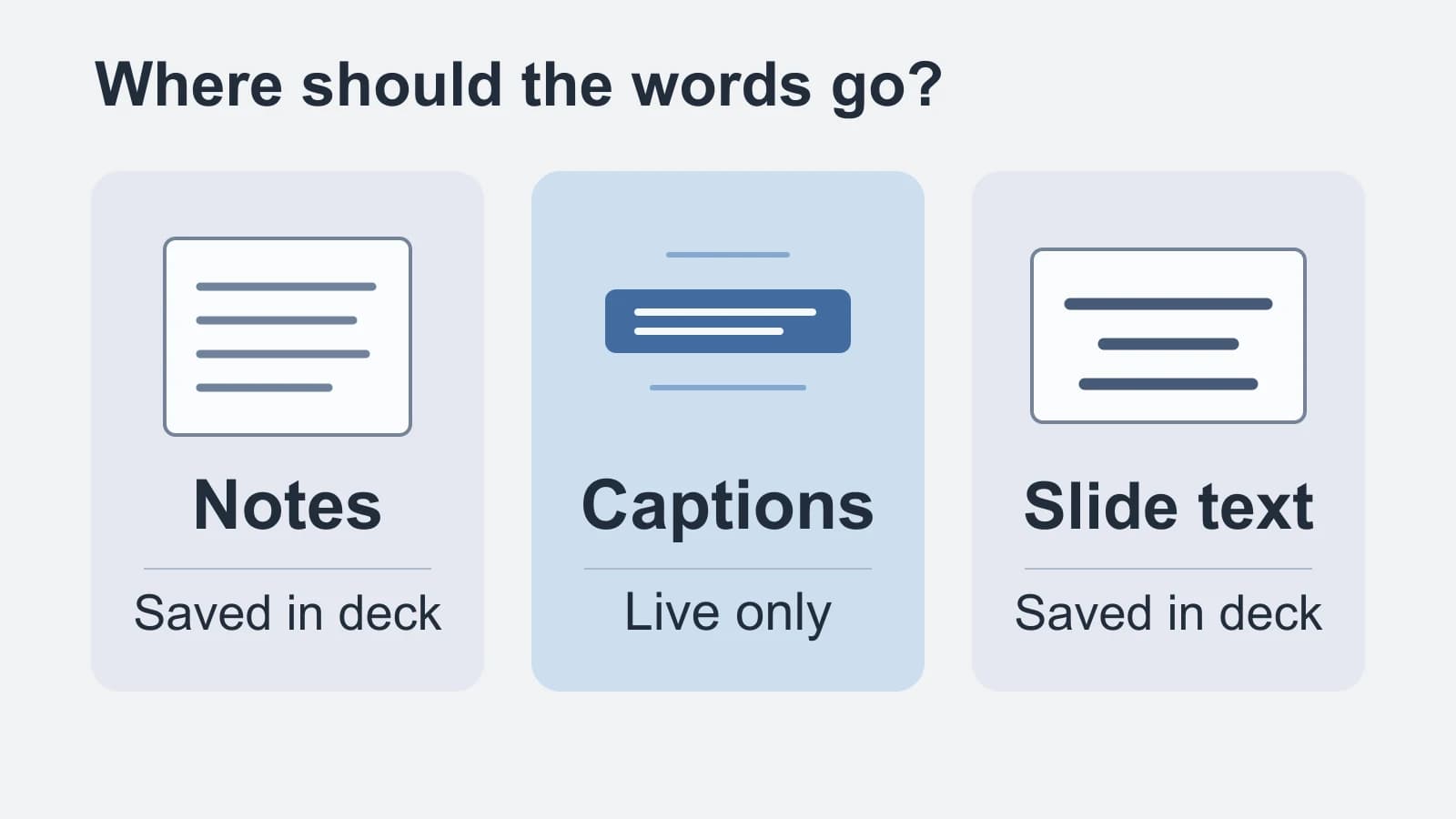
Speech to Text in Google Slides: Notes, Captions or Slide Text?
Match your spoken words to presenter notes, live audience captions or saved slide text before turning on the microphone.
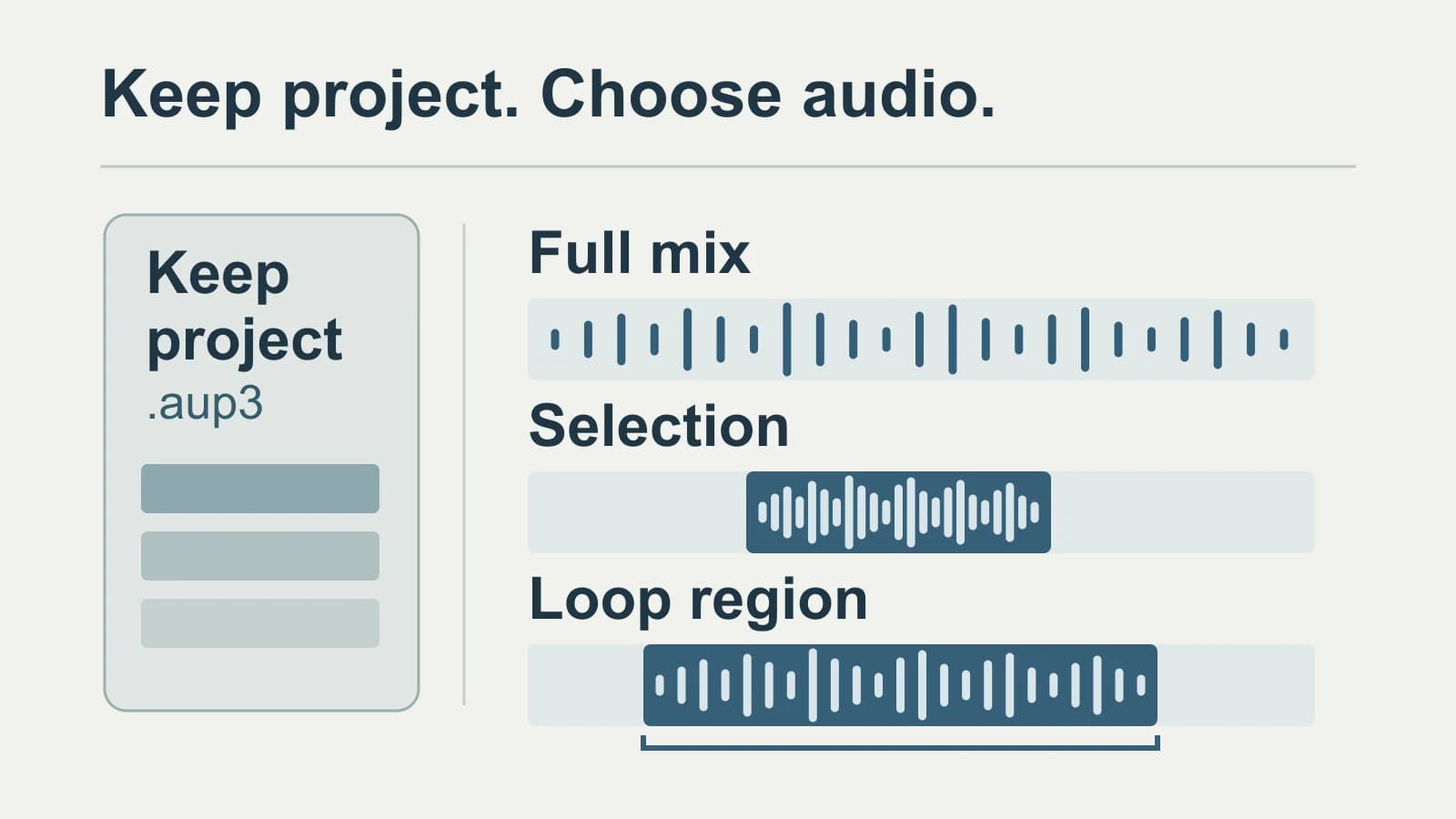
Audacity Transcription: Choose the Audio, Keep the Project
Keep the editable project, export the speech you need, and preserve the matching audio and time origin with the transcript.
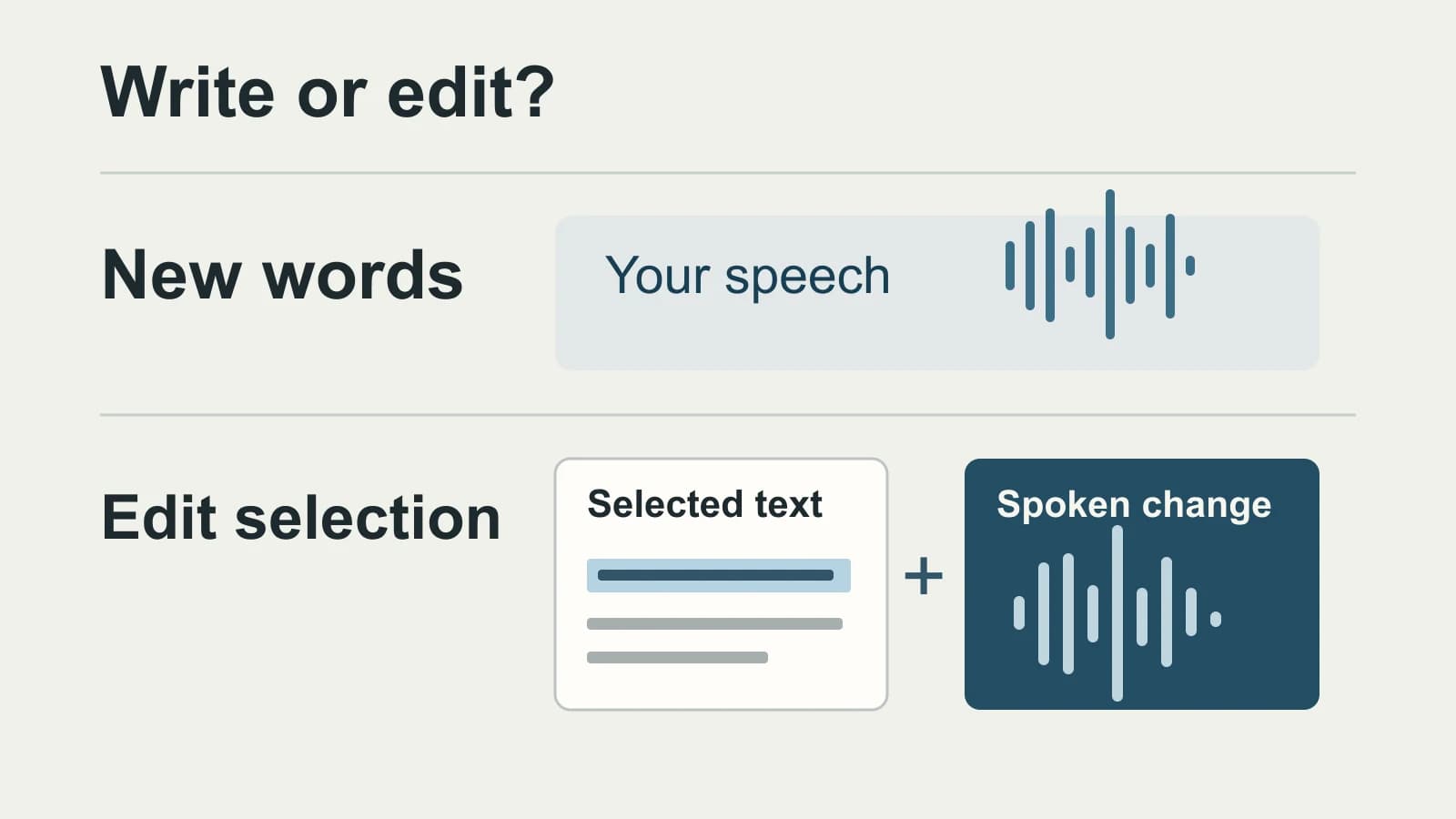
Replacing Aqua Voice on Mac: Which Writing Controls Must Survive?
Editing an existing sentence by voice is a different operation from cleaning up new dictation. Keep the Aqua controls you rely on before choosing a replacement.
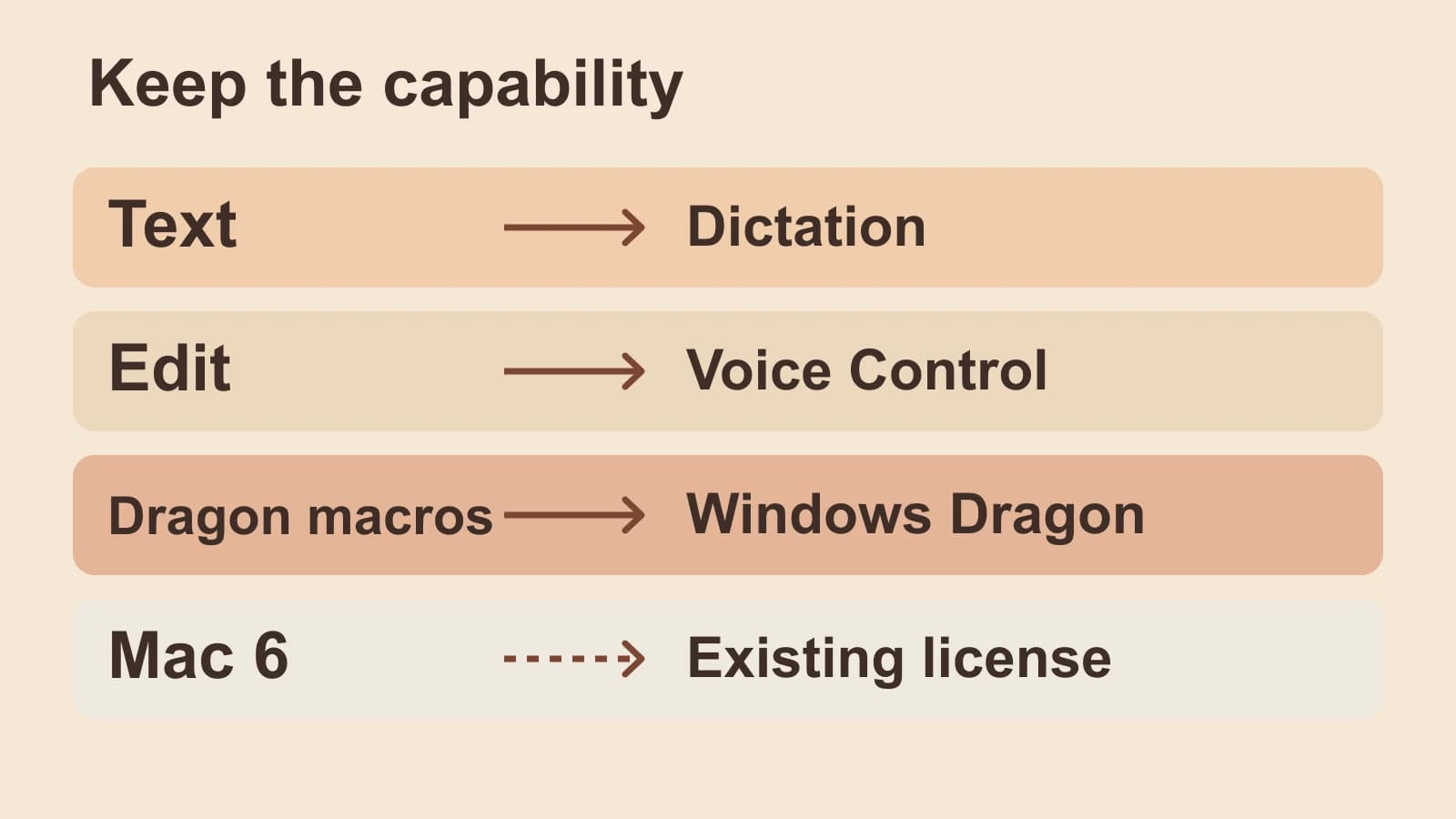
Dragon Dictation for Mac: Status and Replacement Routes
Separate text entry, spoken editing, Dragon commands and an existing Mac 6 license before replacing your old workflow.
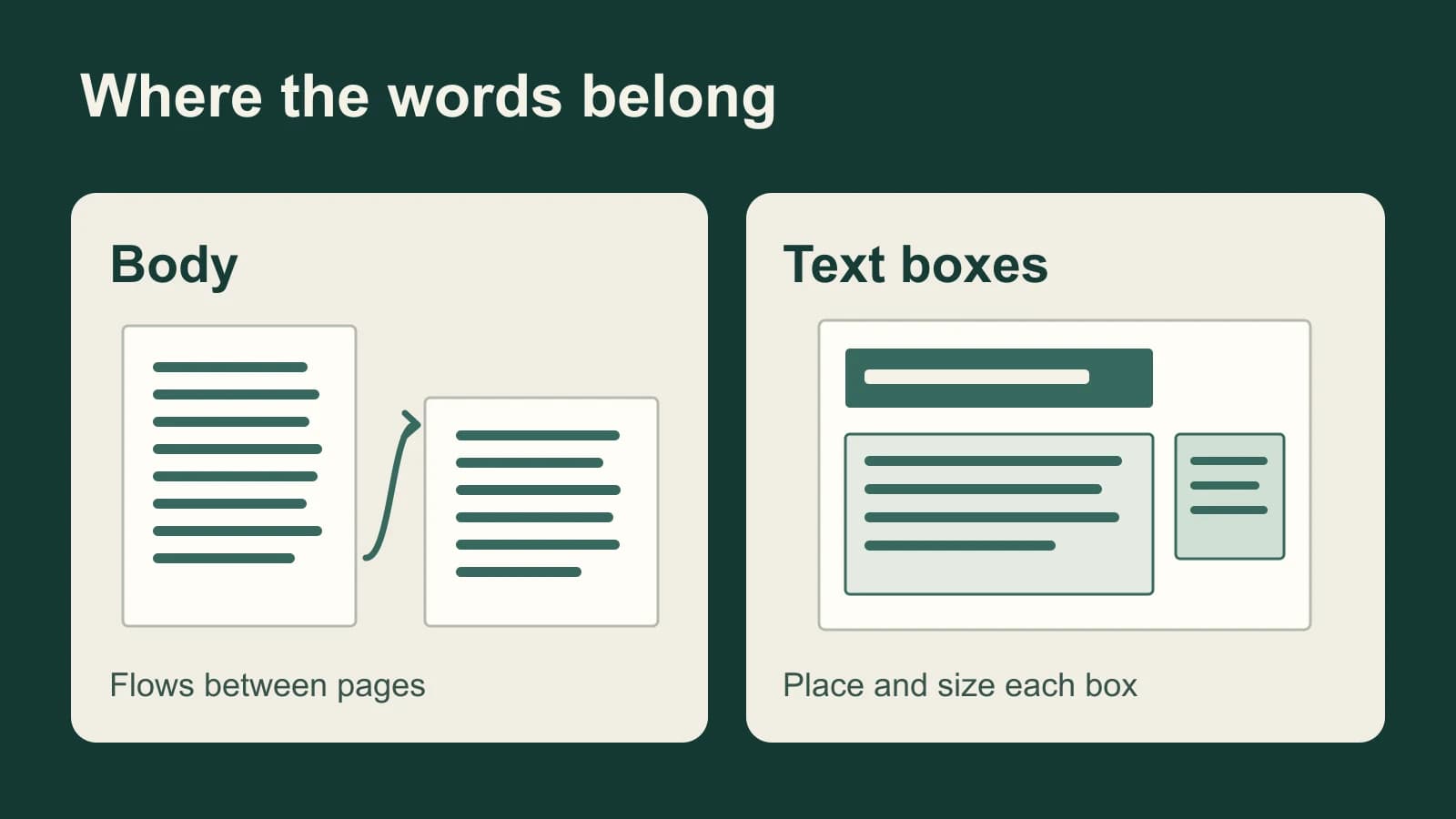
Dictation in Pages on Mac: Put Words in the Right Place
A Pages report has flowing body text; a flyer may have only text boxes. Choose the right text target before dictating, then handle visibility and styling in Pages.

Slack Huddle Transcription: Start AI Notes and Find the Transcript
Slack saves huddle transcripts inside the notes canvas. Find the right thread, understand who can read it, and check the source before forwarding an action item.

How to Create a VTT File and Check It Against Your Video
Write a real WebVTT file, time each cue to the recording, and check the captions during playback.

In-Person Meeting Transcription: Choose for the Room
A clear recording of the nearest person is not proof that you captured the table. Choose a transcript workflow, then test the voices you need to hear.

Focus Group Transcription: Preserve the Group, Not Just the Words
A focus group transcript must show how participants respond to each other. Use this worked example to preserve disagreement, overlap and uncertain attribution.
Write by voice on your Mac
AI powered voice to text across your Mac, with supported local and cloud-backed modes.
