
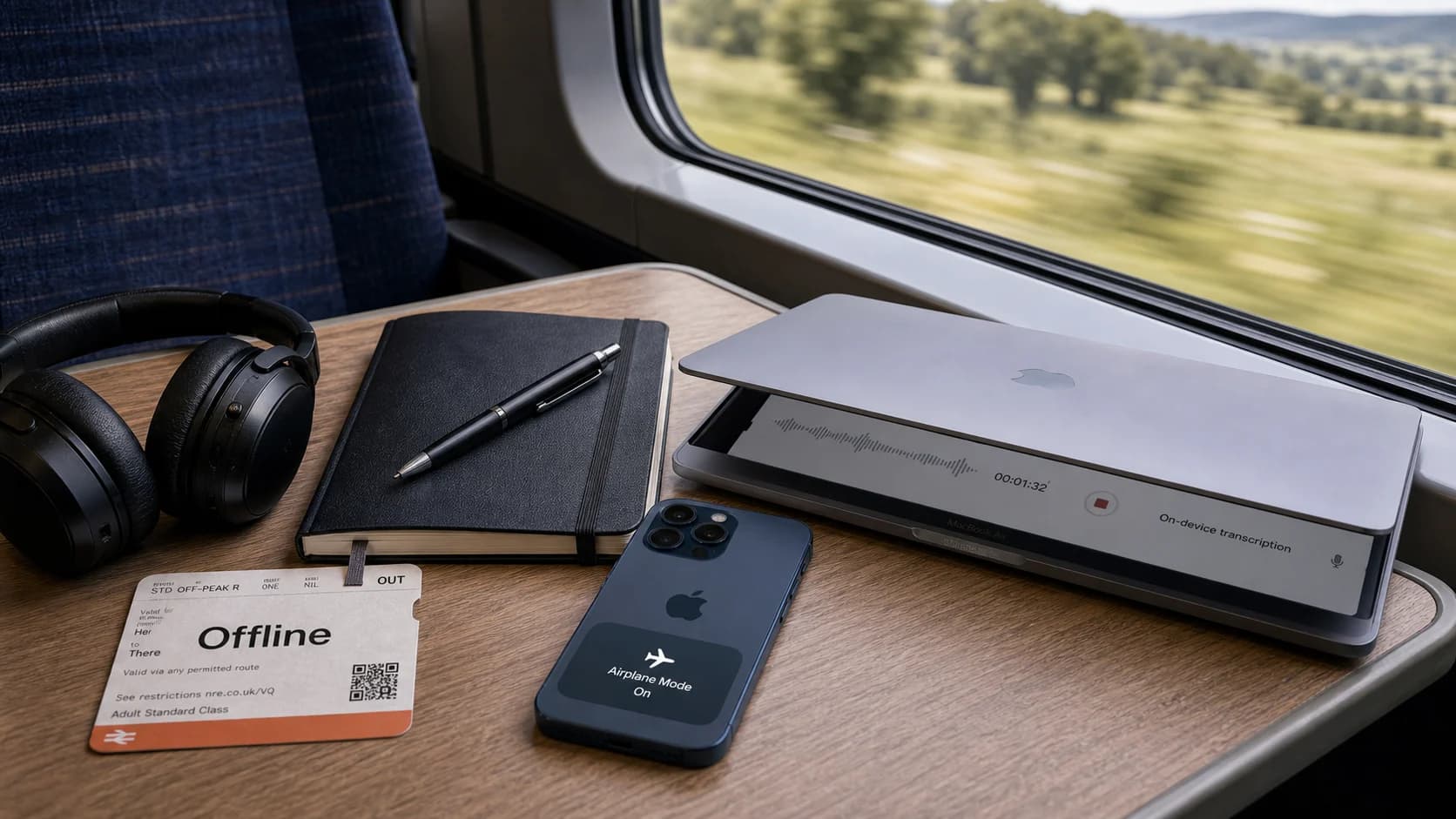
Offline dictation software for Mac can turn speech into text without sending every routine dictation session to a cloud service. The useful version of that claim is specific: local Mac modes can run offline after setup where supported, while initial model downloads and cloud-backed features still need internet.
Paraspeech offers supported local and eligible cloud-backed paths on Mac. On supported Apple Silicon Macs, local speech recognition can run on the device after the required model is installed. On-device rewriting can also run locally only where the direct Mac distribution and current product access permit it. For an exact locality claim, verify the active speech backend, the separate rewrite backend, and whether allowed temporary cloud speech fallback occurred. Intel Macs are supported through cloud-backed subscription models rather than offline local models.
If you want the product-page version first, start with Offline Speech-to-Text for Mac. This article explains the practical boundaries behind that page.
Short Answer
The best offline dictation setup on Mac is a local app that is honest about hardware and setup.
| Question | Practical answer |
|---|---|
| Can Mac dictation work offline? | Yes, for supported local modes after setup. |
| Does setup need internet? | Yes. Initial model downloads and account setup need internet. |
| Does Paraspeech run locally? | It can on supported Apple Silicon Macs; verify the active speech and rewrite backends and temporary speech-fallback state for the exact run. |
| Does Paraspeech support Intel Macs? | Yes, with cloud-backed subscription models; local offline mode is for supported Apple Silicon Macs. |
| Can every language run locally? | No. Check the selected model before assuming a language is available locally. Broader language coverage can require a different mode and should not be treated as a blanket offline claim. |
What "Offline Dictation Software for Mac" Should Mean
Offline dictation should mean the speech recognition work happens on your Mac for that mode. Your microphone captures audio, the local model processes it, and the text is inserted into the app where you are writing.
That is different from a cloud-backed dictation tool, where audio is processed by an online service. Cloud-backed processing can still be useful, especially for Intel Macs or heavier models, but it is not the same as offline dictation.
"Local" and "offline" usually overlap, but they are not synonyms. Local speech-to-text means the active speech backend runs on your device. Offline speech-to-text means the workflow does not need the internet. An app can offer both local and cloud-backed paths, and a selected local speech mode may still need an initial model download or use allowed temporary cloud speech fallback when local readiness is unavailable.
For Paraspeech:
- Supported local speech can run offline after setup.
- On-device rewriting can also run locally only where the direct Mac distribution and current product access permit it.
- Initial local model downloads require internet.
- Cloud-backed modes require internet.
- Apple Silicon Macs can use supported local models.
- Intel Macs are supported with cloud-backed subscription models.
Hardware and Mode Guide
Use this table before choosing an offline or local speech-to-text workflow.
| Mac setup | Paraspeech mode | Offline after setup? | Notes |
|---|---|---|---|
| Apple Silicon Mac | Local transcription | Yes, for supported local models | Eligible for local dictation after setup; verify the active backend. |
| Apple Silicon Mac | On-device rewriting | Only where the direct Mac distribution and current product access permit it, after model setup | A separate backend for cleaning up dictated text on device. |
| Apple Silicon Mac | Cloud-backed model | No | Requires internet and is cloud processing. |
| Intel Mac | Cloud-backed subscription models | No | Supported, but not as offline local mode. |
| Any Mac during first setup | Model download and account setup | No | You need internet before local modes can work offline. |
If offline access is the deciding factor, use an Apple Silicon Mac and install the local models before you expect to work without internet.
Where Paraspeech Fits
Paraspeech is a Mac dictation app for live writing workflows. Hold a shortcut, speak, then release and review the result. With Accessibility permission, the direct-download app can attempt insertion into many editable email, notes, browser, chat and editor fields; unsupported fields may require clipboard fallback.
The main fit is not "every feature works offline forever." The fit is narrower and more useful:
- You want Mac-wide insertion into many editable fields, with a clipboard fallback for unsupported fields.
- You use an Apple Silicon Mac and want local speech recognition.
- You want on-device rewriting where the direct Mac distribution and current product access permit it.
- You want a clear boundary between local processing and cloud-backed processing.
Start from the Mac download if you want to test the workflow, then compare plan boundaries on pricing.
Offline After Setup Still Means Setup
Most local speech-to-text apps need model files before they can run offline. Paraspeech is the same. The offline path starts after the app and required models are present on your Mac.
Before going offline, do this while you still have internet:
- Install the Mac app from the download page.
- Open the app and complete any account or access setup.
- Download the local model you plan to use.
- Run a short dictation test in the app where you write.
- Confirm the active speech backend, separate rewrite backend, and temporary speech-fallback state before relying on offline use.
After that, supported local speech can run without internet. On-device rewriting can also run locally only where the direct Mac distribution and current product access permit it. Cloud-backed models still require a connection.
Local Dictation vs Local File Transcription
Offline dictation software and offline file transcription are related, but they are not the same workflow.
| Workflow | What you do | Good fit |
|---|---|---|
| Live dictation | Speak into the microphone and insert text into the current app | Emails, documents, notes, chat, code comments |
| File transcription | Drop or choose an audio or video file and export text | Voice memos, interviews, lectures, captions |
Paraspeech is designed for live dictation as part of daily writing. If your main job is turning recordings into transcripts, read the audio-file transcription guide as well.
For a general Mac setup walkthrough, see how to do speech-to-text on Mac. For a broader app-selection view, see the best dictation app for Mac.
Privacy Claims Need Mode Boundaries
Offline dictation is attractive because local modes reduce unnecessary uploads. But privacy copy should describe the actual mode, not the whole product in one sentence.
The accurate Paraspeech boundary is runtime-specific: when the active speech backend is local, speech audio is transcribed on the Mac. When the direct Mac distribution and current product access make an on-device rewrite backend available, and that backend is active, rewrite text is processed on the Mac. Eligible cloud speech—including allowed temporary fallback—or cloud rewrite transmits the content needed for that operation to the applicable cloud provider.
That distinction matters if you handle client notes, personal writing, research material, or drafts that should stay local. A selected mode is not enough: verify the active backends, fallback state, and operational network flows for the exact task.
When Offline Dictation Is the Right Choice
Offline dictation software for Mac is a strong fit when:
- you work on an Apple Silicon Mac;
- you want dictation to work in normal Mac apps;
- you need speech-to-text without relying on Wi-Fi after setup;
- you want local processing for sensitive drafts or notes;
- you prefer a shortcut-driven workflow over browser voice typing.
It is not the right fit when:
- you are on Intel and require offline local mode;
- you need every possible feature to work without internet;
- you need a published compliance certification claim;
- you want a cloud-only shared transcript workspace.
FAQ
Can I use Paraspeech offline on Mac?
Yes, for supported local modes after setup. Initial model downloads and cloud-backed features require internet.
Does offline dictation work on Intel Macs?
Do not assume Intel Macs use the local offline path. Paraspeech supports Intel Macs with cloud-backed subscription models; local offline mode is for supported Apple Silicon Macs.
Does Paraspeech support Apple Silicon?
Yes. Apple Silicon Macs can use supported local speech models after setup. On-device rewriting is separate and available only where the direct Mac distribution and current product access permit it.
Are broad language options available offline?
Do not assume that. Check the selected model before treating a language as locally available. Broader language coverage can require a different processing mode.
Is offline dictation more private?
Speech stays on the Mac when the active speech model is local. Rewriting is a separate setting. If cloud fallback is allowed, speech can use the cloud when the local model is not ready. Account, update, analytics and diagnostics connections are separate from those processing choices.
Bottom Line
For offline Paraspeech dictation, use a supported Apple Silicon Mac and download the local speech model before disconnecting. Check rewriting and cloud fallback separately. Intel Macs use eligible cloud-backed subscription models.
Try the Mac app from download, or review the guide to offline speech-to-text on Mac.