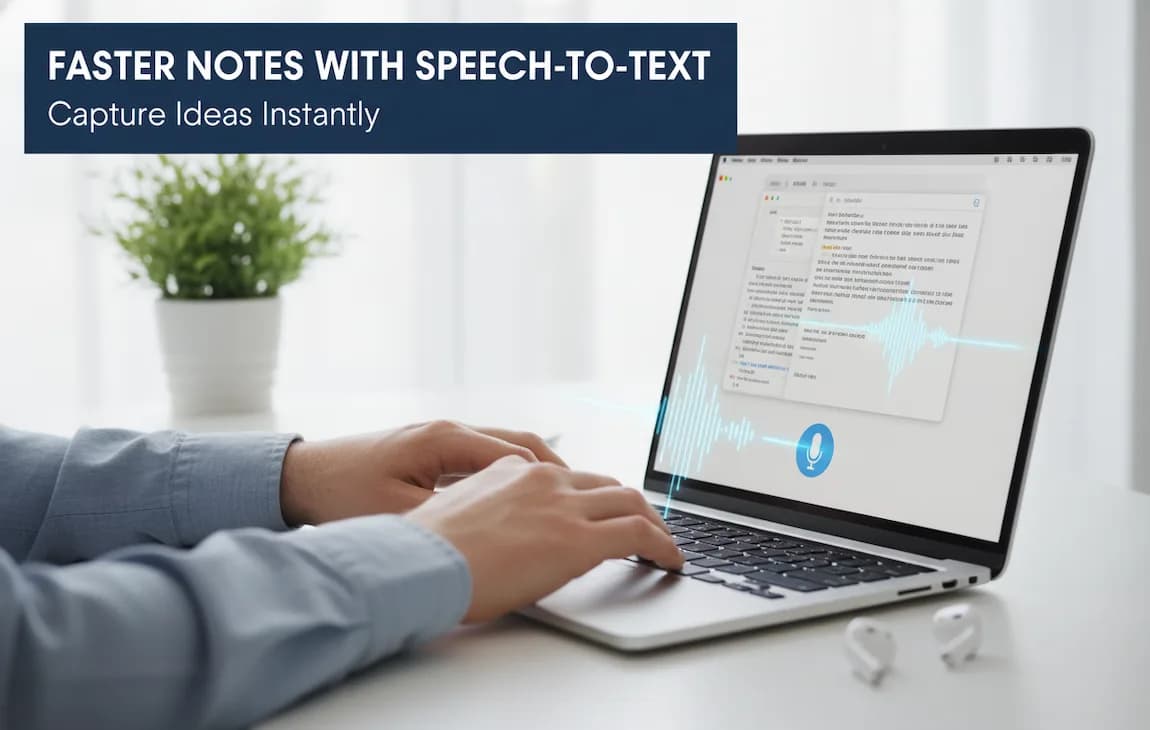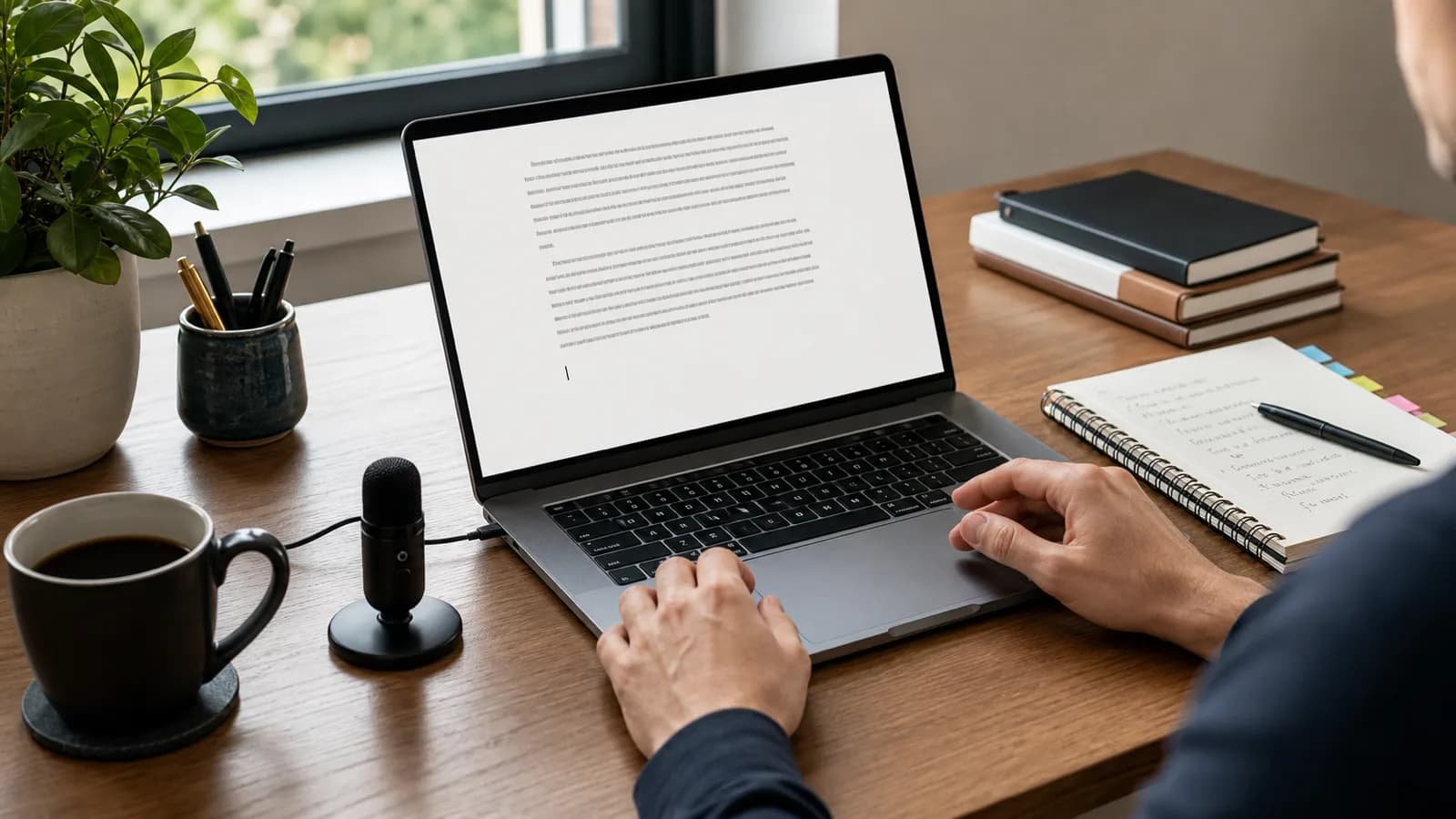
The best dictation software for Mac depends on the job. Apple Dictation is the right first test for short notes and quick messages. Browser voice typing can be enough if every draft lives in one web editor. Meeting transcription tools are better when the source is a call recording. A dedicated Mac dictation app is worth testing when you want one shortcut that inserts text across Mail, Notes, browsers, documents, chat, support tools, code editors, and your CMS.
Paraspeech is built for that system-wide Mac workflow. It is strongest when you want shortcut-driven dictation into the apps where you already type, local modes on supported Apple Silicon Macs after setup, and explicit cloud-backed models when your account, hardware, or task needs them.
It is not the best fit for every Mac user. Do not choose Paraspeech first if you only dictate an occasional sentence, need formal compliance certifications, require offline local dictation on an Intel Mac, or mainly want a shared meeting-recording workspace.
Last reviewed: May 22, 2026. This guide uses current Paraspeech source pages, the product claims matrix, Ahrefs keyword/SERP evidence, and Apple's current Mac Dictation support page.
Quick Answer
If you want free built-in Mac dictation, start with Apple Dictation. If you want the same dictation workflow across many Mac apps, test a dedicated system-wide app. If local processing matters, check the exact hardware and mode before paying. If your input is a recorded meeting, compare meeting transcription tools instead of live dictation apps.
For Paraspeech specifically:
- choose it for system-wide Mac dictation and repeat daily voice input;
- use supported local modes on Apple Silicon Macs when local processing matters;
- use cloud-backed subscription models deliberately when you need that path;
- do not buy it for offline local Intel dictation.
Mac Dictation Decision Table
Start with where the words need to land.
| Your Mac workflow | Best starting point | What to check | Where Paraspeech fits |
|---|---|---|---|
| Short messages, reminders, quick notes | Apple Dictation | Can the built-in shortcut handle the text without cleanup friction? | Usually unnecessary unless you want the same behavior across more apps. |
| Daily writing across Mail, Notes, Docs, browsers, chat, CMS fields, and editors | Dedicated system-wide Mac dictation app | Does text insert where your cursor already is? | Strong fit: Paraspeech is built around system-wide Mac dictation. |
| Privacy-sensitive drafts on supported Apple Silicon Macs | Local-capable Mac dictation app | Does the selected mode run locally after setup, and are model downloads complete? | Strong fit for supported local workflows after setup. |
| Intel Mac dictation | Cloud-backed Mac dictation support | Does the tool say exactly what runs in the cloud? | Fit for eligible subscription cloud-backed workflows, not offline local Intel dictation. |
| Existing audio or video files | File transcription workflow | Does the app handle files separately from live cursor dictation? | Fit for Mac file transcription when a downloaded offline model is available; see the audio file transcription guide. |
| Team meeting notes | Meeting transcription workspace | Do you need recording, speakers, summaries, sharing, and admin controls? | Usually not the primary fit if team meeting memory is the real job. |
| One browser document | Browser voice typing | Is the browser editor the whole workflow? | Useful when you also want the same voice workflow outside the browser. |
That table matters because most "best dictation app" lists mix live writing, file transcription, meetings, privacy, and hardware. Those are related, but they are not the same buying decision.
Apple Dictation Versus Dedicated Mac Dictation Apps
Apple Dictation is the correct first stop for many Mac users. Apple's Mac Dictation guide covers dictating messages and documents, starting dictation from the microphone key or a keyboard shortcut, and using punctuation or formatting commands where supported. Apple also notes that language and feature availability can vary by macOS version, language, country, or region.
Use Apple Dictation for:
- short Messages replies;
- quick notes;
- simple email drafts;
- casual text fields;
- testing whether voice input fits your habits before paying for anything.
Move beyond the built-in tool when dictation becomes part of the workday. A dedicated Mac dictation app should make these jobs more dependable:
- one repeatable start-and-stop workflow across many apps;
- custom names, acronyms, product terms, and jargon;
- clearer local-versus-cloud processing choices;
- fewer interruptions during longer writing sessions;
- faster cleanup because text lands in the right place first.
If you dictate one sentence a week, stay with the built-in option. If you dictate emails, notes, technical explanations, support replies, research notes, or long drafts every day, test a dedicated app on real work.
What System-Wide Mac Dictation Means
"Works on Mac" is too vague. A useful mac dictation software workflow lets you place the cursor in a normal text field, press a shortcut, speak, release, and continue working without copying text from a separate dictation editor.
That matters in ordinary Mac workflows:
- reply in Mail, then write in Google Docs;
- draft a support response in a browser form;
- dictate a note in Apple Notes, Notion, Obsidian, or Ulysses;
- add comments in a code editor;
- write a Slack, Linear, or GitHub update;
- move from a draft document into a CMS field.
If a tool only works well inside one document surface, it may still be useful. It is just a narrower category. For setup-level guidance, read how to do speech to text on Mac. Use this page as the broader buyer guide.
Local Modes, Cloud-Backed Modes, and Hardware
Privacy and offline claims around dictation get sloppy quickly. Use precise wording.
For Paraspeech, local transcription and local rewriting can run offline after setup where supported. Initial model downloads and cloud-backed features require internet. In local Mac modes, audio and text stay on your Mac. Cloud processing is explicit and account-dependent.
Hardware matters. Apple Silicon Macs can run the fastest local models. Intel Macs are supported with cloud-backed models on subscription, but Paraspeech should not be described as an offline-local Intel dictation tool.
Use this decision path:
| Question | Why it matters |
|---|---|
| Are you on Apple Silicon or Intel? | The fastest local modes are an Apple Silicon fit; Intel relies on cloud-backed subscription workflows. |
| Are you dictating live text or processing files? | Live cursor dictation and file transcription have different success criteria. |
| Does the text contain private, client-sensitive, or unreleased material? | You may want a supported local mode instead of a cloud-backed path. |
| Do you need account-backed cloud features? | Those require internet and the right plan. |
| Is offline work mandatory? | Local modes can work offline after setup; initial downloads and cloud-backed features cannot. |
Mac file transcription has its own boundary. In Paraspeech, file transcription is local-only and requires a downloaded offline model. If your main workflow is bulk recordings, meeting libraries, or speaker-labeled transcripts, compare that category directly instead of assuming the best live dictation app is also the best file tool.
What To Test Before You Pay
Use this checklist when comparing dictation software for macOS.
| Criterion | What to test | Why it matters |
|---|---|---|
| System-wide insertion | Dictate into Mail, Notes, a browser field, and a non-Apple editor. | Dictation loses value if you must copy and paste from a scratchpad. |
| Shortcut behavior | Start and stop dictation 10 times in a normal writing session. | The trigger should feel easier than reaching for a menu. |
| Processing clarity | Switch modes, if available, and confirm which path is local or cloud-backed. | Privacy and reliability depend on the actual mode, not the marketing label. |
| Hardware boundaries | Check whether your Mac is Apple Silicon or Intel. | Not every Mac gets the same local model behavior. |
| Vocabulary control | Dictate names, product terms, acronyms, and repeated phrases. | Cleanup time is often the real cost of dictation. |
| File transcription boundary | Try a live paragraph and a short audio file separately. | Live dictation, files, and meetings are different jobs. |
| Pricing fit | Compare subscription and lifetime plan boundaries. | Subscription and lifetime options can cover different capabilities. |
The best test is a real five-minute writing run:
- Dictate an email you would actually send today.
- Dictate a paragraph with names, acronyms, or specialized terms from your work.
- Dictate into two non-Apple apps you use daily.
- Fix one mistake and see whether the workflow gets faster or interrupts you.
- Confirm whether the selected mode is local, cloud-backed, or dependent on setup.
If Apple Dictation handles that cleanly, you may not need a dedicated app. If the test breaks because of app switching, vocabulary, corrections, or processing-mode ambiguity, Paraspeech is worth testing.
Where Paraspeech Fits
Paraspeech is best evaluated as a Mac writing tool, not as a generic "AI voice" promise.
Choose Paraspeech when you want to:
- dictate into the Mac apps where you already type;
- use one keyboard shortcut for repeated daily voice input;
- keep supported local workflows local after setup;
- use cloud-backed processing deliberately when your account, device, or task calls for it;
- tune vocabulary, replacements, and templates around your writing.
Choose something else first if you need:
- Windows support;
- formal healthcare, legal, or security certification claims;
- no-cloud local processing on an Intel Mac;
- a team meeting recorder with speaker labels and shared summaries as the core product;
- only an occasional short note.
This is the honest Paraspeech fit: Mac users who want voice input across real writing surfaces and who care about where processing happens.
Common Questions
What is the best dictation software for Mac?
For casual use, start with Apple Dictation because it is built into macOS. For daily work across many Mac apps, test Paraspeech because it is built for system-wide Mac dictation, supported local modes on Apple Silicon Macs, and explicit cloud-backed options.
Is Apple Dictation good enough?
Yes, for short text and occasional voice input. It starts to feel limiting when dictation becomes a daily workflow across several apps, specialized vocabulary matters, or you need clearer local-versus-cloud processing choices.
What is the best speech-to-text software for Mac?
For live writing, prioritize system-wide insertion, a fast shortcut, vocabulary control, and transparent processing modes. For recordings, evaluate file transcription. For meetings, evaluate meeting assistants. Those workflows overlap, but they are not the same product category.
Does Paraspeech work offline?
Supported local Mac modes can work offline after setup. Initial model downloads, updates, account features, and cloud-backed processing require internet. Apple Silicon Macs are the best fit for the fastest local modes; Intel Macs use cloud-backed subscription models.
Is Paraspeech better than Apple Dictation?
For short notes, not necessarily. Apple Dictation is free and built in. Paraspeech is a better fit when you want a dedicated system-wide workflow, local/cloud mode choice, vocabulary control, and repeated daily dictation across many apps.
Should I use Paraspeech or a meeting transcription app?
Use Paraspeech when you want to speak text into the apps where you write. Use a meeting transcription app when your main source is a call recording and you need meeting summaries, speaker handling, shared notes, or admin controls.
Is Paraspeech mainly for file transcription?
No. Paraspeech is strongest as a system-wide Mac dictation app for writing into normal text fields. Mac file transcription is a separate local-only workflow that requires a downloaded offline model.
Bottom Line
If you only dictate a few short notes, start with Apple's built-in tool. If you want voice to become a serious writing input across your Mac, compare dedicated apps by workflow, processing mode, hardware support, and cleanup time.
Paraspeech is the right candidate when your goal is system-wide Mac dictation with clear local and cloud-backed options. Download Paraspeech for Mac, or compare plans on pricing if you already know you need cloud-backed subscription features.