Write faster, ship faster
Speech-to-text guides, local-first dictation workflows, and Mac productivity stories from the team building Paraspeech.
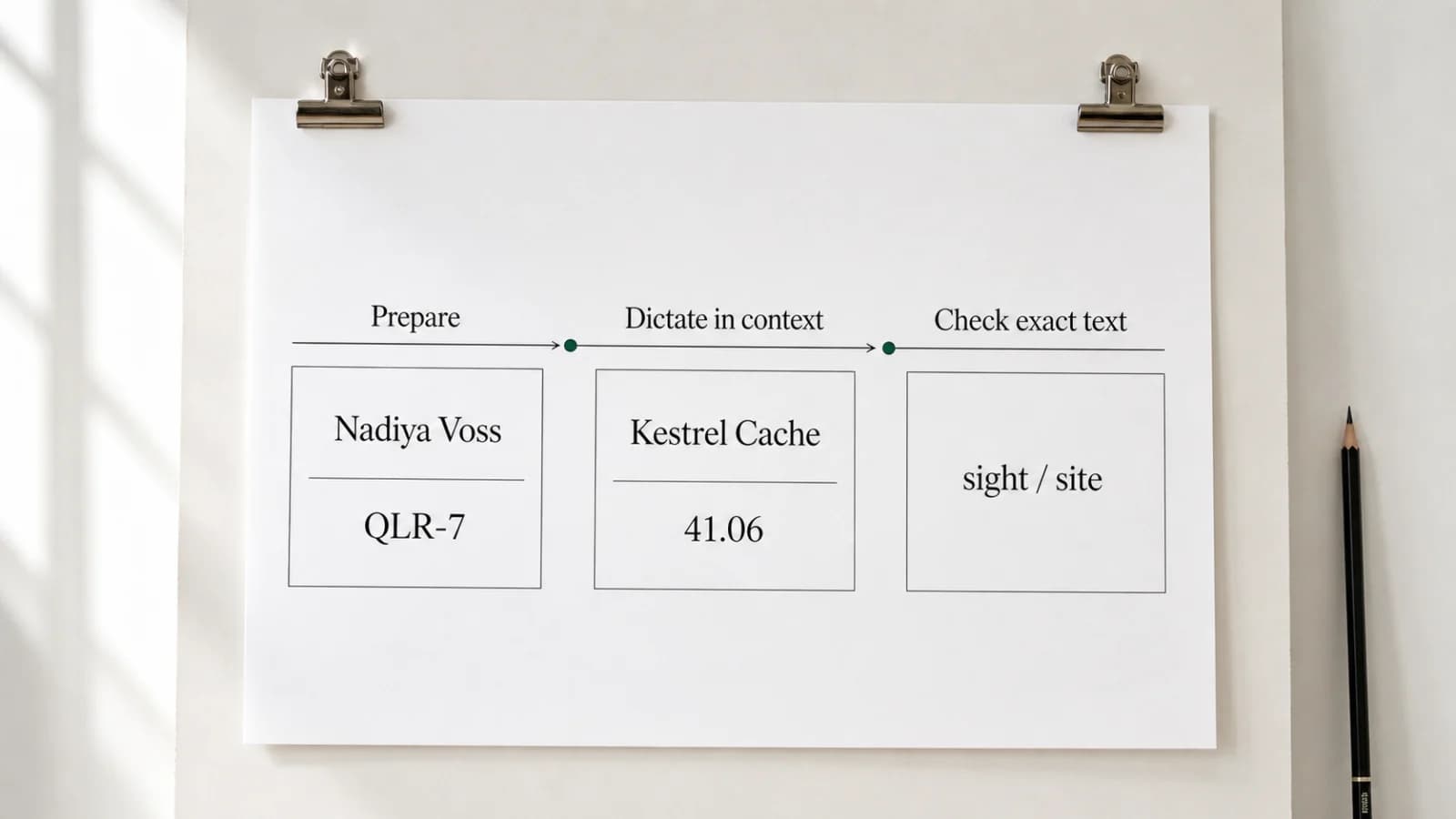
How to Dictate Names and Technical Terms on Mac
Create an Original-to-Replacement Dictionary rule, test it in context, and review names, acronyms, numbers, and specialist terms before using the text.

Dictating Slack Messages on Mac: Review Before You Send
Draft ordinary Slack prose by voice in a tested composer, then use the keyboard to verify exact tokens and make the final send decision.
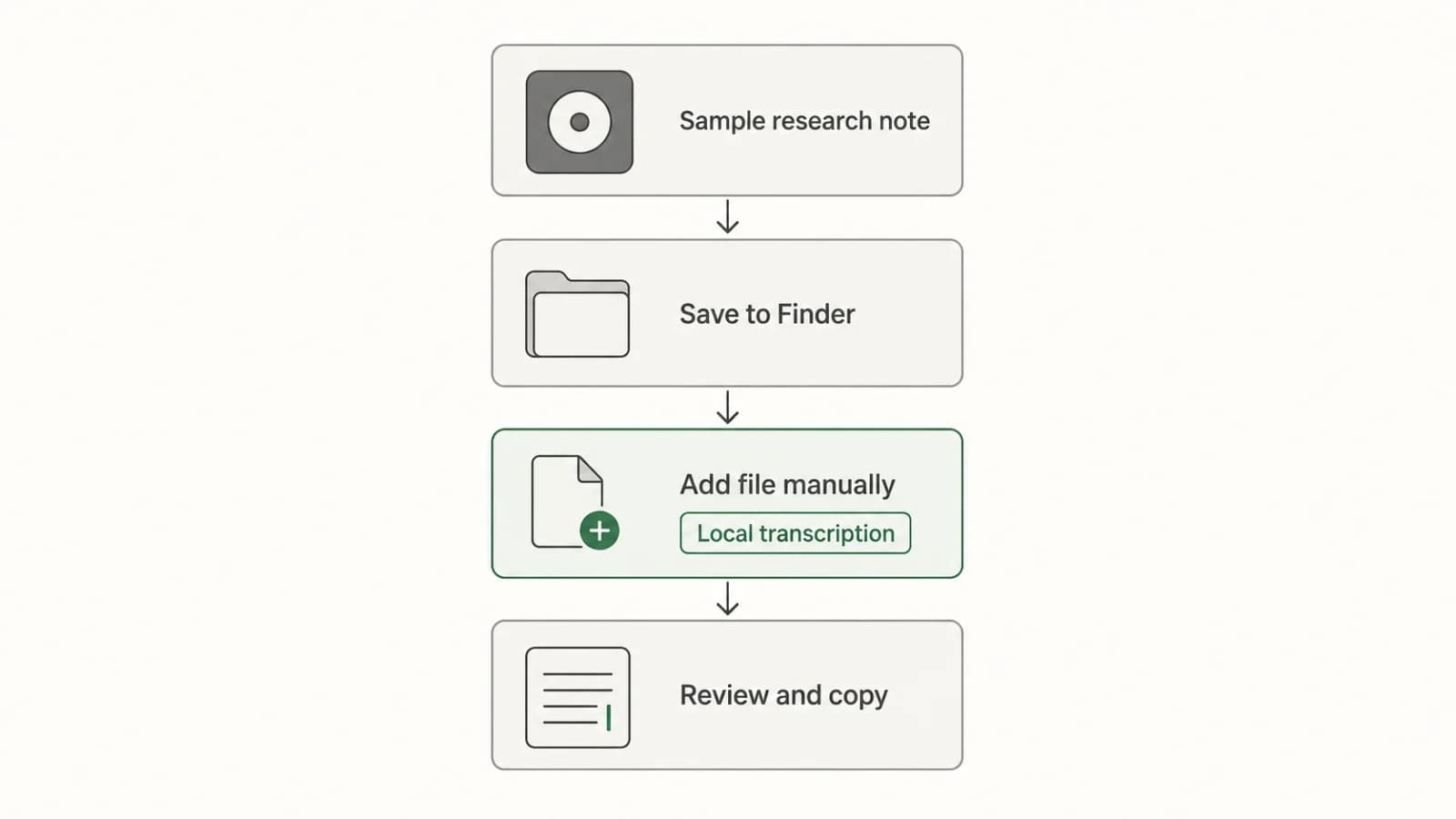
Transcribing Apple Voice Memos Recordings on Mac
Turn an existing Voice Memos recording into editable text with a clear Mac workflow: check the built-in transcript, transfer the file if needed, transcribe locally, review, and copy.
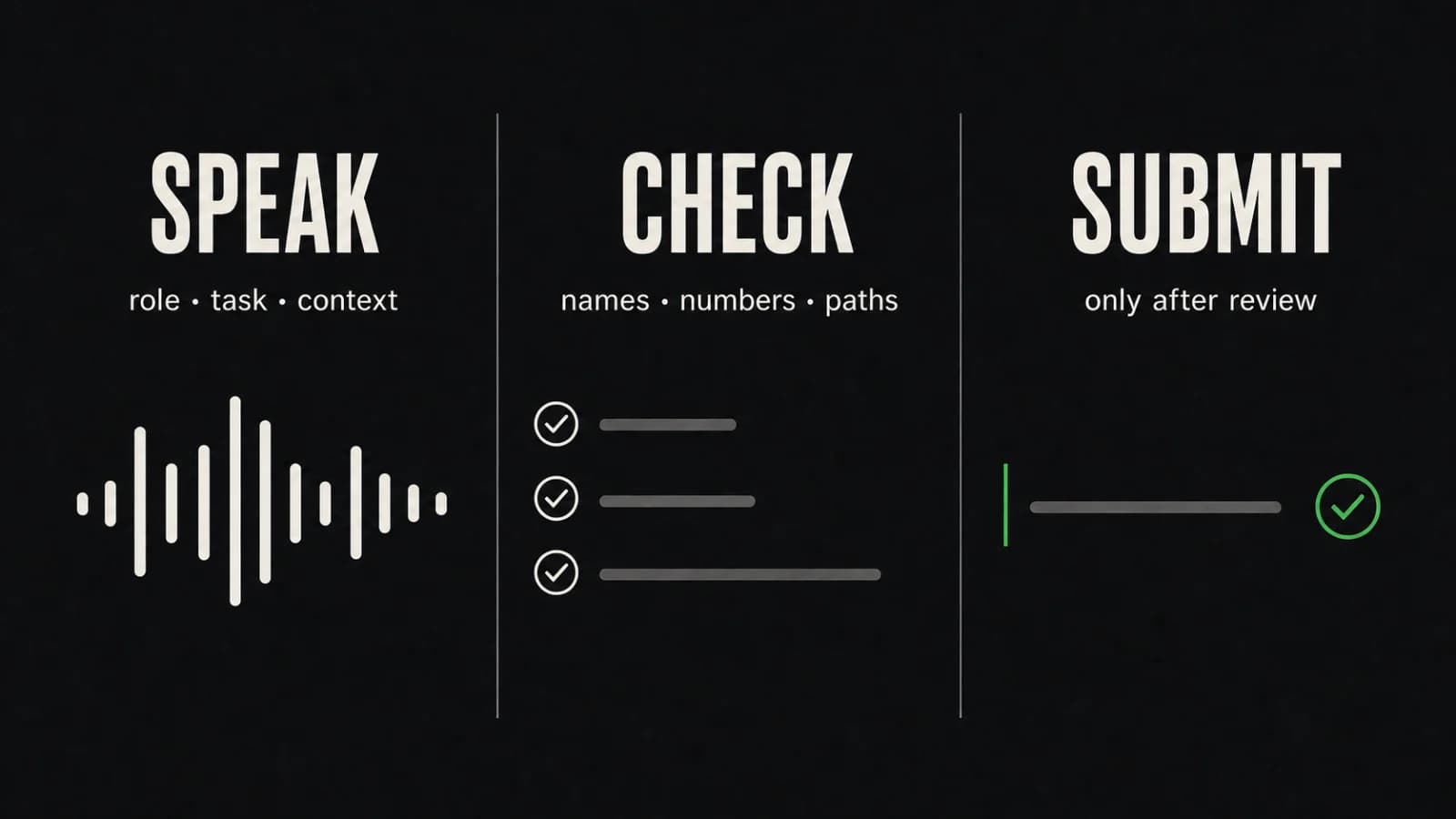
Dictating AI Prompts in Mac Text Fields: Speak, Review, Submit
Speak the prose of an AI prompt, then use the keyboard to verify names, numbers, paths, commands, negations, and sensitive text before you submit it.
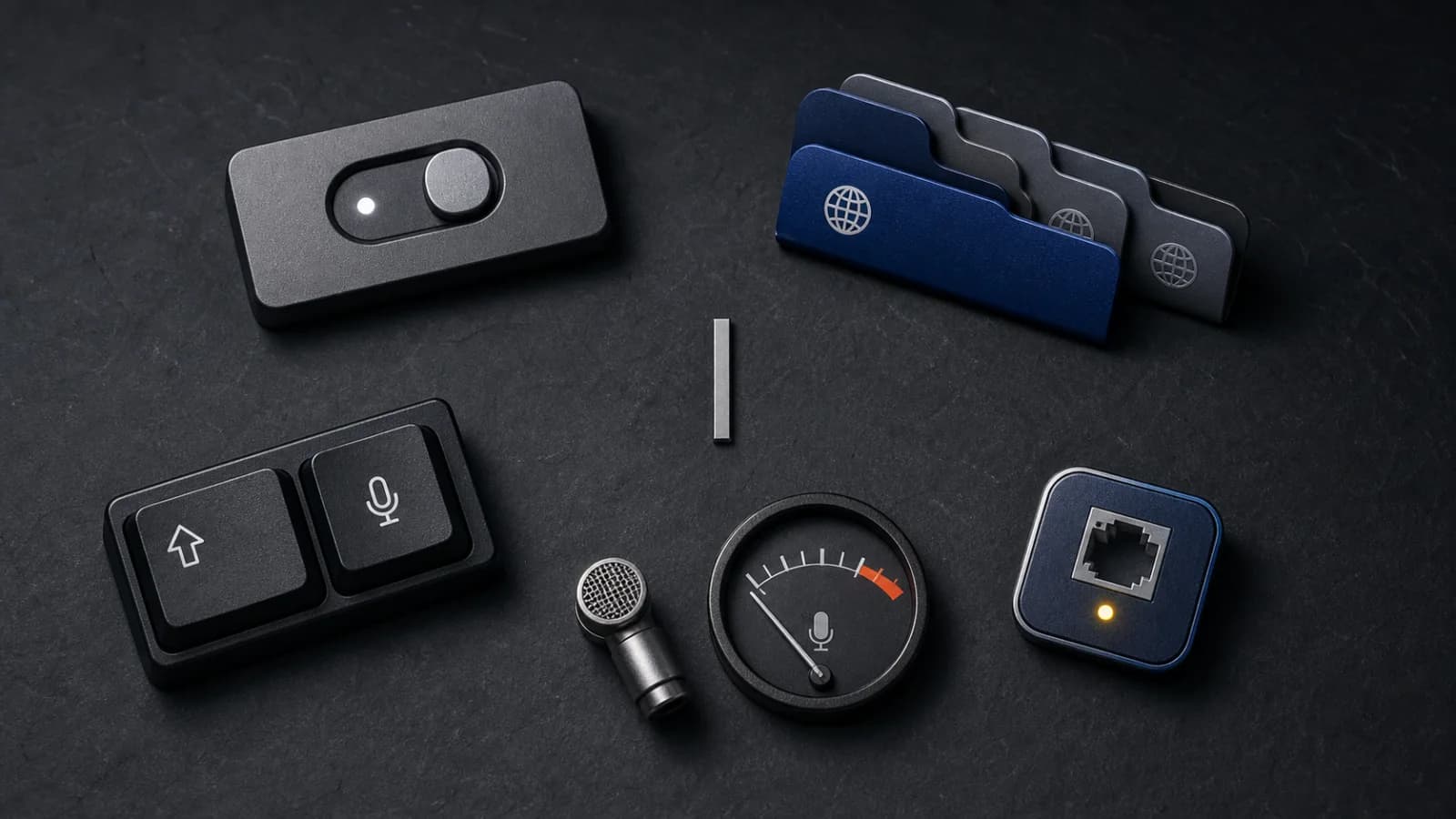
Apple Dictation Not Working on Mac? Follow This Check Order
A focused Apple Dictation troubleshooting order for Mac: confirm the setting, language, shortcut, microphone signal, speaking conditions, and connection boundary.
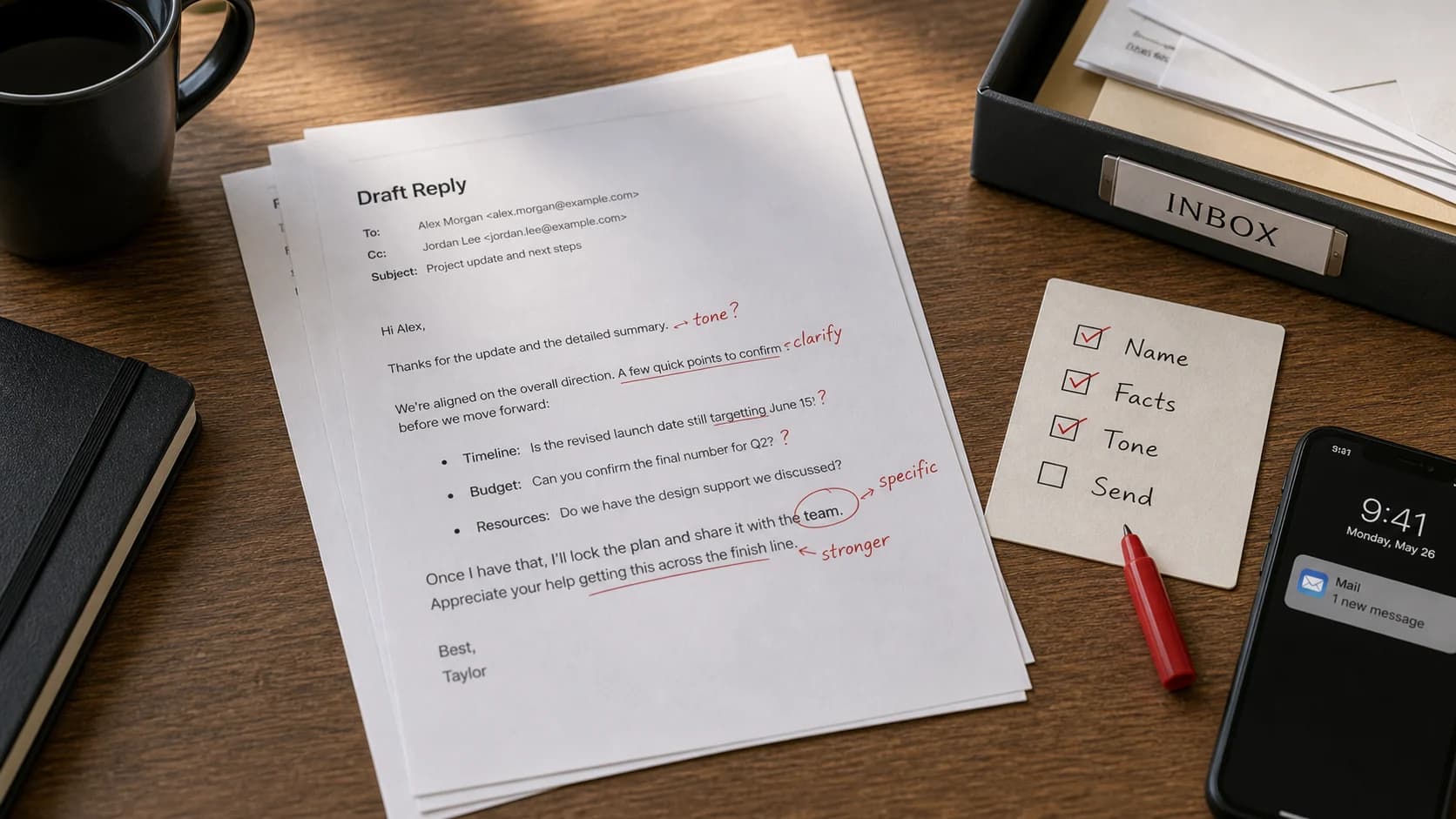
Dictation for Emails on Mac: Draft Replies Faster Without Sounding Robotic
Use dictation for email rough drafts, tone cleanup, and repeated reply structure. Keep review, names, facts, and final send decisions under your control.
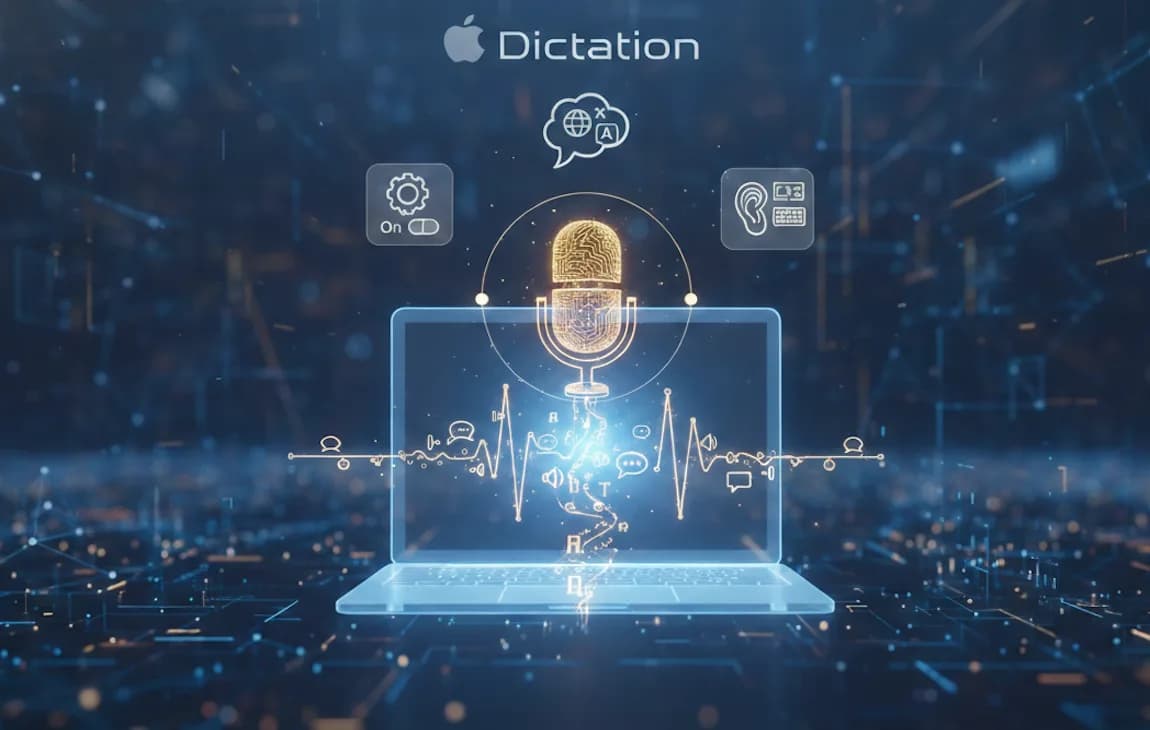
Apple Dictation Alternative for Mac: Built-In vs Dedicated Workflow
Apple Dictation is useful for quick voice typing. A dedicated Mac dictation workflow is better when you need system-wide control, local modes, vocabulary support, and repeatable long-form writing.
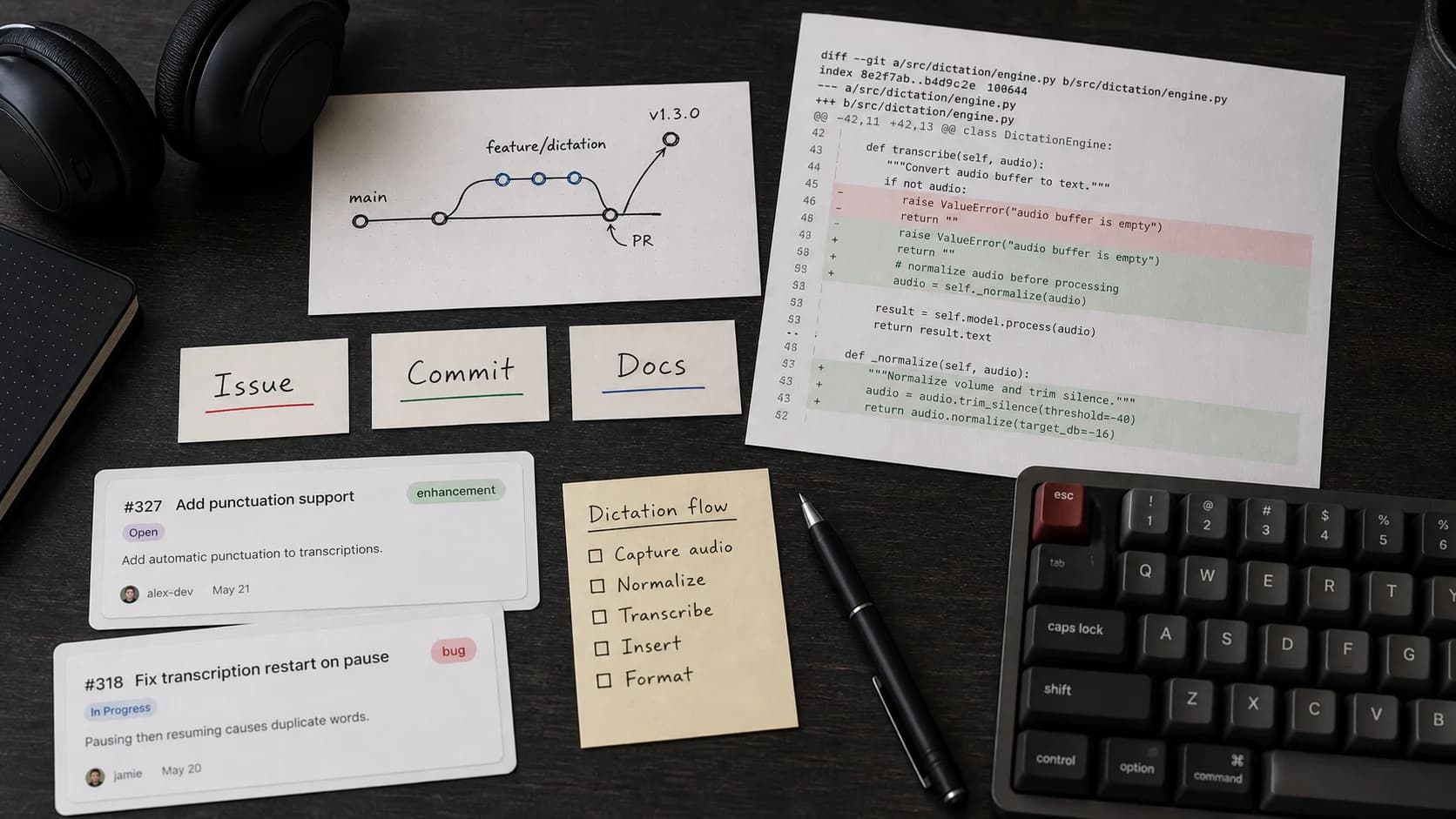
Dictation for Developers on Mac: Use Voice Around Code, Not Instead of It
Dictation helps developers with code-adjacent writing: issue notes, docs, PR descriptions, prompts, and changelogs. Use it around code, then review with the keyboard.
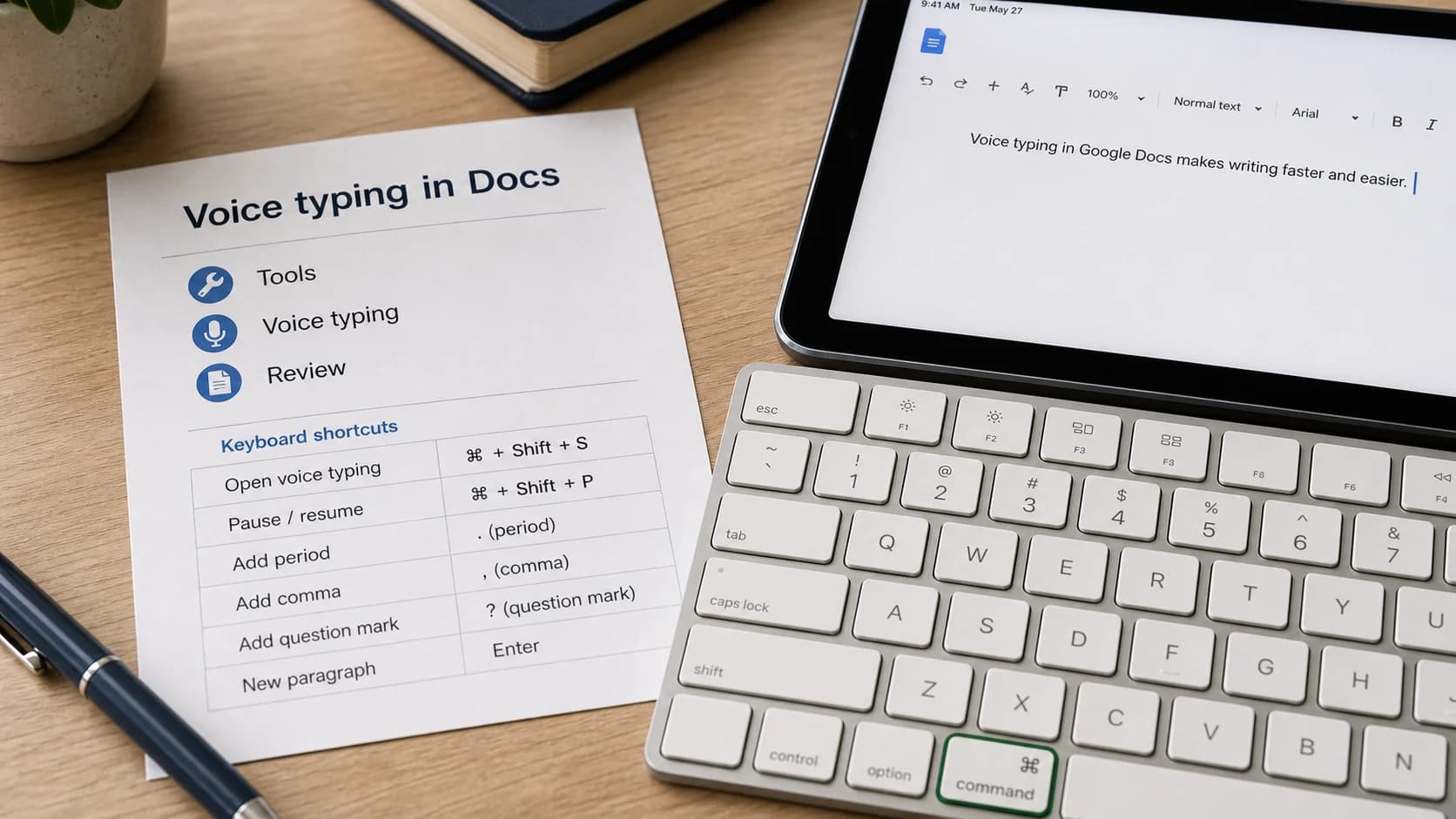
Google Docs Voice Typing: How to Dictate to Google Docs
Use Google Docs Voice Typing in a supported browser, understand its browser-only limits, and decide whether a system-wide Mac dictation workflow makes more sense.
Write faster with your voice
AI powered voice to text in every app. Local-first and private.
