Write by voice, then edit
Speech-to-text guides, processing-path explainers, and Mac productivity stories from the team building Paraspeech.
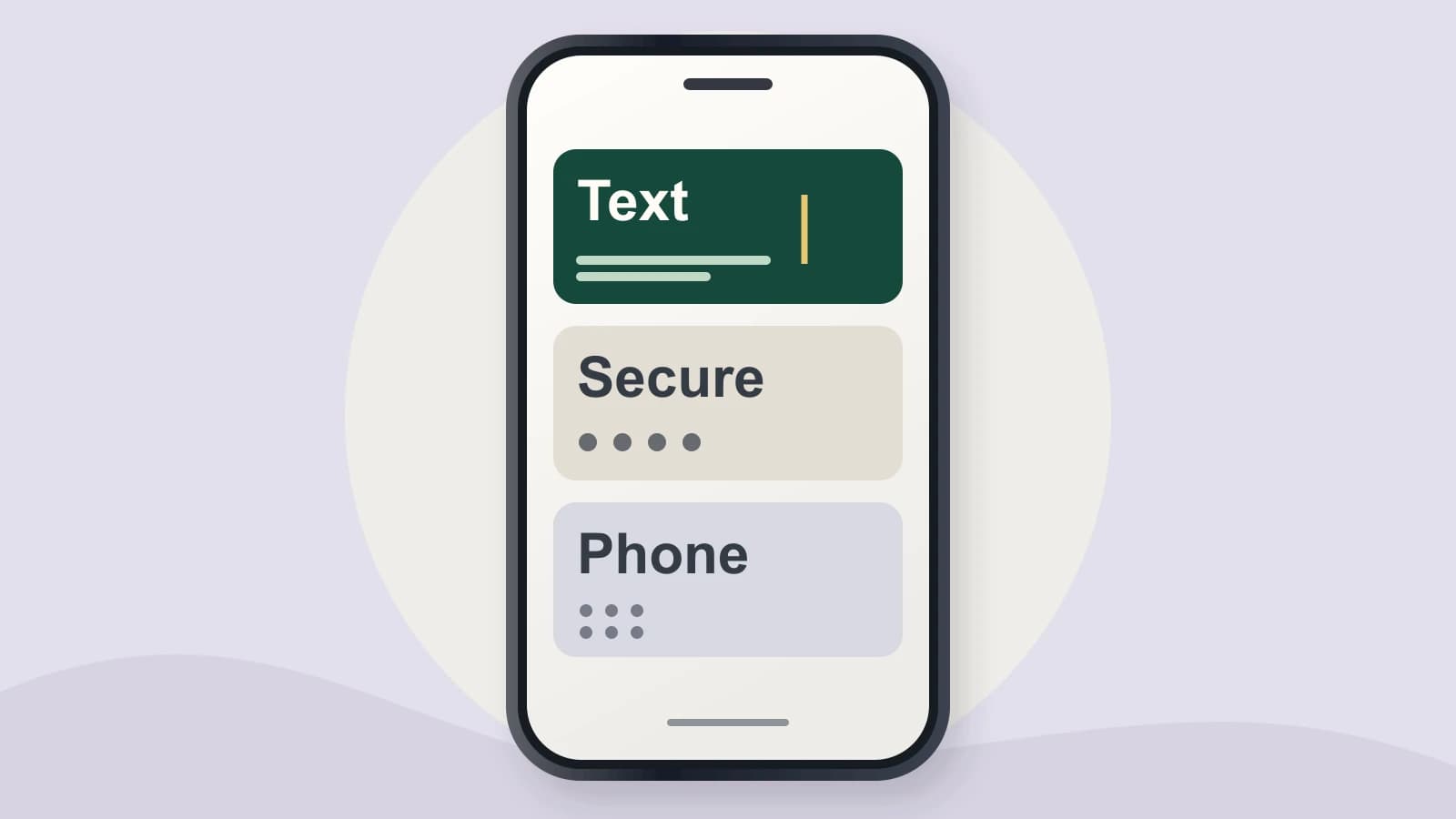
iPhone Dictation App: Check Where It Can Type
A voice keyboard can suit a note field and disappear at the password field in the same app. Check that distinction before choosing your dictation app.
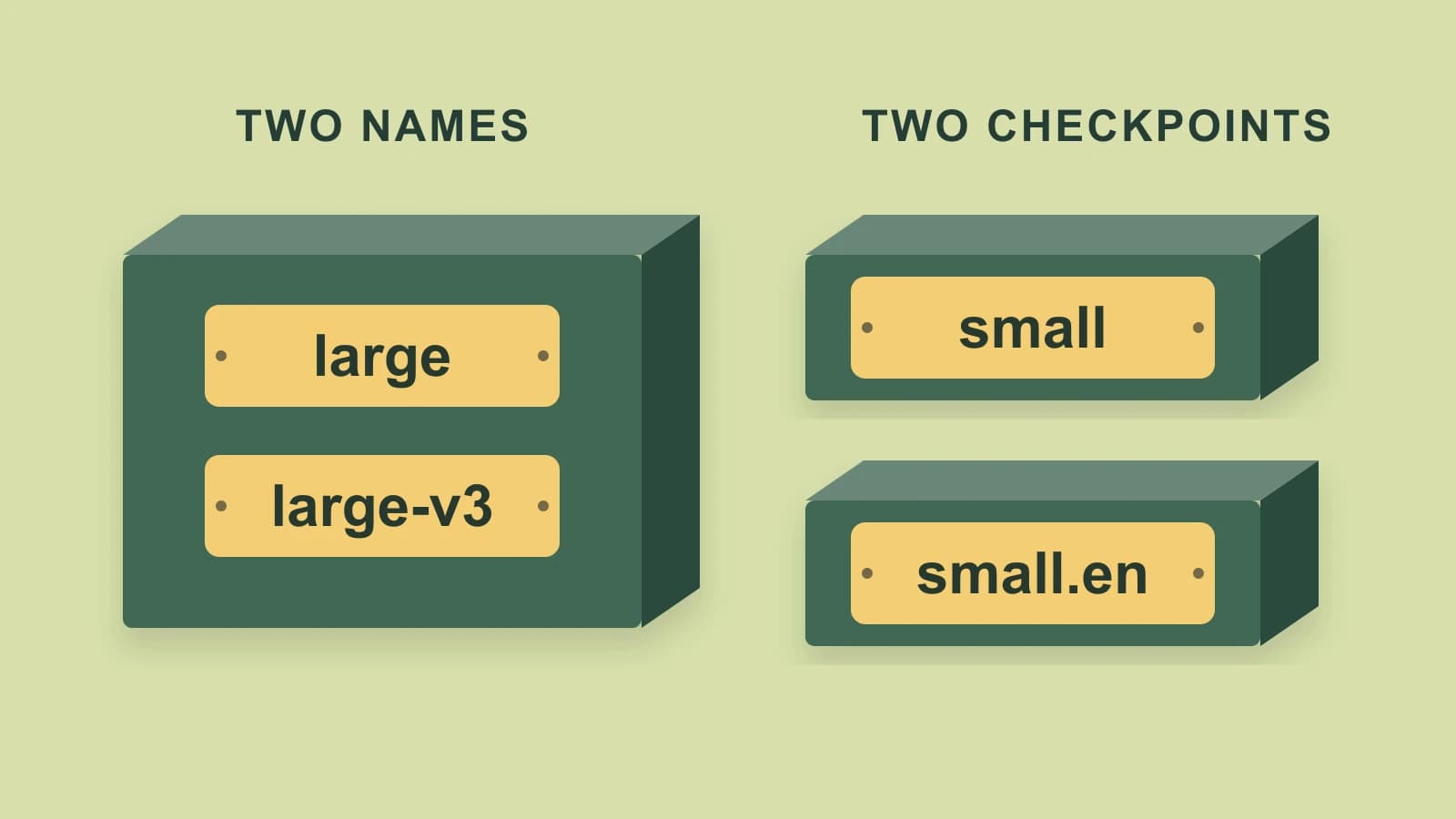
Whisper Models Comparison: Sizes, .en Variants and Aliases
A model size, an English-only variant and an alias describe different things. Compare the actual checkpoints before choosing your Whisper setup.
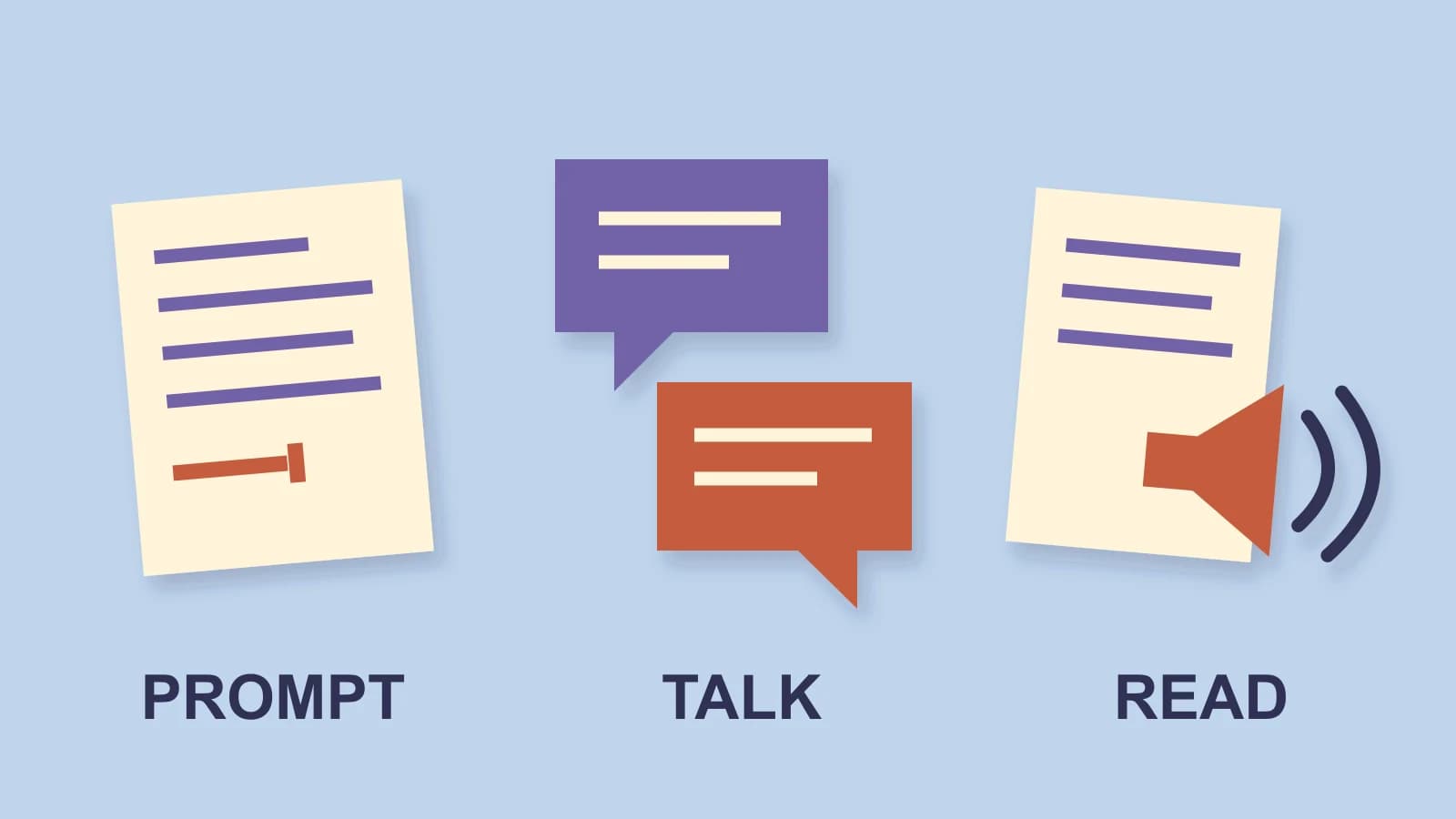
Microsoft Copilot Dictation: Write a Prompt or Start Voice?
Three voice controls do different jobs. Choose prompt text, a spoken conversation or response playback before reaching for the microphone.

Final Cut Pro Transcription: Choose Titles or a Caption File
Final Cut can turn speech into two different timeline objects. Choose the one your delivery needs before you generate or style the words.
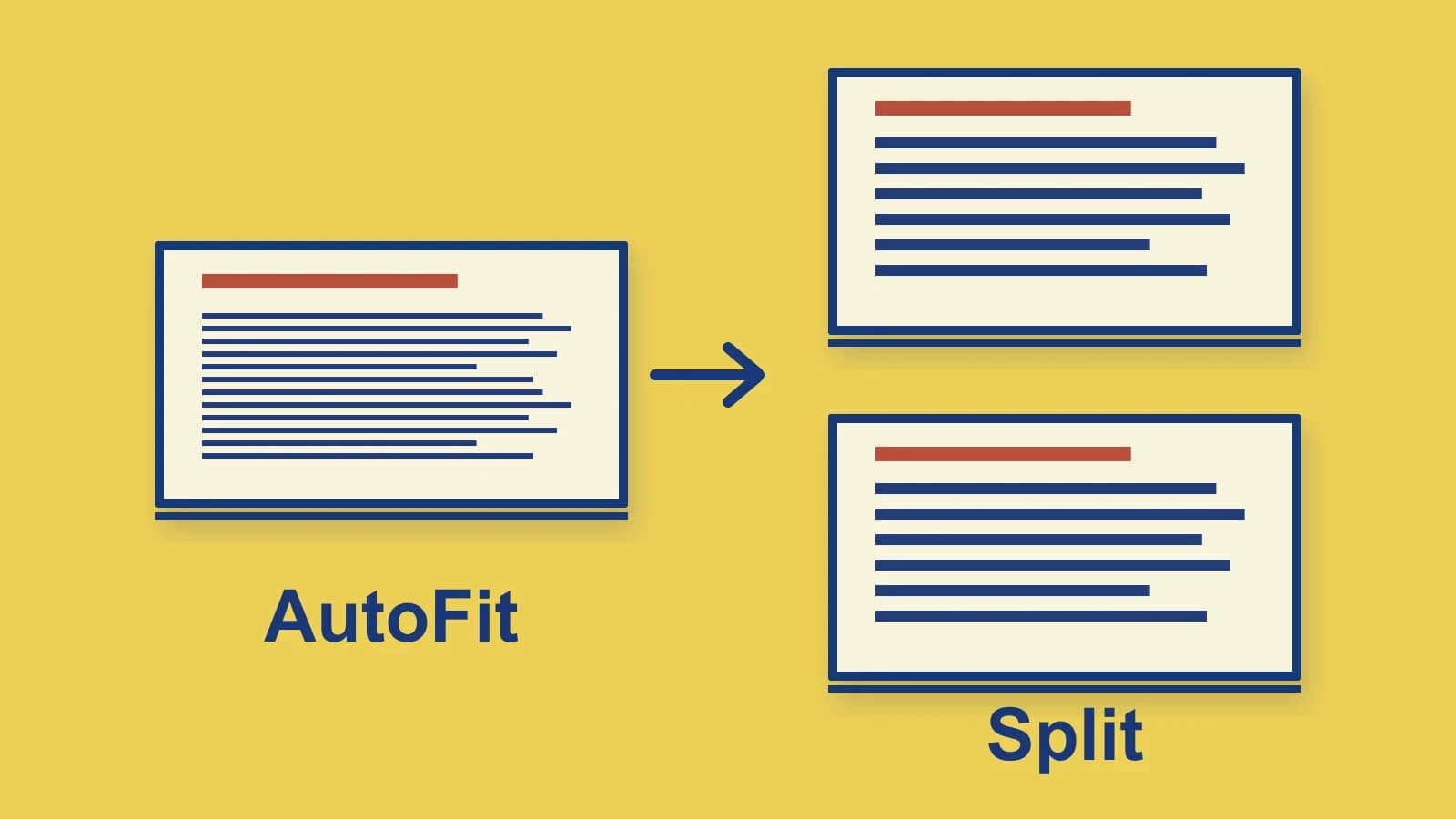
Voice Typing in PowerPoint: Enter Text and Fix Shrinking Slides
Correct speech recognition can still produce a hard-to-read slide. Start with the right text field, then use PowerPoint's native placeholder controls.
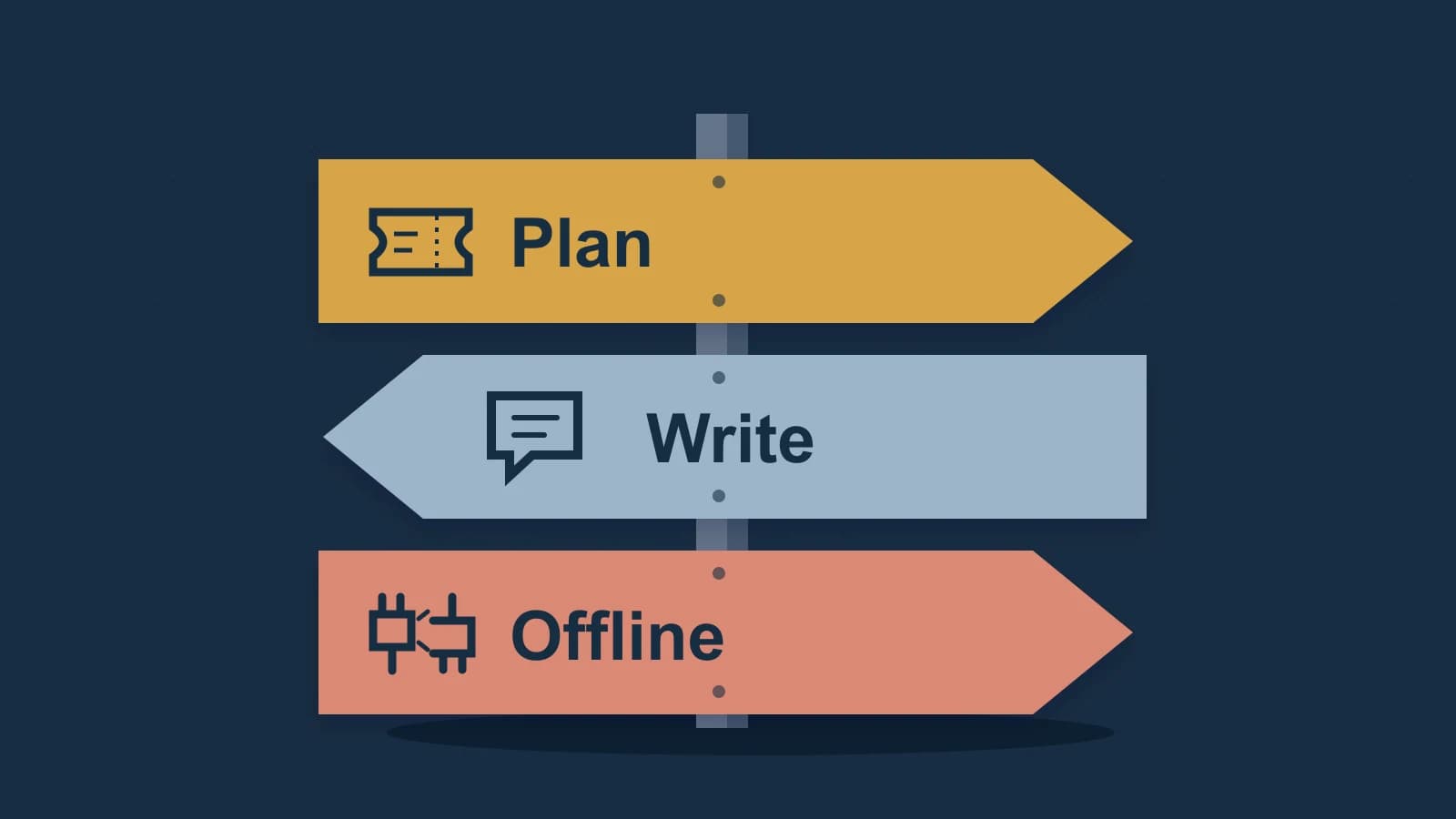
Willow Voice Alternative: Check the Plan and Mode First
Willow's current Basic plan and Pro offline listing can change the reason to switch. Choose the writing operation you need before replacing the app.

Granola Alternatives: Notes, Replay or a Shared Call Library?
Choose the source you need after a meeting: your written notes, the transcript behind them, or audio you can replay.

Transcribe a YouTube Video: Choose the Audio Behind the Words
One video can have original speech, a dub and caption text. Choose the words you need before making a new transcript.
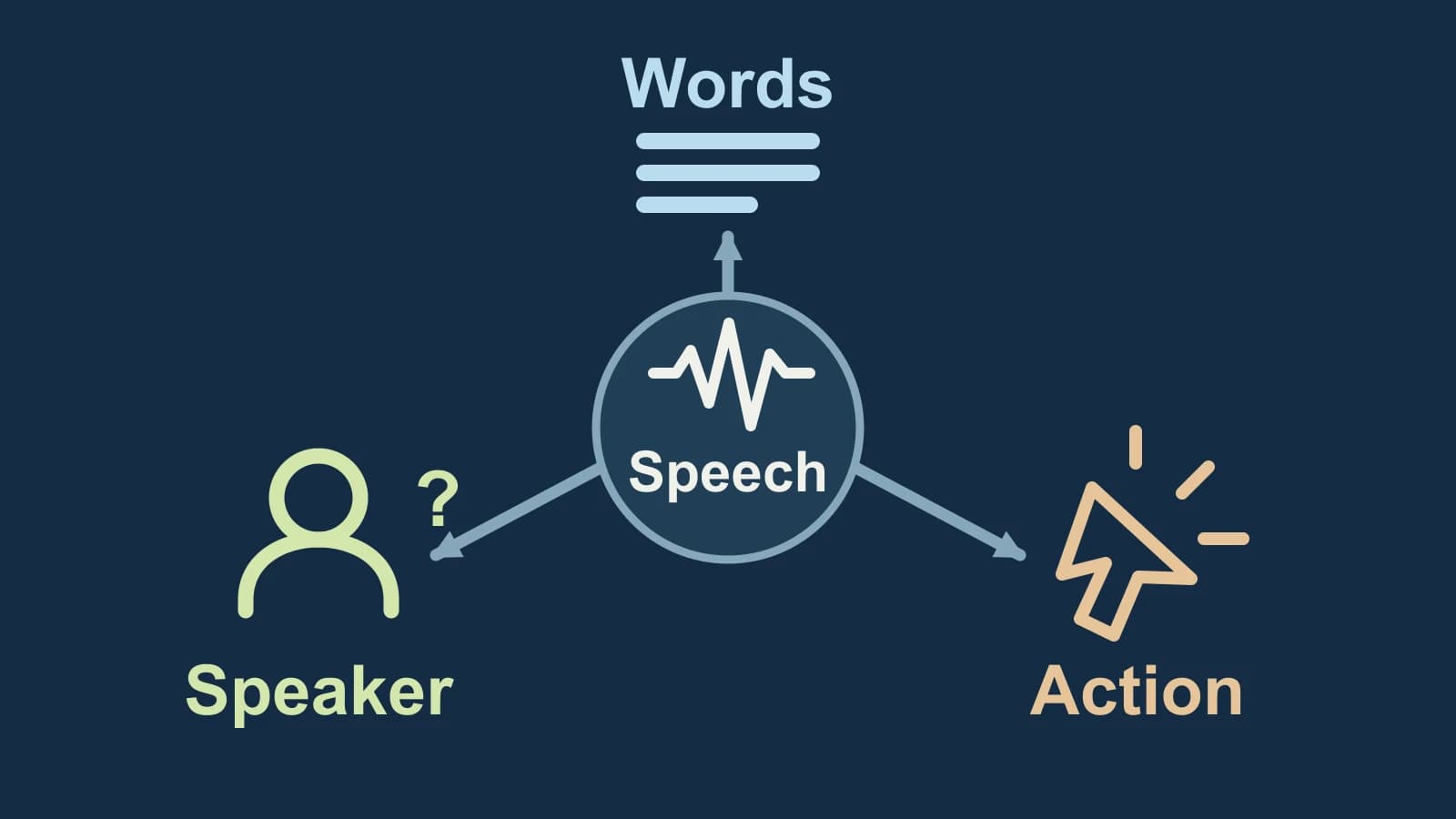
Speech Recognition vs Voice Recognition: Choose the Result You Need
A voice-recognition label can describe different capabilities. Compare the result, the purpose of any voice setup, and the mode that turns speech into an action.
Write by voice on your Mac
AI powered voice to text across your Mac, with supported local and cloud-backed modes.
