Write by voice, then edit
Speech-to-text guides, processing-path explainers, and Mac productivity stories from the team building Paraspeech.

Obsidian Meeting Transcription: Link Decisions to Reviewed Text
A complete two-note Markdown example connects meeting outcomes to reviewed transcript passages and shows what must change when a deadline is corrected.
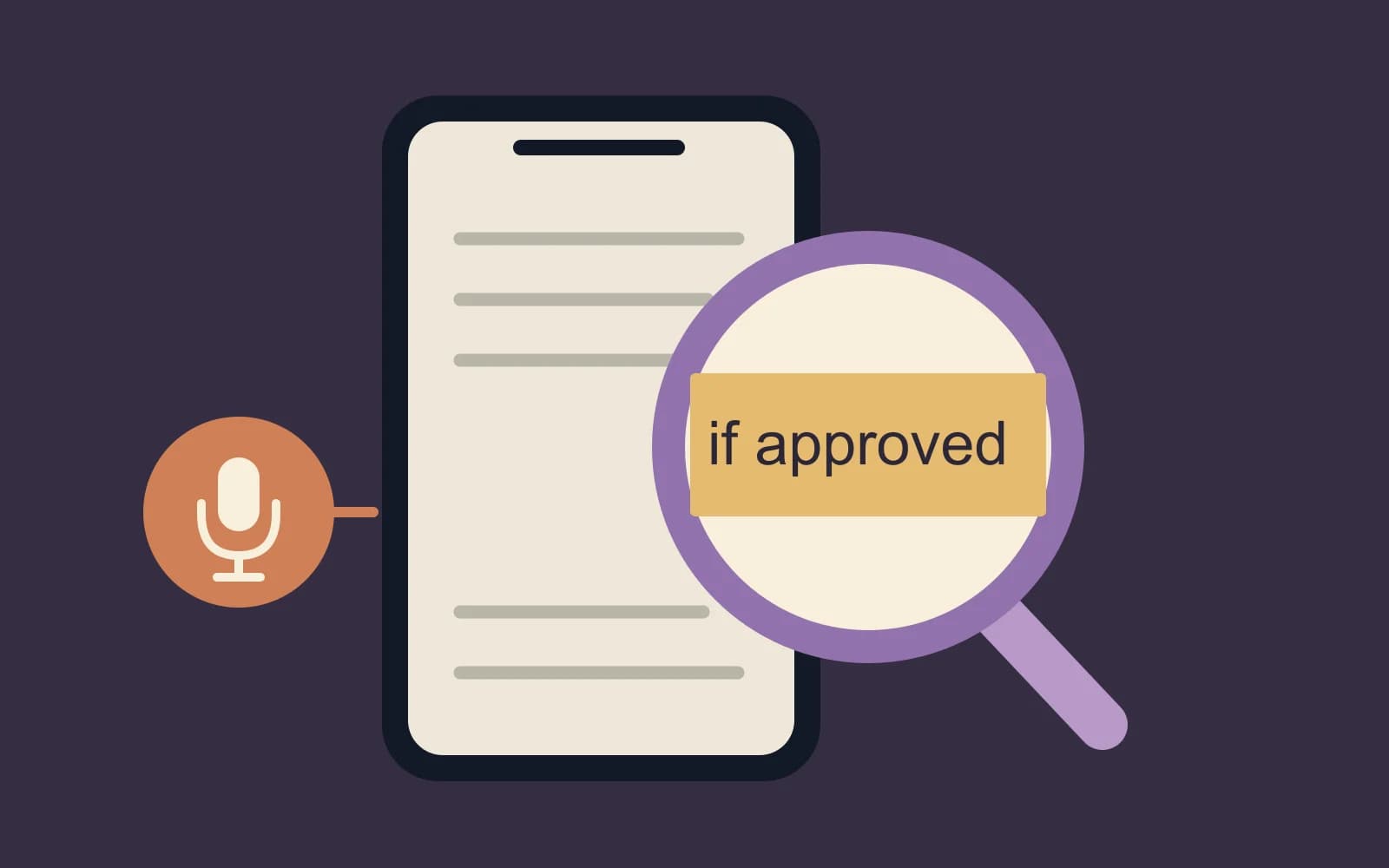
Google Docs Voice Typing on iPhone: Edit or Suggest a Change
Dictate a replacement sentence into the intended passage, then keep the difference between a direct edit and a suggestion awaiting approval.
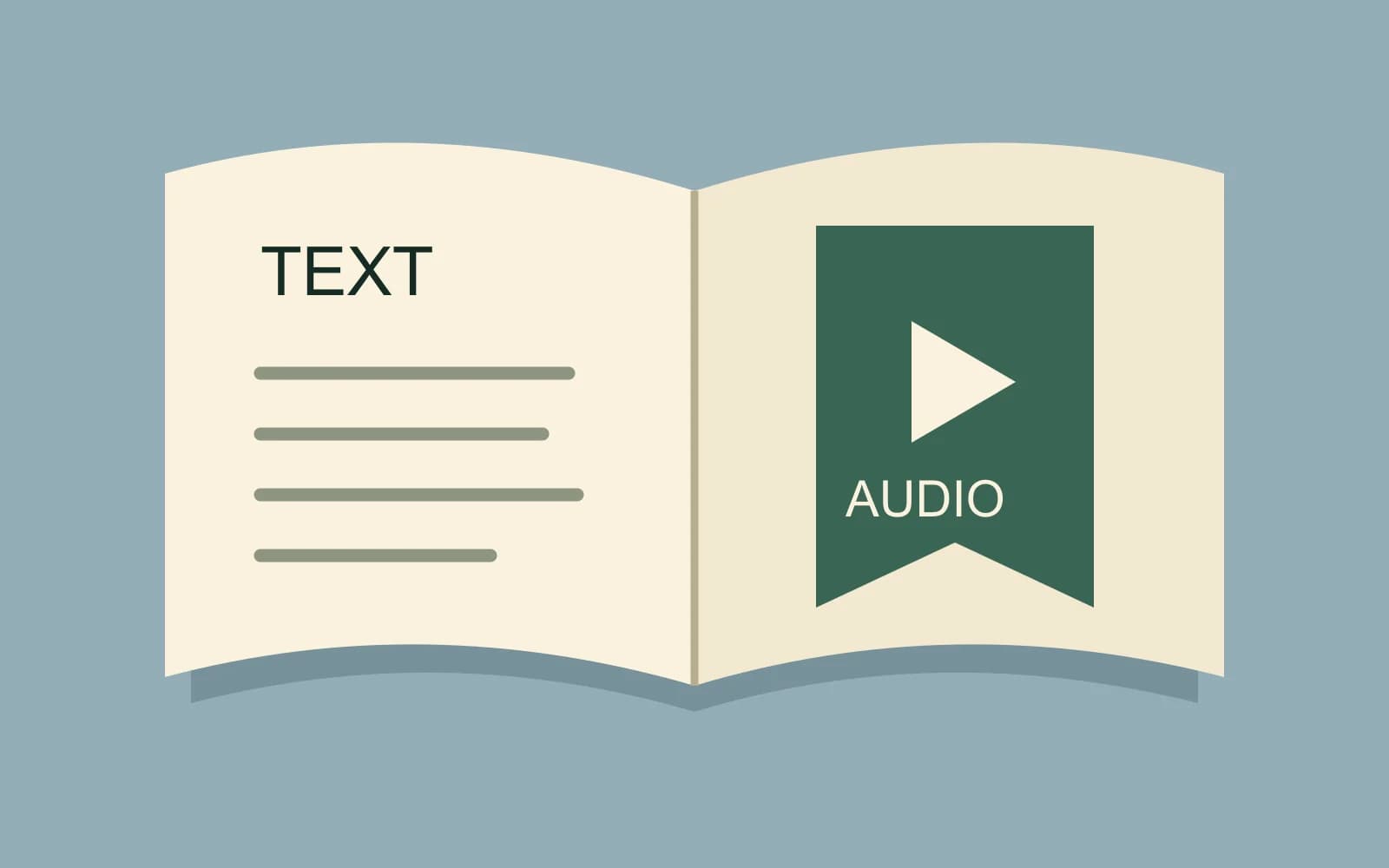
Evernote Dictation: Choose Live Text or a Recording to Transcribe
Live Dictation does not save audio. A retained recording gives you something to replay, and Evernote's in-app transcription differs from its standalone tool.
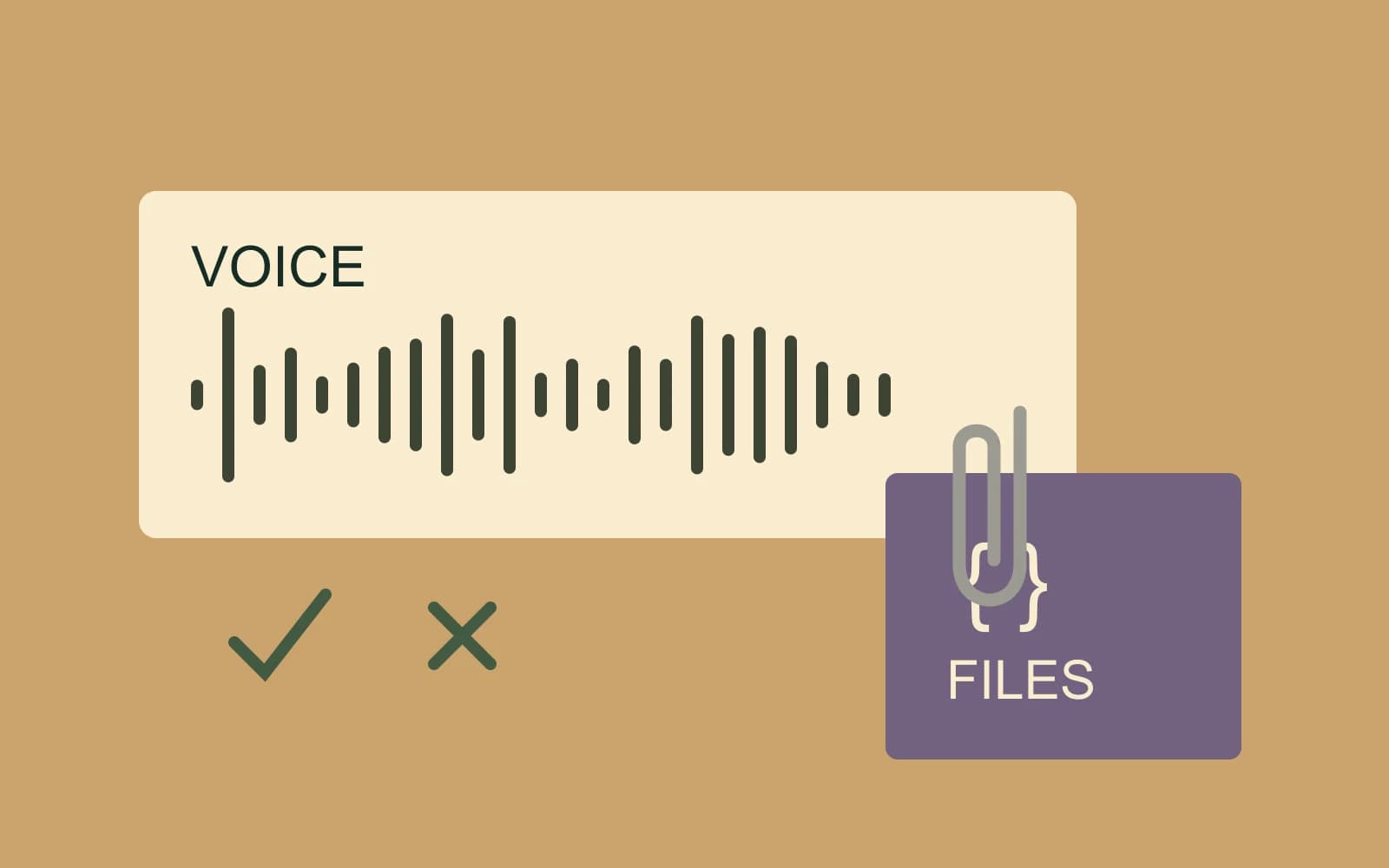
Cursor Voice Input: Review the Clip and Attach the Right Files
Speak the change you want. Use Cursor's context picker for the files that define it, then check the final prompt and attachments together.
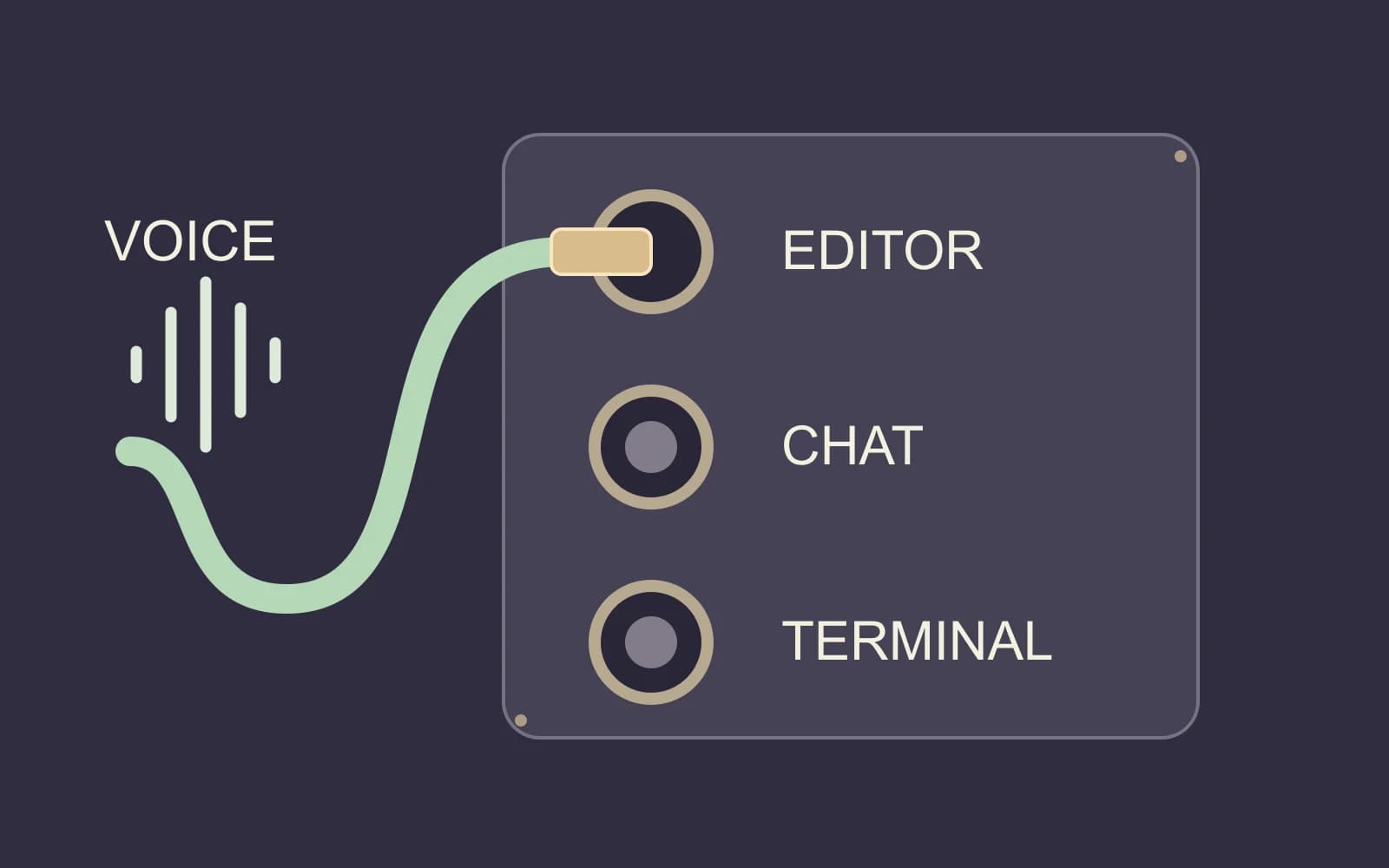
VS Code Dictation: Choose the Editor, Chat or Terminal
Dictated prose belongs at the intended cursor. Here is the native control map and a worked bug-report prompt you can keep editable before sending.

Japanese Speech to Text on Mac: Verify Names and Preserve Quotes
A plausible kanji spelling is still a guess. Keep the recording, check names against supplied written context and separate corrected quotes from summaries.
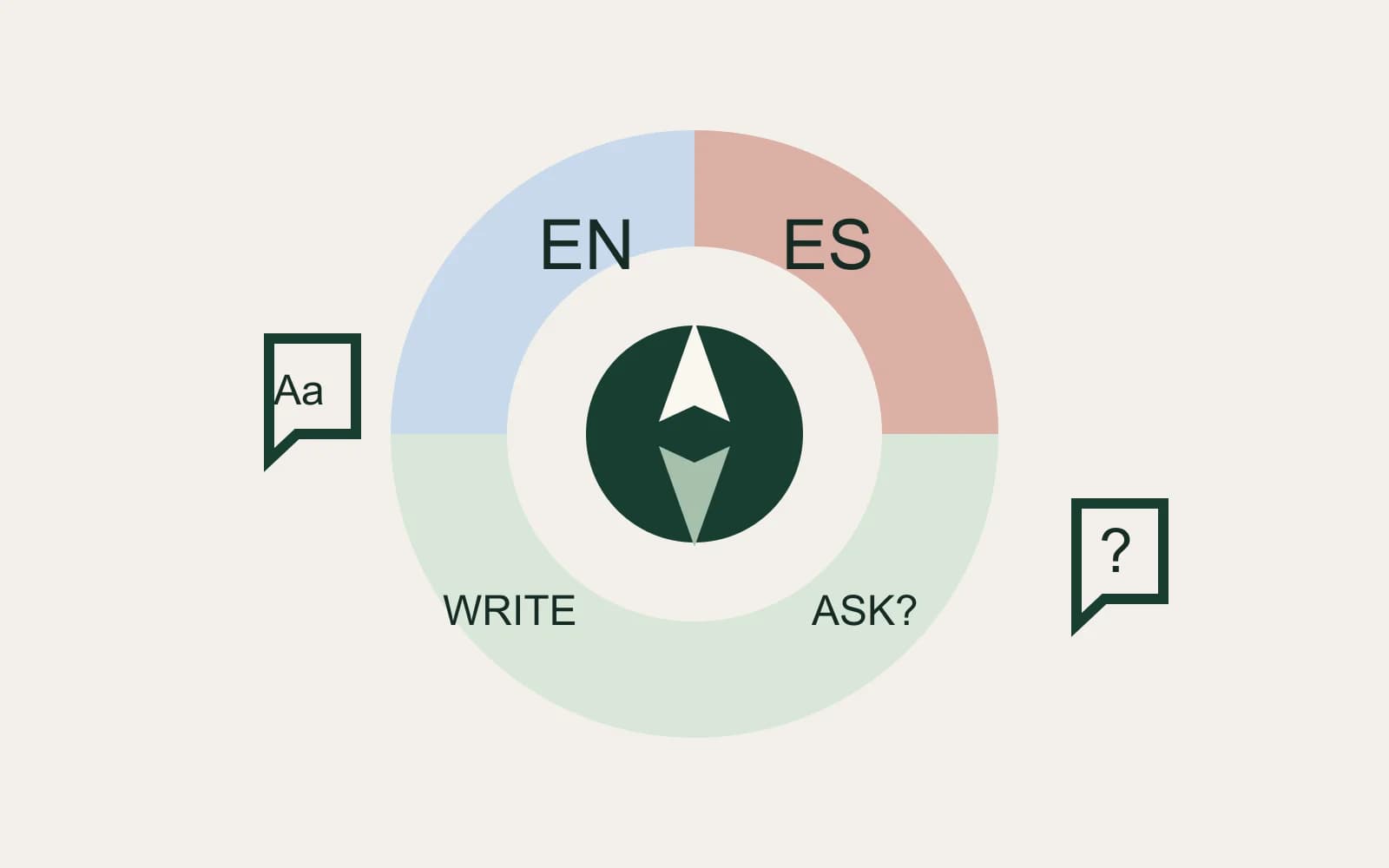
Typeless vs Wispr Flow: Translation, Voice Controls and Plan Fit
Typeless gives translation its own target selector. Wispr Flow documents translation through custom instructions. Choose around the operation you repeat.
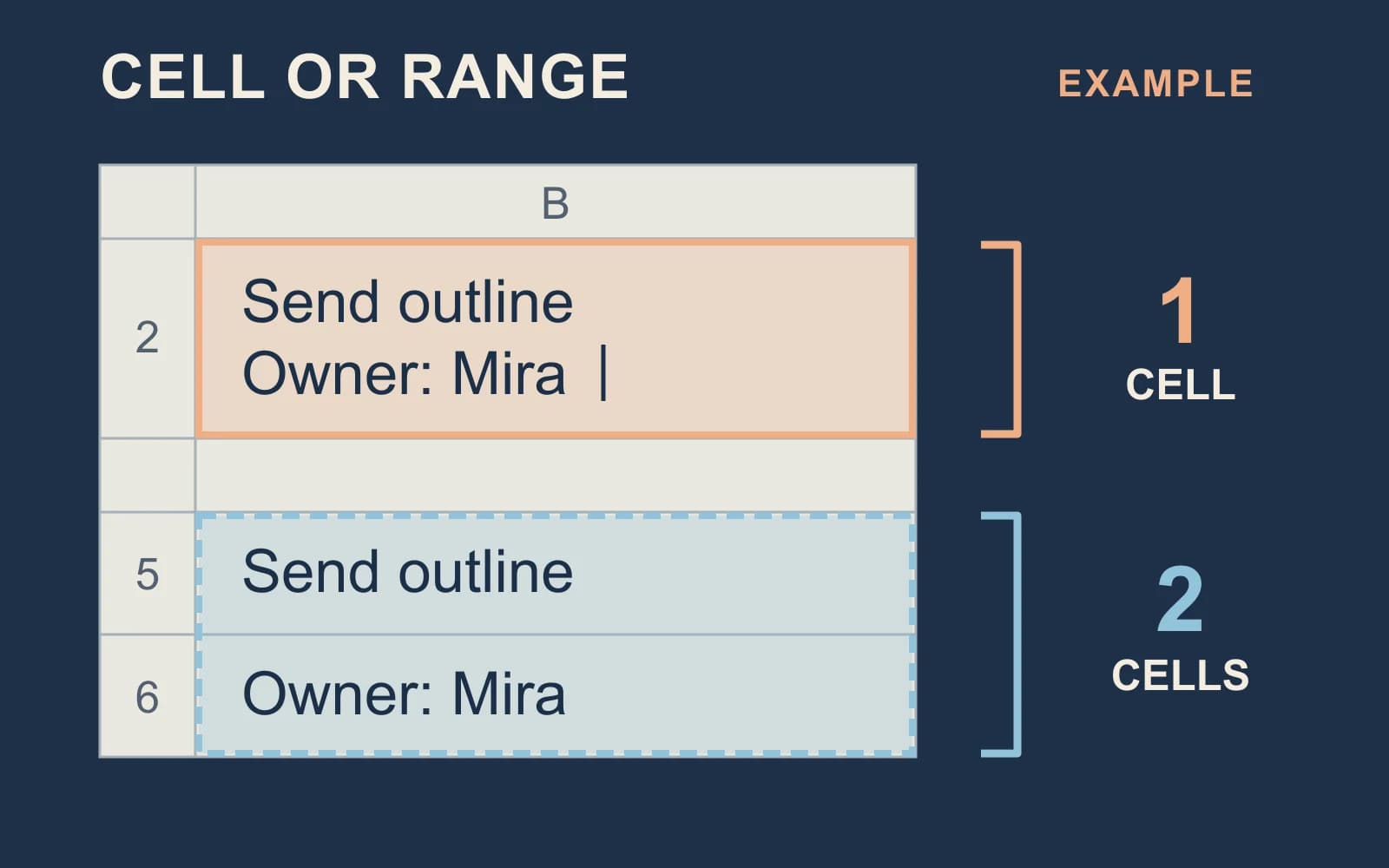
Google Sheets voice typing: keep prose in the intended cell
The Docs microphone menu and the Sheets cell editor do different jobs. Follow a source-based route for one prose note, then compare one cell with a prepared two-cell range.
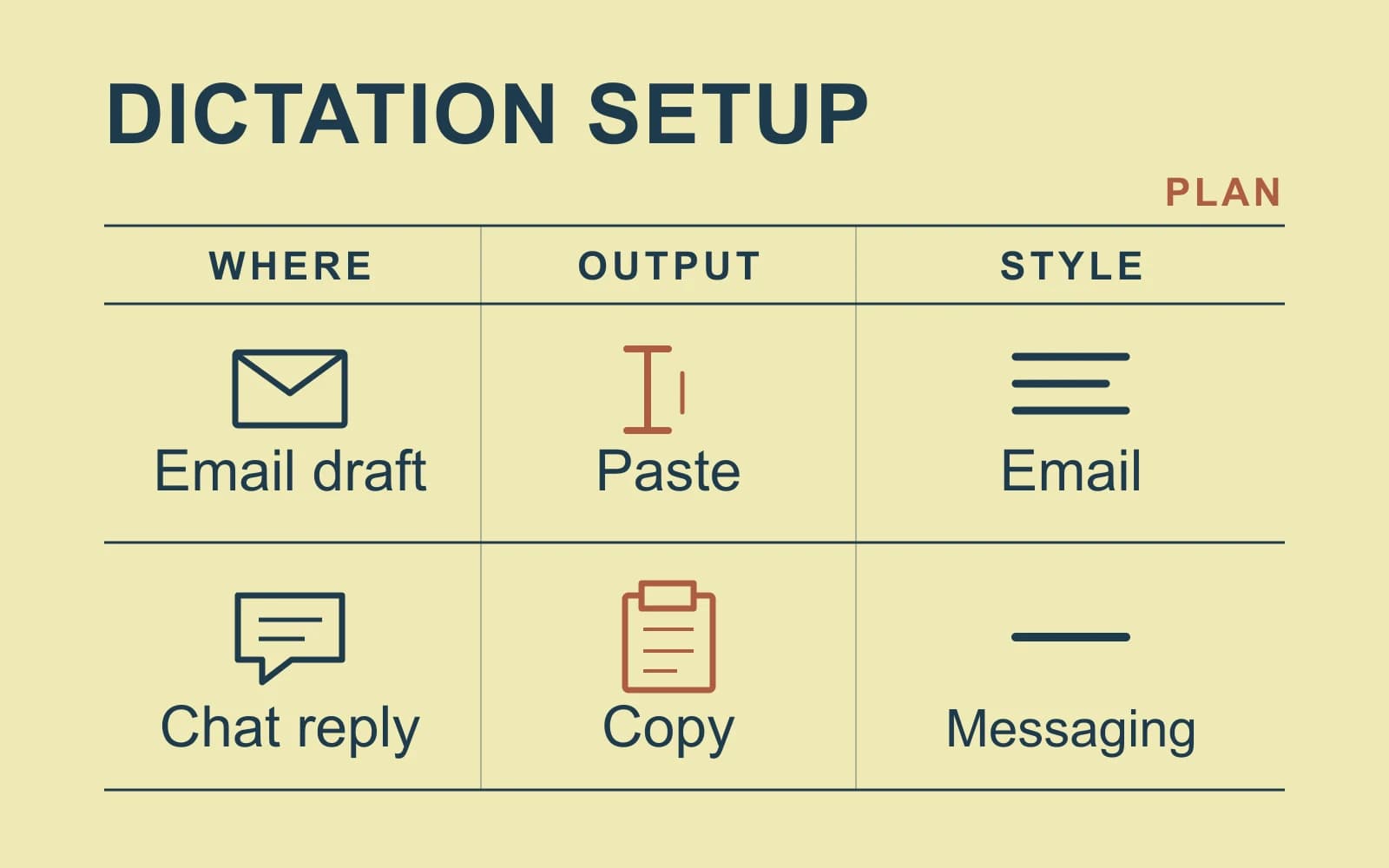
Raycast dictation: choose the output before you speak
A two-destination worksheet separates where the words go from how they are styled. Configure native Raycast Dictation, keep a review step, and manage local history.
Write by voice on your Mac
AI powered voice to text across your Mac, with supported local and cloud-backed modes.