Write by voice, then edit
Speech-to-text guides, processing-path explainers, and Mac productivity stories from the team building Paraspeech.
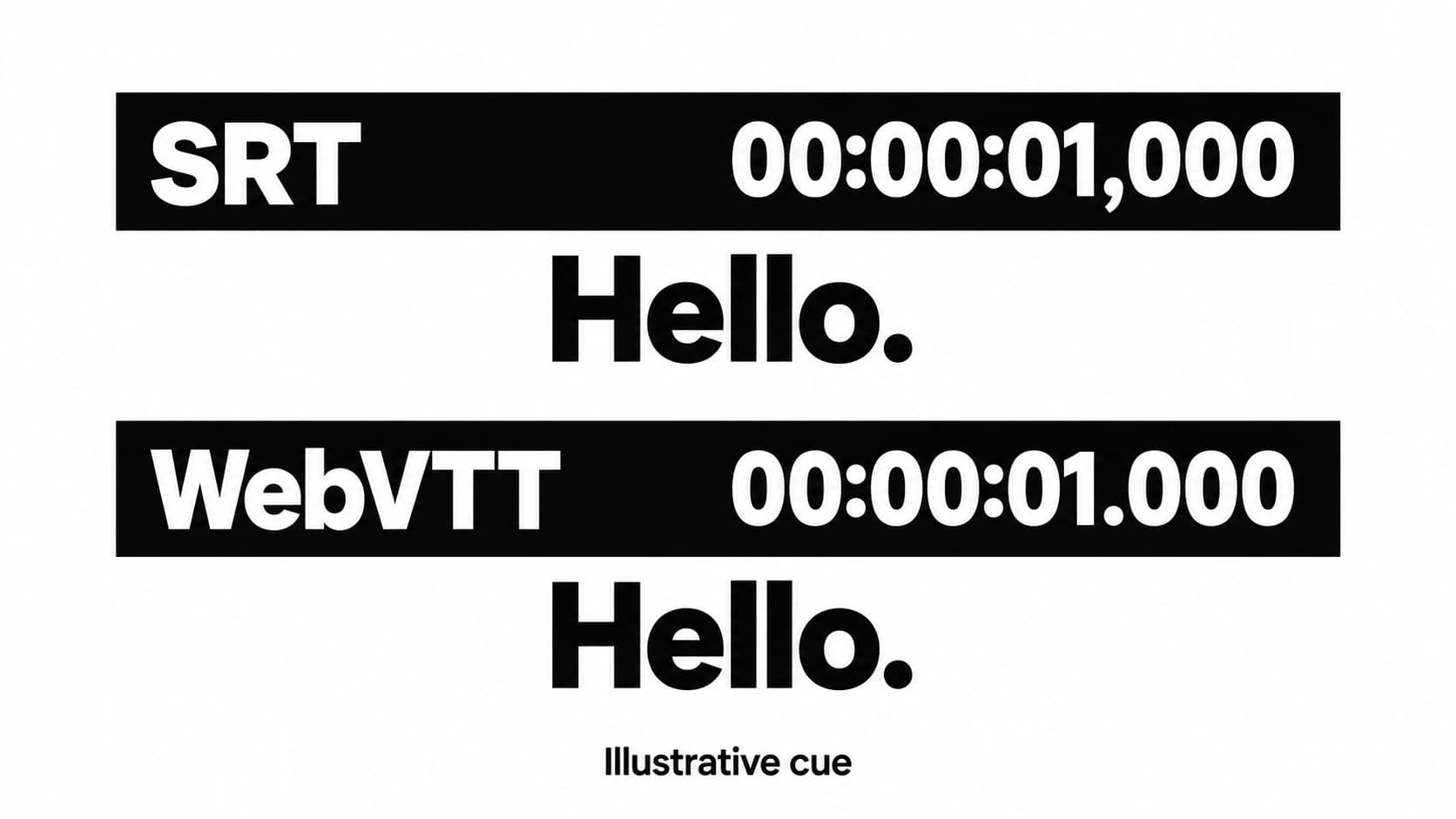
SRT vs VTT: Choose the Subtitle File Your Player Supports
Choose a subtitle format by its destination, then preserve the timing and meaning when you convert.
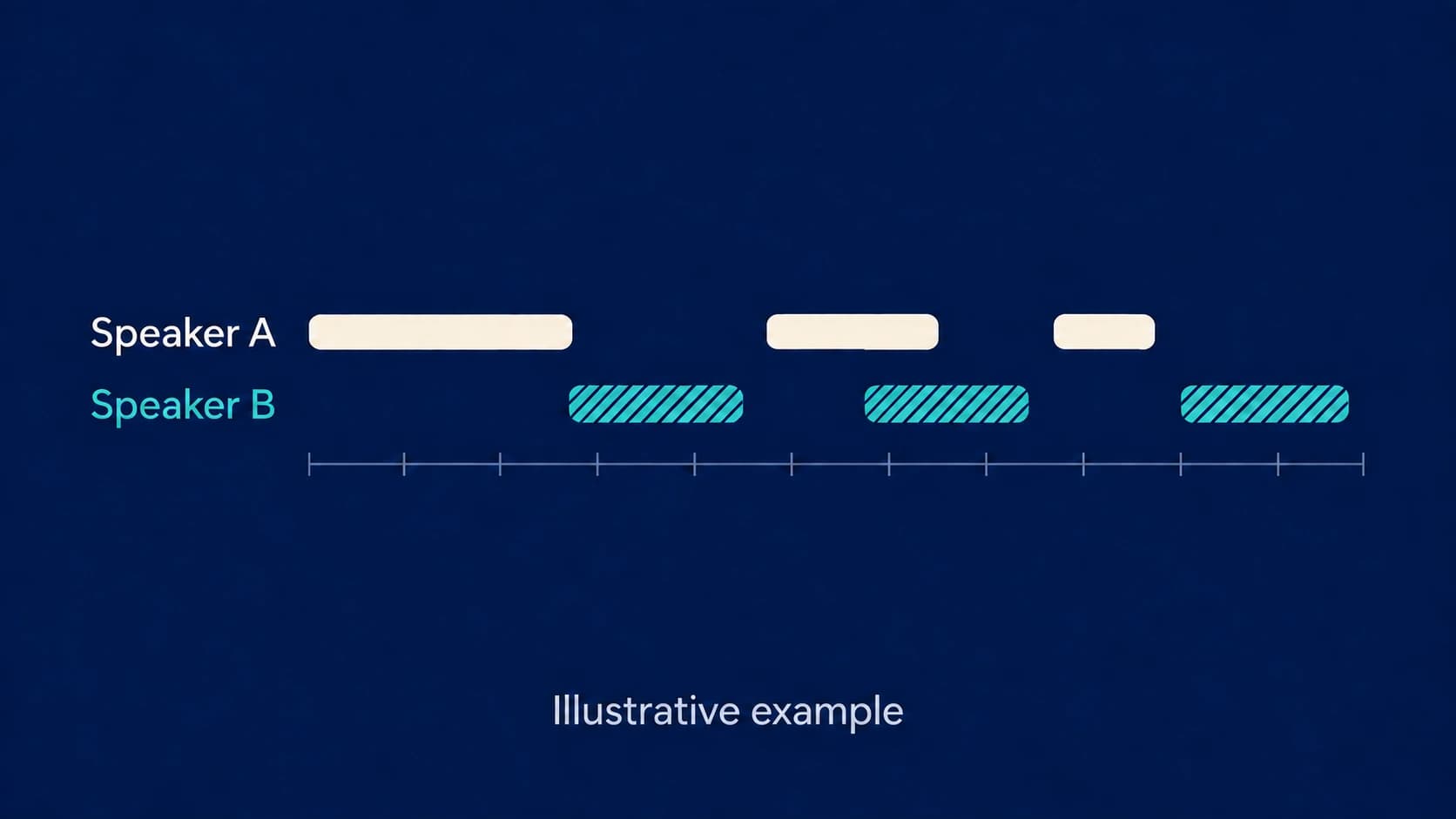
Speaker Diarization: What Speaker Labels Can and Cannot Tell You
Speaker labels help you follow a conversation. Learn what they mean and how to correct them when the attribution goes wrong.
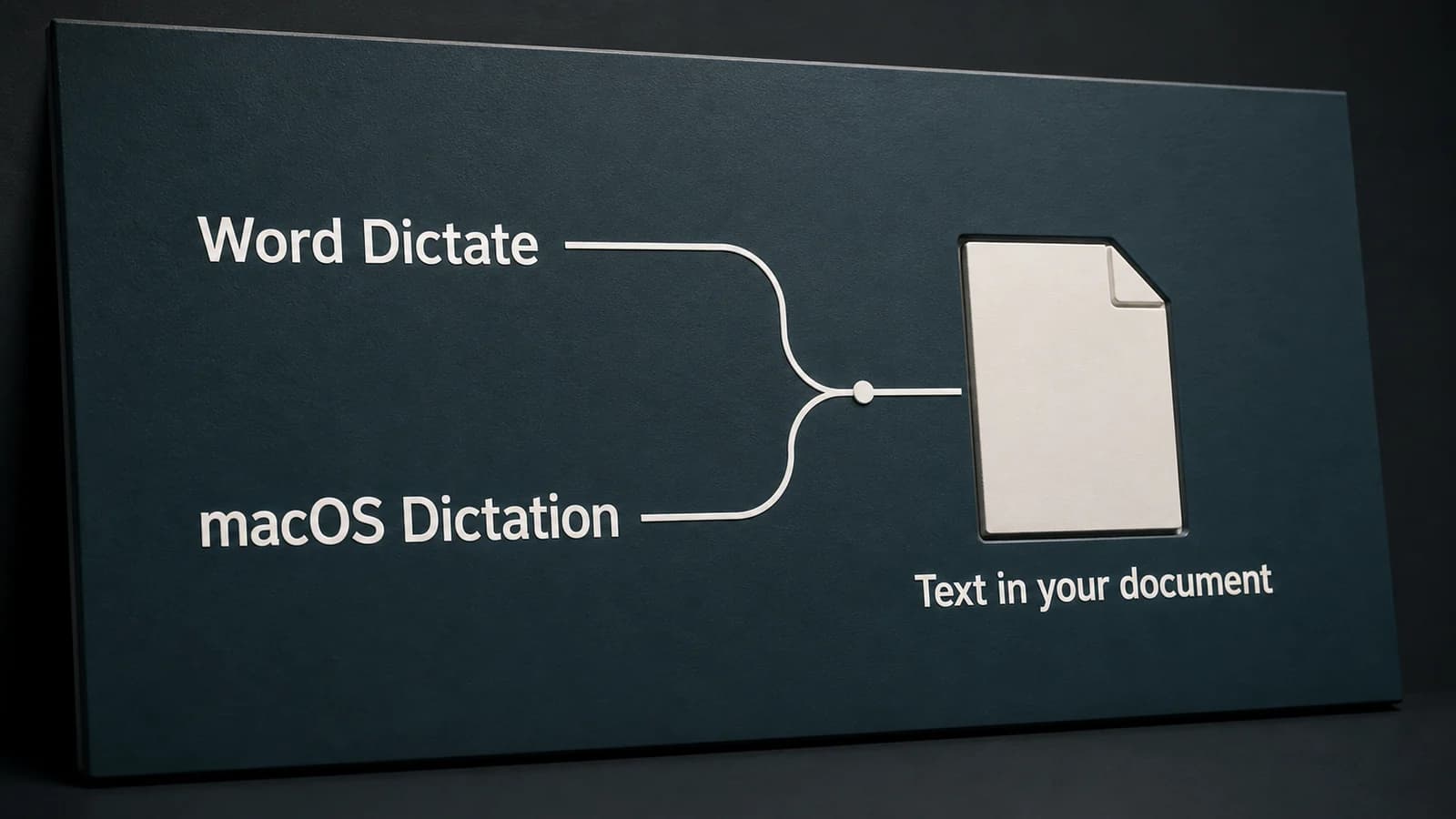
Dictation in Word on Mac: Word Dictate or Apple Dictation?
Word's Dictate button and Apple's Dictation are separate ways to speak into a document. Choose the right route, then diagnose the account, microphone, or editing problem.
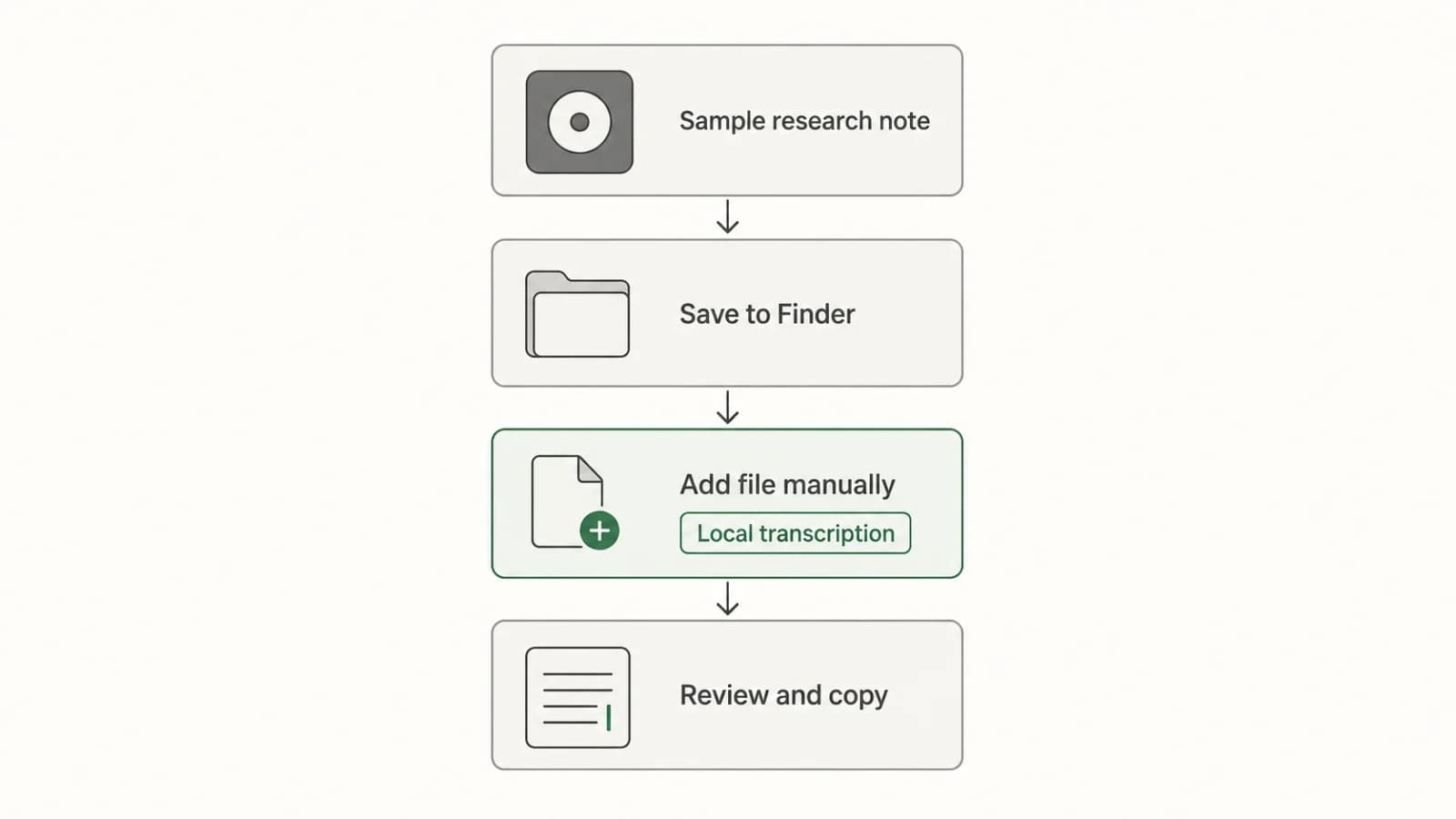
Transcribing Apple Voice Memos Recordings on Mac
Turn an existing Voice Memos recording into editable text with a clear Mac workflow: check the built-in transcript, transfer the file if needed, transcribe locally, review, and copy.
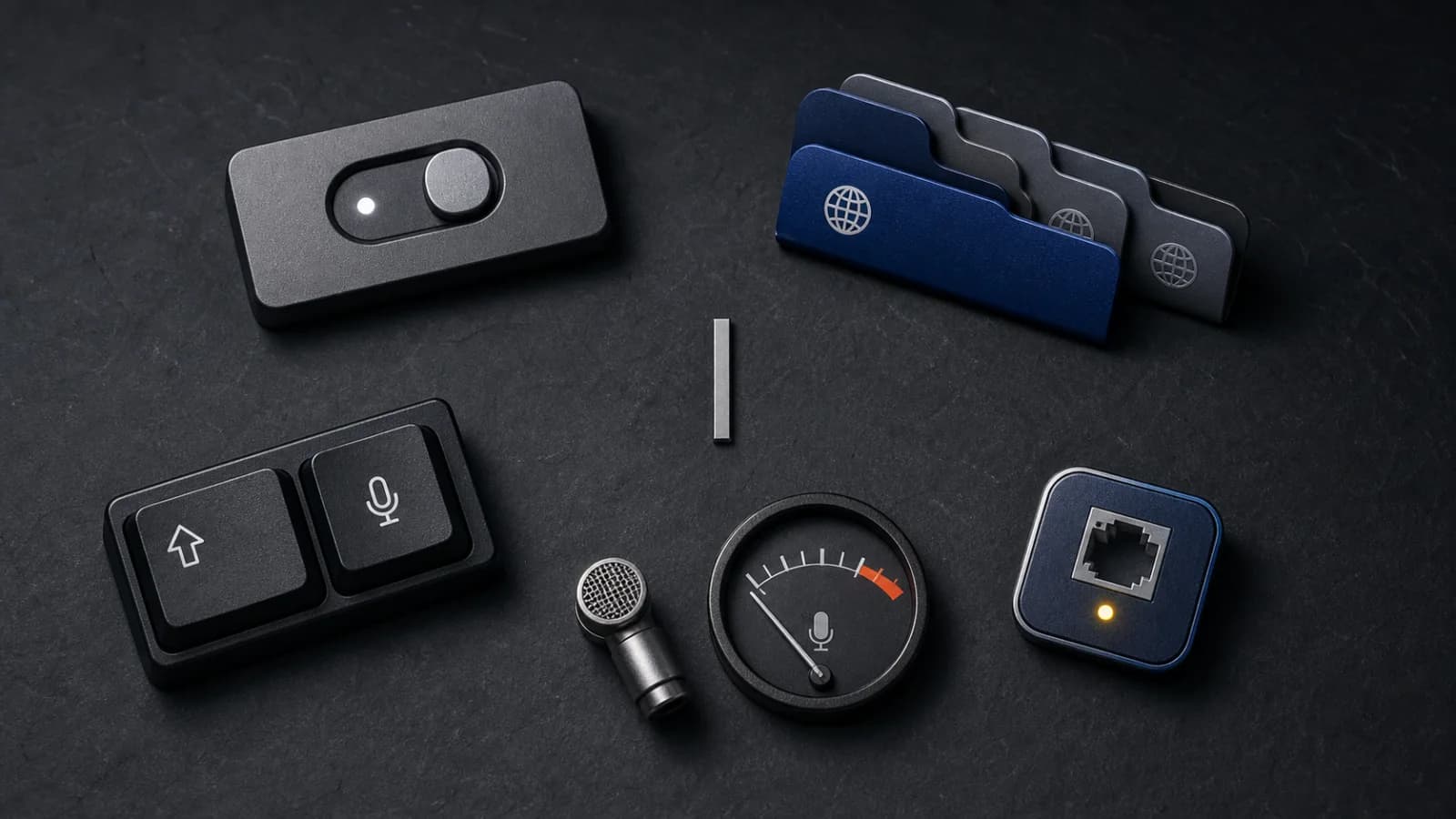
Apple Dictation Not Working on Mac? Follow This Check Order
A focused Apple Dictation troubleshooting order for Mac: confirm the setting, language, shortcut, microphone signal, speaking conditions, and connection boundary.

Dictation for Emails on Mac: Gmail Setup and Draft Review
Start dictation in Gmail's message body, then edit the reply without changing its meaning. A Mac setup guide with a worked email example.
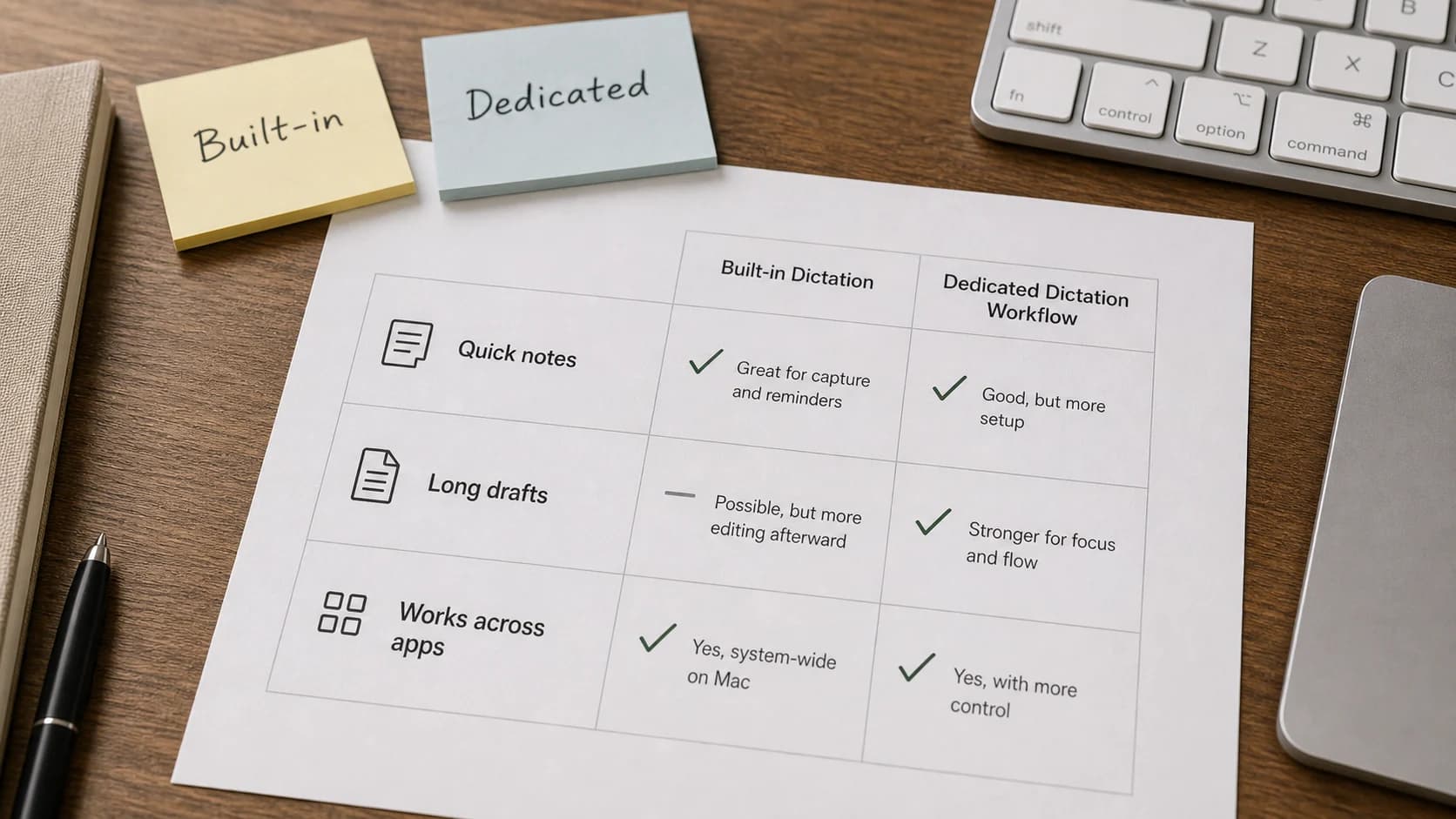
Apple Dictation Alternative for Mac: Built-In vs Dedicated Workflow
Apple Dictation is useful for quick voice typing. A dedicated Mac dictation workflow is better when you need system-wide control, local modes, vocabulary support, and repeatable long-form writing.
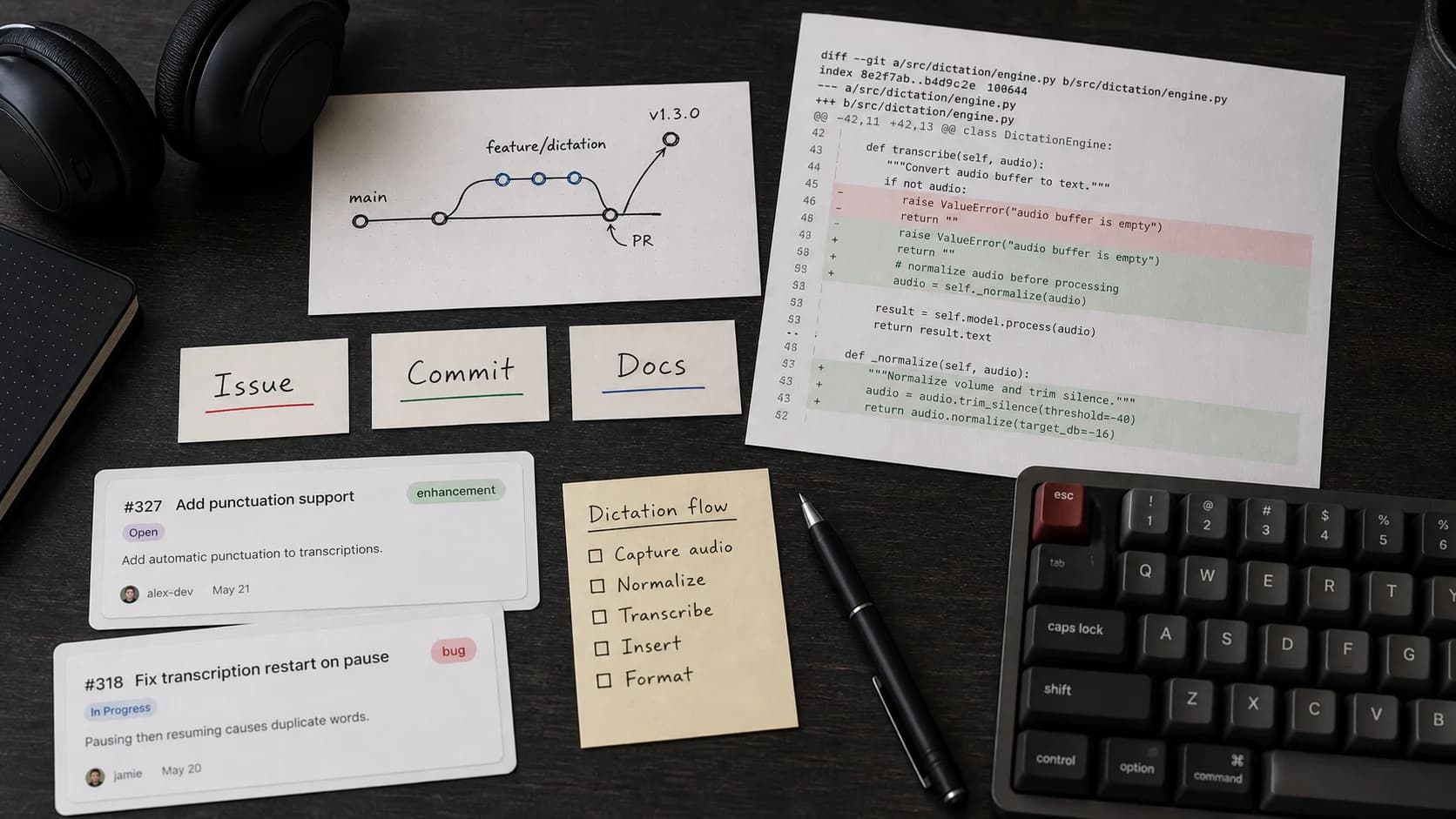
Dictation for Developers on Mac: Use Voice Around Code, Not Instead of It
Dictation helps developers with code-adjacent writing: issue notes, docs, PR descriptions, prompts, and changelogs. Use it around code, then review with the keyboard.
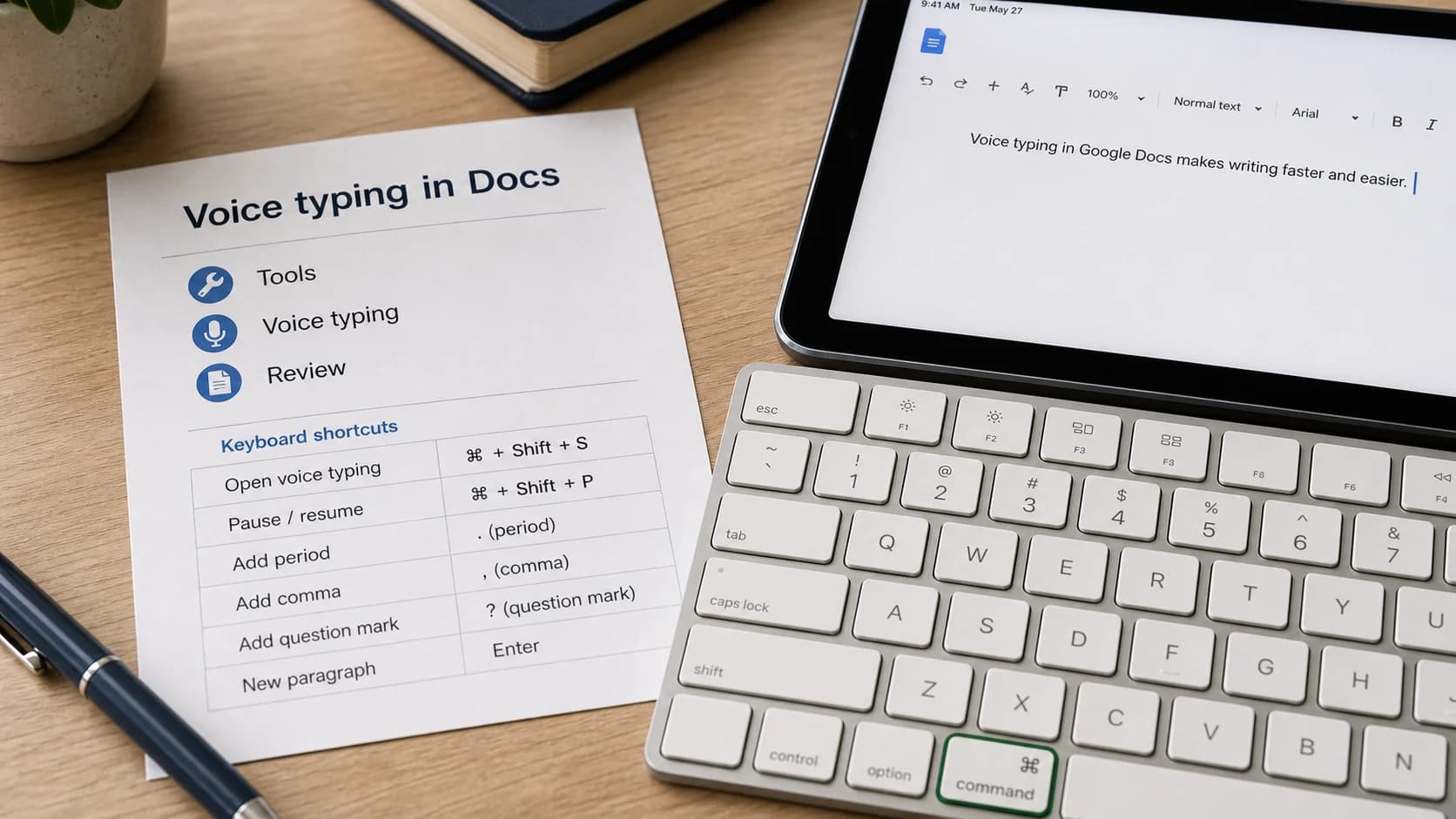
Google Docs Voice Typing: How to Dictate to Google Docs
Use Google Docs Voice Typing in a supported browser, understand its browser-only limits, and decide whether a system-wide Mac dictation workflow makes more sense.
Write by voice on your Mac
AI powered voice to text across your Mac, with supported local and cloud-backed modes.
